
- 対象年齢4+
- カテゴリ写真/ビデオ
- 開発元Kush Ketankumar Modi
- 言語英語
- サイズ2.1 MB
App Storeの公式ページにリンクしています
Download.orgはTrimage: RAW & JPEG Compressorのファイルを一切ホストしていません。ボタンを押すと、Kush Ketankumar Modiが公開しているApp Storeのアプリページが開きます。ページの最終確認:2026/11/15。
スクリーンショット
概要
開発元はこのテキストをお使いの言語で提供していません。
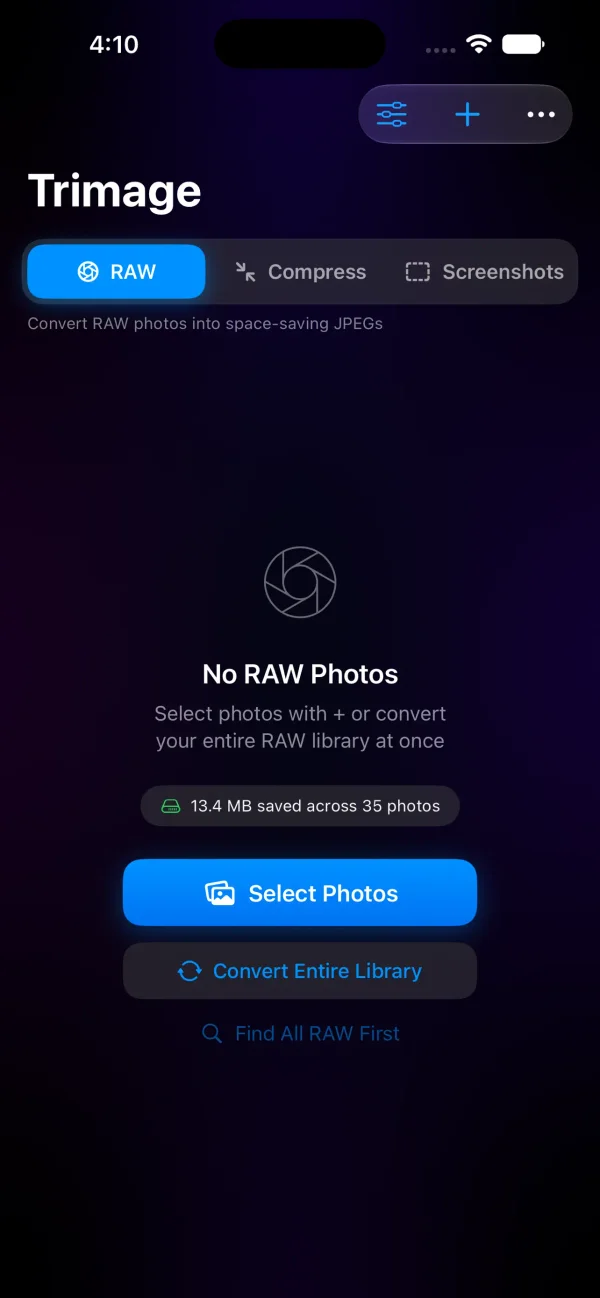
Running out of space? Your RAW photos and oversized JPEGs are likely the culprit. Trimage converts and compresses them into lean, high-quality JPEGs so you can reclaim gigabytes — without sending a single photo off your device.
Two simple modes, one tap to start:
CONVERT RAW → JPEG
RAW and DNG files are huge. Trimage turns them into beautiful JPEGs that look the same to your eye but take up a fraction of the space. Perfect for iPhone ProRAW shooters and anyone importing from a camera.
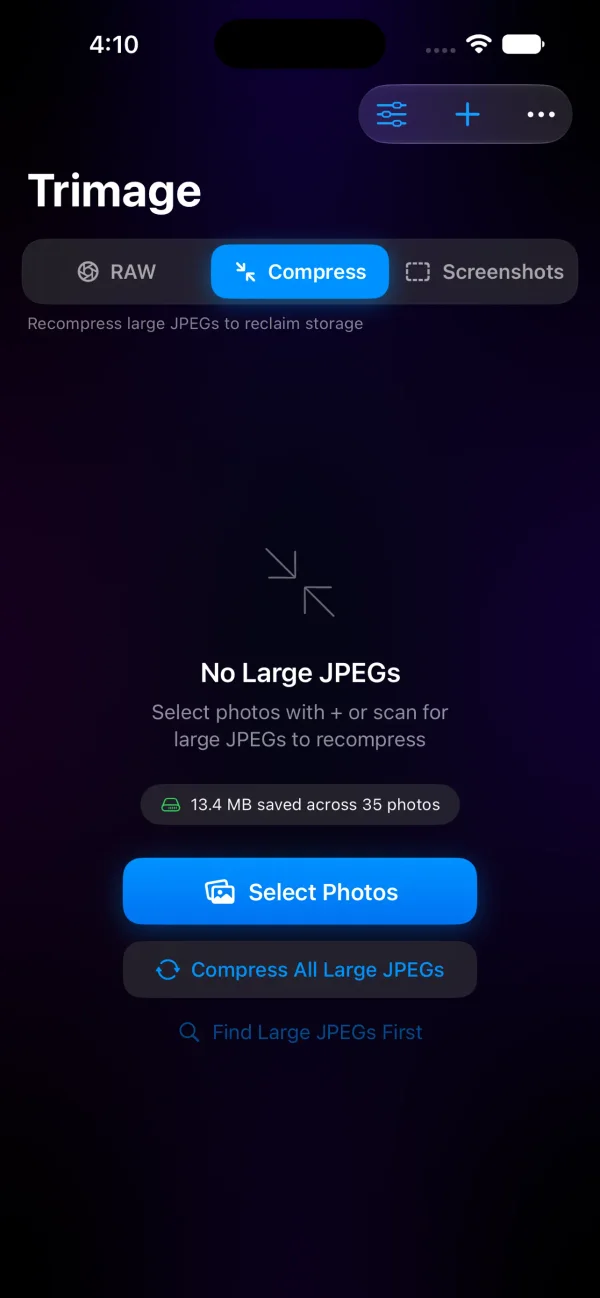
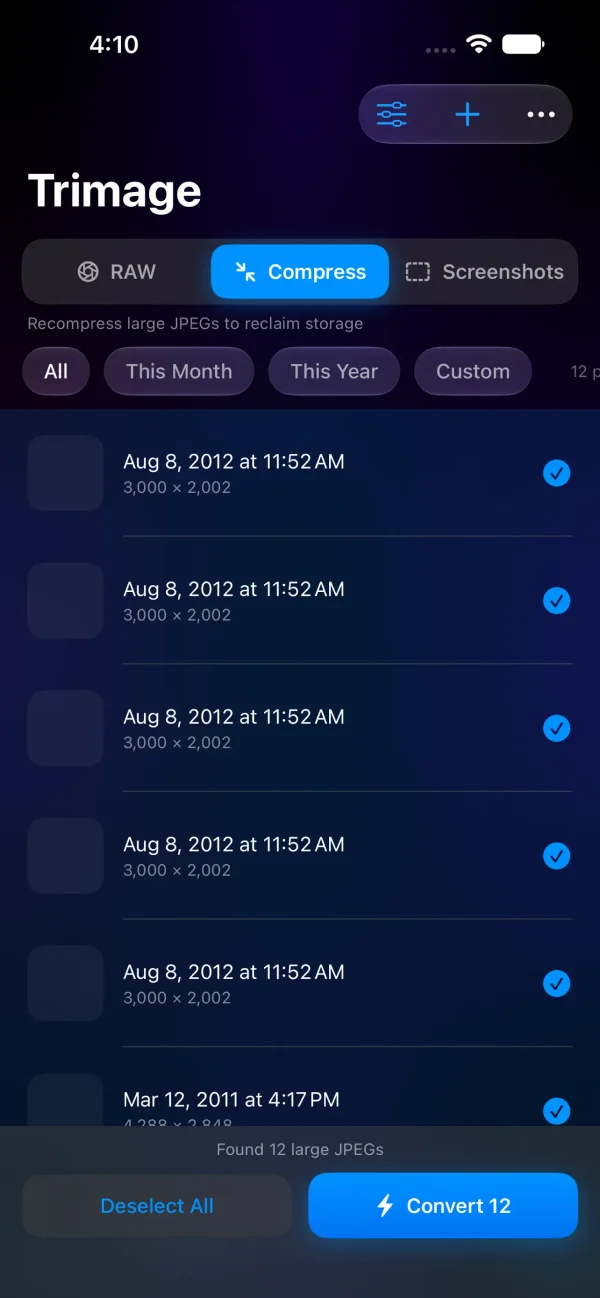
COMPRESS LARGE JPEGS
Already have big JPEGs eating your storage? Trimage recompresses them at the quality you choose, so you keep the photo and lose the bulk.
WHY YOU'LL LIKE IT
• See your savings — watch exactly how many megabytes (and gigabytes) you reclaim.
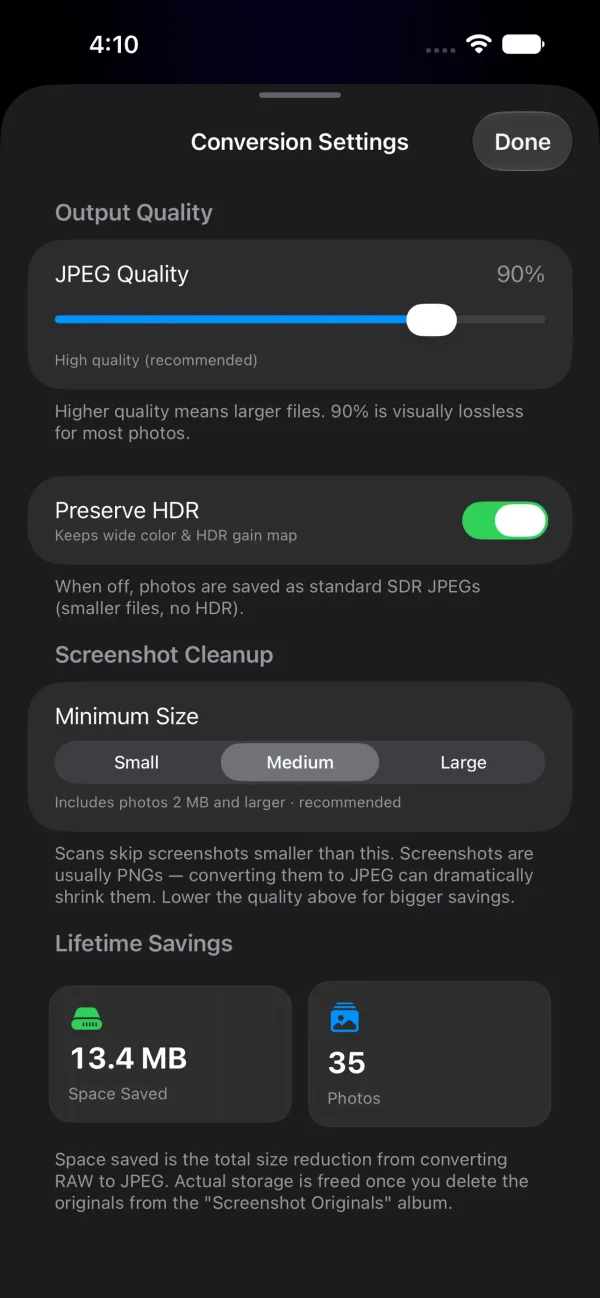
• Quality you control — a simple slider from balanced to maximum quality.
• Keeps what matters — preserves dates, location, favorites, and optional HDR/wide color.
• Your originals stay safe — Trimage never deletes anything automatically. Converted originals are gathered into an album so you can review and remove them in Photos whenever you're ready.
• Batch friendly — convert a handful or your entire library.
• Built for iPhone and iPad.
PRIVATE BY DESIGN
Everything happens on your device. Trimage does not collect, upload, or share your photos or any personal data — there are no accounts, no tracking, and no servers. The only thing that leaves is the storage you free up.
HOW IT WORKS
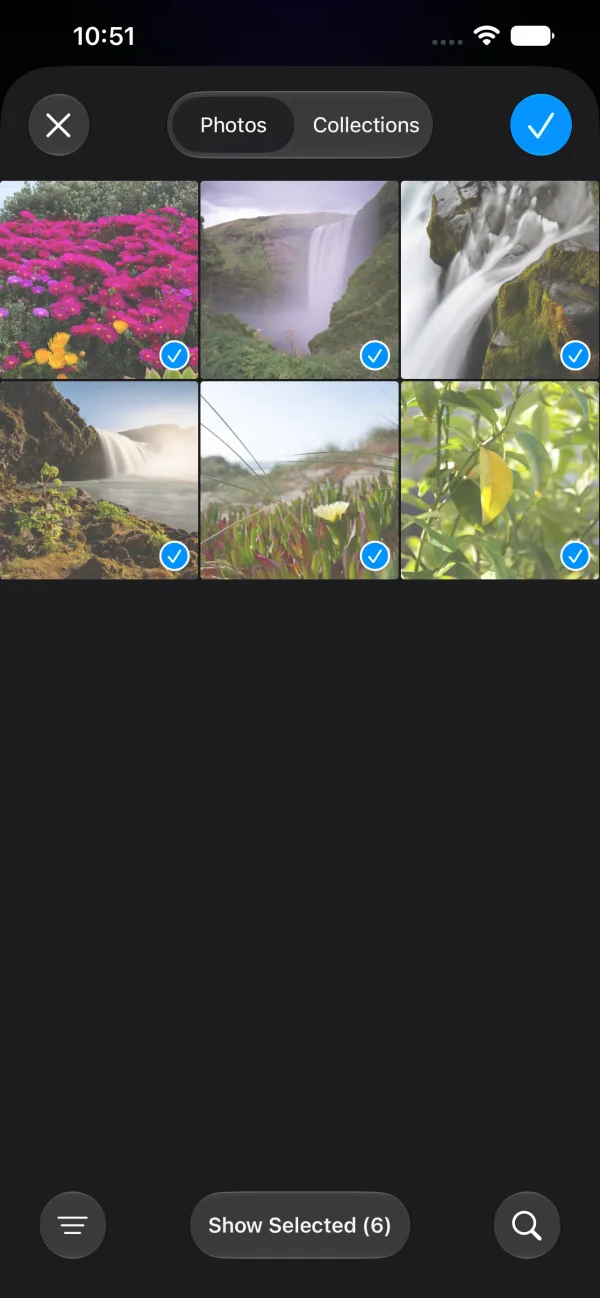
1. Pick photos, or let Trimage scan your library for RAW files or large JPEGs.
2. Choose your quality.
3. Tap Convert and watch the space add up.
4. Review your originals in the album and delete them when you're happy.
Reclaim your storage today — your future self (and your iCloud) will thank you.
新機能
バージョン 1.1 · 2026/6/19
What’s New in Trimage 1.1
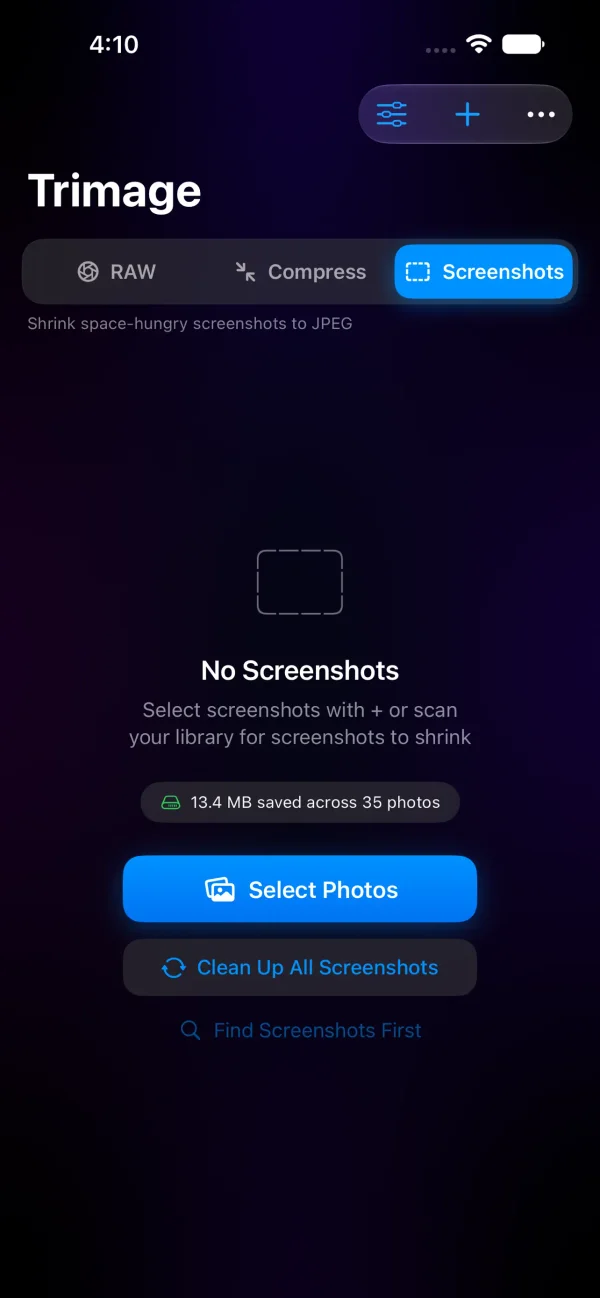
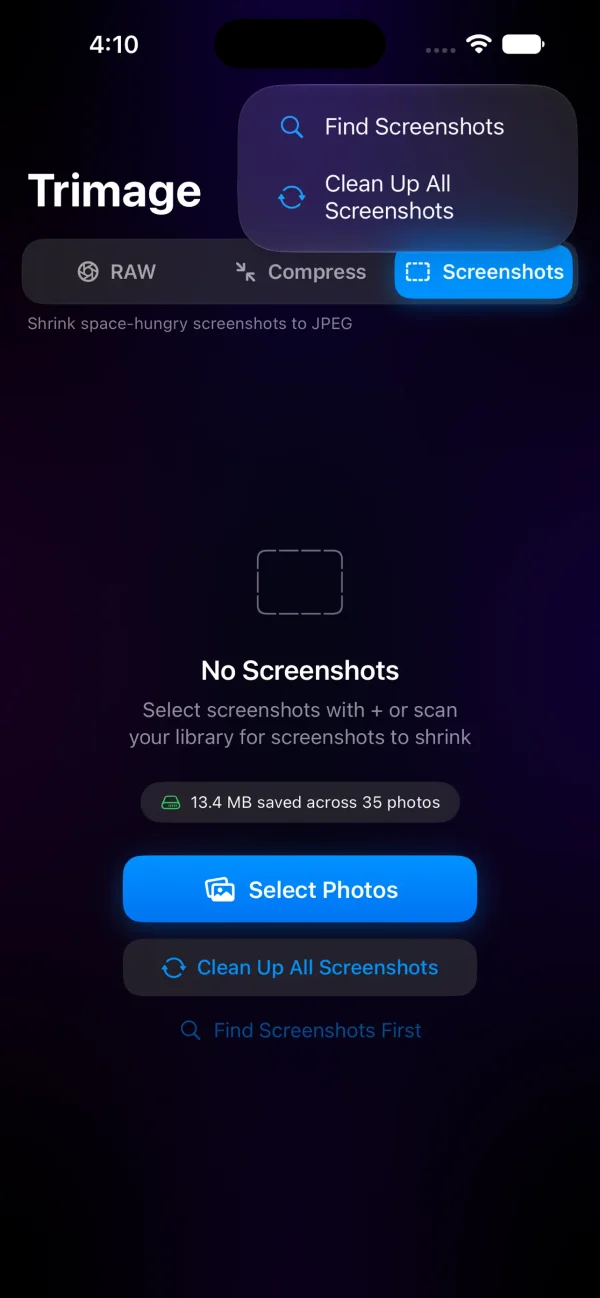
• Screenshots cleanup: a new mode that finds space-hungry screenshots and shrinks them to compact JPEGs.
• More formats in Compress mode: now handles PNG, TIFF, BMP, and GIF in addition to JPEG (HEIC is left untouched since converting it would only grow the file).
• Clearer feedback: if a selection has nothing to convert, Trimage now explains why — for example, when photos are already saved as efficient HEIC.
• Simpler size filtering: pick Small, Medium, or Large to target the photos that actually save space.
• Refreshed stats: a cleaner Lifetime Savings view showing total space saved and photos converted at a glance.
• Polish: the settings screen now opens full-height, plus assorted UI refinements.
As always, everything happens on your device — your originals are never deleted automatically and stay safe until you choose to remove them.
アプリのプライバシー
このアプリのデータの取り扱いについて、Kush Ketankumar ModiがApp Storeで申告している内容です。
-
データの収集なし
開発元はこのアプリからデータを収集しません。
プライバシーの取り扱いは、ご利用の機能やお客様の年齢などに応じて異なる場合があります。
情報
- 販売元
- Kush Ketankumar Modi
- カテゴリ
- 写真/ビデオ
- バージョン
- 1.1
- 更新日
- 2026/6/19
- リリース
- 2026/6/18
- サイズ
- 2.1 MB
- 必要条件
- iOS 18.0以降
- 対象年齢
- 4+
- 価格
- 無料
- 言語
- 英語
- 著作権
- © 2026 Kush Ketankumar Modi
こちらもおすすめ
-
 RAW to HEIC Pro: RAWからHEIC変換10-bit HDR写真コンバーター
-
 Pulso Convert: RAW Converter写真/ビデオ
-
 Rawly DNG RAWコンバータDNGをまとめてJPGに変換
-
 RawToJPG - RAWファイル変換RAW写真をJPGに変換
-
 Raw To HEIC写真/ビデオ
-
 Grainy - Vintage Film Camera写真/ビデオ
-
 EUNYUU: 文学フィルター&フィルムカメラ文学的なアナログ感性の写真フィルター
-
 Raw convertor写真/ビデオ
-
 RNI Flashback写真/ビデオ
-
 Priime:写真・動画編集プロ仕様の写真・動画編集とLUTカメラ