- 対象年齢4+
- カテゴリ仕事効率化
- 開発元Colin Wright
- 言語英語
- サイズ2.4 MB
App Storeの公式ページにリンクしています
Download.orgはTruly Simple Slide Deckのファイルを一切ホストしていません。ボタンを押すと、Colin Wrightが公開しているApp Storeのアプリページが開きます。ページの最終確認:2026/11/15。
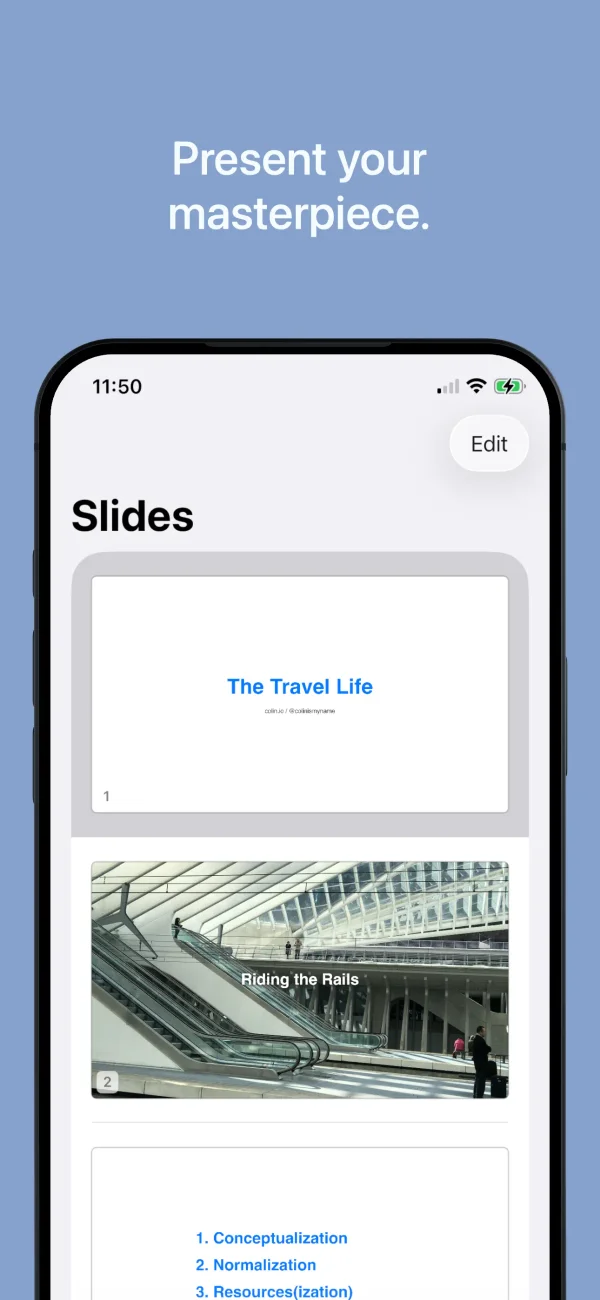
スクリーンショット
概要
開発元はこのテキストをお使いの言語で提供していません。
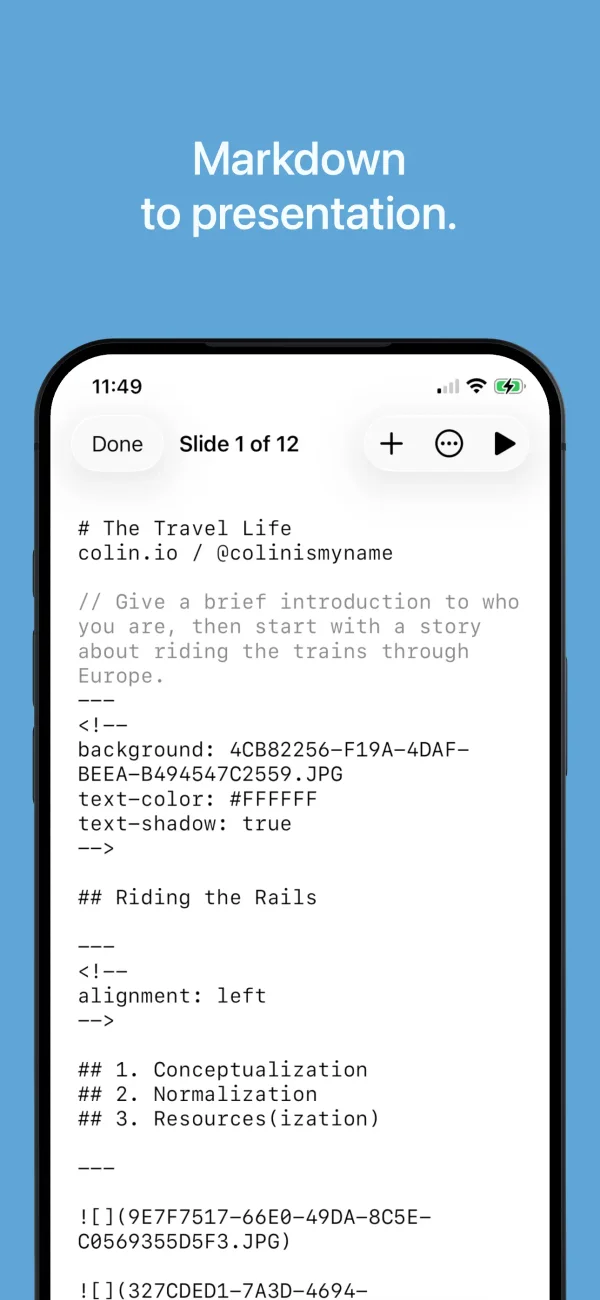
Write what you want to say in plain text. Truly Simple Slide Deck automatically styles it into a beautiful presentation.
No complex formatting ribbons, cluttered menus, or spinning loading wheels. Just type your thoughts, separate them into slides, and let the app handle the design and presentation.
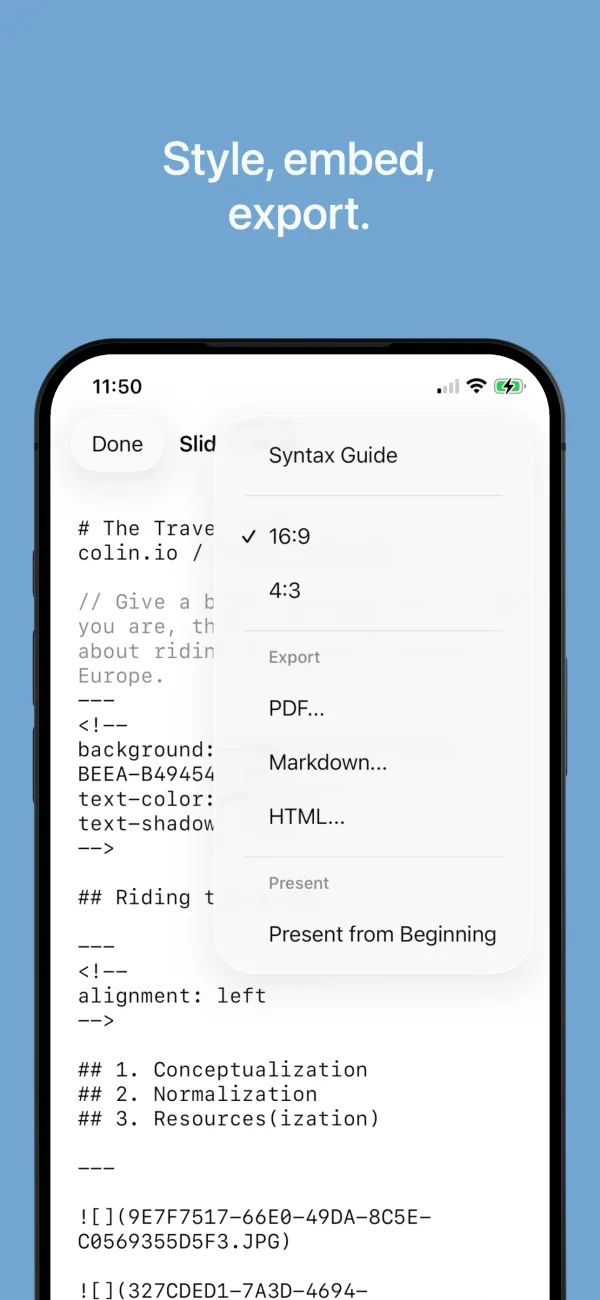
Present directly from your device using the built-in presenter view (complete with speaker notes and upcoming slide thumbnails), or export your finished deck as a PDF, webpage, or ultra-portable Markdown file. Sync your progress instantly across iPhone, iPad, and Mac via iCloud.
Every core feature is completely free. A one-time, lifetime purchase unlocks custom themes, custom colors, and custom fonts—with absolutely no subscriptions. Buy once, own forever.
Features:
• Write and format beautiful slides using plain Markdown text.
• Present natively with a built-in presenter view featuring speaker notes, next-slide previews, and auto-advance controls.
• Export anywhere as highly portable PDFs, HTML webpages, or raw Markdown text.
• Transition seamlessly between System, Light, and Dark modes.
• Read comfortably with fully WCAG-compliant dynamic text scaling, high-contrast reading themes, and VoiceOver support.
• Sync across iOS 17+ and macOS 14+ devices using iCloud.
新機能
バージョン 1.0.3 · 2026/10/28
• Fixed a crash when opening some presentations on a Mac with scroll bars always visible (the usual setting with a mouse). Thanks for flagging this for me, Mike!
• PDF and web exports now include text that starts with a tab or sits in a code block. Before, those lines came out blank.
• Slides are easier to read: larger text, a wider text area, round bullets that sit right next to their words, and an accent bar for quotes.
• New: set each slide’s text size to Small, Medium, or Large. Slides with a lot of text now shrink it to fit, so nothing runs off the bottom.
• The editor now highlights the Markdown for the slide you’ve selected, so it’s easier to keep your place.
• On iPhone and iPad, slide actions now apply to the slide you’re editing.
アプリのプライバシー
このアプリのデータの取り扱いについて、Colin WrightがApp Storeで申告している内容です。
-
データの収集なし
開発元はこのアプリからデータを収集しません。
プライバシーの取り扱いは、ご利用の機能やお客様の年齢などに応じて異なる場合があります。
情報
- 販売元
- Colin Wright
- カテゴリ
- 仕事効率化
- バージョン
- 1.0.3
- 更新日
- 2026/10/28
- リリース
- 2025/8/6
- サイズ
- 2.4 MB
- 必要条件
- iOS 17.0以降
- 対象年齢
- 4+
- 価格
- 無料
- アプリ内課金
- あり
- 言語
- 英語
- 著作権
- © 2026 Colin Wright