- 対象年齢4+
- カテゴリユーティリティ
- 開発元Thomas Sojka
- 言語英語
- サイズ1.9 MB
App Storeの公式ページにリンクしています
Download.orgはTuneHelperのファイルを一切ホストしていません。ボタンを押すと、Thomas Sojkaが公開しているApp Storeのアプリページが開きます。ページの最終確認:2026/11/12。
スクリーンショット

概要
開発元はこのテキストをお使いの言語で提供していません。
TuneHelper turns your phone into an instrument-grade measurement-signal generator for car-audio DSP tuning. Stream its output into your car over Bluetooth, USB-C or a 3.5 mm cable and measure the result with REW (Room EQ Wizard) and a calibrated microphone.
Every signal is synthesized in real time, sample by sample — no pre-rendered loops, no audible seams — at a precise, honest dBFS level you can re-tune live from the driver's seat.
SIGNALS
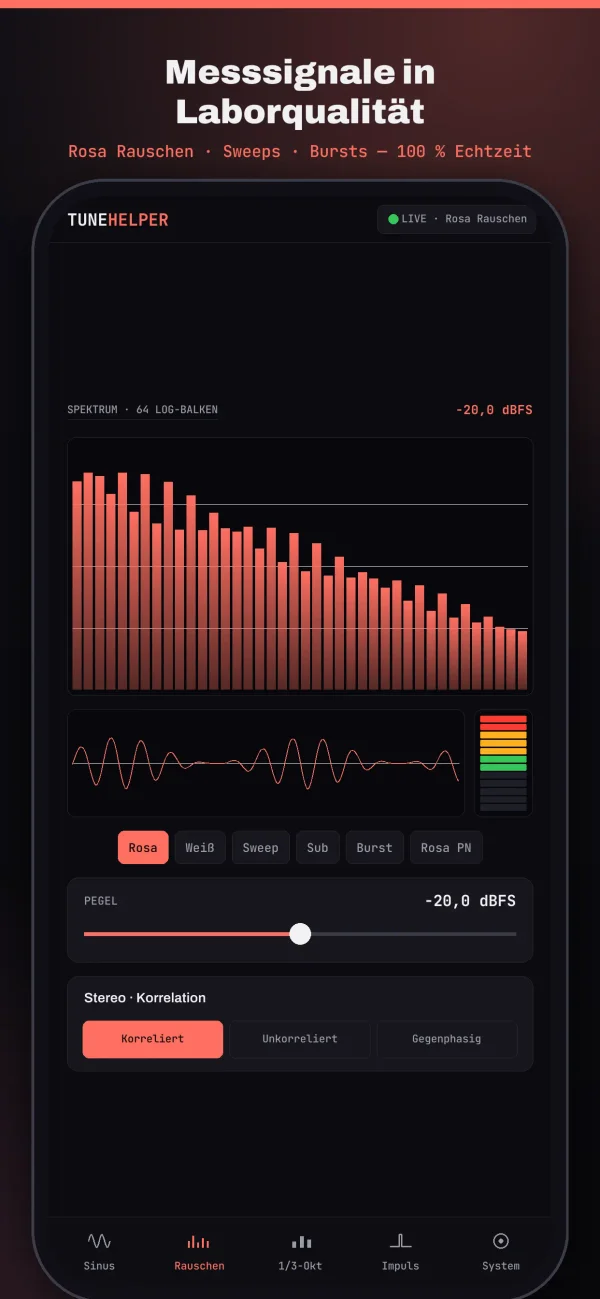
• Pink & white noise — continuous, loop-seamless
• Log sweep & sub sweep — frequency response and impulse
• Tone bursts — transients and decay
• Periodic pink noise — synchronous averaging in REW
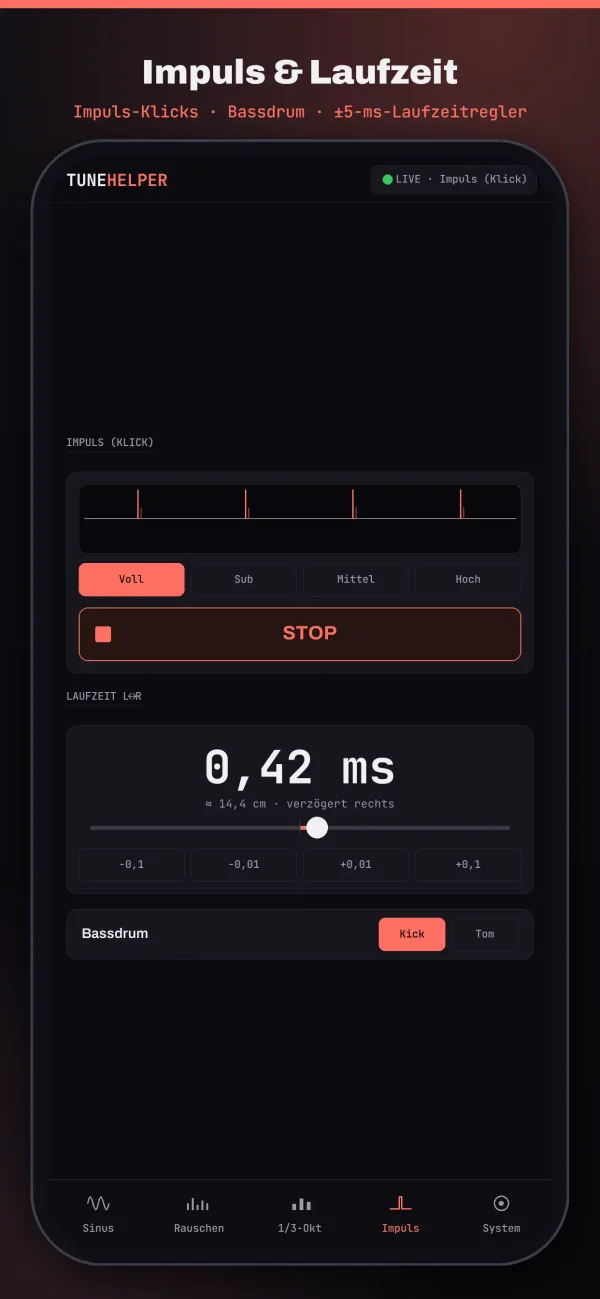
• Dirac impulses — impulse response
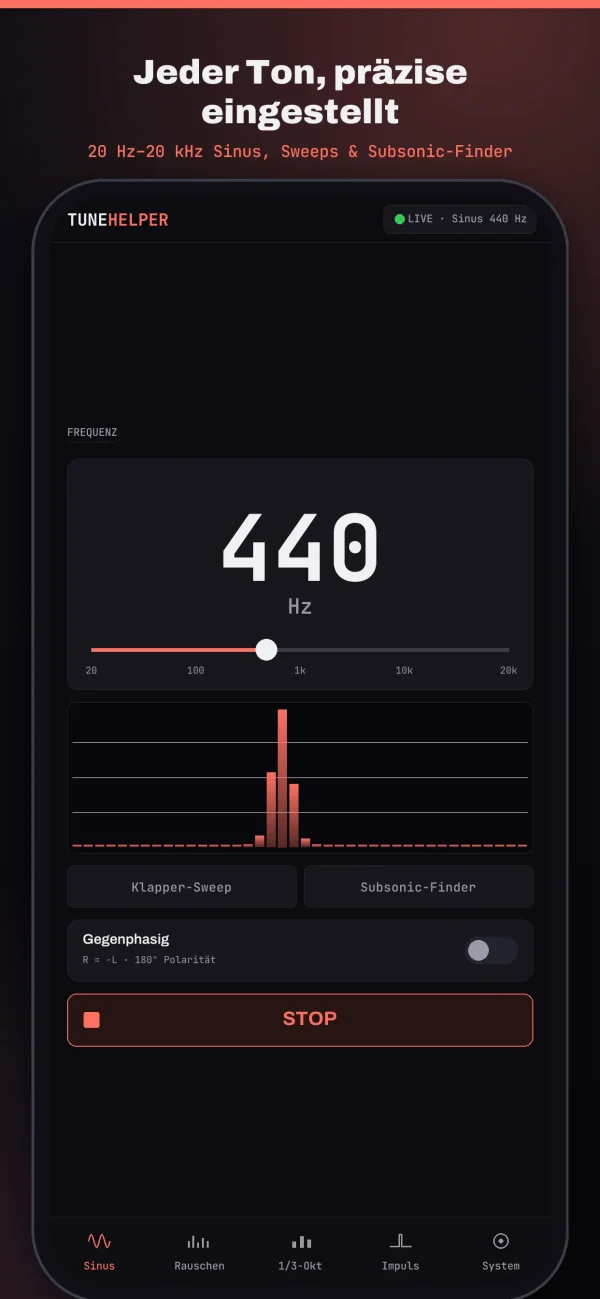
• Sine tone — 20 Hz to 20 kHz, with optional anti-phase
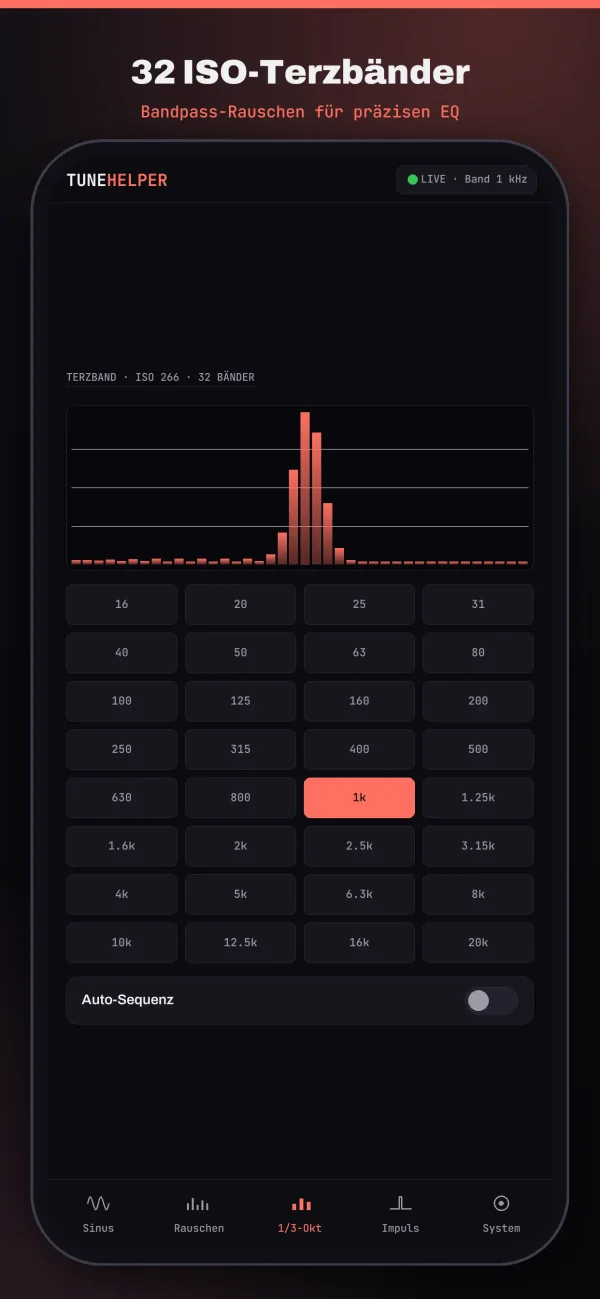
• 1/3-octave band noise — 32 ISO 266 bands
• Stepped-sine RTA — a tone walking all 32 band centres, hands-free
• Multitone comb — up to 64 tones at once, the instant RTA
• Gated pink burst — DSP settling and room decay
• Synthetic kick drum — sub-to-front time alignment by ear
• Brown noise — heavy low end for rattle hunting
ALIGNMENT & STEREO TOOLS
• Inter-channel delay dial — ±5 ms in 0.01 ms steps, read the value off in ms and cm
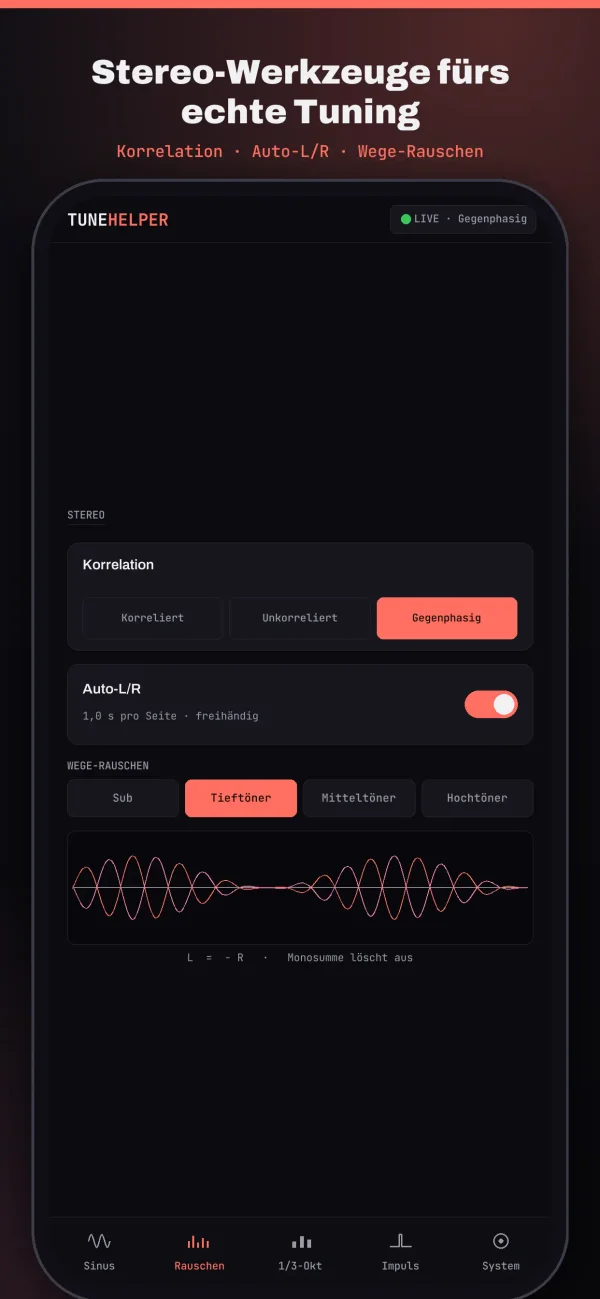
• Correlation modes — correlated, uncorrelated or anti-phase
• Auto L/R — hands-free alternation between the speakers, optionally via the phantom centre
• Per-driver band noise — sub, woofer, midrange and tweeter presets
• Anti-phase sine, a subsonic / high-pass finder and a rattle hunter with marks
WHY TUNEHELPER
• 100% real-time synthesis — every signal generated live, never a looped buffer
• Click-free start, stop and switching
• Live spectrum analyser with optional A/C weighting, RMS metering and a clip LED
• Auto-pause — cycles play and silence for hands-free averaging in REW
• Save and recall measurement presets
• Background audio — keeps playing with the screen locked
PRIVACY
No accounts, no tracking, no data collection. All settings stay on your device.
You bring the mic and REW — TuneHelper brings lab-grade signals to the driver's seat.
新機能
バージョン 2.11 · 2026/10/19
• NEW: Stage balance — one band of noise at a time, pushed left or right until it sits in the centre. At the end a table for your DSP and REW's EQ table per channel.
• Seven frequency regions from sub-bass to air, shared by driver noise, multitone and the impulse.
• Auto L/R moves with the signal; the ten-second check plays every element at every position.
• Tidier tabs: parameter cards fold away.
• The distortion trainer is gone.
• Many fixes platforms.
アプリのプライバシー
このアプリのデータの取り扱いについて、Thomas SojkaがApp Storeで申告している内容です。
-
データの収集なし
開発元はこのアプリからデータを収集しません。
プライバシーの取り扱いは、ご利用の機能やお客様の年齢などに応じて異なる場合があります。
情報
- 販売元
- Thomas Sojka
- カテゴリ
- ユーティリティ
- バージョン
- 2.11
- 更新日
- 2026/10/19
- リリース
- 2026/7/2
- サイズ
- 1.9 MB
- 必要条件
- iOS 16.0以降
- 対象年齢
- 4+
- 価格
- ¥300
- 言語
- 英語
- 著作権
- © 2026 Thomas Sojka