- 対象年齢4+
- カテゴリ仕事効率化
- 開発元JACK EDWARD VOLLER
- 言語英語
- サイズ28.5 MB
UnJumbleは現在App Storeで入手できない可能性があります
前回の確認時、ストアのページにアクセスできませんでした。リンク先は引き続きApp Storeの公式ページです。
スクリーンショット


概要
開発元はこのテキストをお使いの言語で提供していません。
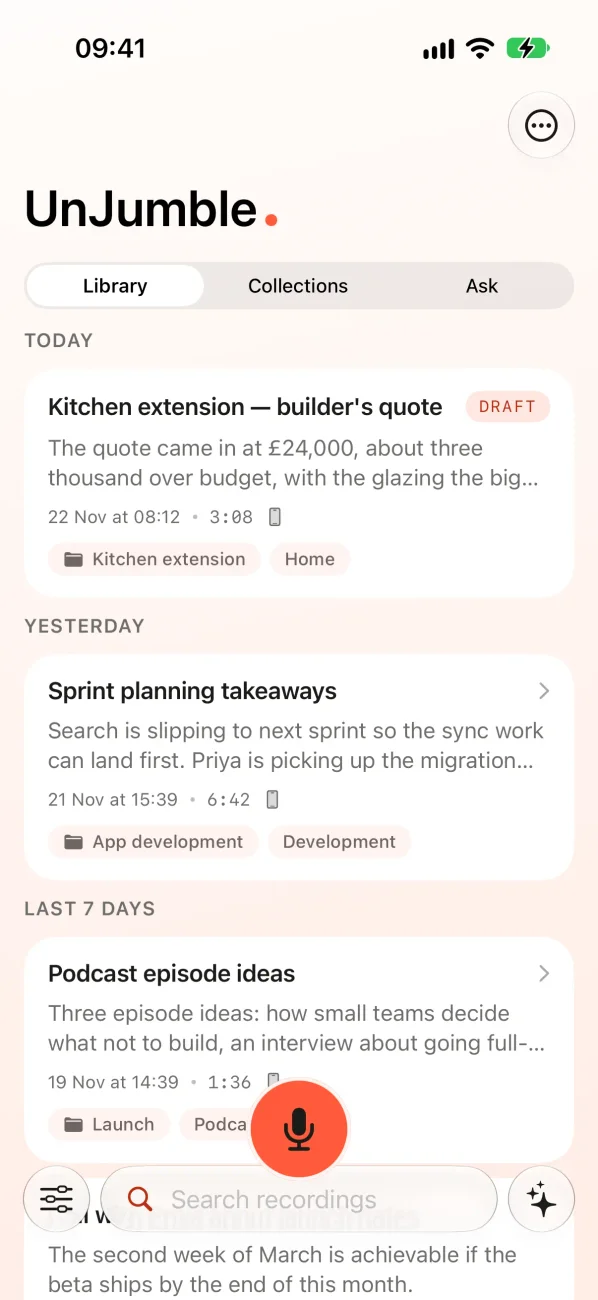
UnJumble turns spoken thoughts into clear, useful notes.
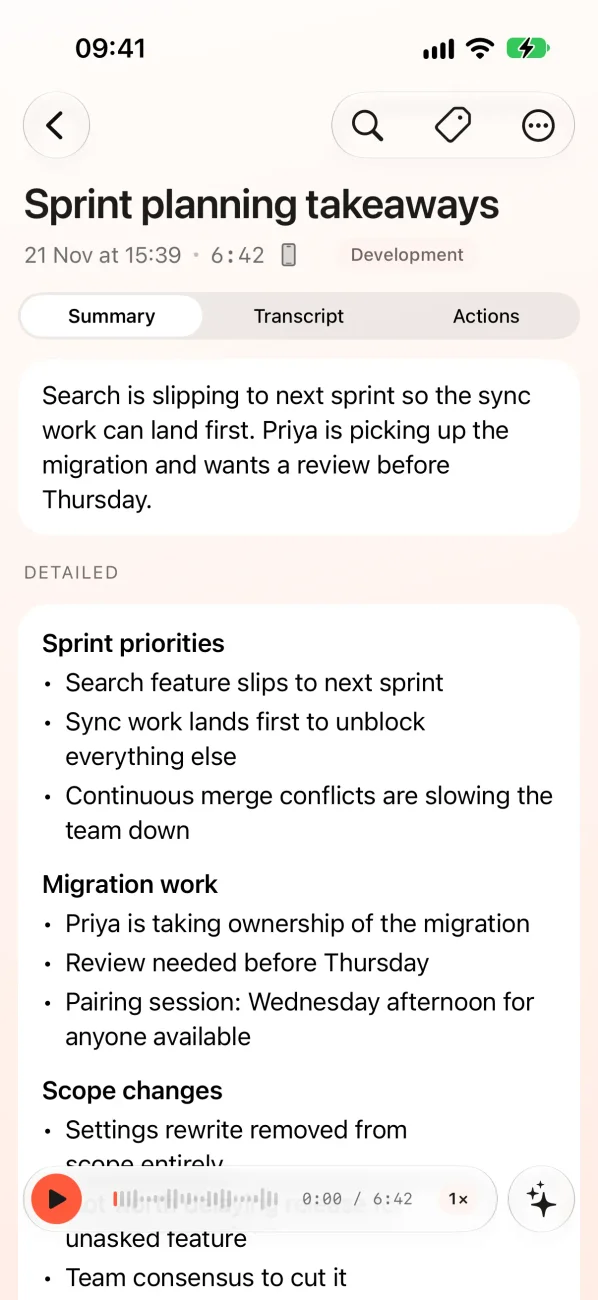
Record a voice note, then let UnJumble transcribe it on your device. UnJumble's AI service gives it a sensible title and writes a concise summary. It also writes a tidied-up version of the transcript — headings, bullets and short sections, in whatever shape fits what you said — so it is already there by the time you go looking for it. Your original words are always kept alongside it.
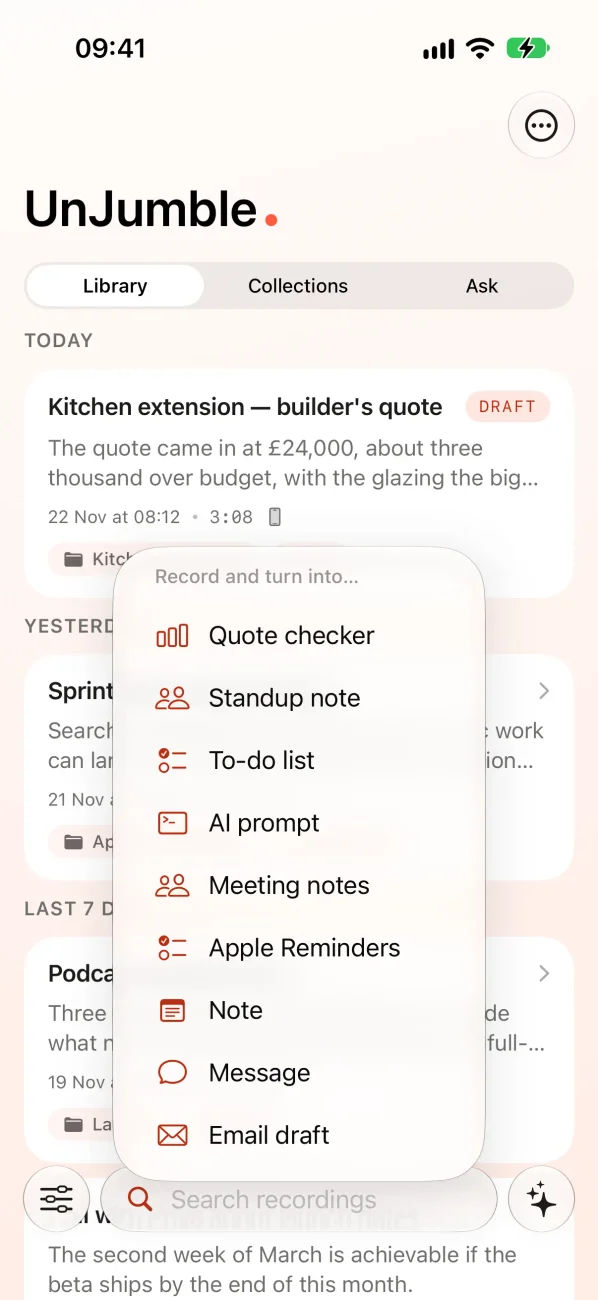
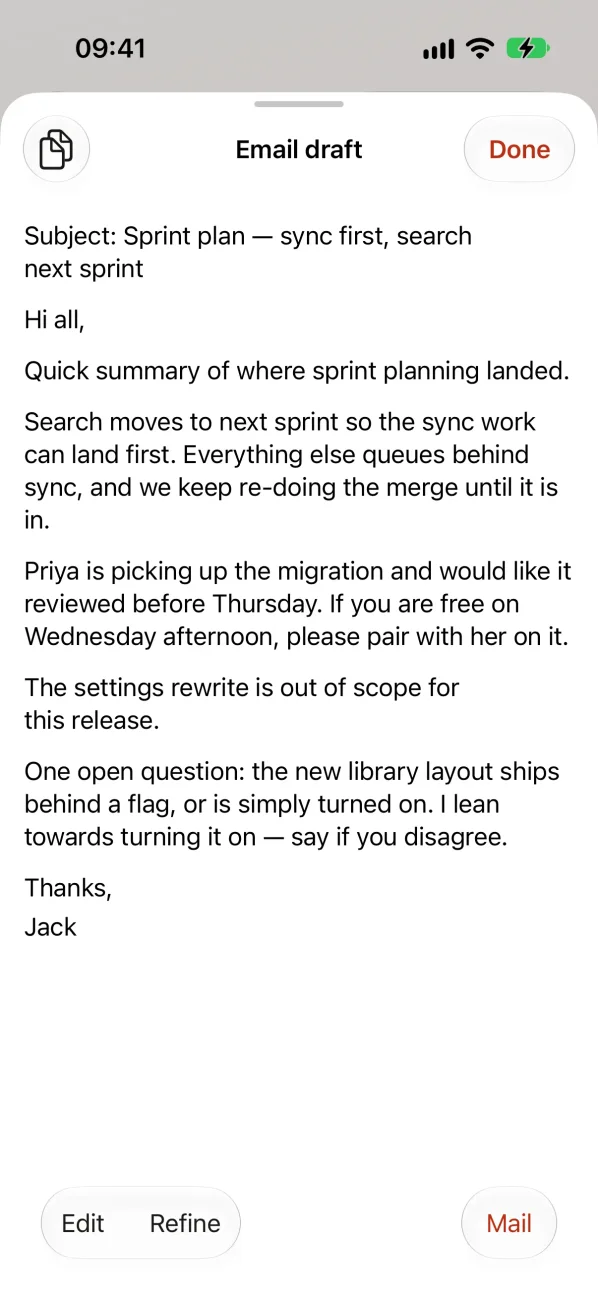
Know what a recording is for before you make it. Hold the record button to choose what it will become, or long-press UnJumble on your Home Screen and start recording straight away. The draft is waiting the moment the recording finishes.
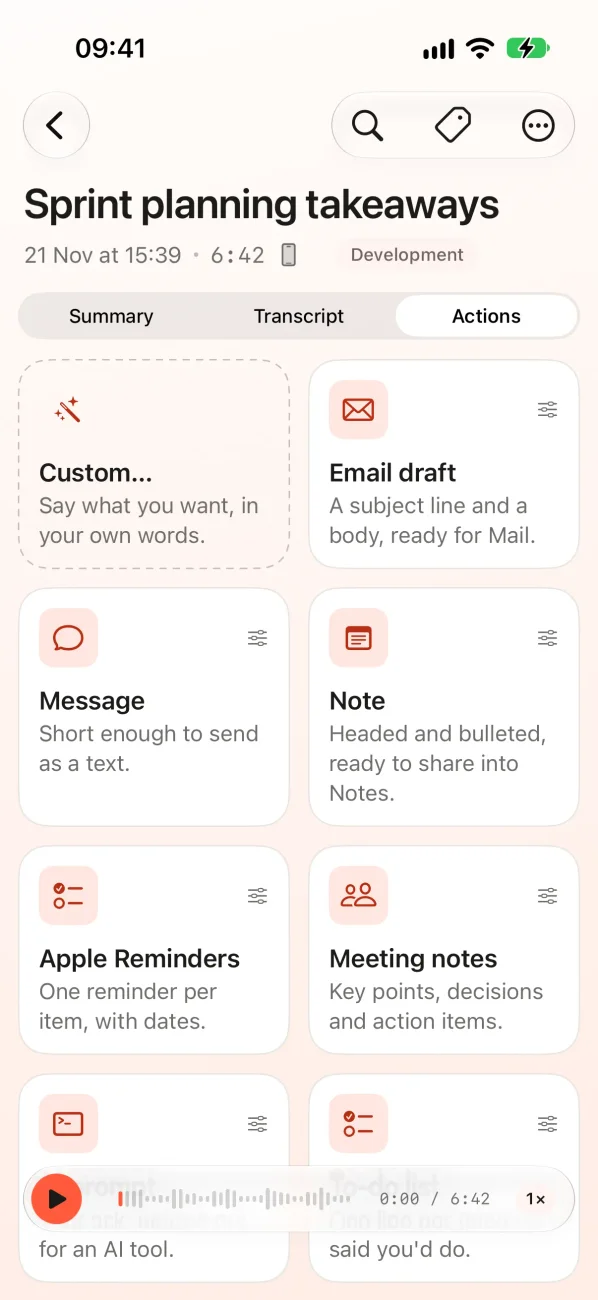
Turn a recording into what you need next:
• Email draft
• Message, ready to share in the app you choose
• Note
• Meeting notes
• AI prompt for your preferred development tool
• To-do list
Your recordings stay organised in one searchable library, on every device you use. Play the original audio at up to 2x speed and drag to any moment in it, edit a title, copy or share the result, and return to the full transcript whenever you need it. Tap a tag to filter the library down to what you are looking for, or sort it whichever way suits you.
Tag your recordings your way. Create the tags you use and put them on anything, as often as you like.
Not finished talking? Pause a recording and put it down as a draft — it's free. It is transcribed, titled and summarised straight away and marked as a draft in your library, so you can come back later, carry on recording, and let the title and summary catch up with everything you have added.
UnJumble Pro also records on your Apple Watch, captures both sides of your calls and meetings on your Mac, tells speakers apart and remembers voices, suggests Collections for recordings that belong together, and saves every recording to your Google Drive as a Doc. The free plan includes five AI actions a day, shared by "Turn into…" drafts and Ask; UnJumble Pro makes them unlimited. Auto-tagging, tag rules, Correct a name, saved custom actions, and making your own Collections are free.
UnJumble is built for the moments when typing would interrupt your flow: a thought on a walk, a follow-up after a meeting, or a quick brief before you forget it.
UnJumble Pro
The free app includes unlimited recording, pausing and saving a recording as a draft, transcription, titles and summaries, structured transcripts, your own tags, automatic tagging and tag rules, Correct a name, making Collections, saved custom actions, search, and saved default styles for every kind of draft, plus five AI actions a day, shared by "Turn into…" drafts and Ask. UnJumble Pro removes the daily limit on AI actions and adds Apple Watch recording, Mac call and meeting capture, speakers, suggested Collections, and Google Drive. £2.99 per month or £24.99 per year, renewing automatically unless cancelled in your Apple Account settings.
Terms of Use (EULA): https://www.apple.com/legal/internet-services/itunes/dev/stdeula/
新機能
バージョン 2.4 · 2026/11/24
Ask your recordings
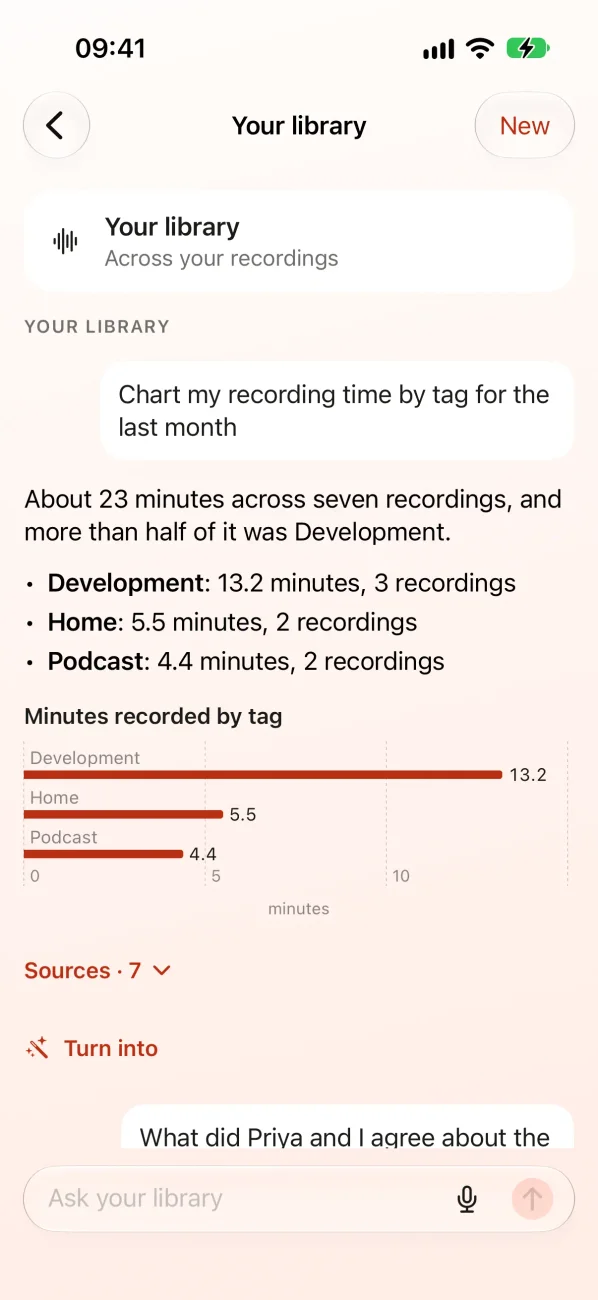
Ask a question and UnJumble reads across everything you've recorded to answer it, showing you the recordings it used. Ask about one recording, a Collection or your whole library. Ask for a chart and it draws one.
Answers can turn into something useful: an email, a message, a note or reminders, as a card you can check, edit and send. Your questions are kept in the new Ask view and sync across your iPhone, iPad and Mac through iCloud.
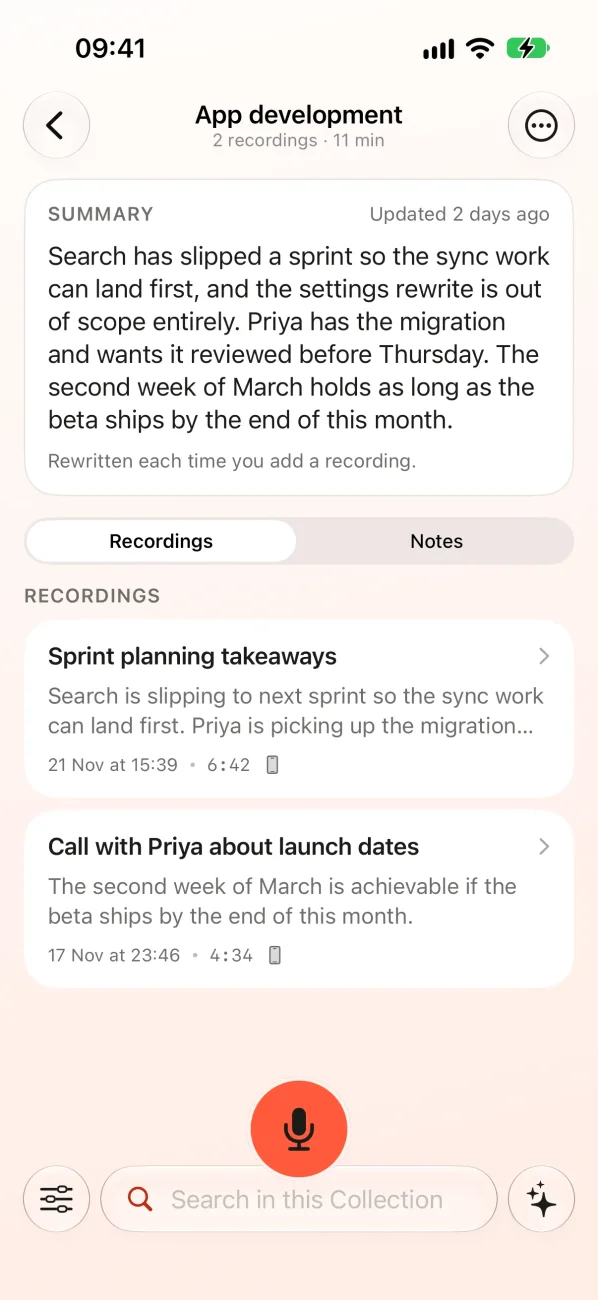
Library, Collections and Ask
Your library, your Collections and Ask now sit side by side at the top of the screen, one tap apart. On iPad, Ask is a glass button at the bottom right, and ⌘⇧A opens it from a keyboard. Collections and Ask can be filtered by date, like your library.
More on the free plan
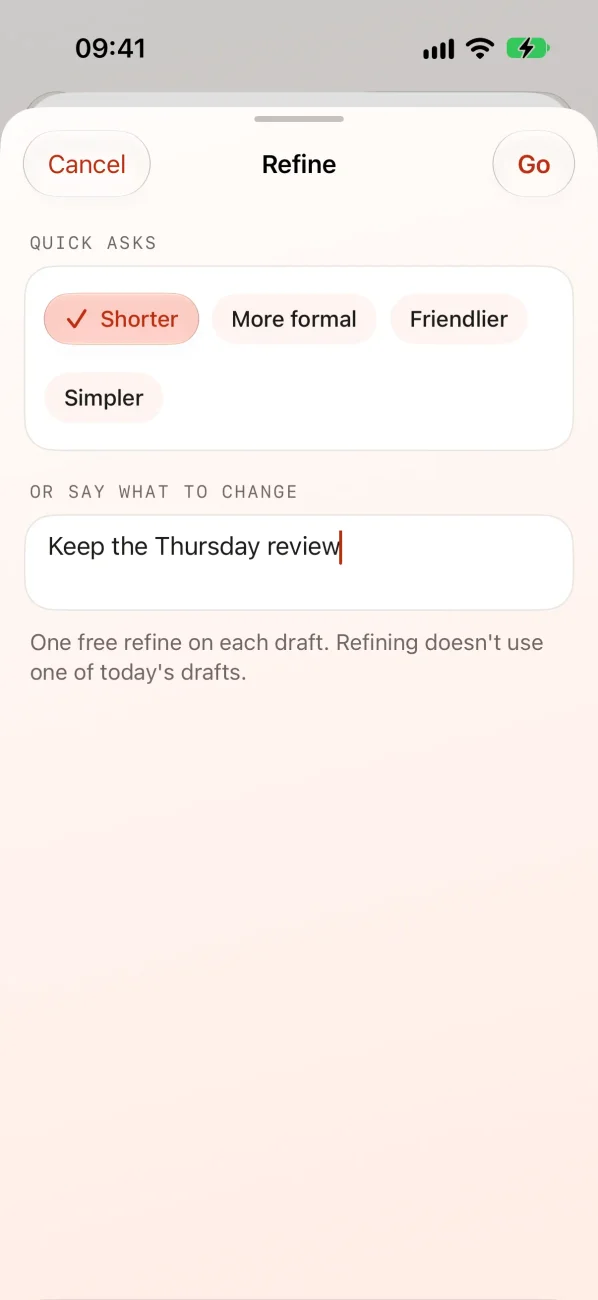
The free plan now has 5 AI actions a day, shared between Turn into and Ask. Refining a draft in Ask doesn't use one. Collections, automatic tagging, tag rules, Correct a name and your own saved actions are now free too.
Anonymous usage data
UnJumble now shares anonymous usage data to help us improve it. It never includes your recordings, transcripts or titles. You can turn it off in Settings with Share anonymous usage data.
Fixes
Switching between Library, Collections and Ask no longer freezes the app, along with other fixes and polish.
アプリのプライバシー
このアプリのデータの取り扱いについて、JACK EDWARD VOLLERがApp Storeで申告している内容です。
-
ユーザーに関連付けられたデータ
収集され、ユーザーの識別情報に関連付けられる場合があります。
- 連絡先情報
- ユーザーコンテンツ
- ID
-
ユーザーに関連付けられないデータ
収集される場合がありますが、ユーザーの識別情報には関連付けられません。
- ID
- 使用状況データ
- 診断
プライバシーの取り扱いは、ご利用の機能やお客様の年齢などに応じて異なる場合があります。
情報
- 販売元
- JACK EDWARD VOLLER
- カテゴリ
- 仕事効率化
- バージョン
- 2.4
- 更新日
- 2026/11/24
- リリース
- 2026/10/20
- サイズ
- 28.5 MB
- 必要条件
- iOS 26.0以降
- 対象年齢
- 4+
- アプリ内課金
- あり
- 言語
- 英語
- 著作権
- © 2026 Jack Edward Voller