- 対象年齢17+
- カテゴリユーティリティ
- 開発元Qingdao Richmat Intelligence Technology Inc.
- 言語英語ほか3言語
- サイズ18.2 MB
App Storeの公式ページにリンクしています
Download.orgはuPowerTek Airsetのファイルを一切ホストしていません。ボタンを押すと、Qingdao Richmat Intelligence Technology Inc.が公開しているApp Storeのアプリページが開きます。ページの最終確認:2026/11/20。
スクリーンショット

概要
開発元はこのテキストをお使いの言語で提供していません。
Configure compatible uPowerTek LED drivers directly from your iPhone using NFC.
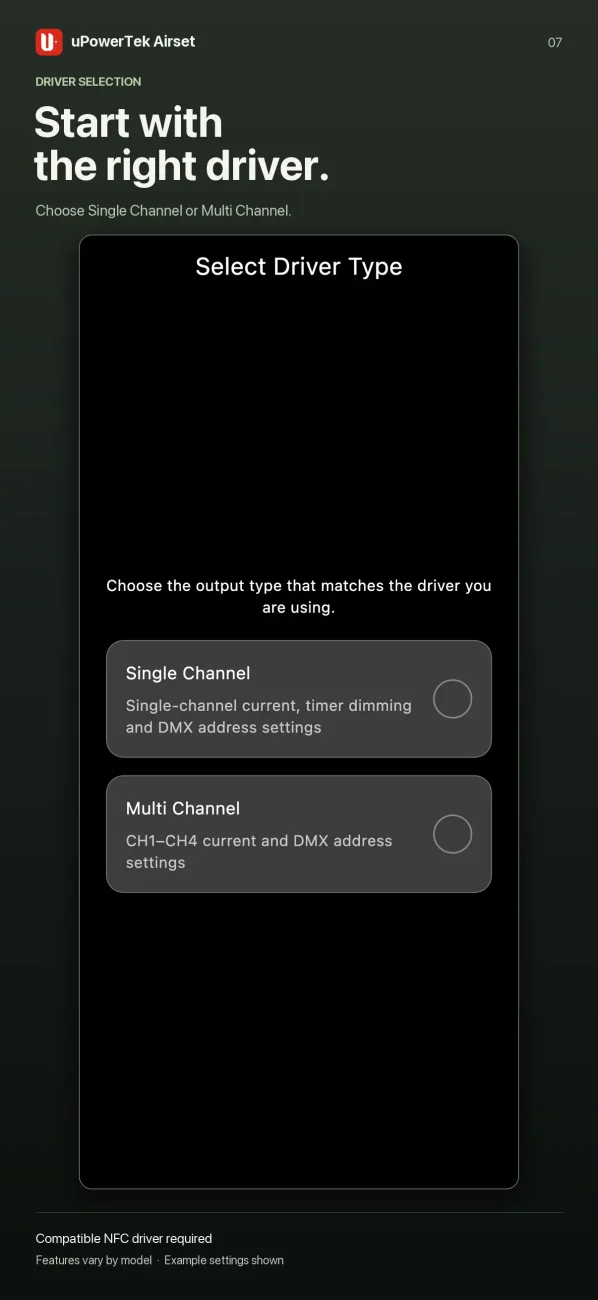
uPowerTek Airset brings single-channel and multi-channel driver configuration together in one app. Choose the output type that matches your driver, read its parameters, and prepare the settings you want to write.
SINGLE CHANNEL
Read the driver's model, firmware version and output current. Adjust the current within the range supported by the driver, and configure timer dimming or a DMX address where supported.
MULTI CHANNEL
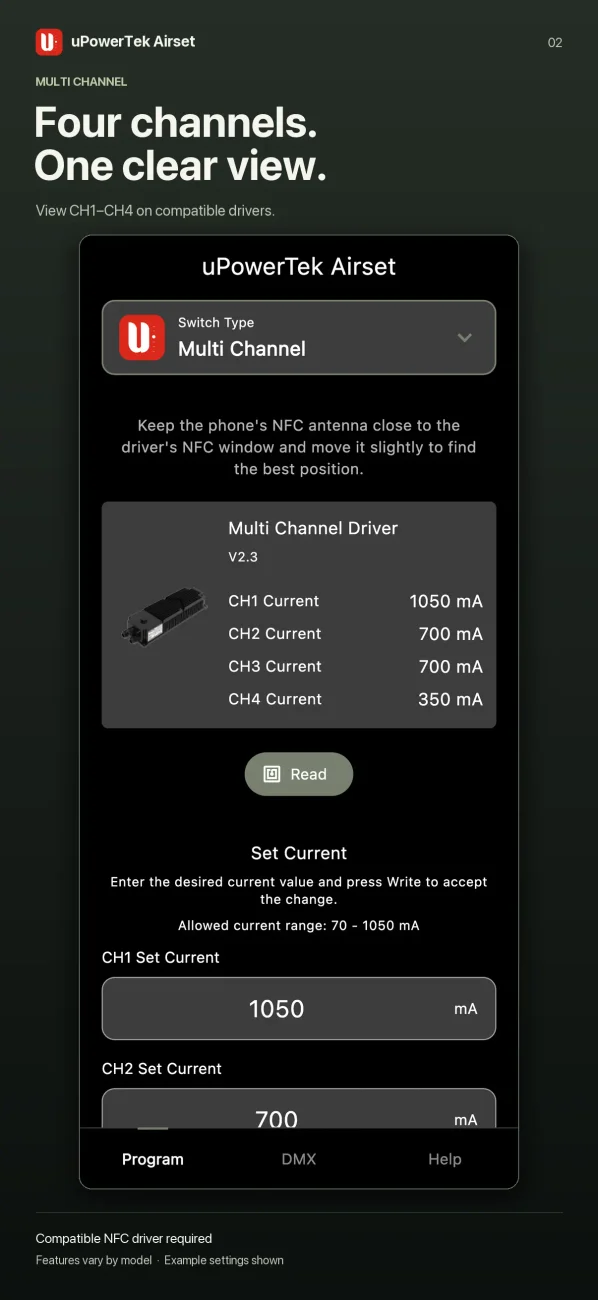
View the output currents of CH1, CH2, CH3 and CH4 together. Set each channel's current individually and configure the DMX address on compatible four-channel drivers.
SWITCH DRIVER TYPES
Select Single Channel or Multi Channel when you first open the app. Use Switch Type on the main screen whenever you need to work with a different driver type. Switching types clears the current readings and unsaved settings so you can read the next driver with the appropriate configuration.
TIMER DIMMING
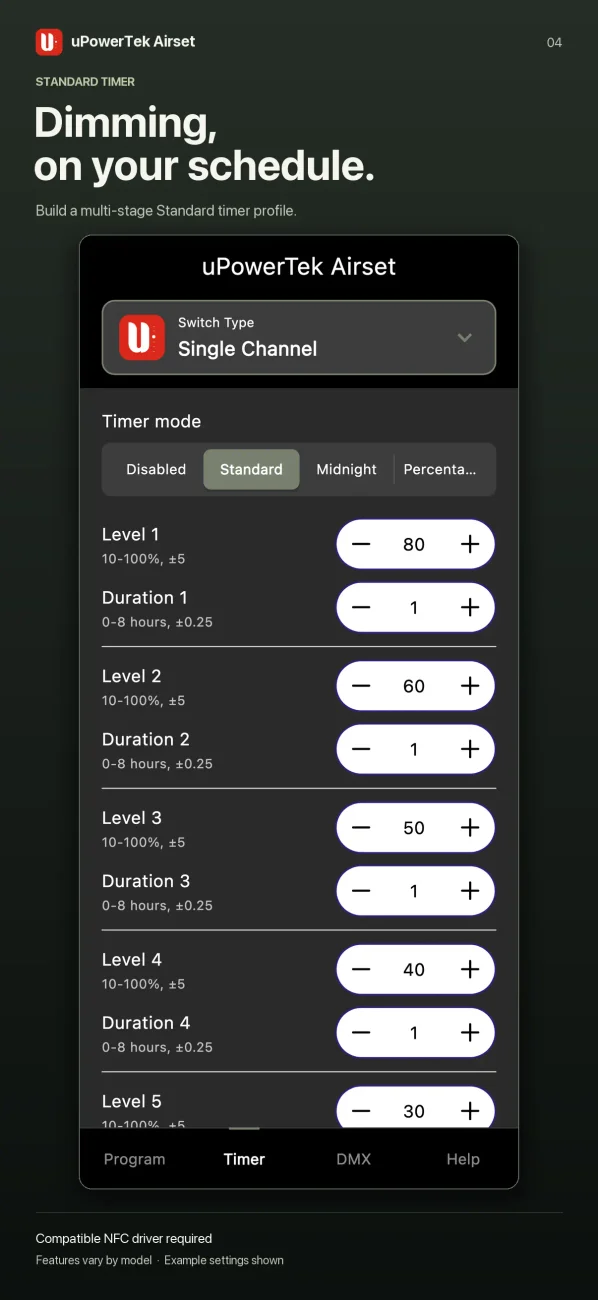
On supported single-channel drivers, choose Standard, Midnight or Percentage mode. Configure five brightness-and-duration stages, a final brightness level and fade time. Midnight and Percentage modes also offer operating-hour settings; Midnight mode includes a midnight start time.
DMX ADDRESS
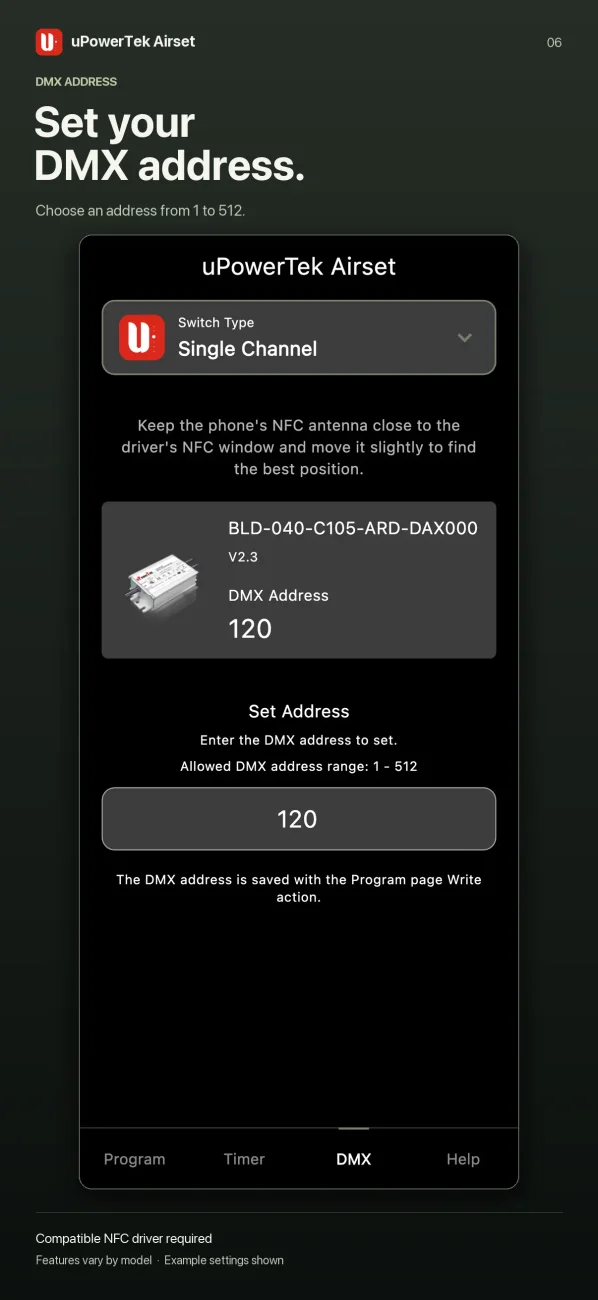
View and set DMX addresses from 1 to 512 on compatible drivers. In Single Channel mode, DMX settings are available when timer dimming is disabled. Timer dimming and DMX are alternative functions, depending on the driver model.
READ, EDIT AND WRITE
Read driver data from the Program page, edit the relevant settings, then return to Program to write them to the driver's NFC tag. The app reads back the configuration to verify the written settings.
REQUIREMENTS
A compatible NFC-enabled iPhone running iOS 15 or later and a compatible uPowerTek LED driver are required. Keep the top of your iPhone near the driver's NFC window until reading or writing and verification are complete.
Available functions and current limits vary by driver model. Multi Channel mode does not include timer dimming. The app is for compatible LED driver configuration, not general-purpose NFC tag reading or remote lighting control.
Product information: https://www.upowertek.com
新機能
バージョン 3.2.2 · 2026/11/18
This update brings Single Channel and Multi Channel configuration together in one app.
• Added driver type selection on first launch and a Switch Type shortcut on the main screen.
• Added support for compatible four-channel drivers, with individual current settings for CH1–CH4 and DMX address configuration.
• Kept single-channel current, timer dimming and DMX settings available in Single Channel mode, depending on the driver model.
• Unified reading and writing on the Program page for both driver types.
アプリのプライバシー
このアプリのデータの取り扱いについて、Qingdao Richmat Intelligence Technology Inc.がApp Storeで申告している内容です。
-
データの収集なし
開発元はこのアプリからデータを収集しません。
プライバシーの取り扱いは、ご利用の機能やお客様の年齢などに応じて異なる場合があります。
情報
- 販売元
- Qingdao Richmat Intelligence Technology Inc.
- カテゴリ
- ユーティリティ
- バージョン
- 3.2.2
- 更新日
- 2026/11/18
- リリース
- 2022/9/13
- サイズ
- 18.2 MB
- 必要条件
- iOS 15.0以降
- 対象年齢
- 17+
- 価格
- 無料
- 言語
- 英語, ドイツ語, 簡体字中国語, スペイン語
- 著作権
- © Qingdao Richmat Intelligence Technology Inc.