
- 対象年齢4+
- カテゴリ仕事効率化
- 開発元Imesart S.a.r.l.
- 言語英語ほか4言語
- サイズ200.2 MB
App Storeの公式ページにリンクしています
Download.orgはUSB Diskのファイルを一切ホストしていません。ボタンを押すと、Imesart S.a.r.l.が公開しているApp Storeのアプリページが開きます。ページの最終確認:2026/11/7。
スクリーンショット


概要
開発元はこのテキストをお使いの言語で提供していません。
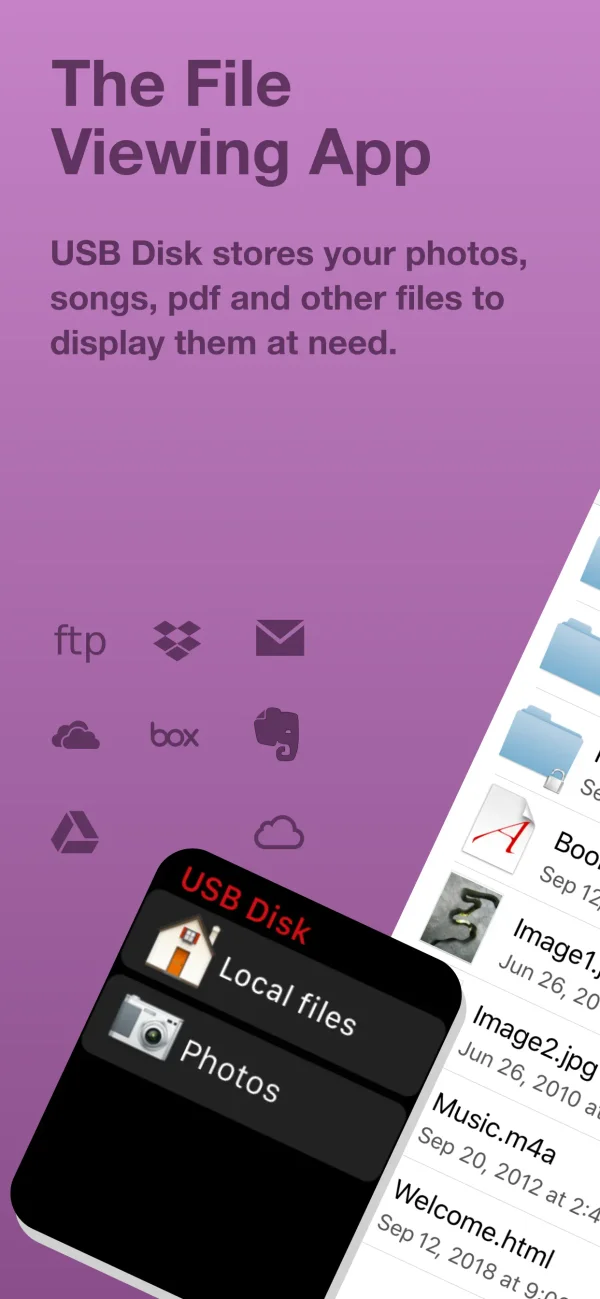
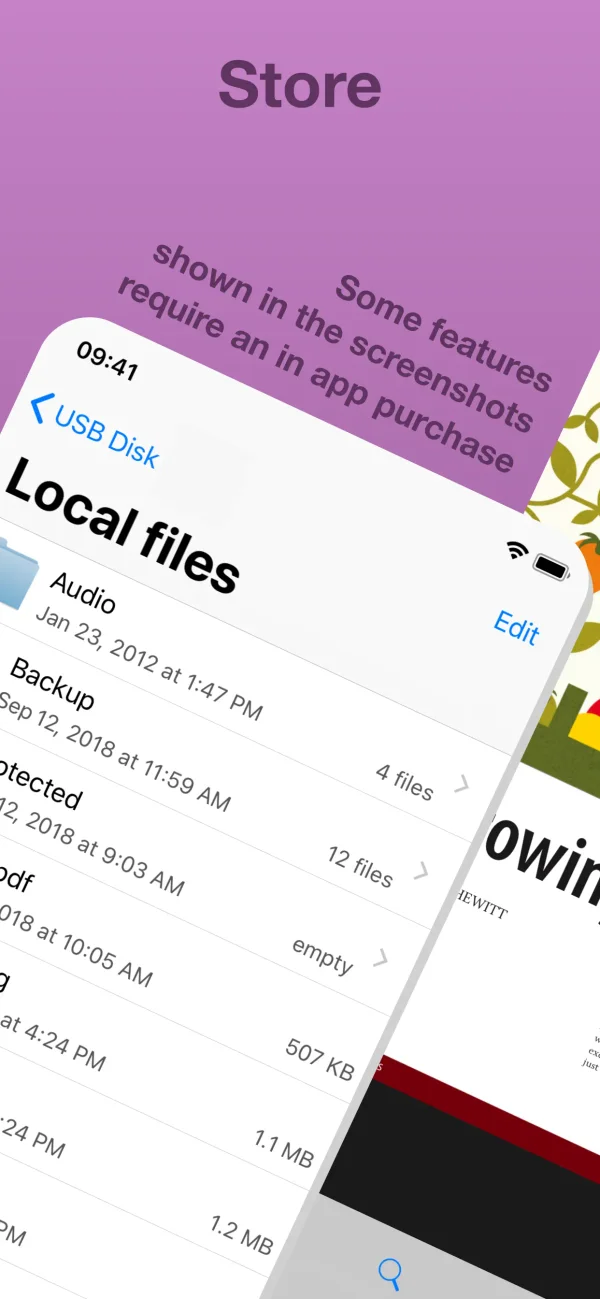
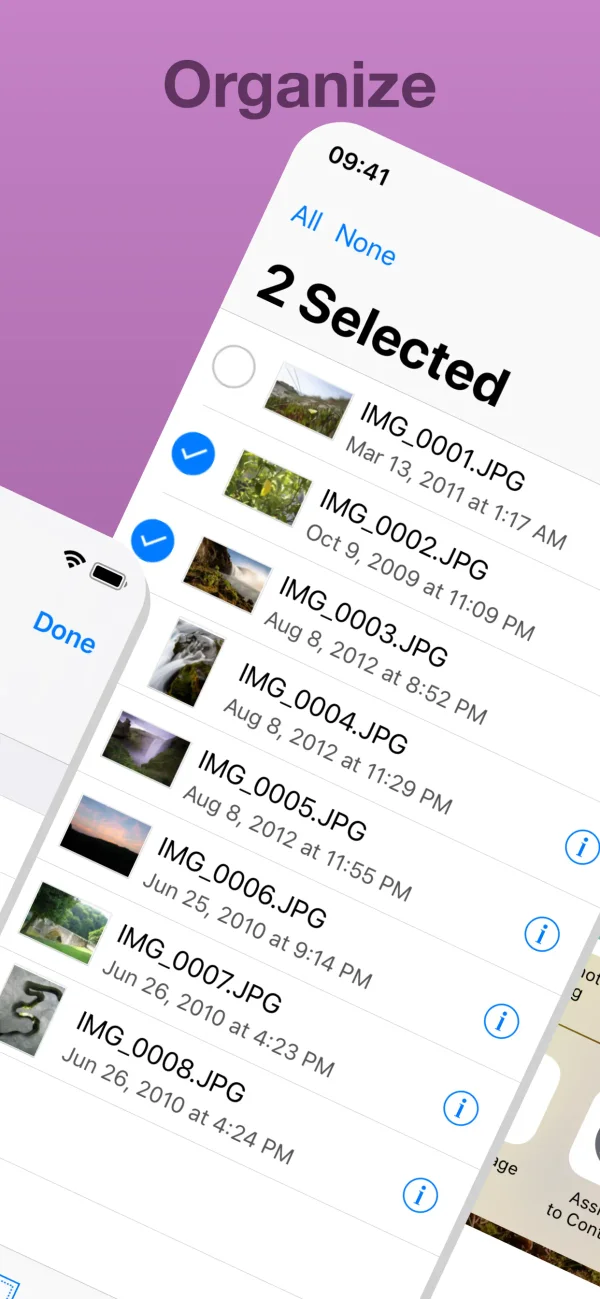
USB Disk lets you store, view and manage documents on your iPhone or iPad. It has an amazing built in document viewer and is very easy to use, with a simple and intuitive interface, yet it contains many powerful features. Drag and drop files in iTunes to transfer them to your iPhone or iPad, then view them anywhere!
TUAW - "USB Disk is [...] a nicely designed one."
Lifehacker - "The Best. USB Disk for iOS gives you a fast and easy way to transfer documents and images to your device."
Apple - "New and Noteworthy"
TOP REASONS TO BUY
• Access Dropbox, Google Drive, OneDrive and Box.
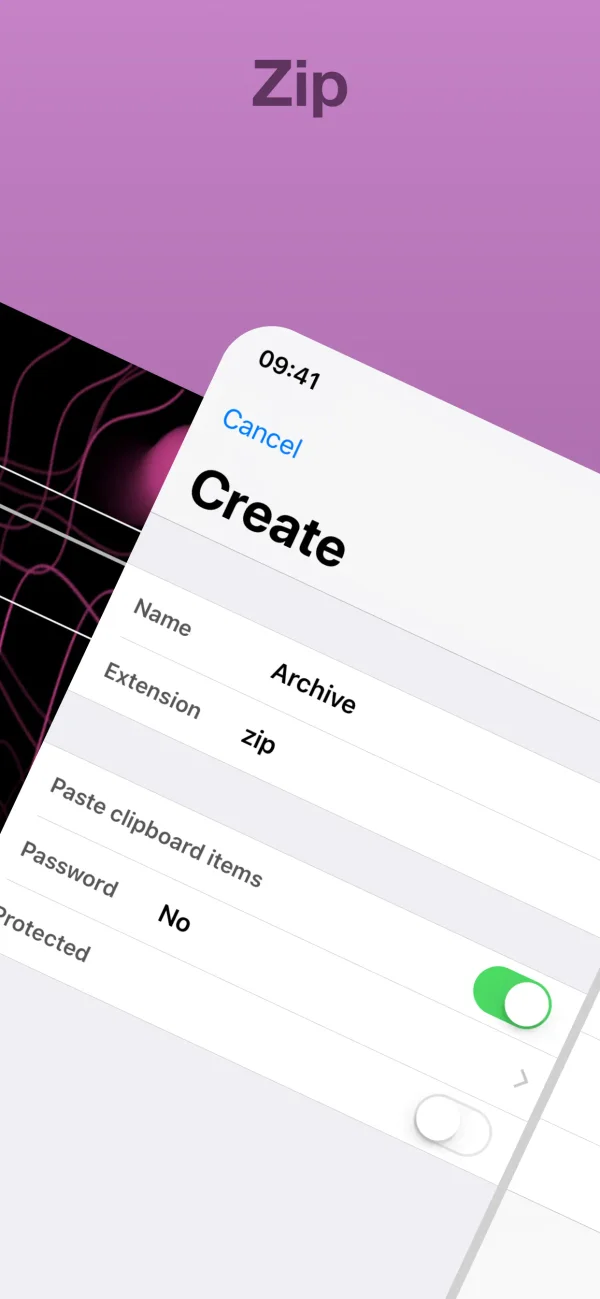
• Open and create zip files.
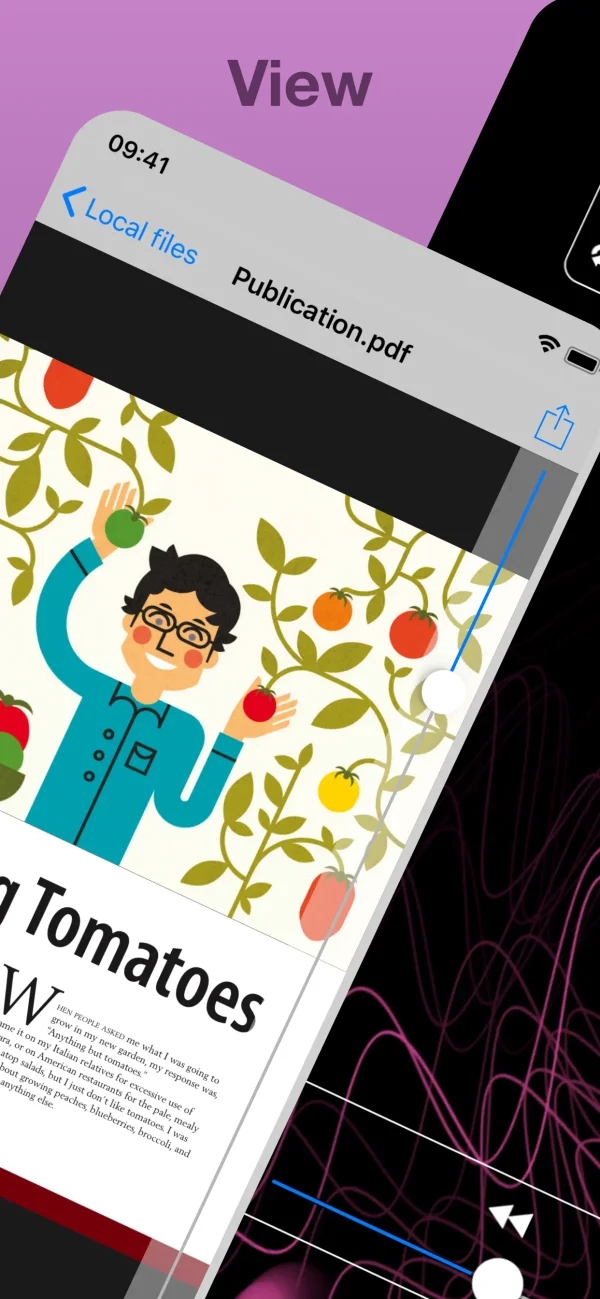
• Store and view files.
• Navigate using swipes (like Photos / iBooks app).
• Thumbnails let you preview your files.
• Copy, paste, cut, delete and create files.
MORE FEATURES
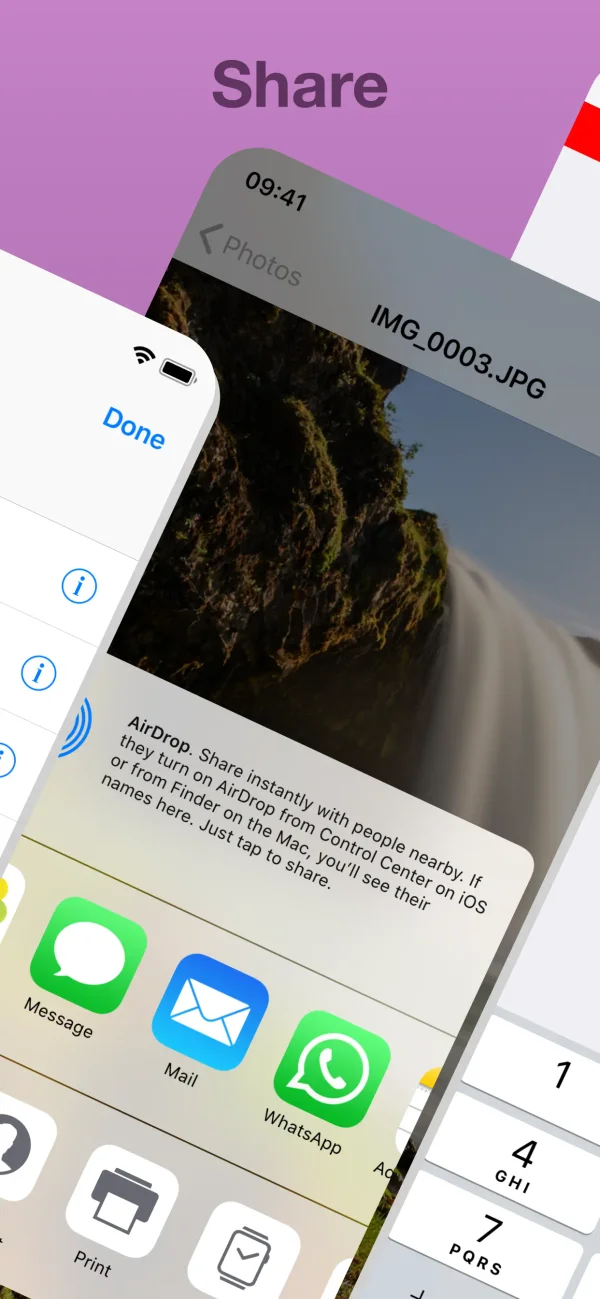
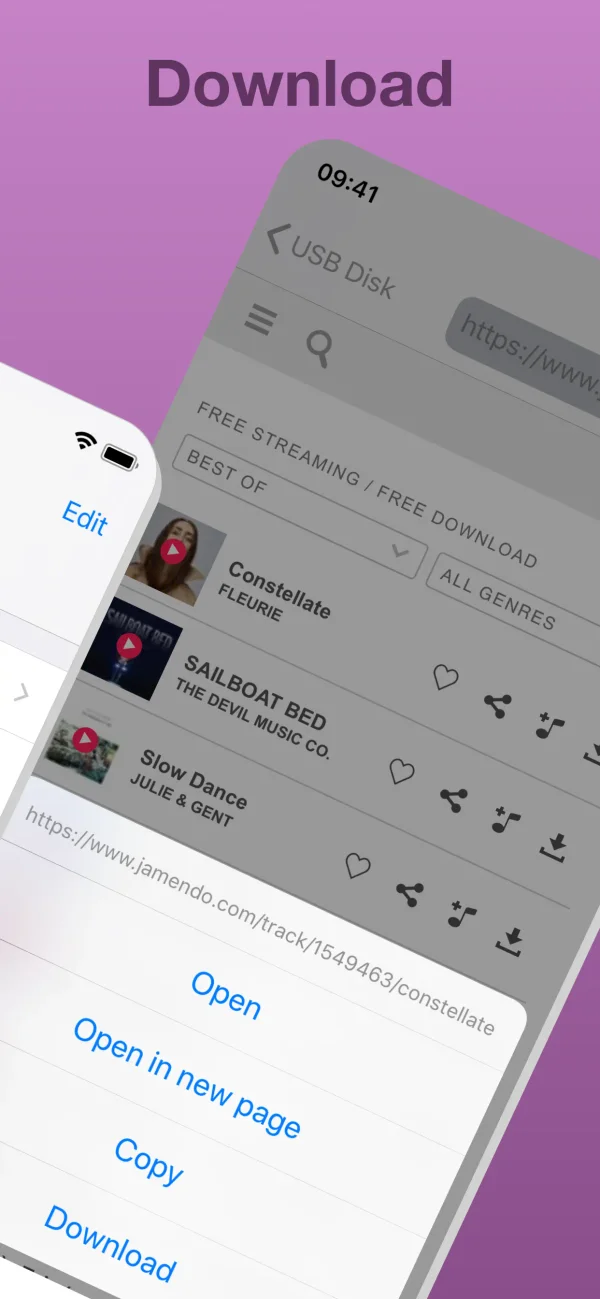
• View and download email attachments.
• Restores last viewing position.
• Full screen file viewer.
• CBR and CBZ file viewer.
• USB file transfers.
• Background audio.
• Slideshow with adjustable delay.
• Fast scrolling, page up/down functionalities.
• Email your documents.
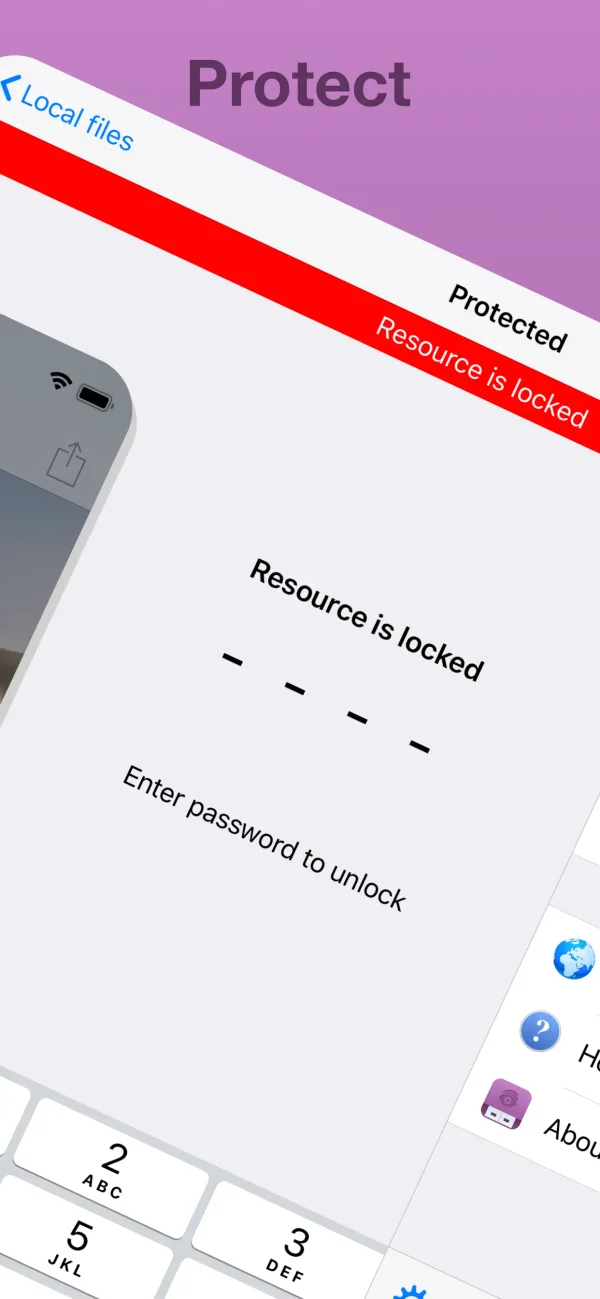
• Lock code.
SUPPORTED FILE TYPES
• PDF files.
• Compressed files (zip, rar).
• MS Office documents.
• iWork documents.
• Pictures (jpg, png, gif, ...).
• eBooks (pdf, ePub, html, txt, ...).
• Comics (cbr, cbz, pdf, ...).
• Audio files (mp3, m4a, wav, ...).
• Video files (m4v, mov, avi, mkv, ...).
UPDATES
Buy now and get free updates.
SUBSCRIPTION
All features listed above can be used without an in app purchase. Some advanced features require an active subscription. These include:
• Access the device's photos library.
• Protect the access to the app or specific files and folders with lock codes.
• Access WebDAV and FTP servers. You can also configure SharePoint connections.
• Edit simple text files. Also annotate PDF files.
• Present files on external screens.
Duration and price of each subscription are displayed in our storefront. All subscription costs will be charged to your Apple ID account, starting at the confirmation of purchase. Subscription automatically renews unless it is canceled at least 24 hours before the end of the subscription period. Your account will be charged for renewal within 24 hours prior to the end of the subscription period. It is not possible to cancel a subscription period once you have been charged for it. Any unused portion of a free trial period is forfeited as soon as a subscription is purchased. You can manage subscriptions and disable auto renewal by going to your account settings on the App Store after purchase.
Terms of Service: https://imesart.com/legal/terms-of-service.php
新機能
バージョン 3.3.0 · 2026/10/23
• Optimized for iPhone Duo.
• Many other improvements.
Leave us a review on the App Store to tell us what you think about this update.
アプリのプライバシー
このアプリのデータの取り扱いについて、Imesart S.a.r.l.がApp Storeで申告している内容です。
-
ユーザーのトラッキングに使用されるデータ
他社のアプリやウェブサイトを横断してユーザーをトラッキングする目的で使用される場合があります。
- 位置情報
- ID
- 使用状況データ
- 診断
-
ユーザーに関連付けられたデータ
収集され、ユーザーの識別情報に関連付けられる場合があります。
- 位置情報
- ID
- 使用状況データ
- 診断
-
ユーザーに関連付けられないデータ
収集される場合がありますが、ユーザーの識別情報には関連付けられません。
- 使用状況データ
- 診断
プライバシーの取り扱いは、ご利用の機能やお客様の年齢などに応じて異なる場合があります。
情報
- 販売元
- Imesart S.a.r.l.
- カテゴリ
- 仕事効率化
- バージョン
- 3.3.0
- 更新日
- 2026/10/23
- リリース
- 2010/8/26
- サイズ
- 200.2 MB
- 必要条件
- iOS 16.0以降
- 対象年齢
- 4+
- 価格
- ¥150
- アプリ内課金
- あり
- 言語
- 英語, フランス語, ドイツ語, ロシア語, スペイン語
- 著作権
- © 2026 Imesart S.a.r.l
こちらもおすすめ
-
 File Manager - Exchange files仕事効率化
-
 Phone Drive: ファイル管理Wi-Fiで写真転送、音楽も再生
-
 AirDisk Pro: 写真転送Wi-FiでPC・Macに送信
-
 FSharing - ファイル & ファイルマネージャーダウンロード, ファイル管理, ファイル転送, zip解凍
-
 FileBrowserGONetwork access & media player
-
 Owlfiles - ファイルマネージャーSMB、Web DAV、FTP、S3にアクセスする
-
 UpNote - notes, diary, journalBeautiful. Simple. Easy to use
-
 Cheatsheet ノート ウィジェットクイックノートウィジェットとウォッチアプリ
-
 Documents : Media File Manager仕事効率化
-
 ONLYOFFICE Documentsモバイル用のオフィススイート