- 対象年齢4+
- カテゴリ仕事効率化
- 開発元Edouard Dupuy
- 言語英語ほか1言語
- サイズ1.6 MB
App Storeの公式ページにリンクしています
Download.orgはuseFocusLabのファイルを一切ホストしていません。ボタンを押すと、Edouard Dupuyが公開しているApp Storeのアプリページが開きます。ページの最終確認:2026/11/21。
スクリーンショット

概要
開発元はこのテキストをお使いの言語で提供していません。
You didn't choose it. It became a reflex. And 20 minutes later, you look up — with no idea where the time went. Focus Lab puts your choice back in the loop. While you scroll, a reminder slides onto your screen at exactly the right moment. Not to block you — because blocking creates frustration, and frustration, you work around in 3 days. Just to wake your awareness for one second. Enough to decide if you really want to stay, or look up. You stay free. But this time, you know you are.
HOW IT WORKS
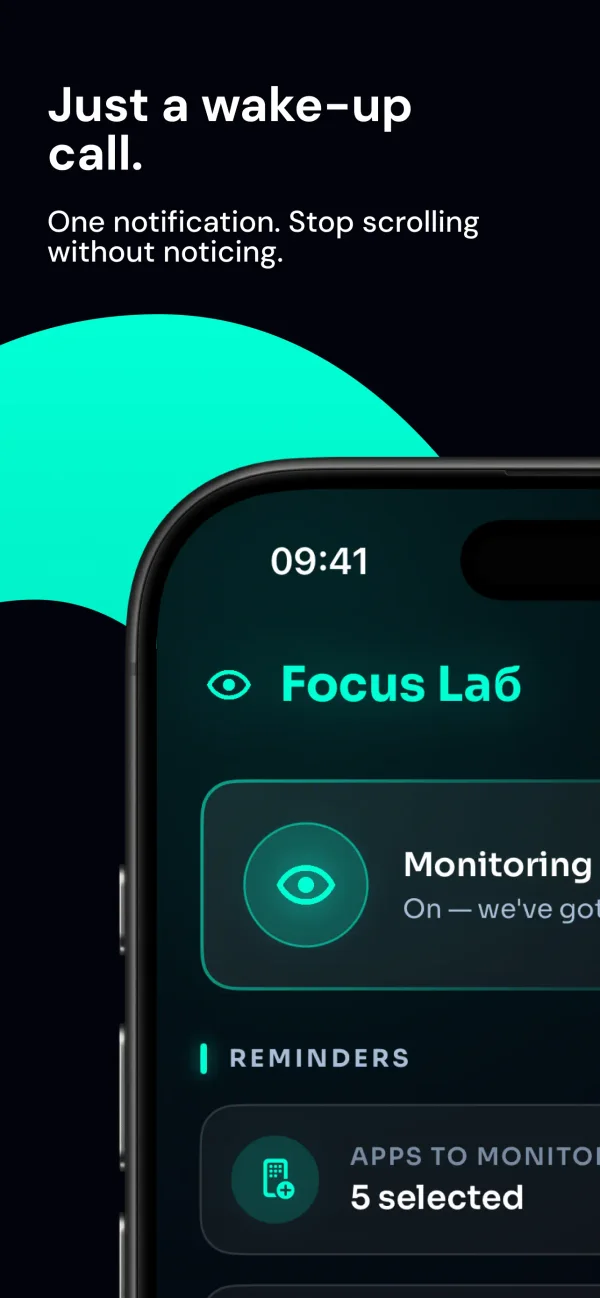
Pick the apps to monitor: Instagram, TikTok, YouTube, X, Reddit — whatever you want.
Set the reminder frequency: every 15 min on free, minute by minute on Pro.
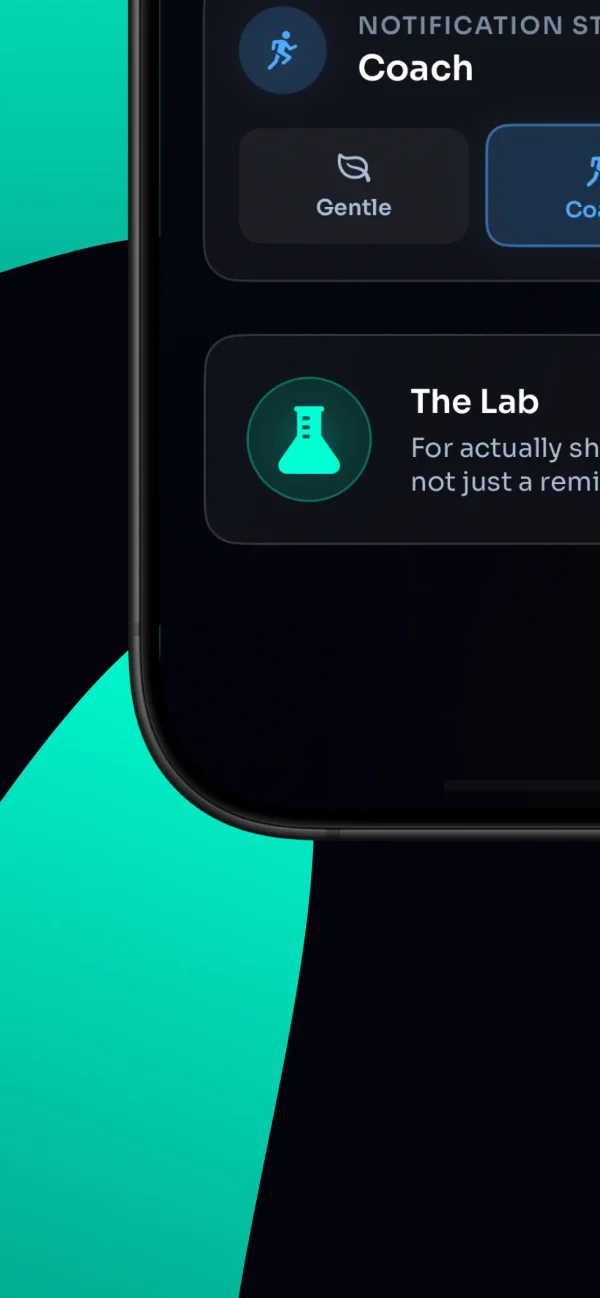
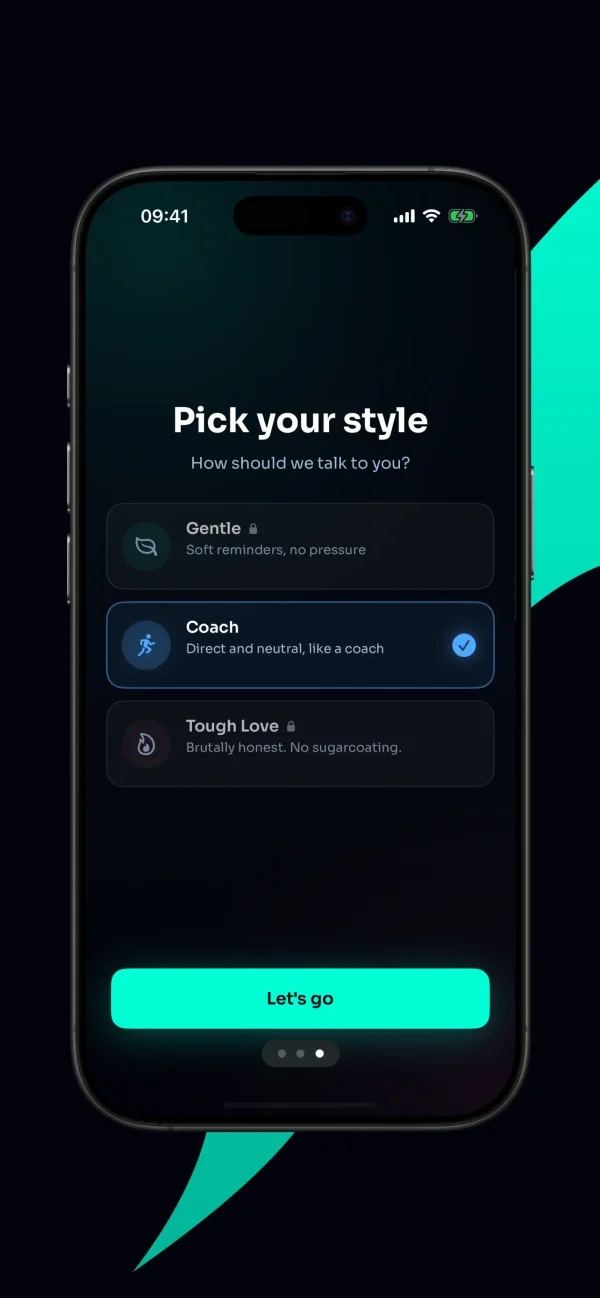
Choose the tone that hits: Gentle, Coach, or No Mercy. Focus Lab only shows up while you're using those apps. The rest of the time, it stays quiet.
THREE TONES, YOUR METHOD
Gentle: Kind, no judgment. "Quick check: 10 minutes in. Take a breath if you want — no rush."
Coach: Direct, factual, like a good trainer. "Heads up: 15 minutes gone. Was that part of the plan?"
No Mercy: Brutally honest, for the days you need a real wake-up call. "Seriously? 20 minutes wasted. Your future self is disappointed."
90 messages total, drawn at random. You'll never see the same one twice in a row.
WHY IT WORKS WHEN EVERYTHING ELSE FAILED
Blocking apps create frustration… you end up disabling them.
Stats apps come too late… you check the numbers at night, defeated, and do it all again tomorrow.
Focus Lab steps in at the exact moment your attention slips. Not before, not after. And leaves you free to keep going or not. No points to earn. No streak to maintain. No guilt. Just a mirror, placed at the right spot, at the right time.
FREE
— Reminders every 15 minutes
— Coach personality
— Unlimited apps
PRO — $1.99/month or $9.99/year. Lifetime access at $39.99.
— Custom interval, from 1 to 60 minutes
— All 3 personalities unlocked
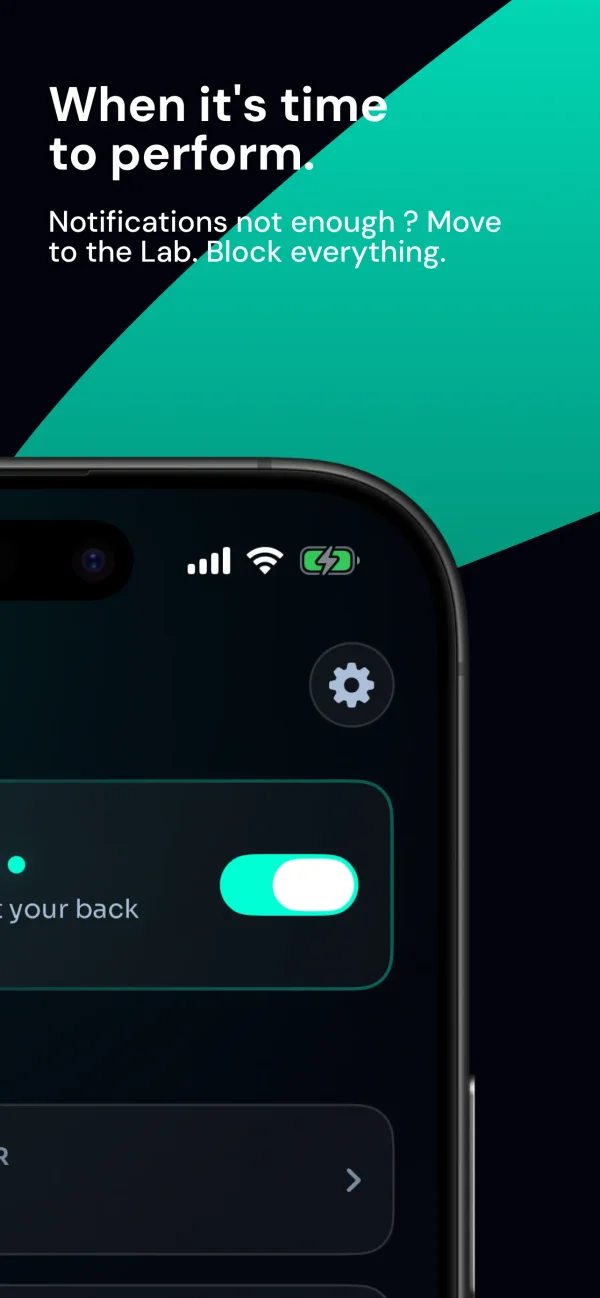
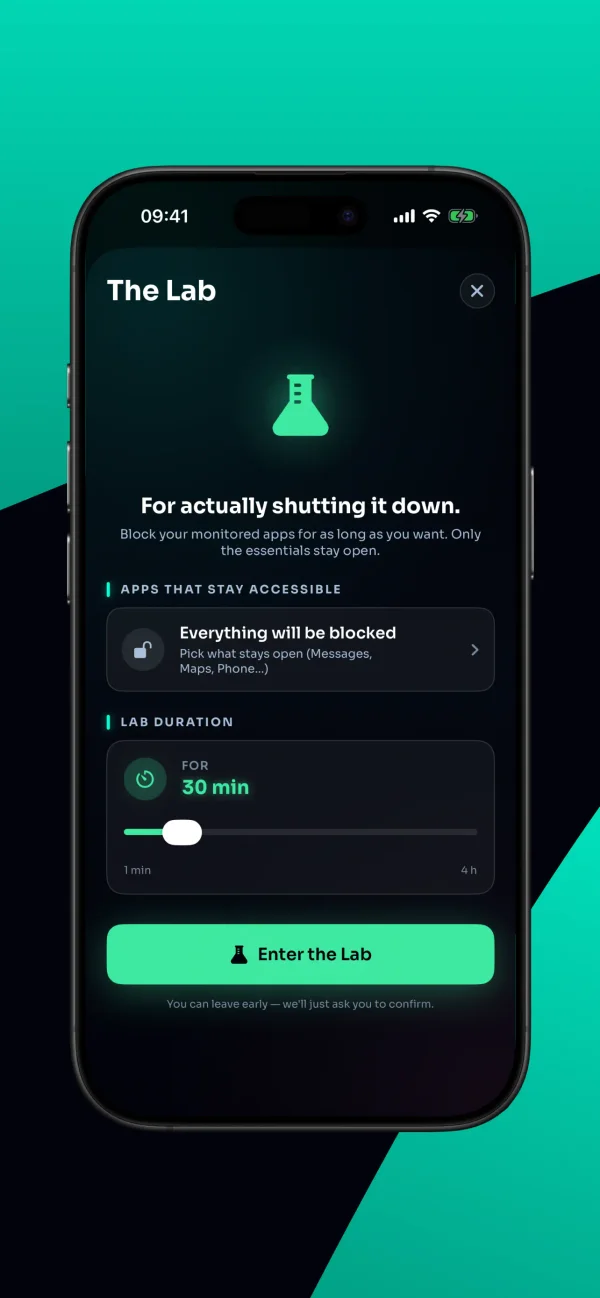
— Lab Mode: block the apps you choose, for as long as you need
— You're supporting an independent project
— Cancel anytime in Settings → Apple ID → Subscriptions
YOUR PRIVACY, UNTOUCHED
Everything stays on your iPhone. No data is sent anywhere. The apps you monitor remain anonymous — even to us — thanks to FamilyControls, Apple's official technology. No account. No tracking. No ads.
WHY WE BUILT THIS
Focus Lab is the app we wanted for ourselves.
———
Privacy Policy: https://usefocuslab.com/legal/confidentialite
Terms of Use: https://usefocuslab.com/legal/cgu
Auto-renews unless cancelled at least 24 hours before the end of the current period in Settings → Apple ID → Subscriptions.
新機能
バージョン 1.1.1 · 2026/6/13
A big update Focus Lab.
— Reminders are now cumulative throughout the day. No more "1 min" repeating — you see how much time you've actually spent on your apps since this morning.
— Notifications no longer stop mid-day. Before they'd cut out after 20 × the interval. That's fixed.
— The Lab is now a real commitment. Once you're in, there's no way out until the timer hits zero. No emergency exit. A dramatic animation marks the moment you lock in.
— The block lifts automatically, even if you close the app during a session.
— Plus dozens of background improvements: smarter permission handling, more reliable subscriptions, snappier performance, ~50 small bugs squashed.
Thanks to our early users — your feedback shaped this update.
アプリのプライバシー
このアプリのデータの取り扱いについて、Edouard DupuyがApp Storeで申告している内容です。
-
データの収集なし
開発元はこのアプリからデータを収集しません。
プライバシーの取り扱いは、ご利用の機能やお客様の年齢などに応じて異なる場合があります。
情報
- 販売元
- Edouard Dupuy
- カテゴリ
- 仕事効率化
- バージョン
- 1.1.1
- 更新日
- 2026/6/13
- リリース
- 2026/5/5
- サイズ
- 1.6 MB
- 必要条件
- iOS 16.0以降
- 対象年齢
- 4+
- 価格
- 無料
- アプリ内課金
- あり
- 言語
- 英語, フランス語
- 著作権
- © 2026 Edouard Dupuy
こちらもおすすめ
-
 StayTask Time Boxing: Timer時間管理・集中タイマー
-
 BSpace: スクリーンタイム管理スクリーンタイム • 1日の制限
-
 Last Time: Days Since Tracker仕事効率化
-
 Mind Map AI - MapThese仕事効率化
-
 MindFlow: AI Mind Map Maker仕事効率化
-
 スクリーンタイム管理・アプリ制限: ScreenFoxスマホ依存対策・デジタルデトックス・ご褒美で自分磨き
-
 MindMap - MindMapperアイデアを整理するためのマインドマップ
-
 Slowth: ショート動画をブロックスクロールを減らして、集中する時間を
-
 iKanbanリマインダーのカンバン
-
 WinGoPlan: 目標達成・プロジェクト管理 ・ やる気進捗が見えるタスク管理。締切、日々の予定、週間計画に対応