- 対象年齢17+
- カテゴリ開発ツール
- 開発元Terceseht LLC
- 言語英語
- サイズ23.7 MB
App Storeの公式ページにリンクしています
Download.orgはVibeGo – Mobile Code Editorのファイルを一切ホストしていません。ボタンを押すと、Terceseht LLCが公開しているApp Storeのアプリページが開きます。ページの最終確認:2026/11/27。
スクリーンショット

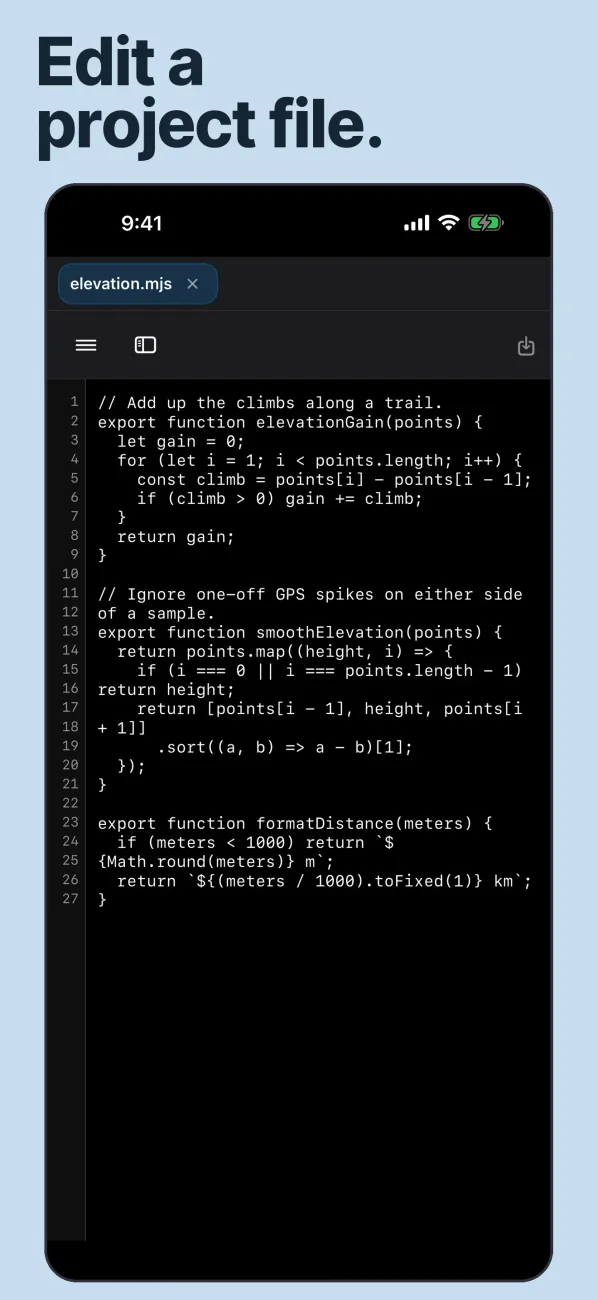
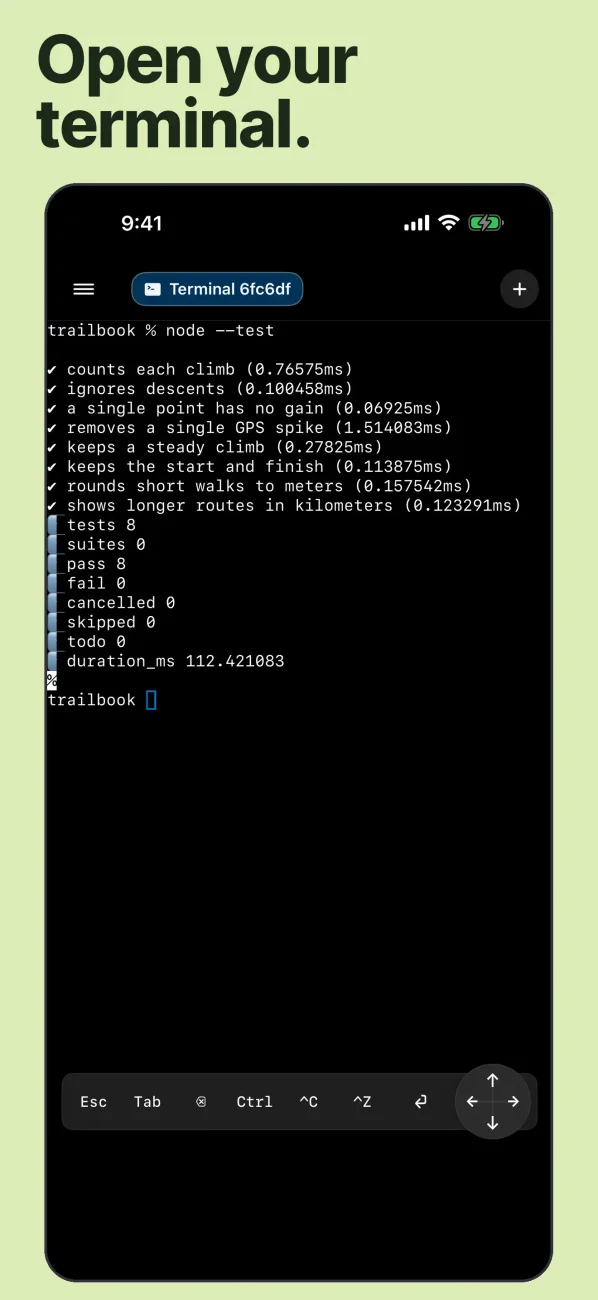
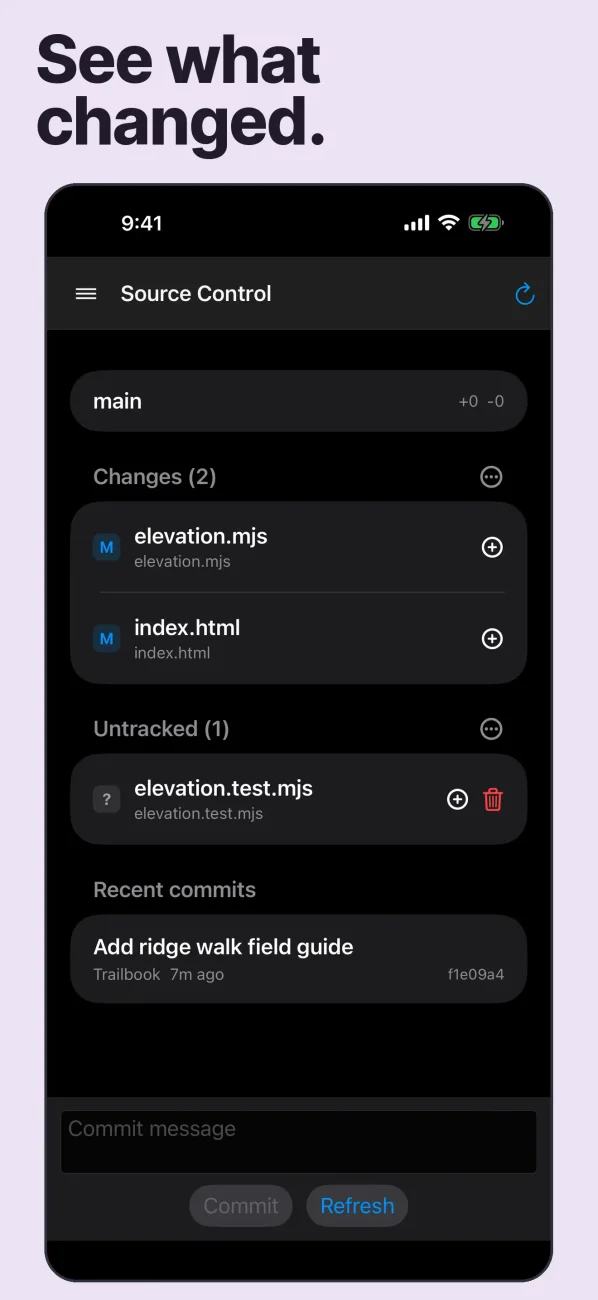
概要
開発元はこのテキストをお使いの言語で提供していません。
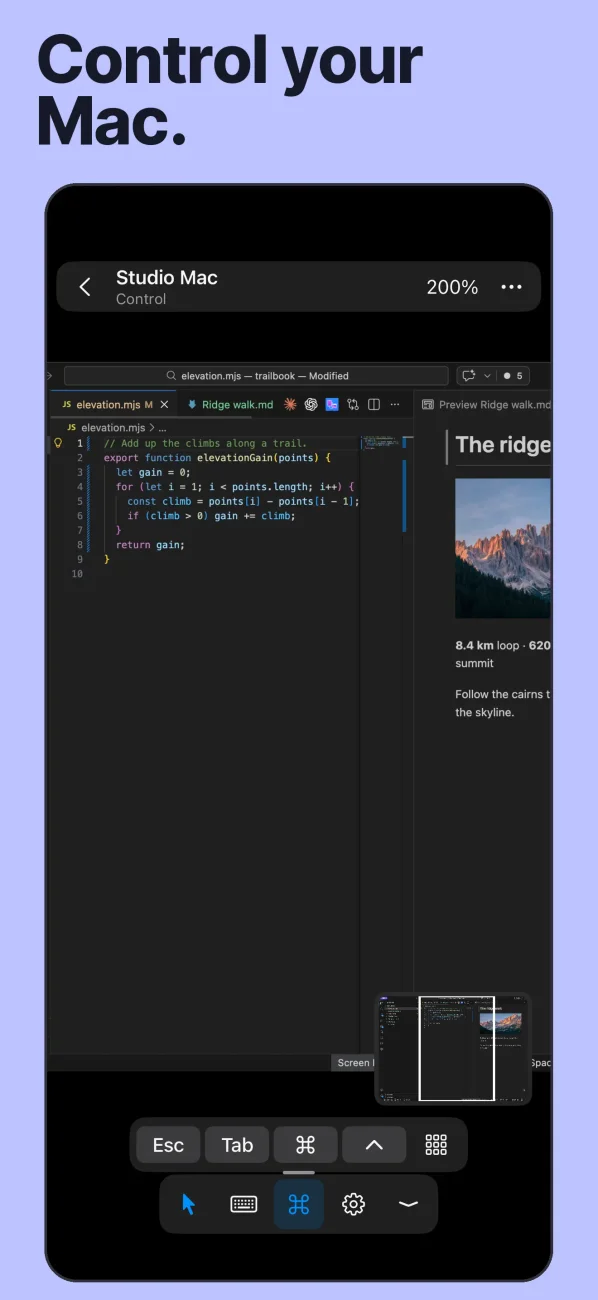
VibeGo brings your remote VS Code workspace to iPhone/iPad, with a layout designed for terminals, AI agents, and real coding on a smaller screen.
• Full VS Code when you need full fidelity
Open your real remote VS Code workspace on iOS—editor, terminal, file explorer—so you can do “actual dev,” not a watered-down viewer.
• Native iOS views for speed on mobile
Jump into native screens for the tasks that feel best on iPhone/iPad: quickly browsing files, reviewing output, and taking common actions with less scrolling and fewer taps. Then drop back into VS Code instantly when you need more functionality.
• Designed for AI agents in your terminal
Run AI copilots or agents in your remote VS Code CLI and drive them comfortably from your iPhone/iPad. The custom command bar gives you quick access to Ctrl‑C, Tab, Enter, arrow keys, right‑click and more, so you can issue commands and fix prompts without hunting for key combos.
• Hide the keyboard to reclaim screen space
Dock and hide the keyboard when you don’t need it so you can see more of your code, terminals and AI output. Bring it back with a tap when you’re ready to type.
• Voice dictation for code and commands
Use the dedicated dictation button to speak commands, prompts or small code edits instead of typing everything by hand. Dictation works especially well when you’re combining an AI agent with the command bar.
• Localhost and port‑forwarding support
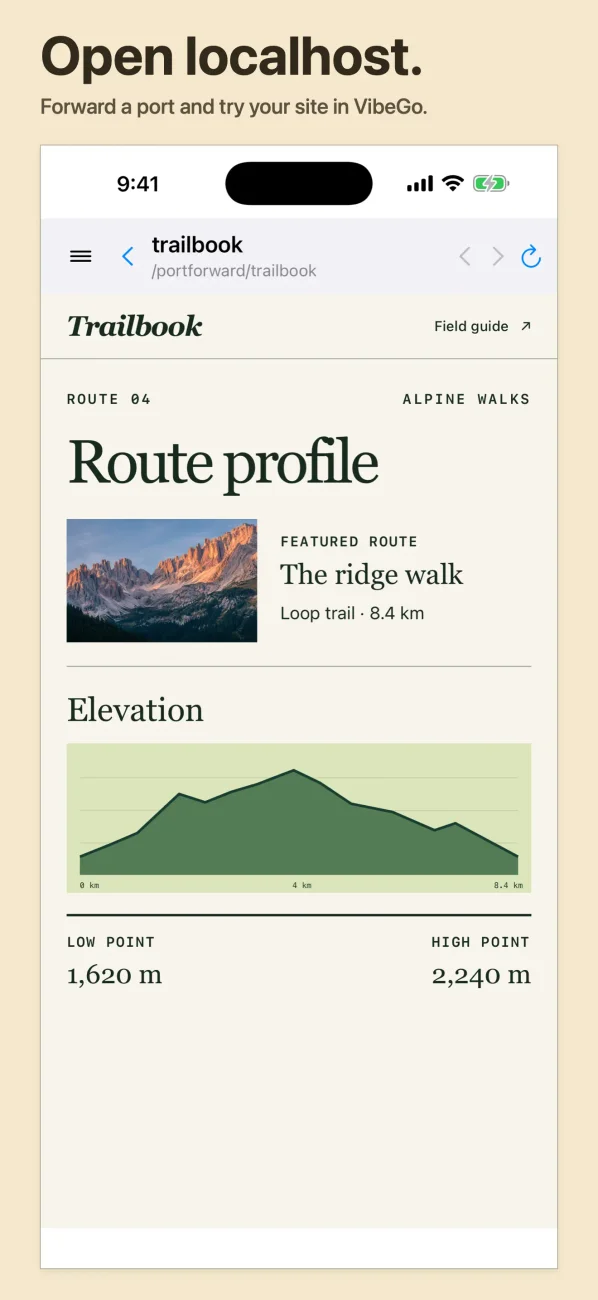
VibeGo allows you to forward localhost ports and open them from your phone. Test web apps, APIs and dashboards from anywhere, even when you’re off your home Wi‑Fi.
• Built for real projects, not just quick fixes
VibeGo is a companion for your desktop VS Code + remote environment. Pair your tunnel once, then reconnect in seconds from your iOS device whenever you need to check on a build, restart a service or collaborate with an AI agent in your terminal.
Subscription Details
VibeGo Premium (auto-renewable): includes 1 persistent tunnel that does not auto-expire while your VS Code desktop is running.
Length: 1 month.
Price: $14.99/month (U.S.); prices vary by region and are shown before purchase.
Billing: charged to your Apple ID; renews automatically until canceled in your Apple ID subscription settings.
Terms of Use (EULA): https://www.vibego.me/legal/terms
Privacy Policy: https://www.vibego.me/legal/privacy
新機能
バージョン 2.23 · 2026/11/25
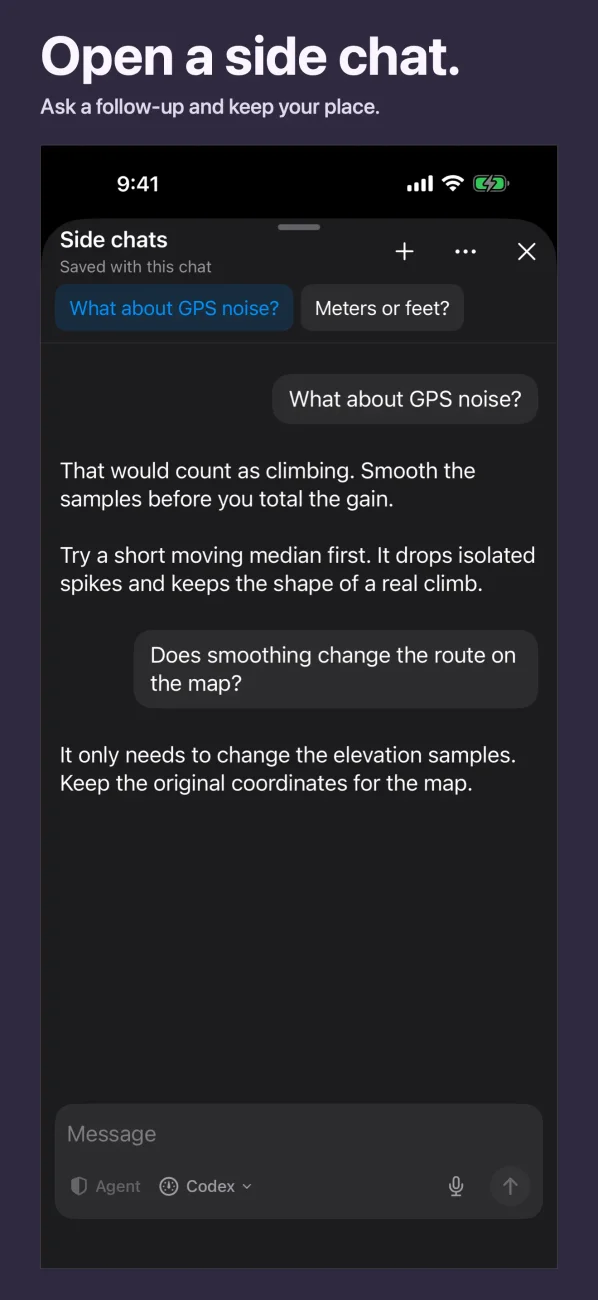
Open a chat or jump into VS Code straight from Sessions. Read code and Git diffs with syntax highlighting. The updated tour shows how to pair, use side chats, and open localhost previews on iPhone and iPad.
アプリのプライバシー
このアプリのデータの取り扱いについて、Terceseht LLCがApp Storeで申告している内容です。
-
ユーザーに関連付けられたデータ
収集され、ユーザーの識別情報に関連付けられる場合があります。
- 購入
- 連絡先情報
- ユーザーコンテンツ
- ID
- 診断
プライバシーの取り扱いは、ご利用の機能やお客様の年齢などに応じて異なる場合があります。
情報
- 販売元
- Terceseht LLC
- カテゴリ
- 開発ツール
- バージョン
- 2.23
- 更新日
- 2026/11/25
- リリース
- 2026/1/2
- サイズ
- 23.7 MB
- 必要条件
- iOS 18.0以降
- 対象年齢
- 17+
- 価格
- 無料
- アプリ内課金
- あり
- 言語
- 英語
- 著作権
- Copyright © 2025 Terceseht LLC
こちらもおすすめ
-
 CodeMote: Mobile Vibe Codingリモート: Claude, Codex, Cursor
-
 VYB: AI Workstation開発ツール
-
 MobileCLI開発ツール
-
 Web IDE - AI Code Editor開発ツール
-
 Combine - Code Editor & Git開発ツール
-
 Visual Claude: Vibe Code開発ツール
-
 Buffer Editor - Code Editor開発ツール
-
 Code - Editor Git and Terminal開発ツール
-
 Visual Code Editor - vCodeRun Node.js,Python,JS,C & more
-
 Mobile SSH Terminalサーバー用SSHクライアント