- 対象年齢4+
- カテゴリビジネス
- 開発元Diffraction Limited Design LLC
- 言語英語
- サイズ14.4 MB
App Storeの公式ページにリンクしています
Download.orgはVibration Proのファイルを一切ホストしていません。ボタンを押すと、Diffraction Limited Design LLCが公開しているApp Storeのアプリページが開きます。ページの最終確認:2026/11/12。
スクリーンショット


概要
開発元はこのテキストをお使いの言語で提供していません。
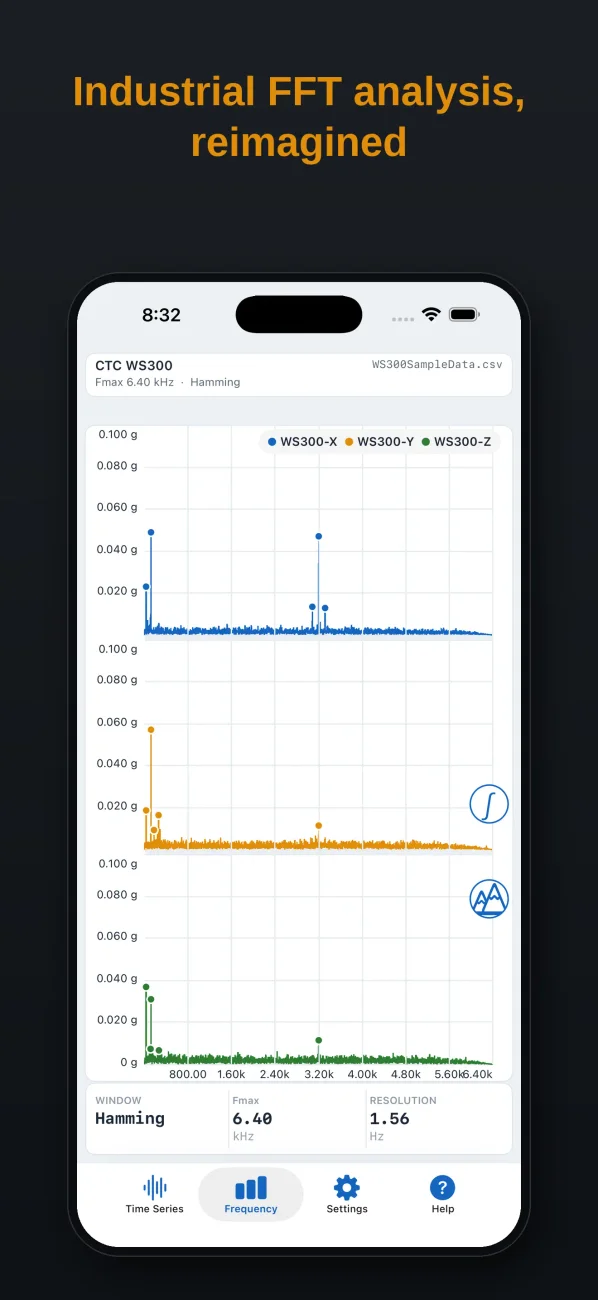
Vibration Pro turns your iPhone or iPad into a precision FFT vibration spectrum analyzer — a portable, professional-grade alternative to a benchtop analyzer for predictive maintenance, machinery diagnostics, and vibration research.
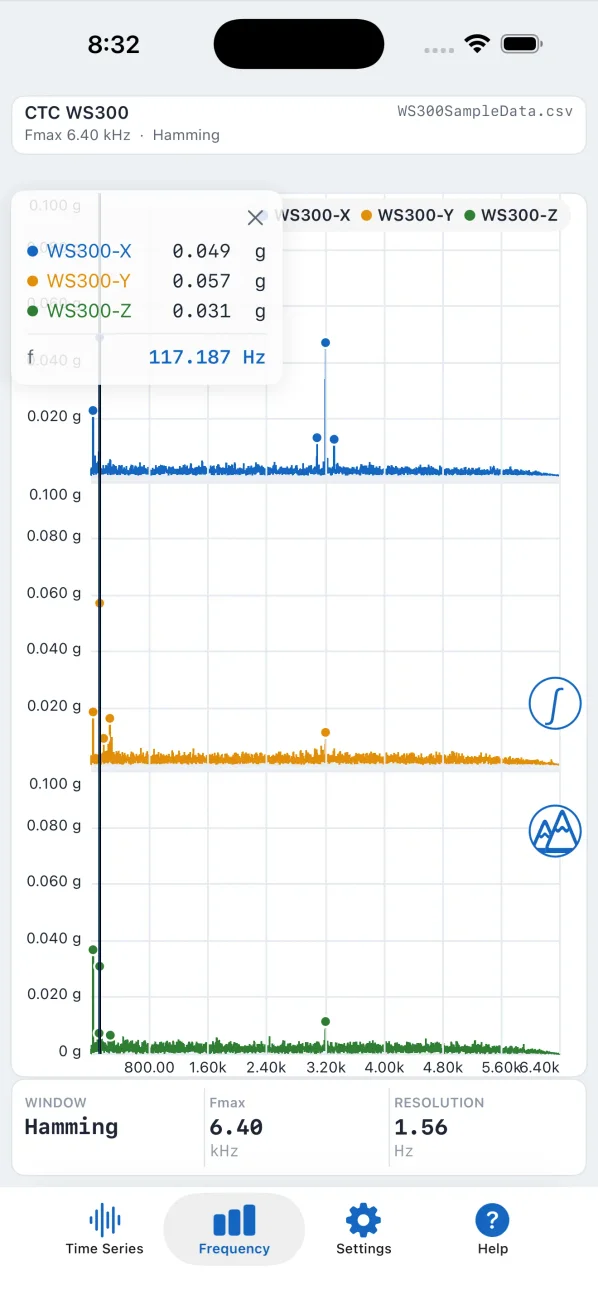
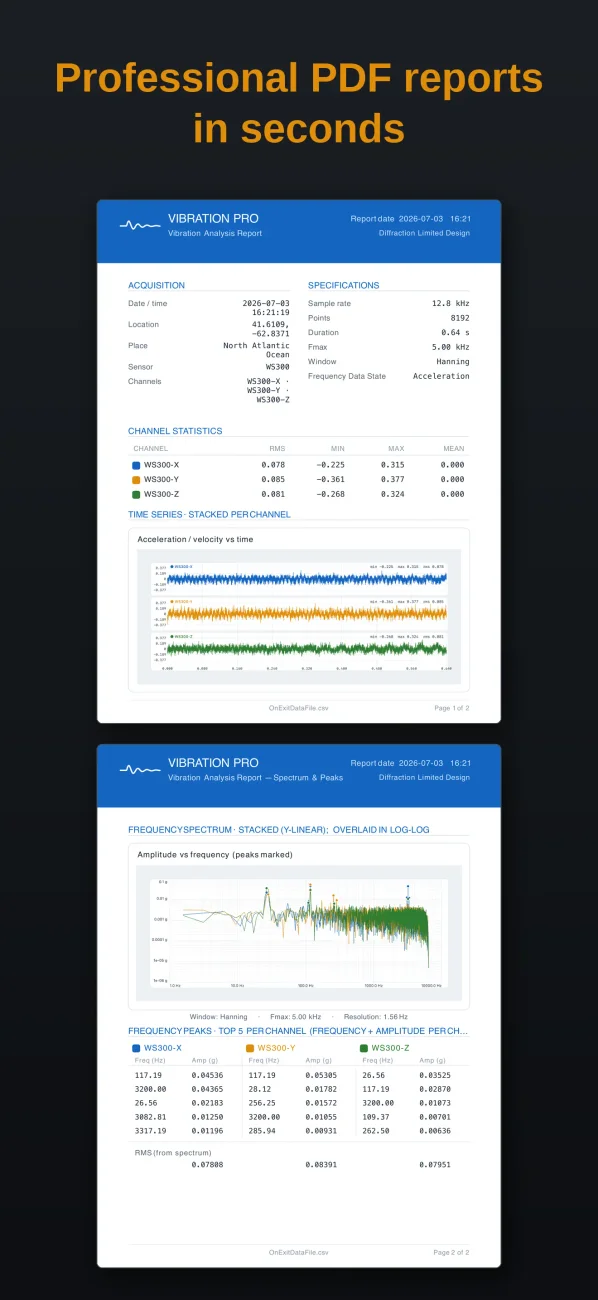
Version 5.00 is a complete visual redesign: a modern, color-coded interface built around the way vibration technicians actually work, with clean, uncluttered screens for every channel and setting, a drag-cursor readout for reading exact values on any plot, and a crisp new PDF report you can generate and share in seconds.
MEASURE FROM ANYWHERE
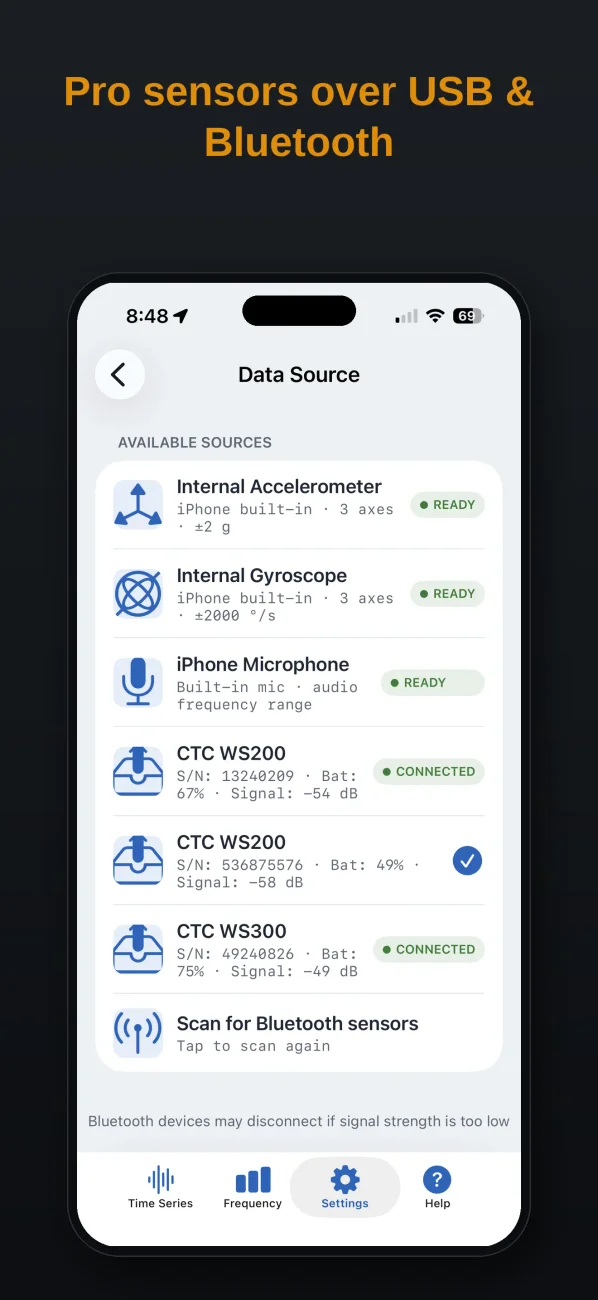
- Built-in 3-axis accelerometer and gyroscope — no extra hardware required
- Built-in microphone input for acoustic vibration analysis
- Full support for the Digiducer family of professional USB accelerometers (333D01, 333D04, 633A01, 435B39) and The Modal Shop 485B39 two-channel USB input module — mount the sensor on the machine instead of your phone or iPad, for a wider dynamic range and to keep your device off hot, dirty, or vibrating equipment
- CTC WS200 and WS300 Bluetooth wireless accelerometers
- Sabrent USB input/output dongle support
ANALYZE LIKE A BENCH-TOP SPECTRUM ANALYZER
- Time series and FFT frequency spectrum on every channel, with adjustable sample rate, sample length, and start delay
- Linear-Linear, Log-Log, Log-Linear, and Linear-Log frequency display modes
- Hamming, Hanning, and Flattop windowing
- Integrate and differentiate in the frequency domain (acceleration ↔ velocity ↔ displacement)
- RMS and peak levels per channel and combined
- Frequency averaging and peak hold
- Color-coded peaks list with the top 5 peaks per channel
- Tap-and-drag cursor readout in portrait or landscape, with magnetic snap to peaks
- Adjustable frequency alarm limits
BUILT FOR THE FIELD
- Trigger acquisitions from any channel or the microphone
- Auto-repeat and auto-save for long-duration monitoring
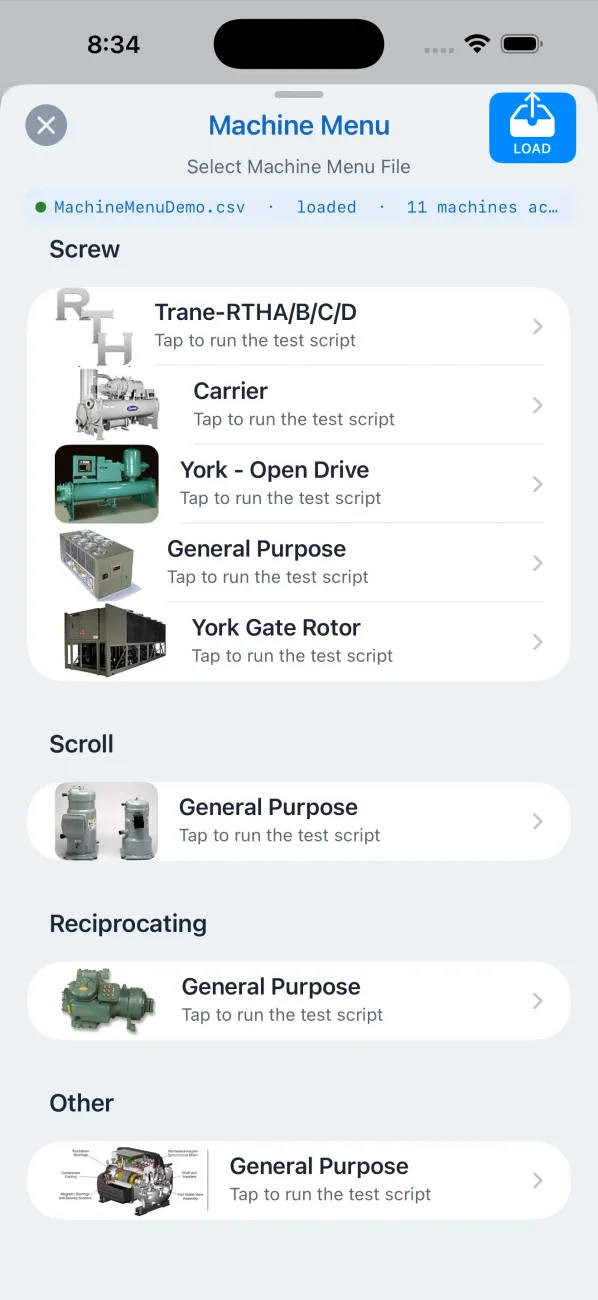
- Machine Menu — organize test scripts into a visual menu by machine
- Save and load complete instrument settings
- Full scripting language (subscription) to guide technicians step-by-step through repeatable, multi-point test procedures
- Apple Watch companion app to trigger and monitor acquisitions
DOCUMENT YOUR RESULTS
- New crisp PDF report — identical on iPhone and iPad — with time series and frequency plots, acquisition and sensor details, and a full peaks table
- Email data and reports directly from the app, or save locally and transfer with the Files app
- Open, non-proprietary format — captures save as plain CSV with full-precision time and frequency data, ready to reload in the app or analyze in Excel, MATLAB, or Python
- Automatic reverse-geocoded job location
In predictive maintenance applications, Vibration Pro helps identify bearing defects, shaft misalignment, imbalance, and structural resonant frequencies — and is equally useful for monitoring material handling and part-handling equipment, structural testing, and general machinery diagnostics.
Scripting is available through an auto-renewing monthly or annual subscription, which can be managed or canceled at any time in your App Store account settings.
新機能
バージョン 5.02 · 2026/10/1
- Pinch-to-zoom on the Time Series and Frequency plots now stays exactly where you zoom, and the status bars hide while zoomed. Double-tap zoom has been removed; use pinch to zoom in and out.
- The Frequency screen now shows the correct Fmax for CTC WS200 and WS300 sensors, and in rpm units.
- Signals that exceed the plot scale, including a large DC component on the Frequency plot, are now cut off at the edge of the plot.
- More reliable peak snapping for the Frequency cursor, and a single Time Series cursor line.
- Improved detection of Digiducer and Digital ICP USB sensors.
- The "Acquiring" indicator now clears when you cancel and appears immediately with Bluetooth sensors.
- The Apple Watch app has been rebuilt for the latest watchOS.
- Other bug fixes and updates for the latest iOS.
アプリのプライバシー
このアプリのデータの取り扱いについて、Diffraction Limited Design LLCがApp Storeで申告している内容です。
-
データの収集なし
開発元はこのアプリからデータを収集しません。
プライバシーの取り扱いは、ご利用の機能やお客様の年齢などに応じて異なる場合があります。
情報
- 販売元
- Bruce Truax
- カテゴリ
- ビジネス
- バージョン
- 5.02
- 更新日
- 2026/10/1
- リリース
- 2021/2/7
- サイズ
- 14.4 MB
- 必要条件
- iOS 17.6以降
- 対象年齢
- 4+
- 価格
- ¥8,000
- アプリ内課金
- あり
- 言語
- 英語
- 著作権
- © Diffraction Limited Design LLC