- 対象年齢4+
- カテゴリ開発ツール
- 開発元Holger Sebastiao
- 言語英語ほか20言語
- サイズ3.1 MB
App Storeの公式ページにリンクしています
Download.orgはVisuStructのファイルを一切ホストしていません。ボタンを押すと、Holger Sebastiaoが公開しているApp Storeのアプリページが開きます。ページの最終確認:2026/11/17。
スクリーンショット
概要
開発元はこのテキストをお使いの言語で提供していません。
Think in Structures. Understand Algorithms. Write Better Code.
VisuStruct makes programming logic visible.
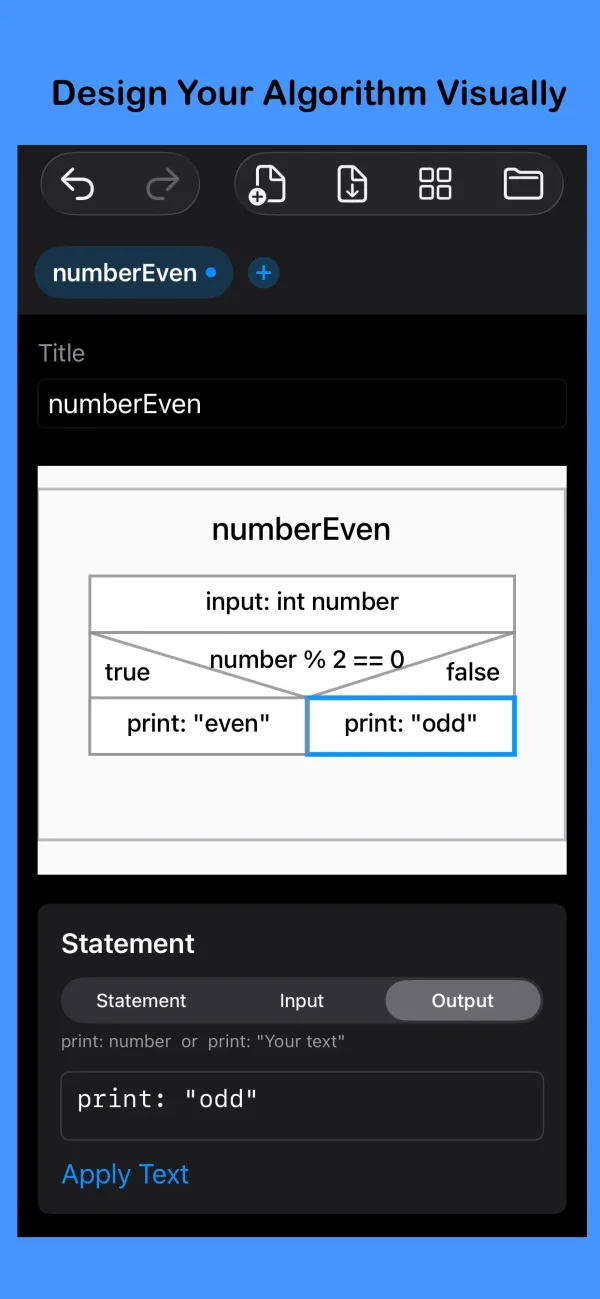
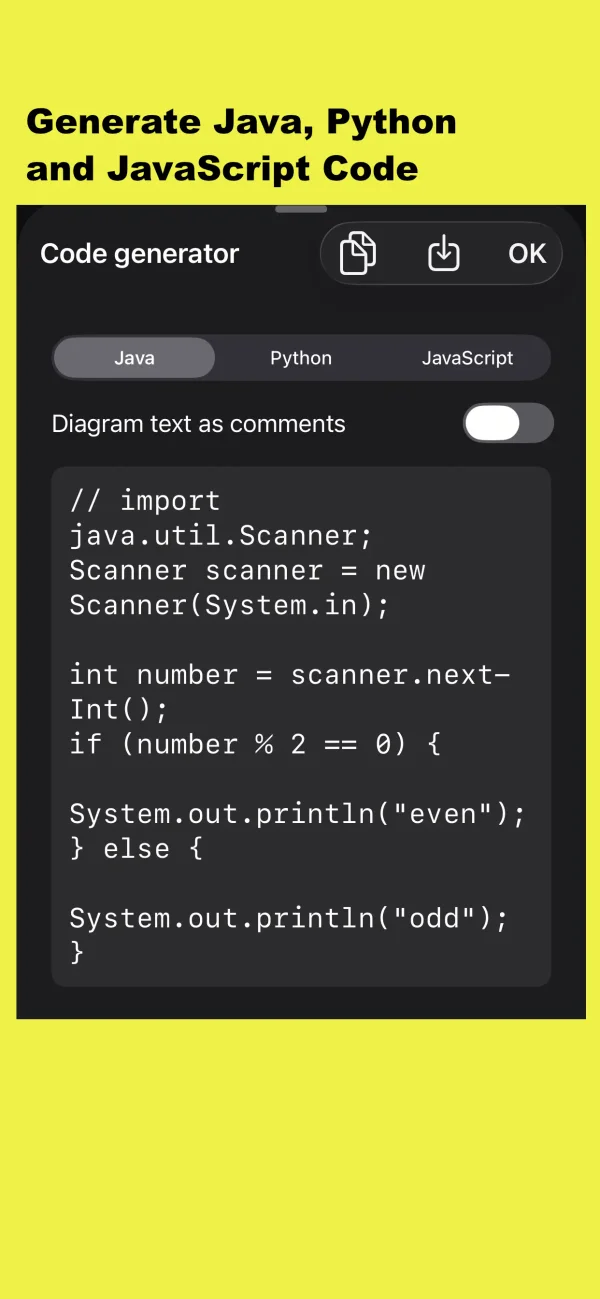
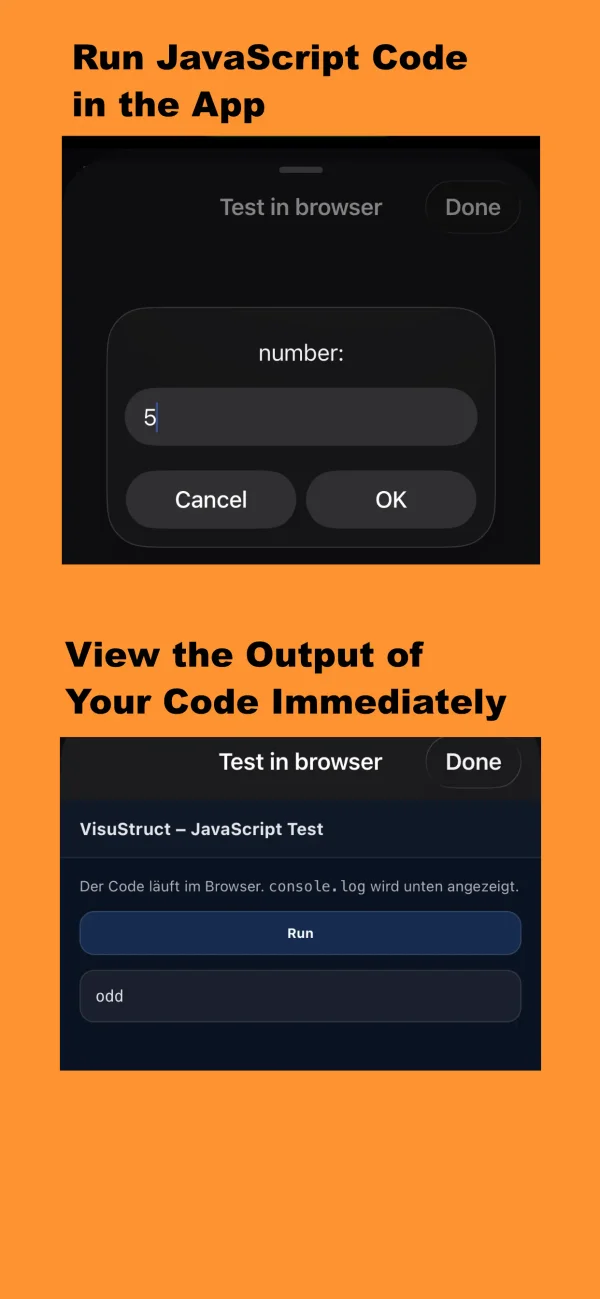
Design algorithms visually using Nassi-Shneiderman diagrams, run them step by step with the built-in simulator, and turn your structures into real code — without getting lost in syntax.
Whether you are learning programming, teaching computer science, or explaining algorithms, VisuStruct helps you focus on what really matters: understanding how a program works.
Visualize. Simulate. Understand. Program.
Why VisuStruct?
• Build algorithms visually with an intuitive editor
• Create Nassi-Shneiderman diagrams quickly and clearly
• Execute algorithms step by step — like a visual debugger
• See exactly how your algorithm flows
• Generate code automatically
• Learn programming logic before worrying about syntax
• Perfect for students, teachers, and programming beginners
From your first algorithm to more complex control structures, VisuStruct bridges the gap between **thinking about a solution and writing code**.
Stop guessing what your program does. See it.
新機能
バージョン 1.6.1 · 2026/10/23
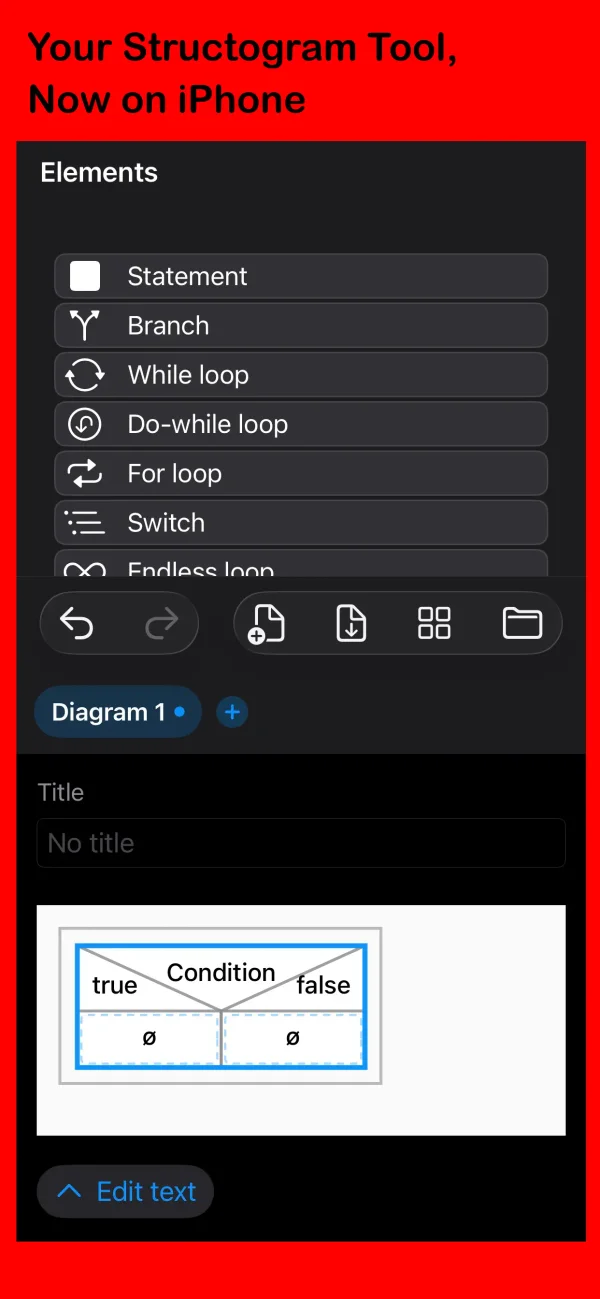
VisuStruct now feels right at home on iPhone!
• Much more room for your structogram: the title takes just one line, and the inspector stays tucked away until you need it.
• Elements at your fingertip: tap where you want to insert, and the element list opens right there.
• Tap an element to edit its text right away.
• No more surprise keyboard when you open a file.
Also new:
• Smarter simulation: conditions understand text comparisons, parentheses and "not" (!), integer division works like in Java, and Exit and Call blocks now run. After an error, the simulation stops right at the block that caused it.
• Code export turns nested branches into "else if" (Python: "elif").
アプリのプライバシー
このアプリのデータの取り扱いについて、Holger SebastiaoがApp Storeで申告している内容です。
-
データの収集なし
開発元はこのアプリからデータを収集しません。
プライバシーの取り扱いは、ご利用の機能やお客様の年齢などに応じて異なる場合があります。
情報
- 販売元
- Holger Sebastiao
- カテゴリ
- 開発ツール
- バージョン
- 1.6.1
- 更新日
- 2026/10/23
- リリース
- 2026/4/13
- サイズ
- 3.1 MB
- 必要条件
- iOS 17.0以降
- 対象年齢
- 4+
- 価格
- 無料
- 言語
- 英語, アラビア語, デンマーク語, オランダ語, フランス語, ドイツ語, ギリシャ語, ヘブライ, イタリア語, 日本語, 韓国語, ノルウェー語 (ブークモール) ほか9言語
- 著作権
- © Holger Sebastiao