
- 対象年齢4+
- カテゴリユーティリティ
- 開発元Dayana Networks Ltd
- 言語英語
- サイズ128.9 MB
App Storeの公式ページにリンクしています
Download.orgはVoice Record Proのファイルを一切ホストしていません。ボタンを押すと、Dayana Networks Ltdが公開しているApp Storeのアプリページが開きます。ページの最終確認:2026/11/23。
スクリーンショット

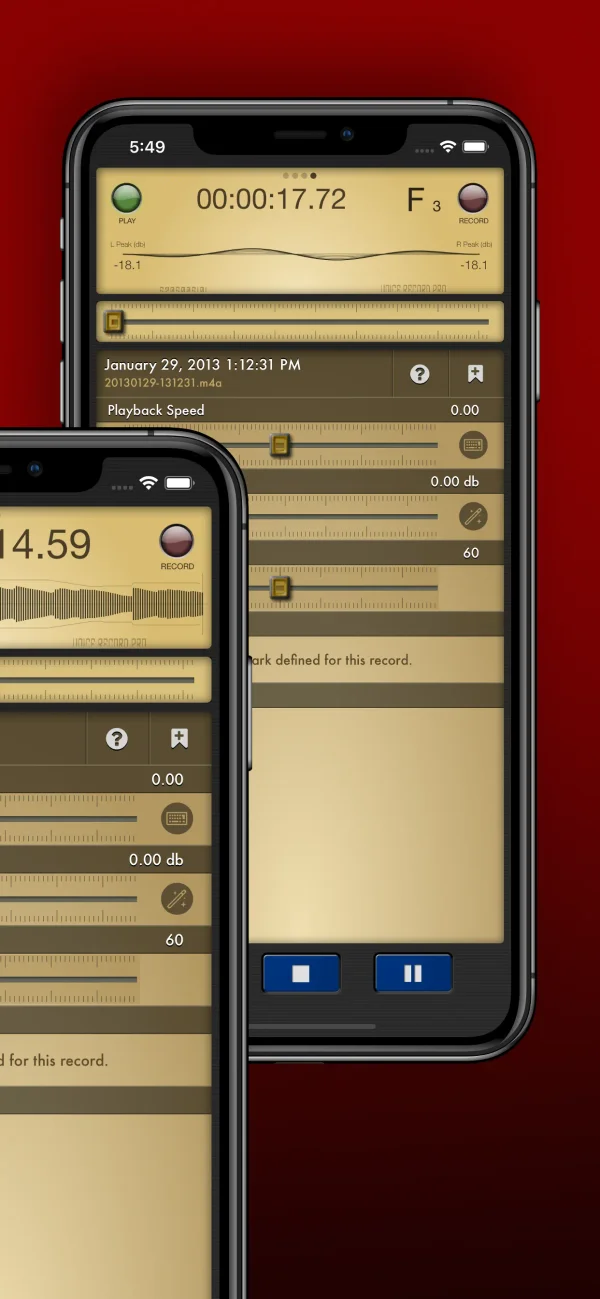

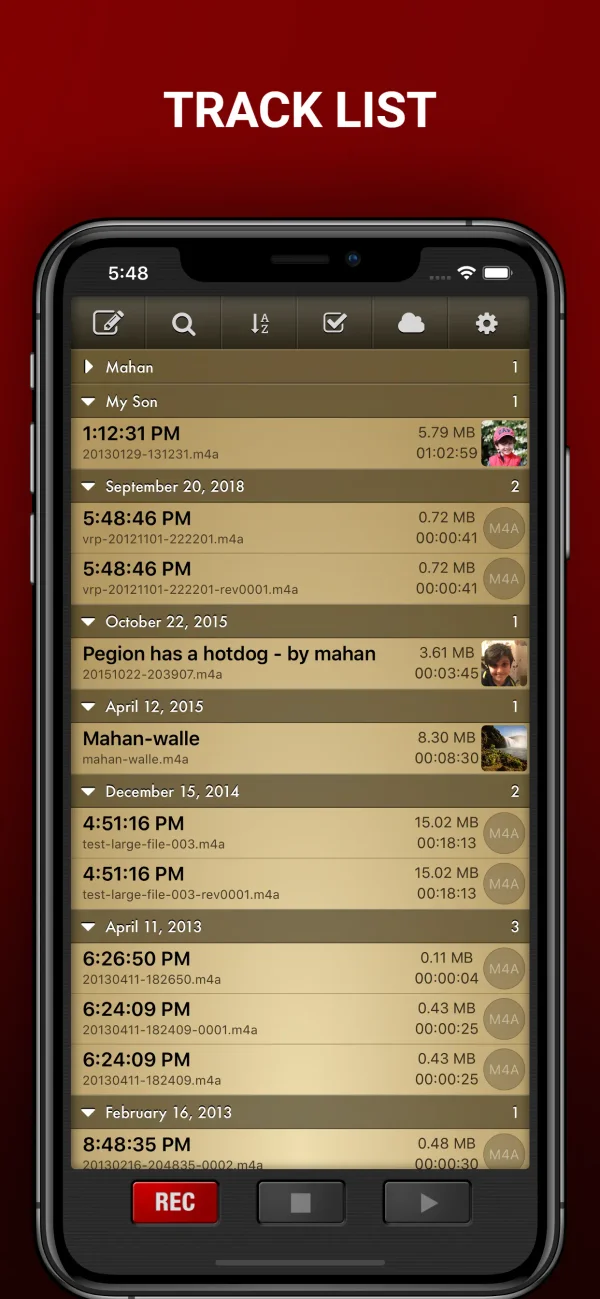
概要
開発元はこのテキストをお使いの言語で提供していません。
Professional Voice Recorder for iPhone, iPad and iWatch! No limitation, Completely FREE!
Voice Record Pro is a professional voice recorder. It allows you to record voice memos and on-site sounds at unlimited length with configurable quality.
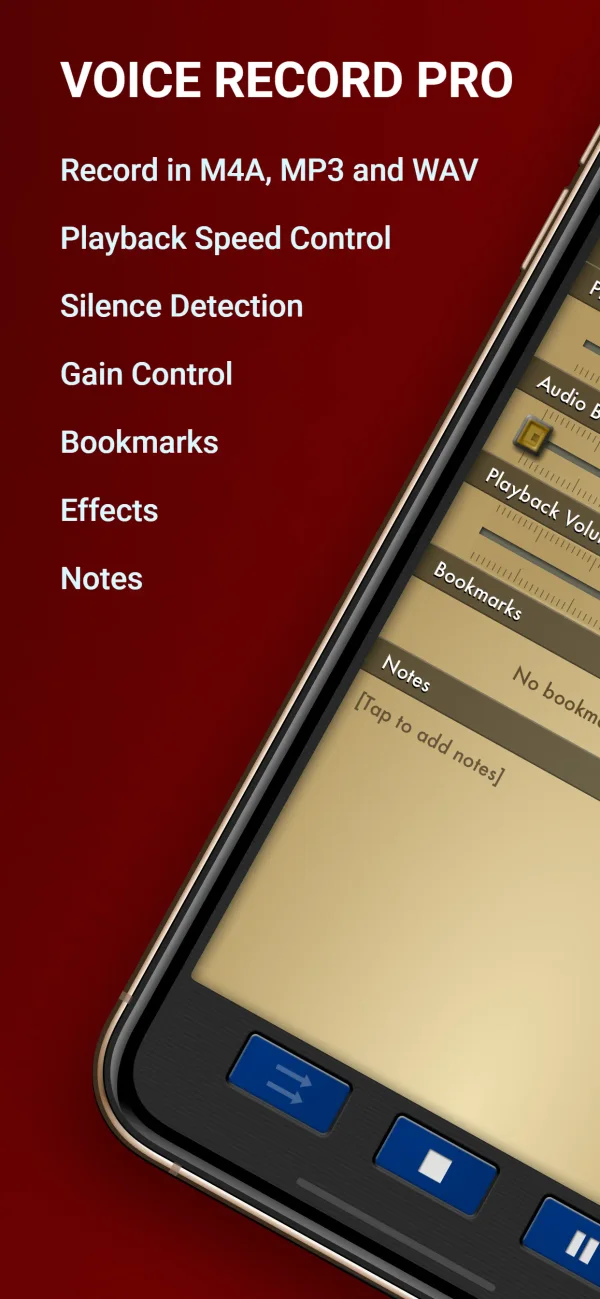
Voice Record Pro can record directly in MP4 (AAC), MP3 (MPEG) and WAV (PCM) formats plus convert function for all supported formats.
None of the features are limited by in-app purchase, they are all free and without limitation. in-app purchase can be used to remove the bottom advertisement from the app.
RECORDING:
- Unlimited recording, the only limit is your device free space.
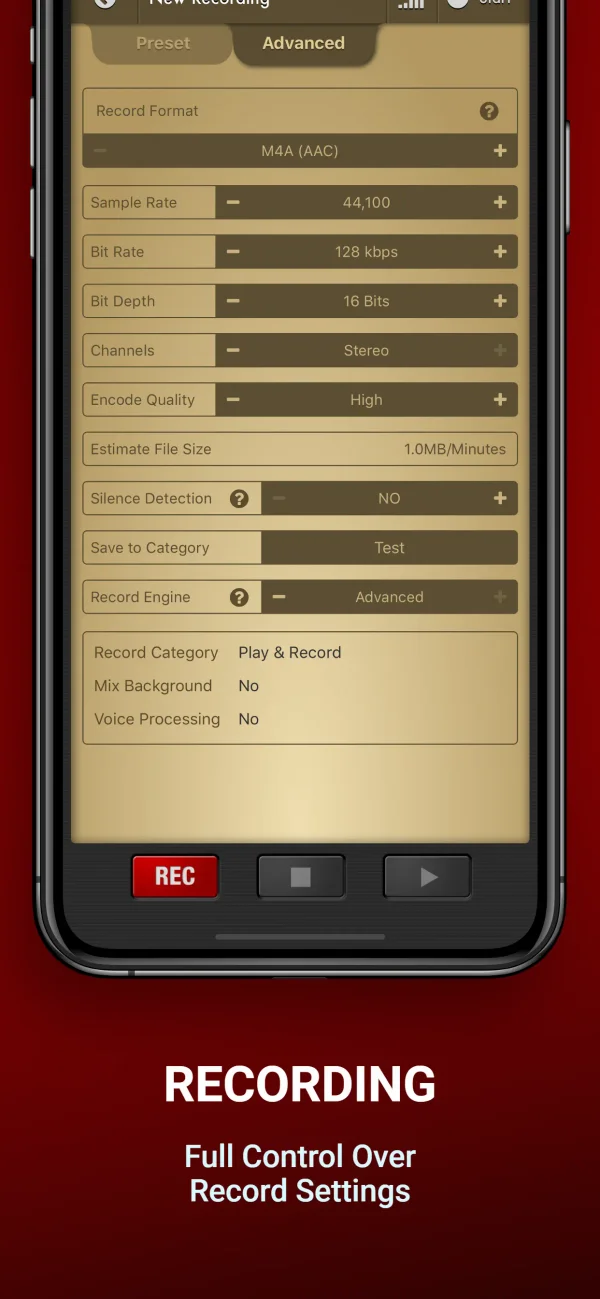
- Record audio in M4A/AAC format, you can choose the exact quality of the record including bitrate, sample rate, bit depth, number of audio channels and encode quality.
- Record audio in MP3 format, in addition to sample rate, bitrate, bit depth and number of channels you can also set to record MP# in VBR (Variable Bit Rate) or CBR (Constant Bit Rate).
- Record audio in WAV/PCM format, sample rate, bit depth and number of channels can be configured.
- All formats can be set to record audio in silence detection mode, which will only record audio if detected (record level is configurable)
- Ability to enable/disable iOS Voice Processing and mix with background sounds.
- Ability to record in stereo format on supported devices.
- Apply effects while recording
- Add bookmarks during record session
PLAYBACK:
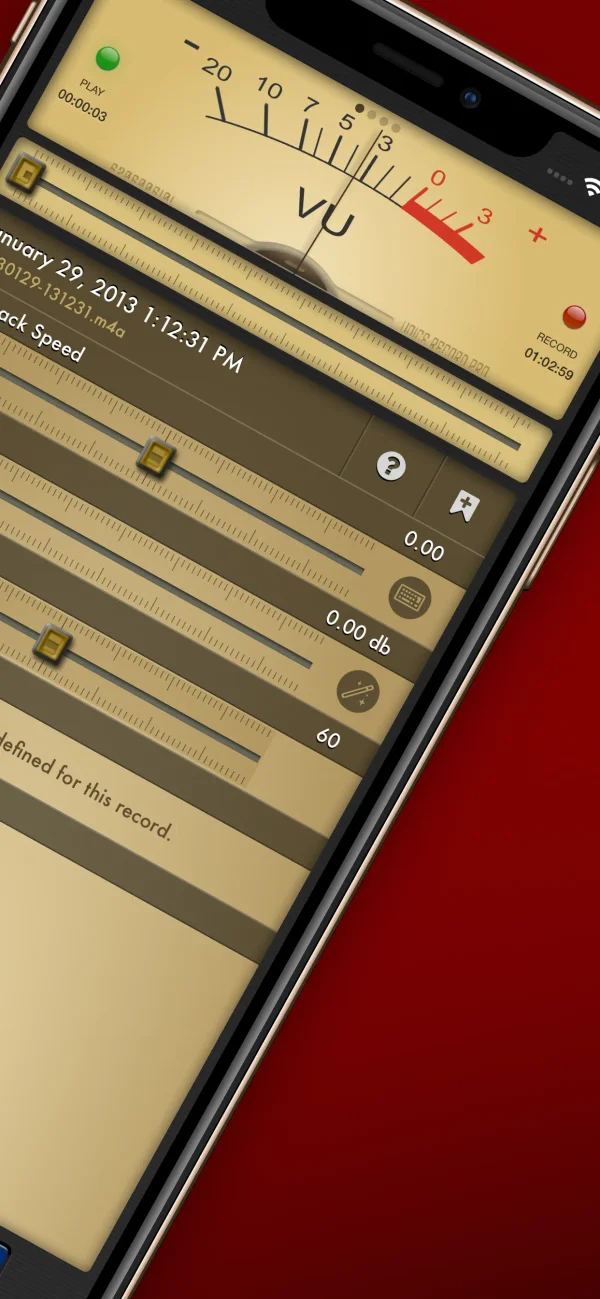
- Change playback speed
- Boost audio volume
- Change playback volume and divert into connected devices (AirPlay)
- Jump to previously defined bookmarks and add new ones
- Read and edit notes
- Swipe gestures to short and long jump forward and backward, amount of jump is configurable
- Swipe gestures to previous and next track
- Loop playback on single record or play multiple records in sequence
STORAGE & EXPORT:
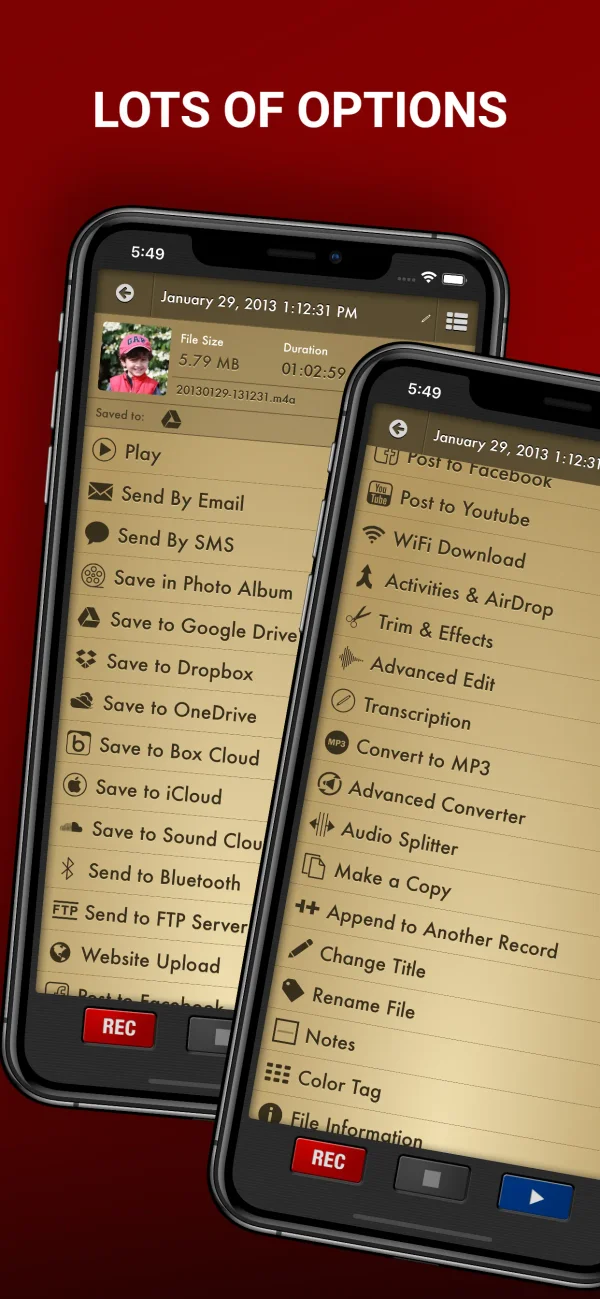
- Export to and import from Google Drive™, DropBox, Microsoft® OneDrive (personal and business), Box Cloud, iCloud Drive, Amazon S3
- Export to SoundCloud and Custom FTP server
- Post to Any Web base Script
- Import from device Music Library
- Sync records with other nearby devices running this app
- Send to other devices via Bluetooth
- Download directly to PC using built-in web server via local WiFi connection
- Upload from PC using WiFi connection
- WebDav support using WiFi service
- Convert to a movie clip and export to Photo Albums
- Post as a Movie Clip on YouTube
- Export to other apps on your device that can handle the audio file
- Import from other apps
- Send Audio or Movie by email
- Send Audio or Movie by SMS/iMessage
MODIFICATION:
- Add notes to records
- Add photo to records
- Add bookmarks to records
- Simple trim and Advanced trim functions
- Modify ID3v2 tags
- Append a record to another record
- Split audio files into separate files based on equal parts, file size or bookmarks
- Join multiple audio records into one
- Apply effects while recording
- Apply effects to the recorded or imported file including:
- Echo
- Volume/Gain
- Pitch & Speed
- Reverb
- Distortion
- 3/6/10 Band Equalizer
- Add reminder alarm for each record
- Color tag audio files
- Convert M4A to and from MP3 to and from WAV
GENERAL:
- Protect the app with a passcode
- Create custom movie templates
- Built-in WiFi http server
- Custom categories for better organizing
- Customized swipe to right gestures on each record
- Multiple sort options and deep customization of track lists
and much more. Enjoy.
EULA: https://www.apple.com/legal/internet-services/itunes/dev/stdeula/
新機能
バージョン 4.2.0 · 2026/11/18
- Update for iOS 27
- Added support of setting the app as default player for audio files.
- Fixed a bug causing the app to crash when trying to play a record that has been deleted from the device but still exists in the app's library.
- Now in advance record tab, you can select the input source for recording, including built-in microphone, headset microphone, and external audio interfaces.
- Improved stereo recording
- Fixed a bug causing bookmarks to not be editable on iOS 27
- Premium version is now available through monthly or yearly subscription.
- Switched to a more modern FTP client
- Watch app now support manual transfer of the recorded file from watch to phone.
アプリのプライバシー
このアプリのデータの取り扱いについて、Dayana Networks LtdがApp Storeで申告している内容です。
-
ユーザーのトラッキングに使用されるデータ
他社のアプリやウェブサイトを横断してユーザーをトラッキングする目的で使用される場合があります。
- 使用状況データ
-
ユーザーに関連付けられないデータ
収集される場合がありますが、ユーザーの識別情報には関連付けられません。
- ID
- 使用状況データ
- 診断
プライバシーの取り扱いは、ご利用の機能やお客様の年齢などに応じて異なる場合があります。
情報
- 販売元
- Dayana Networks Ltd
- カテゴリ
- ユーティリティ
- バージョン
- 4.2.0
- 更新日
- 2026/11/18
- リリース
- 2012/9/13
- サイズ
- 128.9 MB
- 必要条件
- iOS 17.6以降
- 対象年齢
- 4+
- 価格
- 無料
- アプリ内課金
- あり
- 言語
- 英語
- 著作権
- © Dayana Networks Ltd.
こちらもおすすめ
-
 ボイスレコーダー (Voice Recorder)Record, Dictate & Transcribe
-
 ボイス レコーダー - Vozボイスレコーダー & オーディオエディタ
-
 ボイスレコーダー - 録音アプリ & ボイスメモVoice Recorder Pro
-
 ボイスレコーダー - 録音 ボイスメモオーディオレコーダ, オーディオエディタ
-
 iRecord-自動文字起こし・日本語の音声をテキスト変換音声入力で議事録作成・録音機・会議の録音・ボイスレコーダー
-
 Recorder for iPhoneユーティリティ
-
 レコーダー プラスVoice Recorder & Audio Editor
-
 AI Summary - Meeting Notesユーティリティ
-
 Hear Boost: 補聴器・集音器音声増幅・録音・リアルタイム聴取
-
 Noise Reducer - audio enhancerユーティリティ