
- 対象年齢9+
- カテゴリソーシャルネットワーキング
- 開発元Jaypalsinh Jadeja
- 言語英語
- サイズ27.9 MB
App Storeの公式ページにリンクしています
Download.orgはWA Chat Backup & Readerのファイルを一切ホストしていません。ボタンを押すと、Jaypalsinh Jadejaが公開しているApp Storeのアプリページが開きます。ページの最終確認:2026/11/12。
スクリーンショット
概要
開発元はこのテキストをお使いの言語で提供していません。
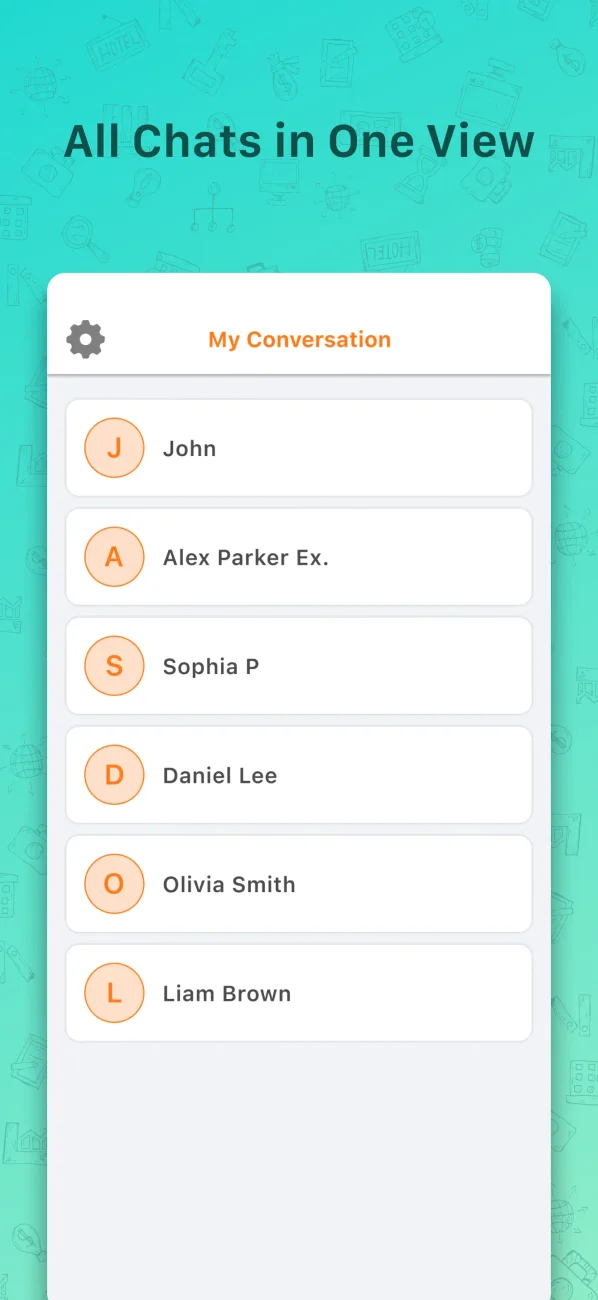
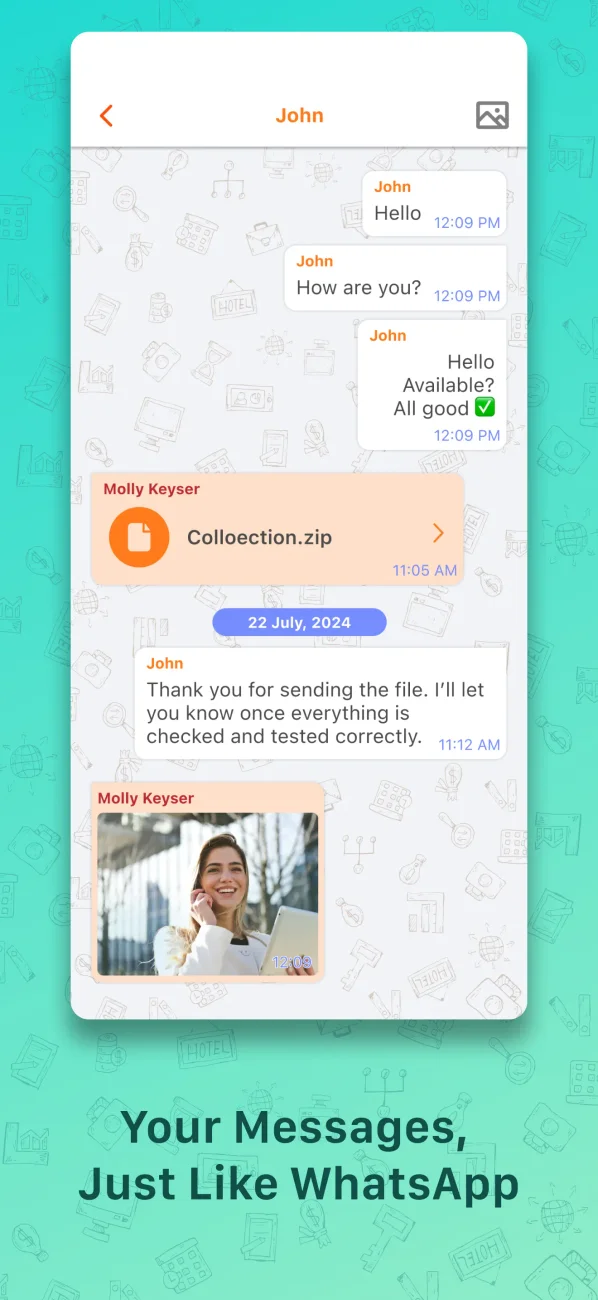
Wa Chat Backup & Reader is the ultimate solution for saving and accessing your Wa chats. Easily back up your conversations, photos, videos, and documents, and view them anytime — even after they’ve been deleted from WA. The app offers a seamless chat reading experience that mirrors the original WA format, keeping your chat history easily accessible and well organized with best format.
With robust security features like passcode, and Face ID, your backups are fully protected. Whether you're switching devices or simply want to ensure you never lose an important message, WA Chat Backup & Reader has you covered.
Key Features:
Backup WA Chats:
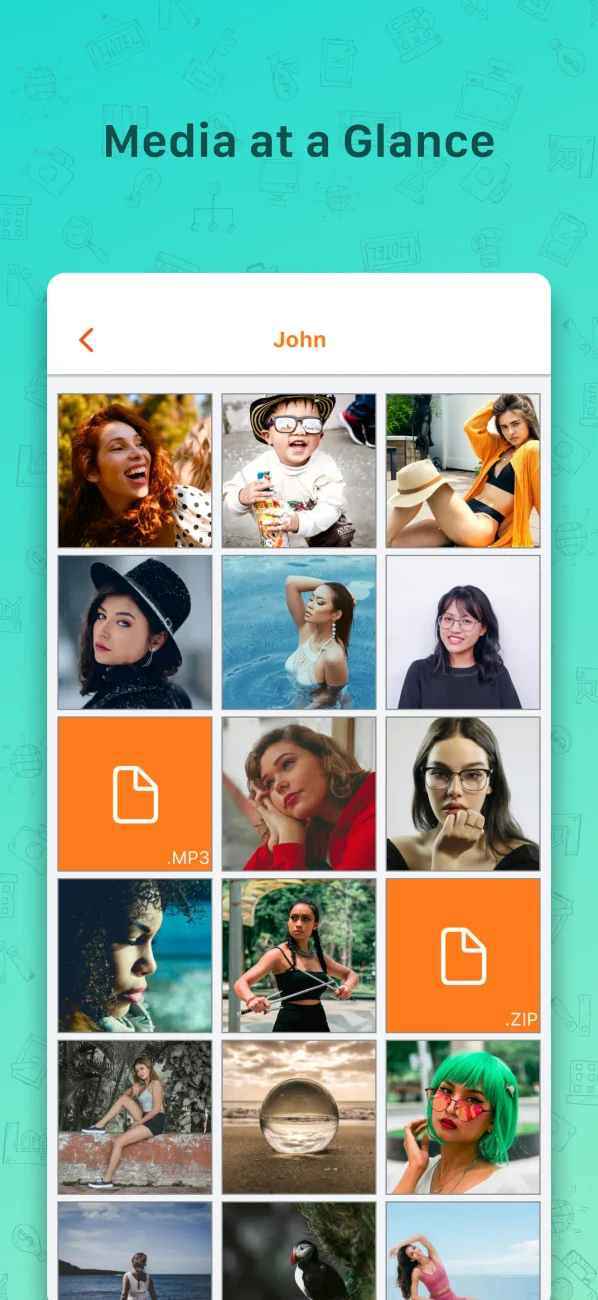
- Securely store conversations, media, and documents.
Access Deleted Messages:
- Access chats that have been deleted from Wa App.
Private & Secure:
- Lock backups with passcode, Touch ID, or Face ID.
Offline Access:
- All your chats and backups are stored directly on your device, meaning no internet is required to view them. You can access your chats anytime, even without a data connection.
Search & Organize:
- Easily find chats and messages using the built-in search tool.
WA-Like Interface:
- View your chats in a familiar format with timestamps.
Easy to use:
- Simple steps to use the app
How it'll work?
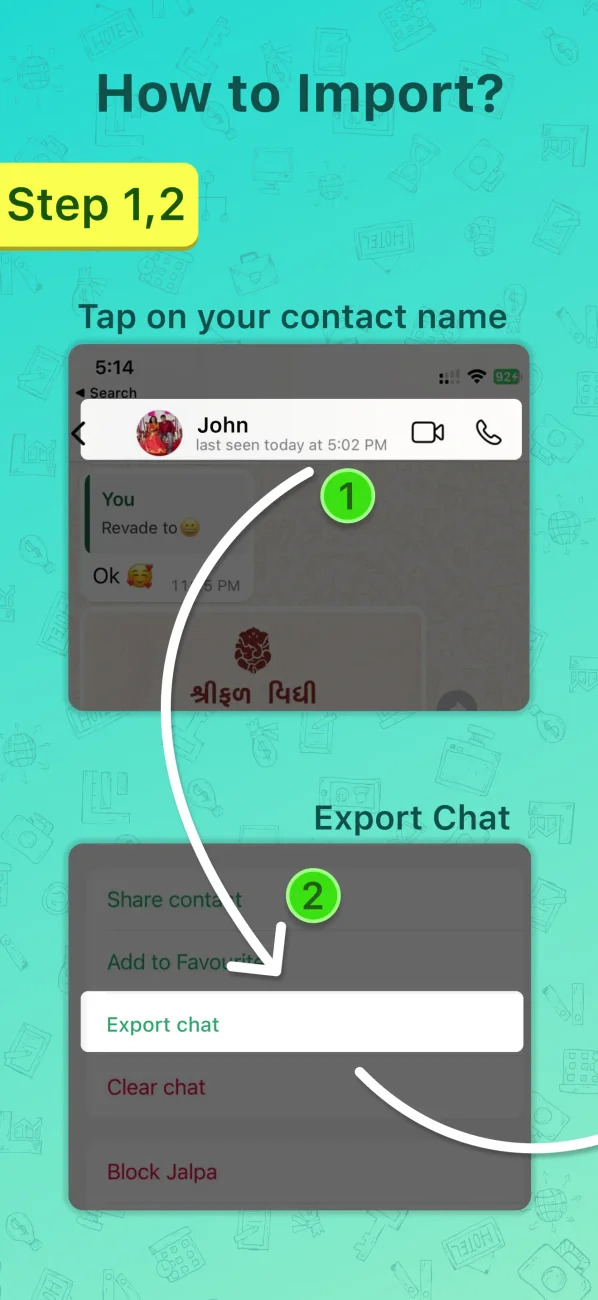
1. Open WAs App on your device.
2. Select any chat that you want to back up.
3. Tap the name at the top of the chat screen.
4. Scroll down and tap on 'Export Chat'.
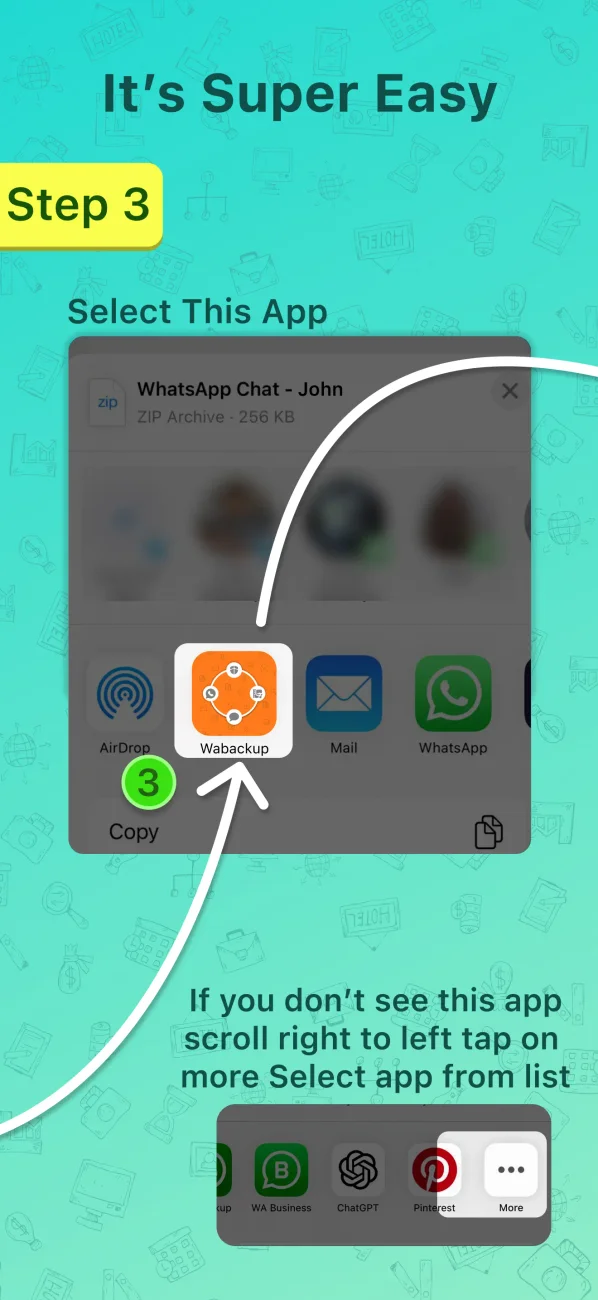
5. Choose either 'Attach Media' or 'Without Media', depending on whether you want to include media files.
6. From the list, select 'WA Chat Backup & Reader'. If you don’t see it, scroll horizontally and tap on 'More' to find it.
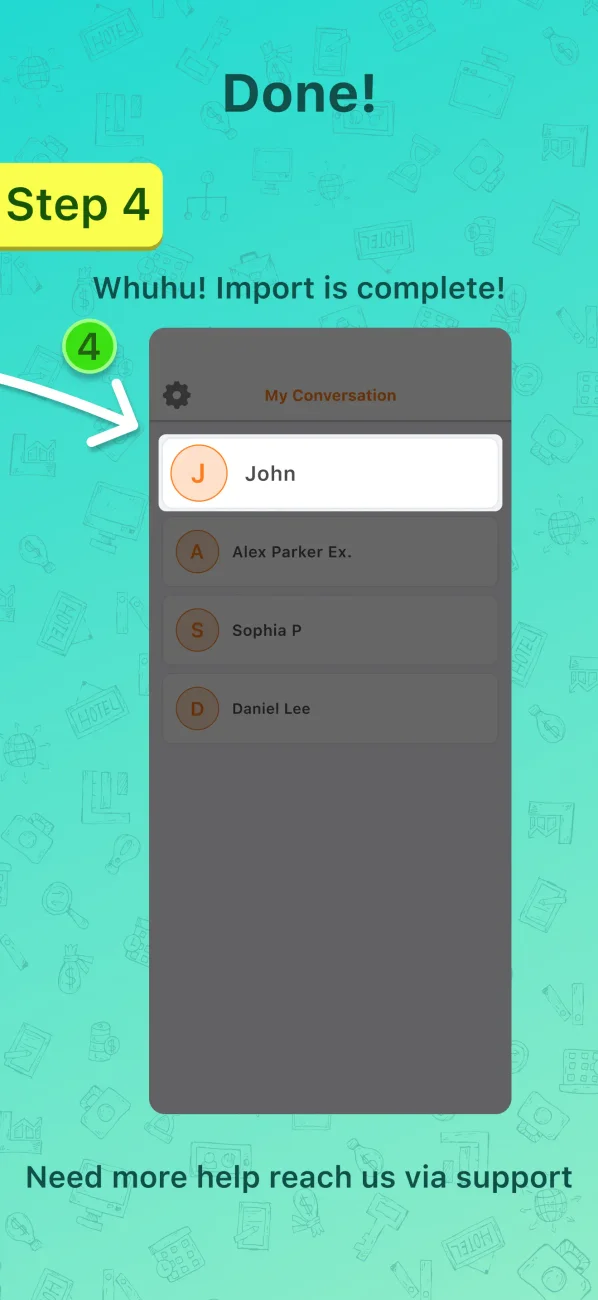
7. The app will open, and you'll be able to view the chat within Whats Chat Backup & Reader.
Stay in control of your WA data. With Whats Chat Backup & Reader, you can save, access, and protect your important chats and media — all in one place, even when you're offline.
Feel free to contact us if you need assistance, have any issues, or would like to share suggestions.
The subscription will automatically renew unless you disable it in your iTunes Account Settings at least 24 hours before the current period ends. You can manage your subscription and turn off auto-renewal by going to your iTunes Account Settings. Your iTunes account will be charged upon confirmation of the purchase.
Disclaimer: This app and its developer are not affiliated with WhatsApp. WhatsApp is a registered trademark of WhatsApp Inc. Please ensure you comply with WhatsApp's terms and conditions when using this app to send messages.
Privacy Policy : https://appzforest.com/AppPolicy/wabackup/wabackup-priacy-policy.html
Terms of Use : https://appzforest.com/AppPolicy/wabackup/wabackup-Terms-of-Use.html
EULA : https://appzforest.com/AppPolicy/wabackup/wabackup-EULA.html
新機能
バージョン 1.1 · 2025/7/8
performance improved.
アプリのプライバシー
このアプリのデータの取り扱いについて、Jaypalsinh JadejaがApp Storeで申告している内容です。
-
データの収集なし
開発元はこのアプリからデータを収集しません。
プライバシーの取り扱いは、ご利用の機能やお客様の年齢などに応じて異なる場合があります。
情報
- 販売元
- Jaypalsinh Jadeja
- カテゴリ
- ソーシャルネットワーキング
- バージョン
- 1.1
- 更新日
- 2025/7/8
- リリース
- 2024/12/2
- サイズ
- 27.9 MB
- 必要条件
- iOS 16以降
- 対象年齢
- 9+
- 価格
- 無料
- アプリ内課金
- あり
- 言語
- 英語
- 著作権
- © 2024-2025
こちらもおすすめ
-
 Chat Backup & Exportソーシャルネットワーキング
-
 Recover Deleted Messages®ソーシャルネットワーキング
-
 Chat Backup & Restore for WAソーシャルネットワーキング
-
 Secret Partnerソーシャルネットワーキング
-
 WAMR: Reveal Deleted Messagesソーシャルネットワーキング
-
 Envoltaソーシャルネットワーキング
-
 Recover Chat Deleted Messagesソーシャルネットワーキング
-
 io - Communication Agentソーシャルネットワーキング
-
 FirstHey AI: 恋愛トークコーチデート会話の練習と音声通話
-
 WaapSignal - Status Monitoringソーシャルネットワーキング