- 対象年齢4+
- カテゴリユーティリティ
- 開発元Hsin-Yao Lin
- 言語英語
- サイズ6.1 MB
App Storeの公式ページにリンクしています
Download.orgはWallet Libreのファイルを一切ホストしていません。ボタンを押すと、Hsin-Yao Linが公開しているApp Storeのアプリページが開きます。ページの最終確認:2026/11/13。
スクリーンショット
概要
開発元はこのテキストをお使いの言語で提供していません。
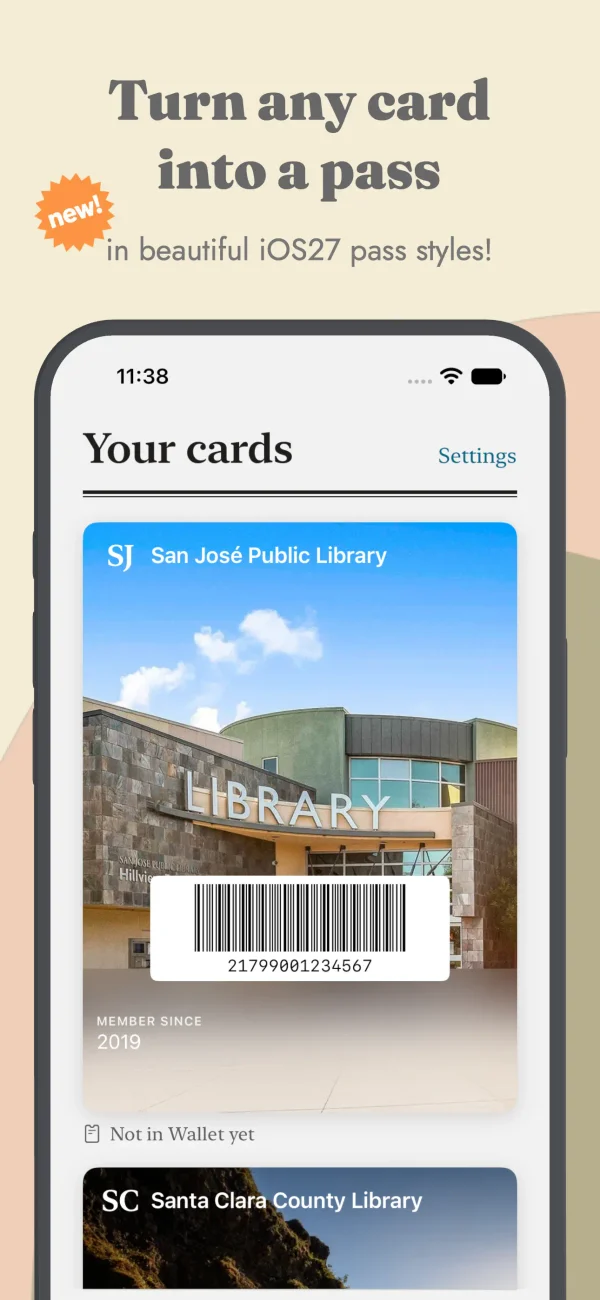
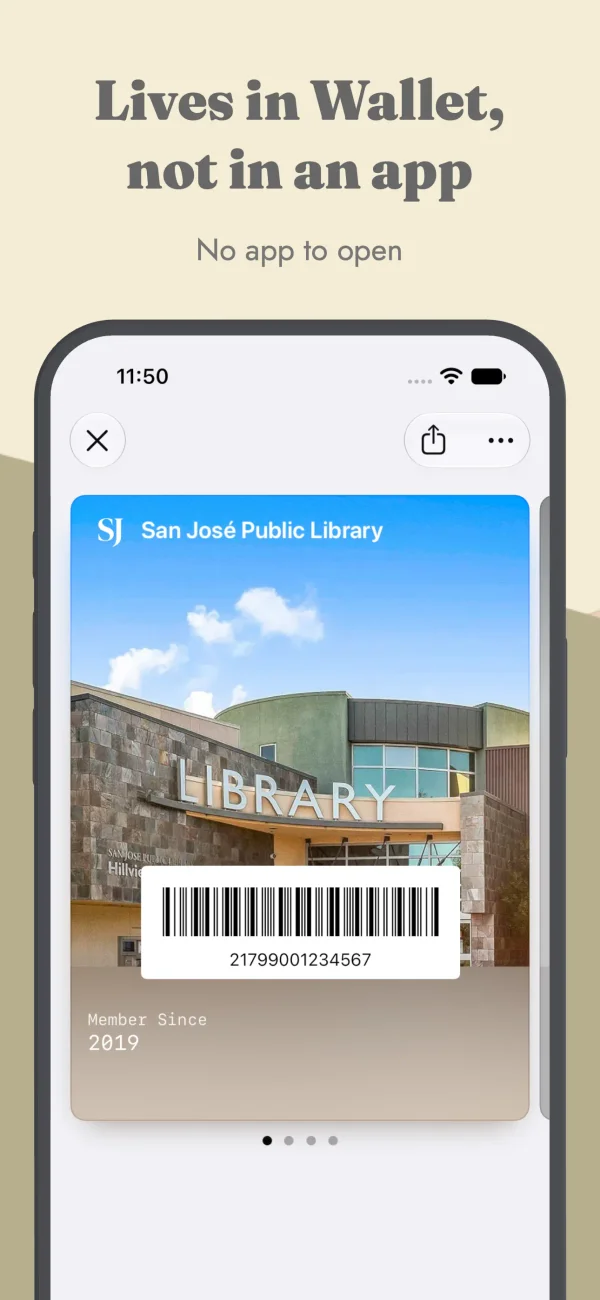
Wallet Libre turns a card you already carry into a pass in Apple Wallet.
Photograph the barcode, check the number it read, and add it. That is the whole flow — everything after it is optional.
WHY IT EXISTS
Most library cards use Codabar, a barcode format Apple Wallet has no support for. Wallet Libre draws the bars itself, at the same width they are printed on the card, so the pass scans where the plastic did.
QR, Code 128, PDF417 and Aztec are handled natively when your card carries one. Some formats cannot be rebuilt into a pass at all — EAN, UPC, Code 39, Code 93 and ITF among them — and the app tells you so when it reads one, rather than quietly shipping a barcode that will not scan.
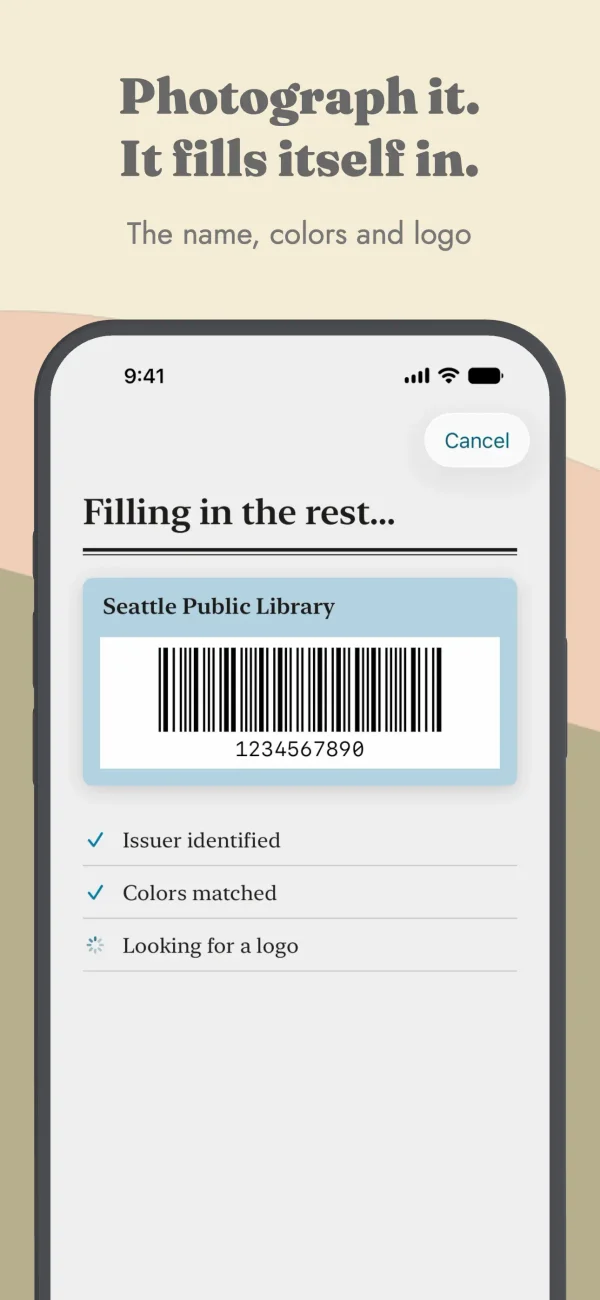
LET IT FILL IN THE REST
Ask it to, and Wallet Libre reads the photo of your card and suggests a title, colors drawn from the card itself, and the issuer's logo. Nothing is applied without you seeing it first, and you can skip the whole step and type the details yourself.
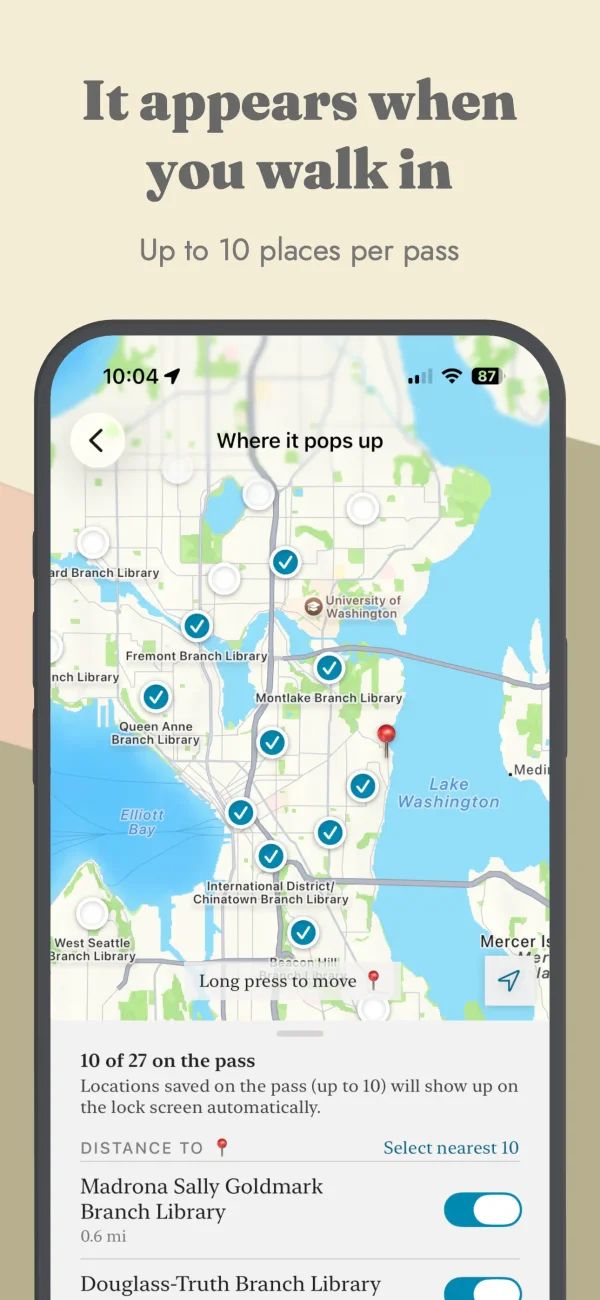
IT SHOWS UP WHERE YOU USE IT
Give a pass locations and Apple Wallet offers it on your lock screen when you arrive — no app to open, nothing to search for.
Wallet Libre finds the places for you: from a built-in directory of US public libraries that needs no network round trip, or from a map search anywhere else. You choose which ones stay. Apple Wallet carries up to ten per pass, and one tap picks the ten nearest you.
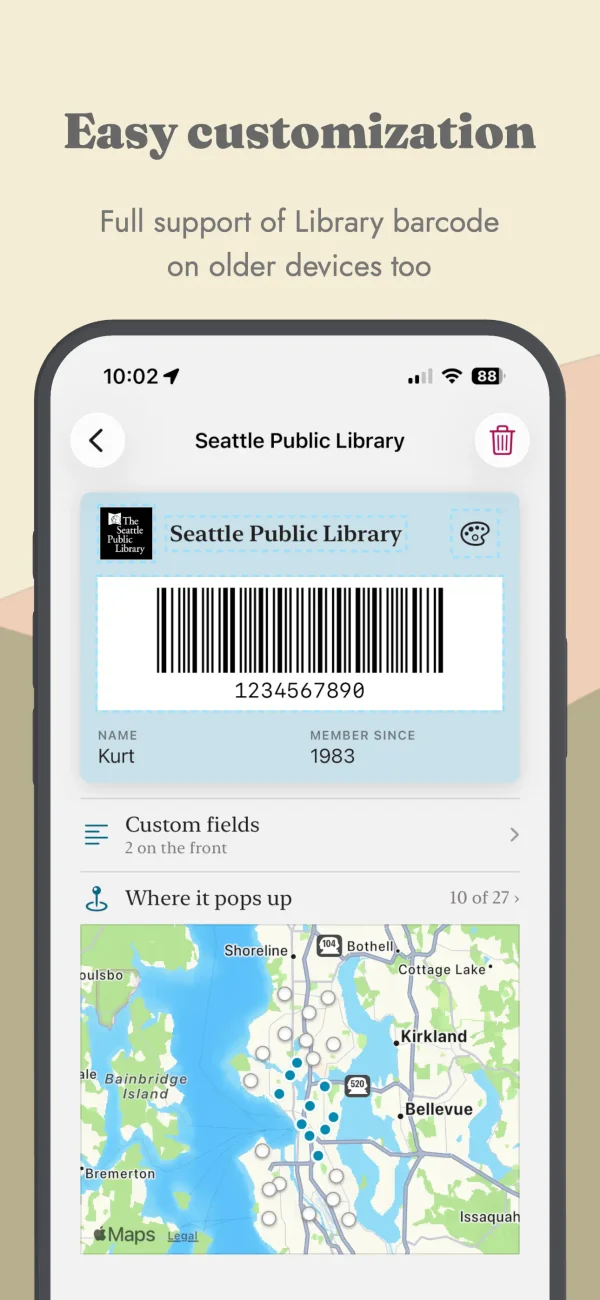
MAKE IT LOOK LIKE YOUR CARD
Choose the colors, or take them from the photo. Use a letter or an emoji where there is no logo to find. Add the fields printed on your own card — a member number, a join date, an expiry.
PRIVACY
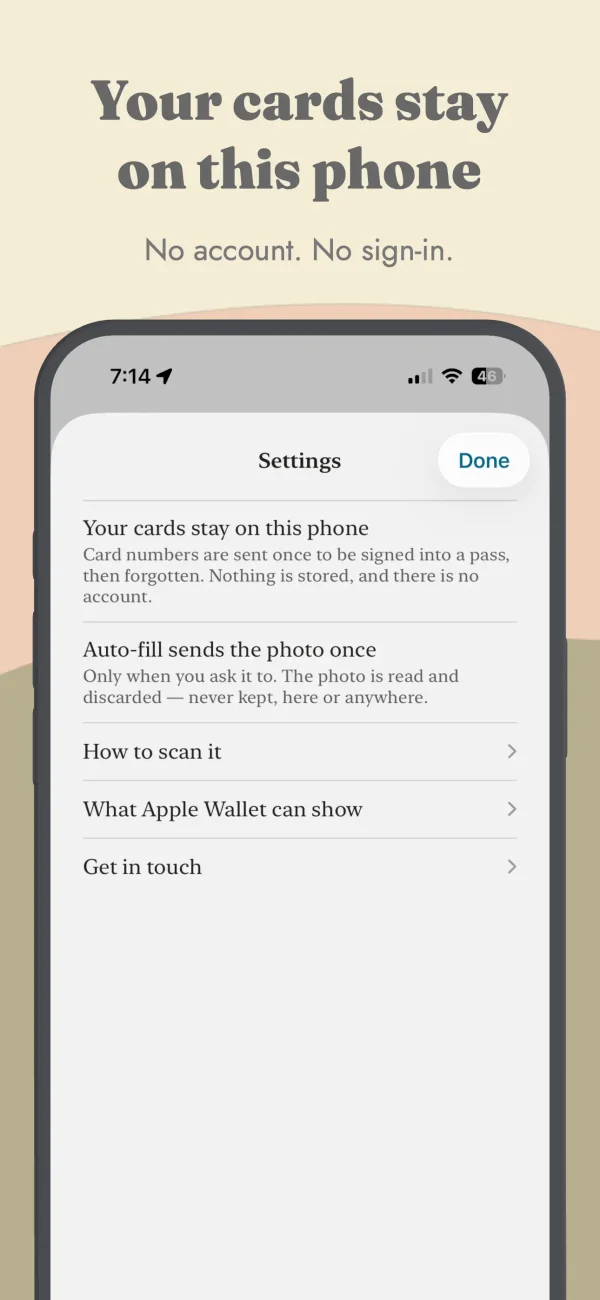
There is no account and no sign-in, and there is nothing to create.
Apple requires every pass to be signed with a registered developer certificate, and a certificate cannot ship inside an app. So the card's details go to the signing server, are signed, and are discarded before the response is sent. They are never stored and never logged.
The optional fill is the only other thing that leaves your iPhone: when you ask for it, the photo of your card and the text read from it are sent to be interpreted, and are not kept afterwards. Tap the other button and nothing is ever sent anywhere.
新機能
バージョン 2.1 · 2026/10/15
• Share a photo of a card to Wallet Libre from Photos or another app, and it opens straight into adding that card.
• Choosing a background photo for a pass now offers your photo album, Files, or a picture you've copied.
• The text color you pick now applies to the card's name on poster-style passes too.
• Finding a card's logo is more reliable when the issuer's website can't be reached.
• Updated for iOS 27.
アプリのプライバシー
このアプリのデータの取り扱いについて、Hsin-Yao LinがApp Storeで申告している内容です。
-
データの収集なし
開発元はこのアプリからデータを収集しません。
プライバシーの取り扱いは、ご利用の機能やお客様の年齢などに応じて異なる場合があります。
情報
- 販売元
- Hsin-Yao Lin
- カテゴリ
- ユーティリティ
- バージョン
- 2.1
- 更新日
- 2026/10/15
- リリース
- 2026/8/30
- サイズ
- 6.1 MB
- 必要条件
- iOS 17.0以降
- 対象年齢
- 4+
- 価格
- 無料
- 言語
- 英語
- 著作権
- © 2026 Joseph Lin