- 対象年齢4+
- カテゴリ開発ツール
- 開発元James Balamuta
- 言語英語
- サイズ57.8 MB
App Storeの公式ページにリンクしています
Download.orgはwebRiosのファイルを一切ホストしていません。ボタンを押すと、James Balamutaが公開しているApp Storeのアプリページが開きます。ページの最終確認:2026/11/12。
スクリーンショット
概要
開発元はこのテキストをお使いの言語で提供していません。
webRios is an R editor for iPhone and iPad. It uses webR, the WebAssembly version of R, to run your code on the device itself, with no server behind it.
R ON YOUR DEVICE
webR brings R 4.6 to your device, and your code and data stay there. Most R code runs here, though a few packages are not available for WebAssembly.
CONSOLE
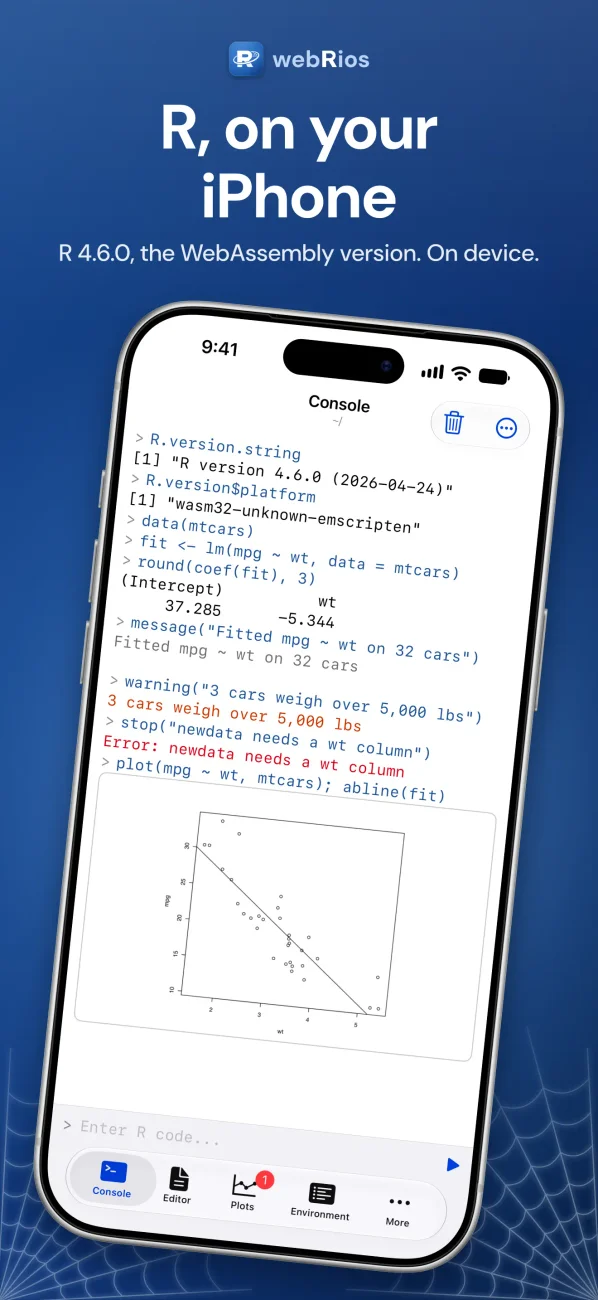
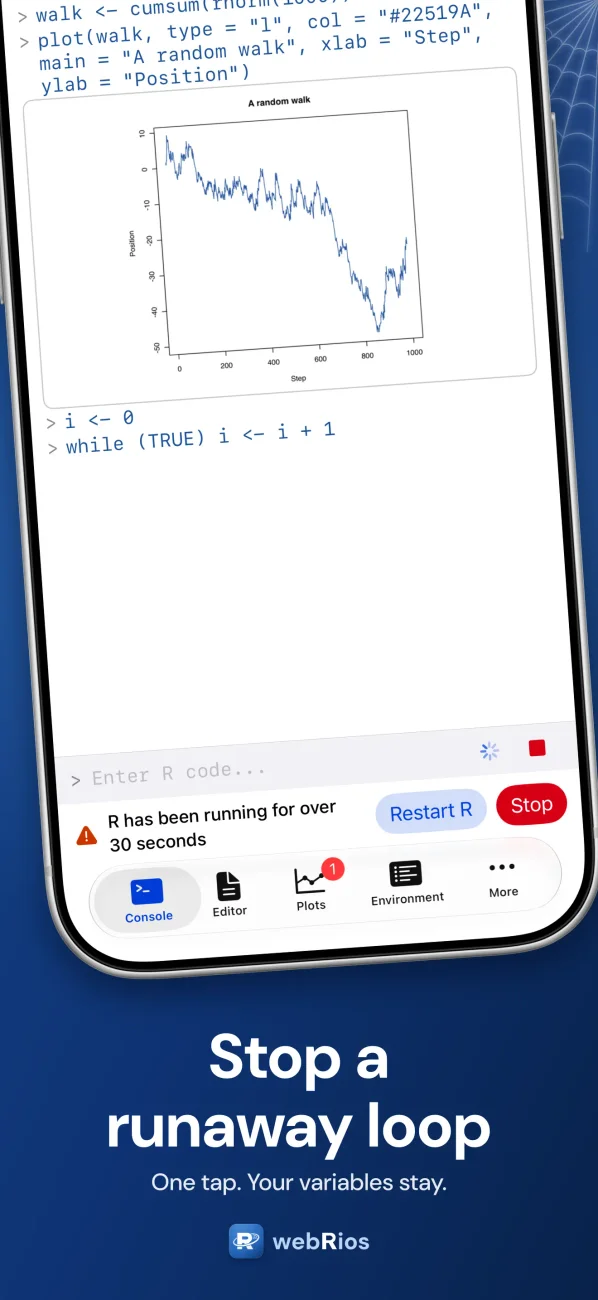
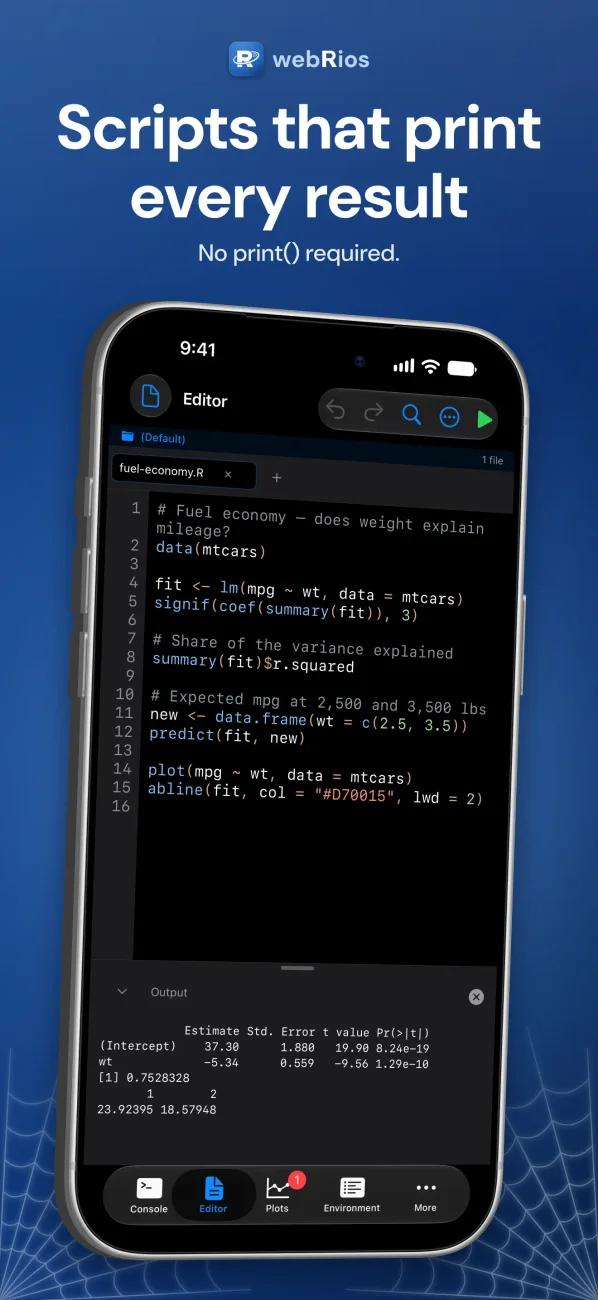
You can run R code and see each result right away, with messages, warnings and errors set apart. Code completion comes from R's own completion engine, with function signature hints. You can stop a runaway loop with one tap, or with Command-period on a keyboard.
EDITOR
You can write and save R scripts in tabs, and the editor stays fast in long ones. Run a whole script, run a selection, or step through one statement at a time with Command-Return. The editor has syntax highlighting, code folding, find and replace, a code outline, and a keyboard row with the assignment arrow and the pipe. Three example scripts are built in.
PLOTS
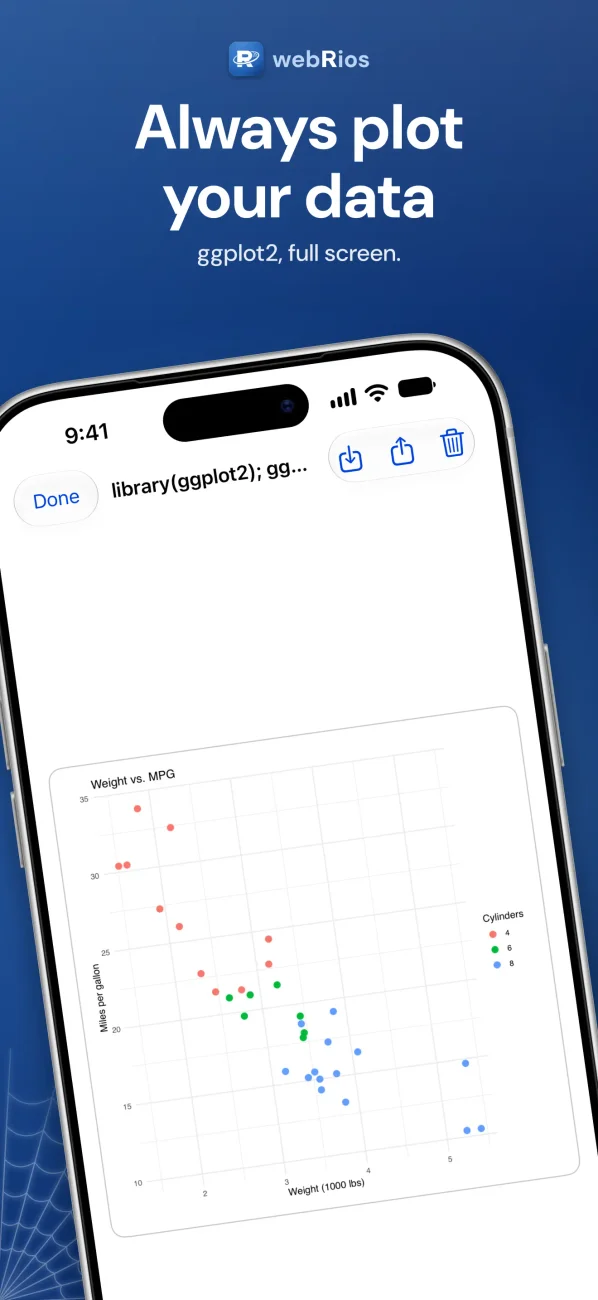
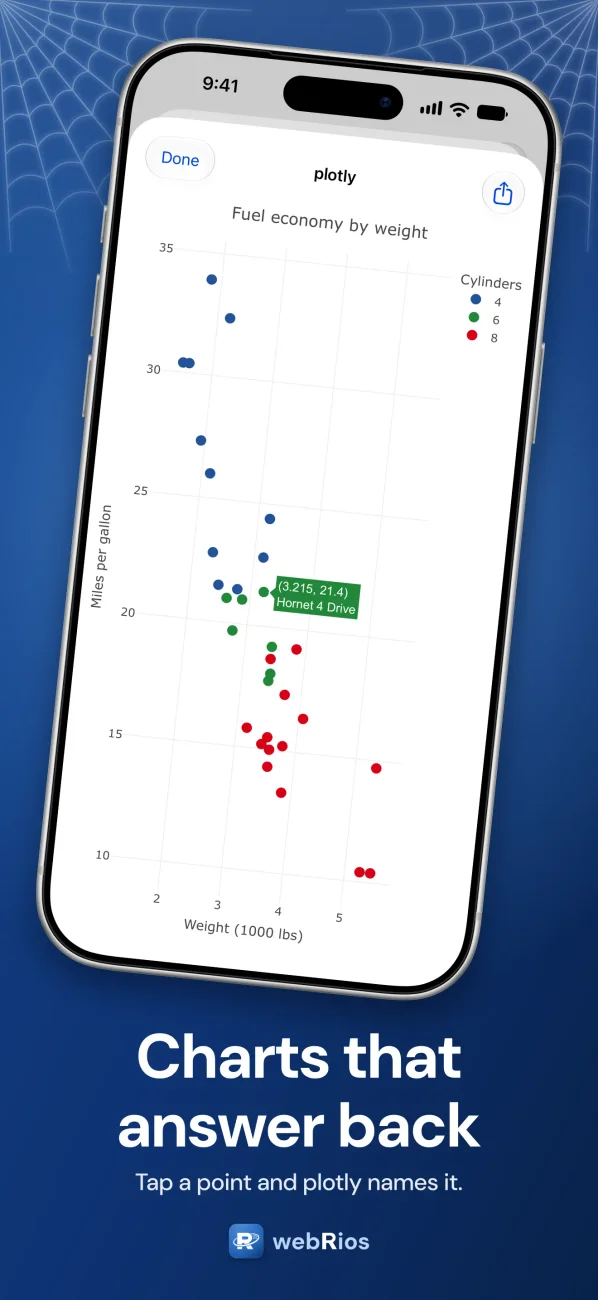
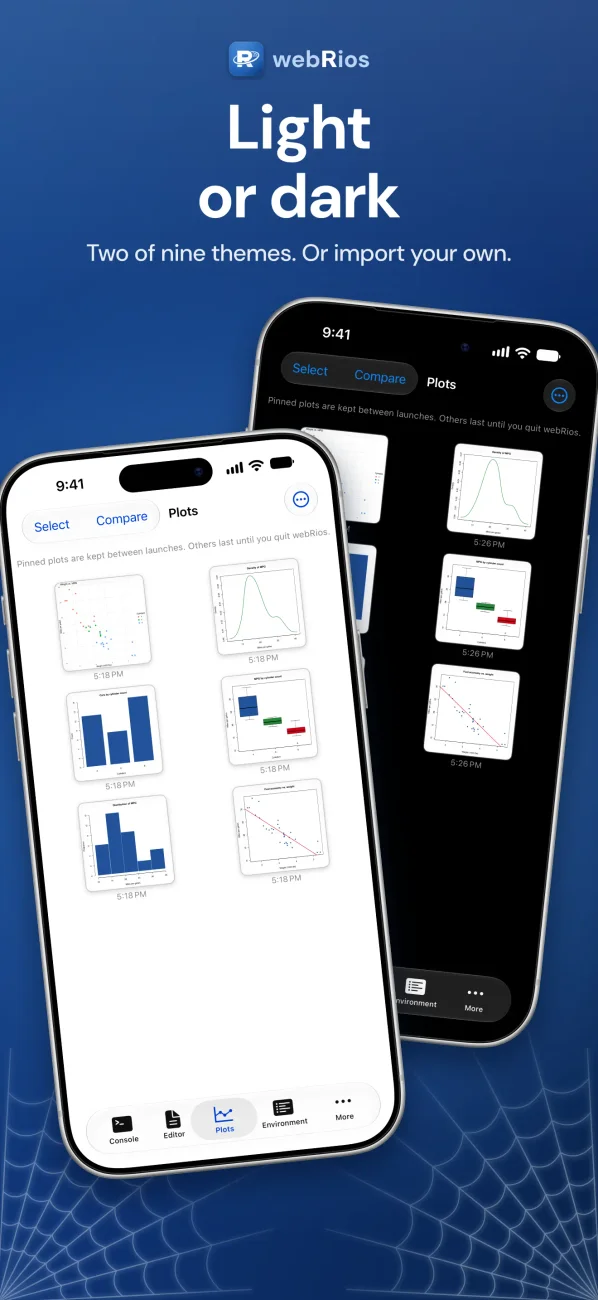
Base R graphics and ggplot2 charts collect in a gallery, and can also appear in the Console. You can pin the plots you want to keep, zoom in, and export or share them. Interactive widgets such as plotly and leaflet work too.
DATA
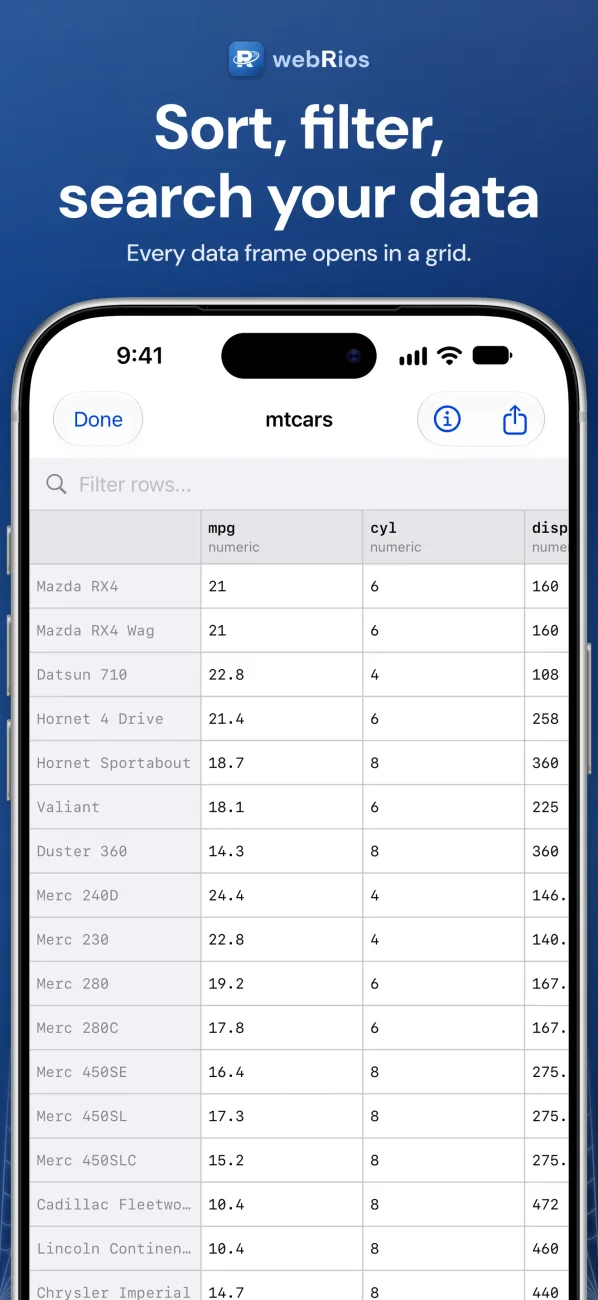
The Data Import Wizard brings in CSV files. Data frames, large ones included, open in a grid you can sort, filter and search. You can inspect any column with summary statistics and a chart, and compare two data frames row by row.
PACKAGES
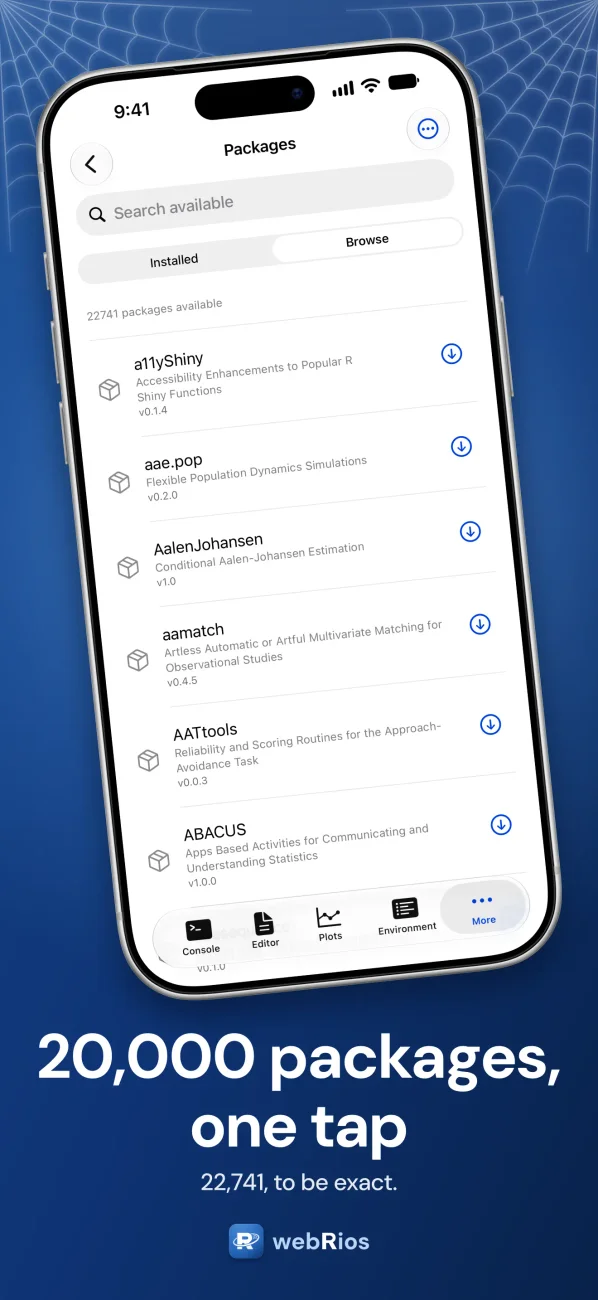
You can install packages from the webR repository, which offers more than 20,000 CRAN packages. Browse tells you what each package does, and installed packages are saved for next time. When library() can't find a package, one tap installs it.
HELP
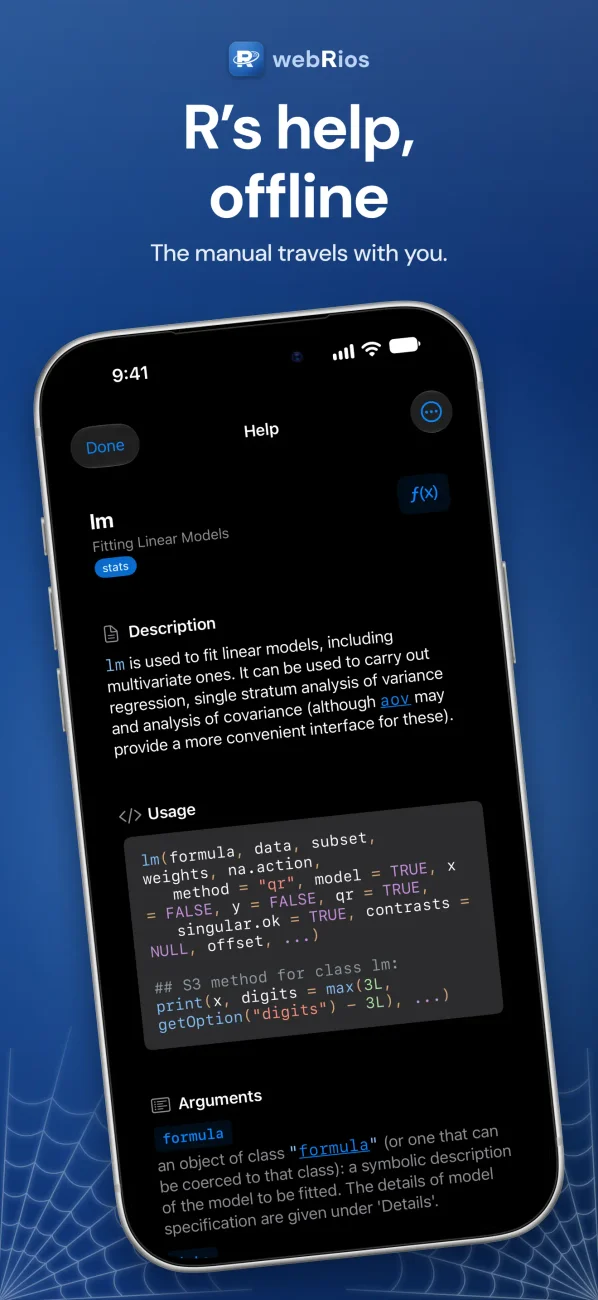
You can search R's documentation on the device and read formatted help pages, then run a page's examples directly.
ENVIRONMENT AND HISTORY
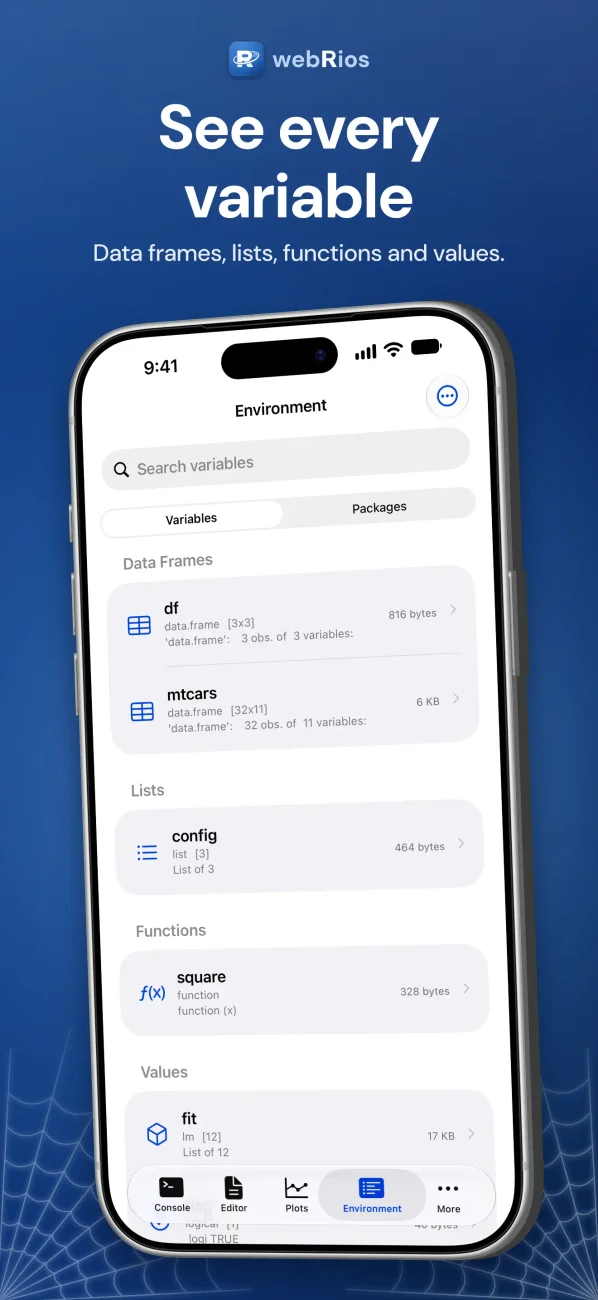
The Environment shows every variable with its type, size and a preview. History keeps your past commands and their results, ready to run again or export.
PROJECTS AND FILES
Projects keep your scripts and data together, and each one can have its own R workspace. R scripts, R Markdown, Quarto, R data and CSV files open in webRios from Files, Mail and other apps. Your webRios folder appears in the Files app, and Spotlight finds your scripts from the Home Screen.
NETWORK ACCESS
Your code can reach the web with httr2 and curl. By default their traffic goes through a proxy that runs on your device.
IPAD
A four-pane workspace puts the editor, console, environment and plots side by side. Files can open in their own windows, and the File, Code, Run and View menus sit in the menu bar with keyboard shortcuts throughout.
ACCESSIBILITY
webRios supports VoiceOver, with results and errors read aloud, along with Dynamic Type, Reduce Motion and Increase Contrast. The default themes meet WCAG AA contrast, and errors are marked without relying on color.
PRIVATE BY DESIGN
Your code runs on your device and works offline. Code and data leave the device only when you share them, install a package, or make a network request from your code.
GOOD FOR
webRios suits learning R, quick analyses, statistics coursework, trying out an idea, and teaching.
webRios is built on webR, the open-source, MIT-licensed WebAssembly version of R (https://webr.r-wasm.org). webRios is not affiliated with or endorsed by the webR project, the R Project, the R Foundation or Posit.
The first launch takes a few seconds while R starts. Heavy computations can be slow. You can't build R packages or compile C or Fortran code in webRios.
新機能
バージョン 1.2.0 · 2026/10/10
webRios 1.2.0 is here, and it's a big one: R 4.6, a Stop button, interactive plots, network access, and an editor that keeps up with you.
NEW
• You can now stop running code with a tap on Stop, or with Command-period, and your variables stay put.
• webRios now uses webR with R 4.6.0, and offers to reinstall your R 4.5 packages in one tap.
• Interactive plots from plotly, leaflet and DT now work, and any plot can appear right in the Console.
• Your code can now reach the web with httr2 and curl, by default through a proxy that runs on your device.
• R scripts, R Markdown, Quarto, .rds, .RData and CSV files now open in webRios from Files, Mail and other apps.
• Each project can keep its own variables once you turn on Save Workspace.
• A Getting Started checklist walks you through your first six steps.
• On iPad, the File, Code, Run and View menus sit in the menu bar, with keyboard shortcuts throughout.
IMPROVED
• The editor stays fast in long scripts, and Command-Return steps through a script one statement at a time.
• Code completion narrows as you type.
• The data viewer opens large data frames quickly, then filters, sorts and searches them.
• Browse describes every package, even offline, and saved packages load several times faster.
• Help pages gain a Back button, tables and links between pages.
• VoiceOver reads results and errors aloud, with labeled controls throughout, and the app respects Dynamic Type, Reduce Motion and Increase Contrast.
Dozens of smaller refinements round out the release.
webRios 1.2.0 requires iOS 26.
アプリのプライバシー
このアプリのデータの取り扱いについて、James BalamutaがApp Storeで申告している内容です。
-
データの収集なし
開発元はこのアプリからデータを収集しません。
プライバシーの取り扱いは、ご利用の機能やお客様の年齢などに応じて異なる場合があります。
情報
- 販売元
- HJJB, LLC
- カテゴリ
- 開発ツール
- バージョン
- 1.2.0
- 更新日
- 2026/10/10
- リリース
- 2026/1/22
- サイズ
- 57.8 MB
- 必要条件
- iOS 26.0以降
- 対象年齢
- 4+
- 価格
- 無料
- 言語
- 英語
- 著作権
- © 2026 HJJB, LLC