Weekly Planner - Diary Notes
Daily Planner, Bullet Journal
iPhone, iPad向けに設計
無料 · アプリ内課金
- 対象年齢4+
- カテゴリ仕事効率化
- 開発元Akashkumar Akabari
- 言語ドイツ語ほか19言語
- サイズ32.9 MB
App Storeの公式ページにリンクしています
Download.orgはWeekly Planner - Diary Notesのファイルを一切ホストしていません。ボタンを押すと、Akashkumar Akabariが公開しているApp Storeのアプリページが開きます。ページの最終確認:2026/11/9。
スクリーンショット
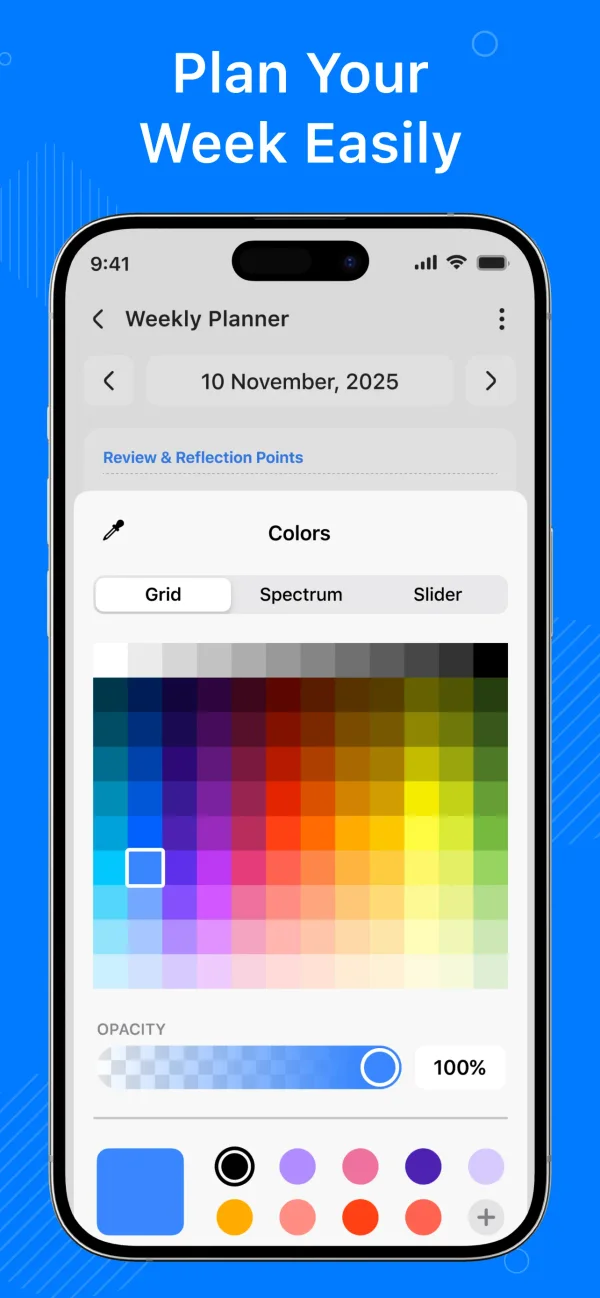
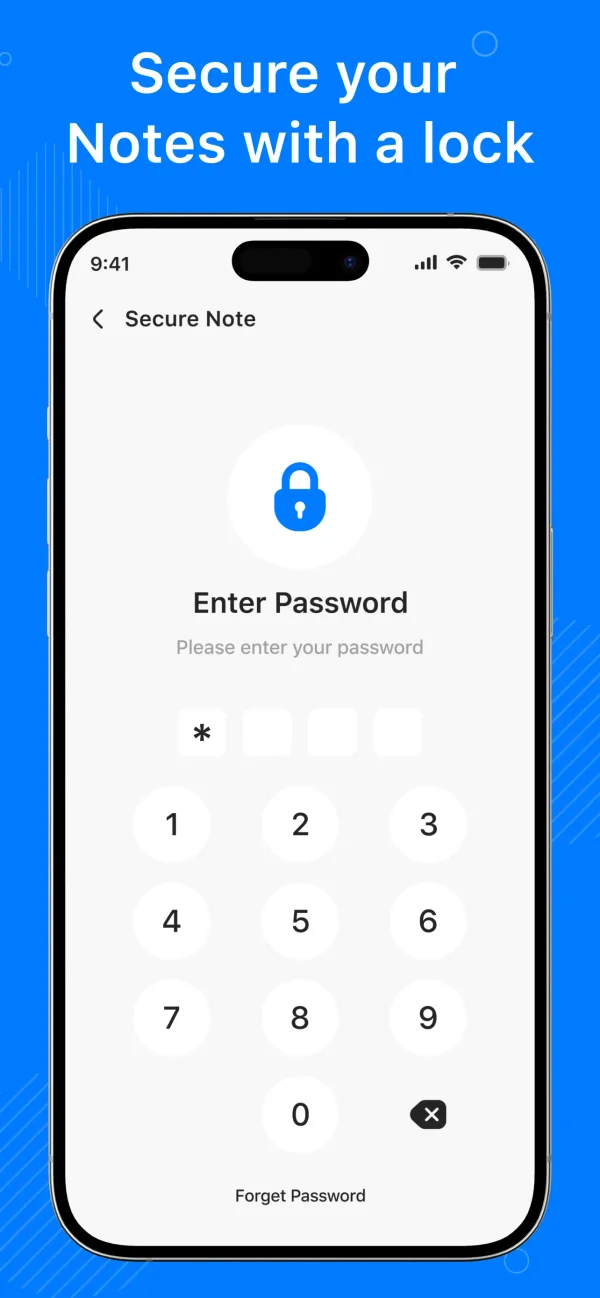
概要
開発元はこのテキストをお使いの言語で提供していません。
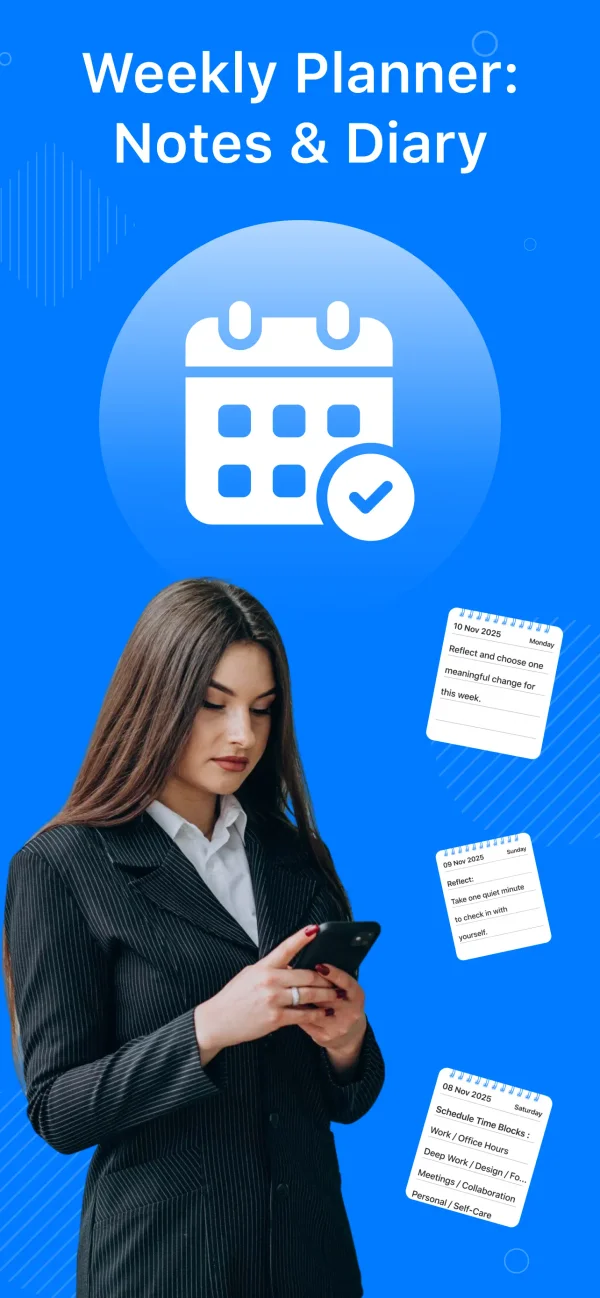
Diary, Organizer, Planner is designed to combine a notepad, planner, reminder, habit tracker, and to-do list into one simple application - both for your private life and for work. It will replace your usual paper organizer of the week with its absolutely identical digital copy, so you can easily make and keep track of your plans and achieve your goals.
A dream written next to the date becomes a goal!
Millions of people around the world use our Diary, Organizer, Planner. It helps you make a class schedule, keep notes, client, to-do, and shopping lists, develop habits, be productive and never forget anything.
The Diary, Organizer, Planner interface is a classic paper notebook people have been using for centuries. The easiest and most user-friendly way to plan. It's like a school diary. It's like a minimalistic paper planner.
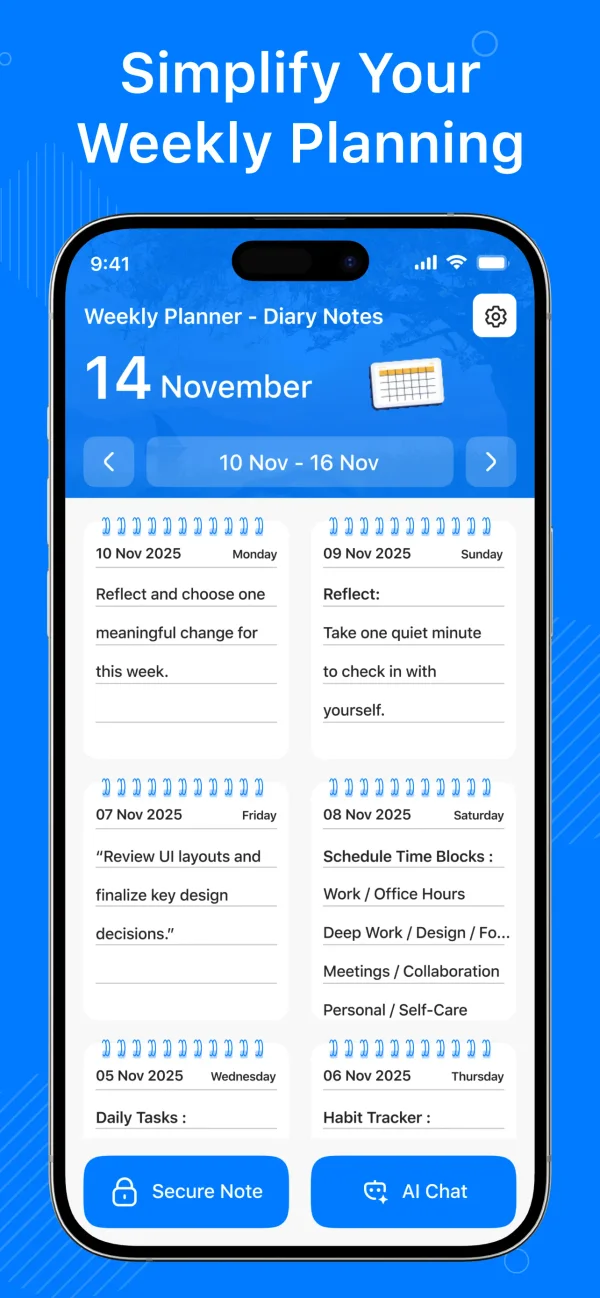
On one screen, you see all your plans for the week - the most visible period of time for the smartest planning. You can easily flip back and forth for as many weeks, months, years as you want.
Any tasks, plans, habits - easy to set, change, delete. No complicated data entry systems, no filling out forms - just enter text by typing or by voice, just like in ordinary memos.
Key Functions of Diary, Organizer, Planner:
• Nice flipping experience - like a paper (diary, planner). You no longer need to carry a paper notebook.
• A full week view and a zoomed-in one-day view for more notes. All the plans are spread before your eyes.
• A variety of background designs to suit the most demanding tastes. One can change them an infinite number of times.
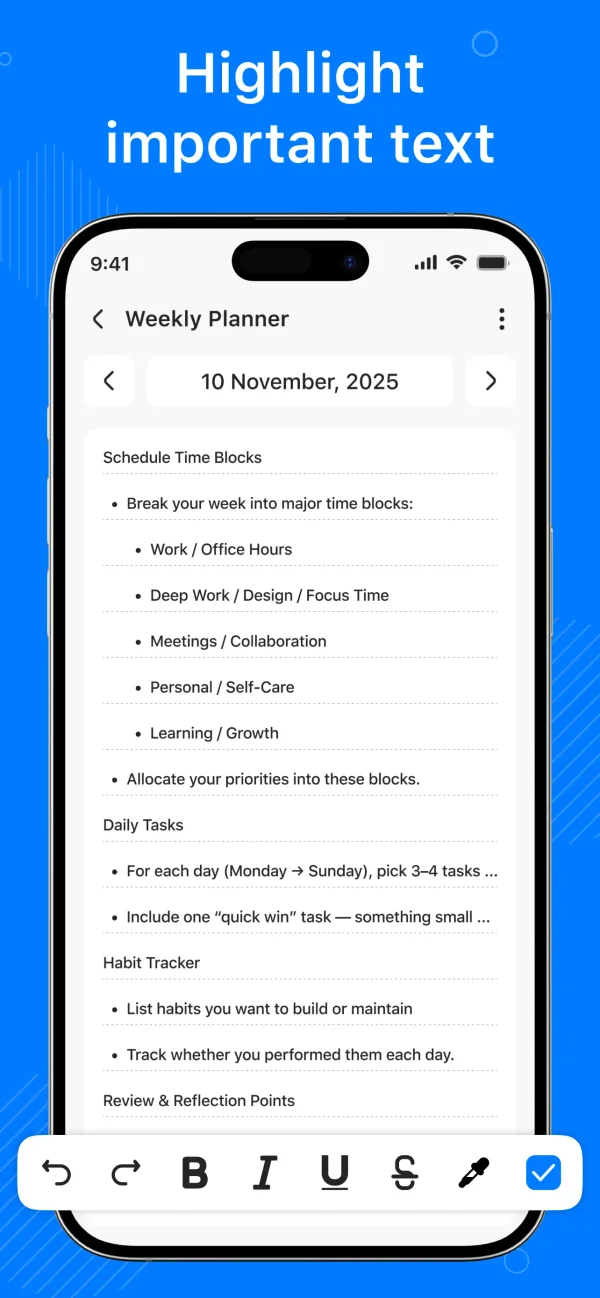
• Highlight notes with color, underline, strikethrough, bold, italics. All for prioritizing tasks, marking their completion.
• A separate list of notes (to-do list), not tied to a date. You can make a shopping list, write down valuable ideas.
• Specifying the week number and return to the current date at any time.
• Change the color and font size of records and events.
• Change language.
• Change the first day of the week.
• You can add voice notes or use a stylus on the tablet as well.
• Save to or retrieve from iCloud.
• Recurring events (daily, annual, etc.) For birthdays, workouts, schedules.
• Automatic reminders.
• Ticks to mark completed tasks.
• Splitting days by hours for a more convenient timetable with a stable schedule.
• Option to share your schedule with colleagues, friends and family.
• Word search function.
• and so much more.
SUBSCRIPTION AND TERMS:
You may purchase an auto-renewing subscription through an In-App Purchase to enjoy all App Features without Ads:
• Auto-renewable subscription.
• Weekly ($2.99), 1 month ($4.99), and 1 year ($29.49) durations.
• Your subscription will be charged to your iTunes account at confirmation of purchase and will automatically renew (at the duration selected) unless auto-renewal is turned off at least 24 hours before the end of the current period.
• Current subscription may not be cancelled during the active subscription period; however, you can manage your subscription and/or turn off auto-renewal by visiting your iTunes Account Settings after purchase.
Read our full Terms of Service and our Privacy Policy at:
* Link to Privacy Policy: https://weeklyplannerapp.blogspot.com/2025/12/privacy-policy.html
* Link to EULA: https://weeklyplannerapp.blogspot.com/2025/12/eula.html
* Link to Terms of use: https://weeklyplannerapp.blogspot.com/2025/12/terms-conditions.html
アプリのプライバシー
このアプリのデータの取り扱いについて、Akashkumar AkabariがApp Storeで申告している内容です。
-
ユーザーのトラッキングに使用されるデータ
他社のアプリやウェブサイトを横断してユーザーをトラッキングする目的で使用される場合があります。
- 位置情報
- ID
- 使用状況データ
- 診断
-
ユーザーに関連付けられたデータ
収集され、ユーザーの識別情報に関連付けられる場合があります。
- 位置情報
- ID
- 使用状況データ
- 診断
-
ユーザーに関連付けられないデータ
収集される場合がありますが、ユーザーの識別情報には関連付けられません。
- 診断
プライバシーの取り扱いは、ご利用の機能やお客様の年齢などに応じて異なる場合があります。
情報
- 販売元
- Akashkumar Akabari
- カテゴリ
- 仕事効率化
- バージョン
- 1.0
- 更新日
- 2025/12/8
- リリース
- 2025/12/8
- サイズ
- 32.9 MB
- 必要条件
- iOS 16.1以降
- 対象年齢
- 4+
- 価格
- 無料
- アプリ内課金
- あり
- 言語
- ドイツ語, アラビア語, 英語, フランス語, インドネシア語, イタリア語, 日本語, 韓国語, マレー語, オランダ語, ポーランド語, ポルトガル語 ほか8言語
- 著作権
- © Akashkumar Akabari
こちらもおすすめ
-
 Daily Tasks: To-Do List仕事効率化
-
 Pocket Pages: Paper Planner仕事効率化
-
 WeekVibes仕事効率化
-
 Planned - デイリープランナータイムブロッキング&タスク管理
-
 Daily Planner: Week Organizer仕事効率化
-
 Someday - Weekly Planner仕事効率化
-
 Minosia - リマインダー、メモ、習慣リマインダー、メモ、習慣
-
 FlexMax: Daily Planner仕事効率化
-
 Weeksify - AI Planner仕事効率化
-
 Shift: Work Hours & Time Card仕事効率化