
- 対象年齢4+
- カテゴリ仕事効率化
- 開発元Sevenlogics, Inc.
- 言語英語
- サイズ72.4 MB
App Storeの公式ページにリンクしています
Download.orgはWidget Studio のファイルを一切ホストしていません。ボタンを押すと、Sevenlogics, Inc.が公開しているApp Storeのアプリページが開きます。ページの最終確認:2026/11/12。
スクリーンショット
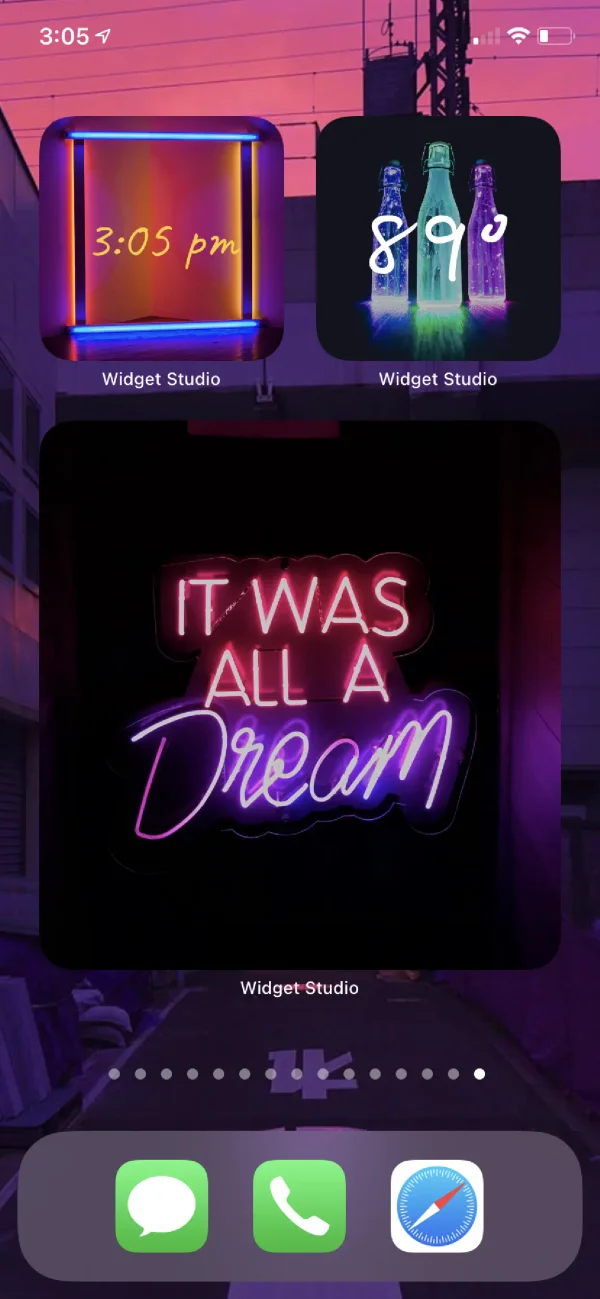

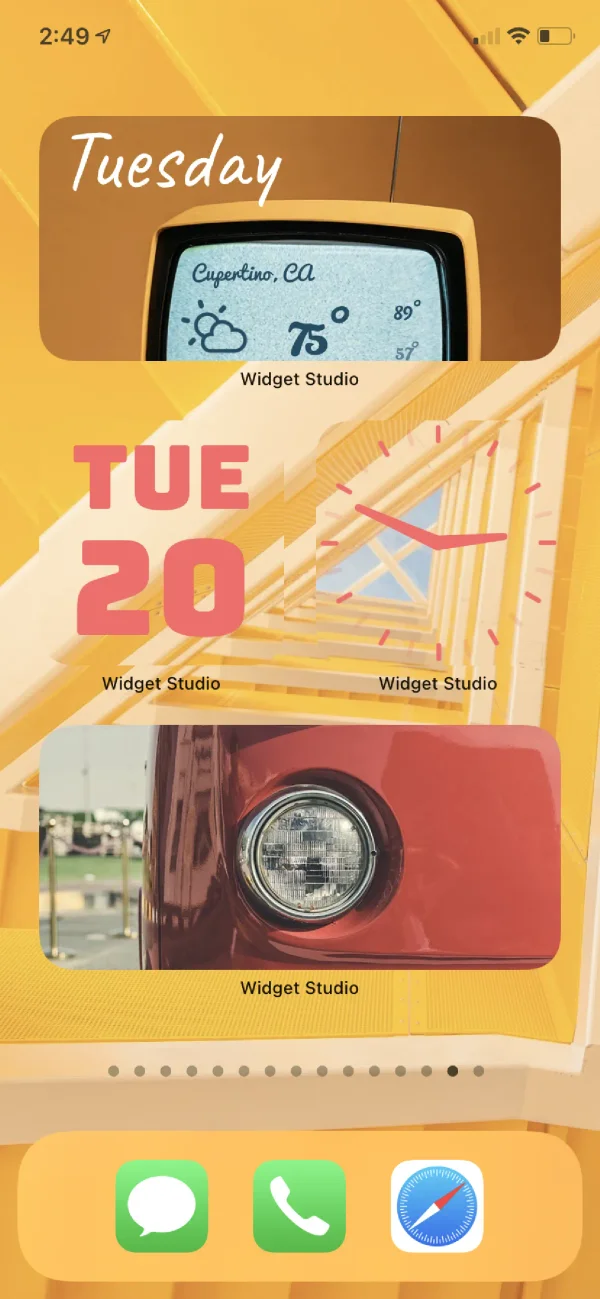
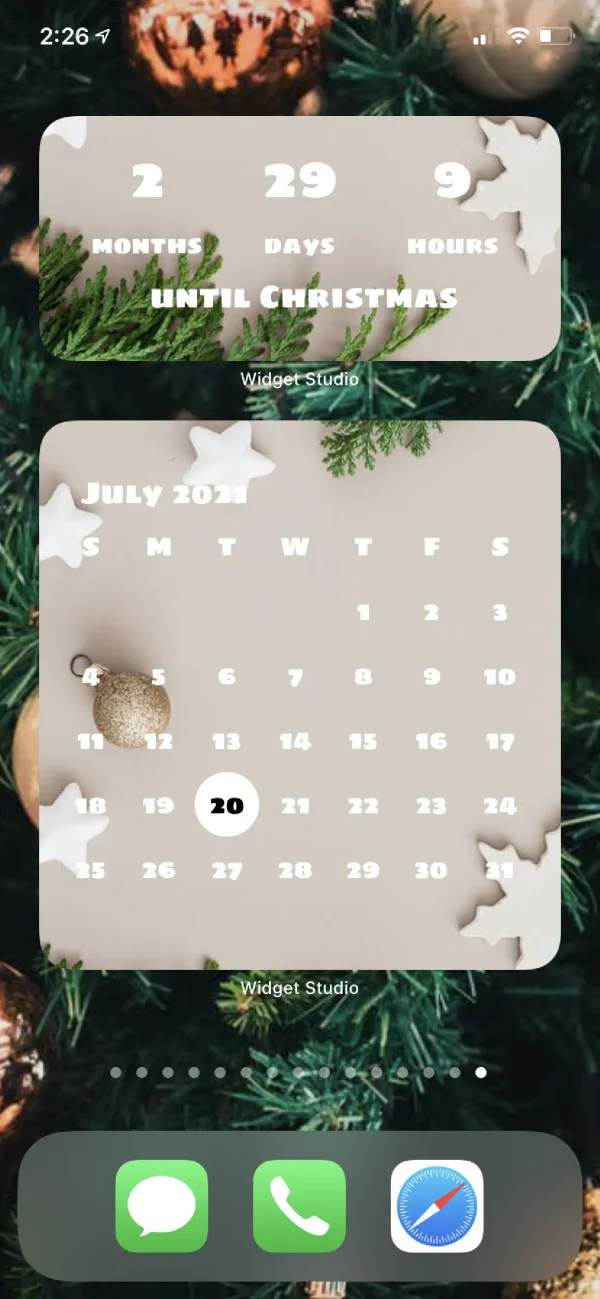

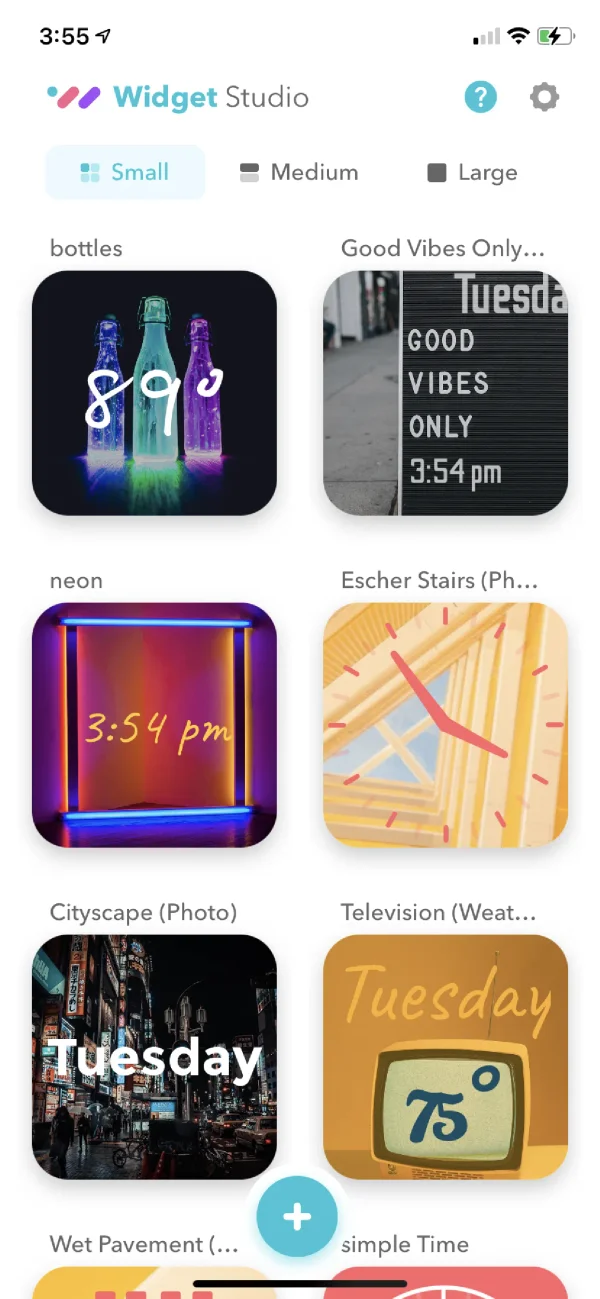
概要
開発元はこのテキストをお使いの言語で提供していません。
Become a creative widget designer! Widget Studio is the perfect tool to personalize your iPhone Home Screen with a stylish theme. Here are some of the many, many things you can do with Widget Studio:
• Elements – Mix and match different widget elements to create a unique widget that is truly your creation.
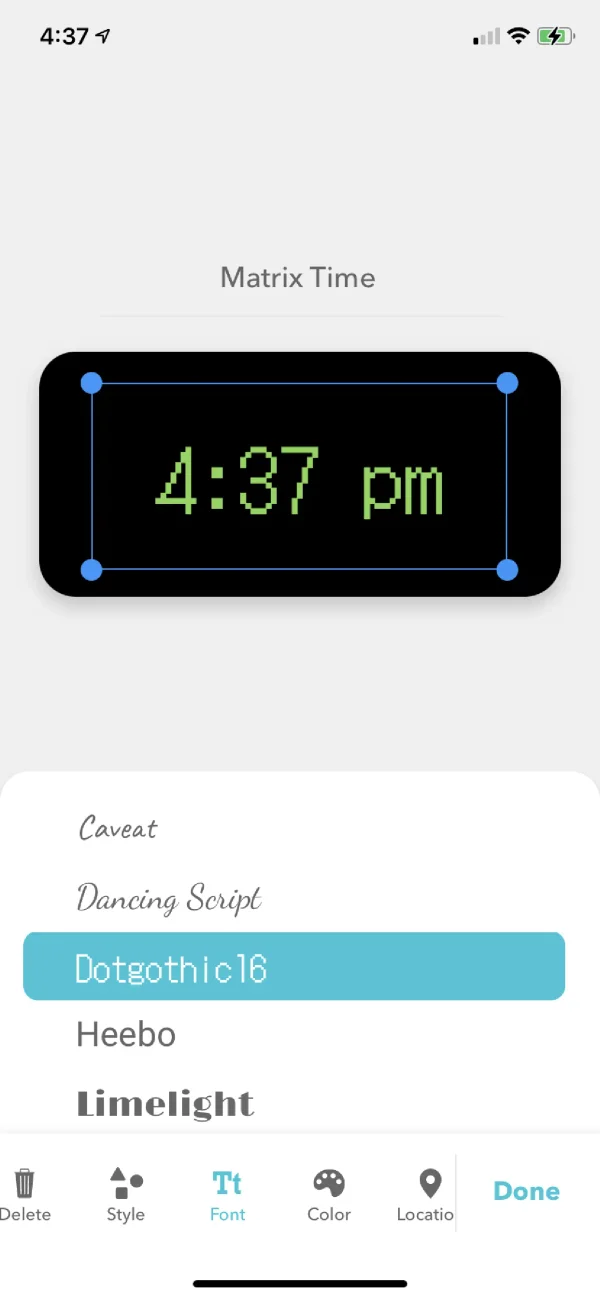
• Font & Color – Find the right fonts and colors for each widget you create. You can even set the transparency of each element.
• Weather – See your weather forecast and choose from a variety of formats.
• Countdown – Count down to your birthday, Christmas, or anything you want, right from your iPhone Home Screen. You can even select which units you want to display.
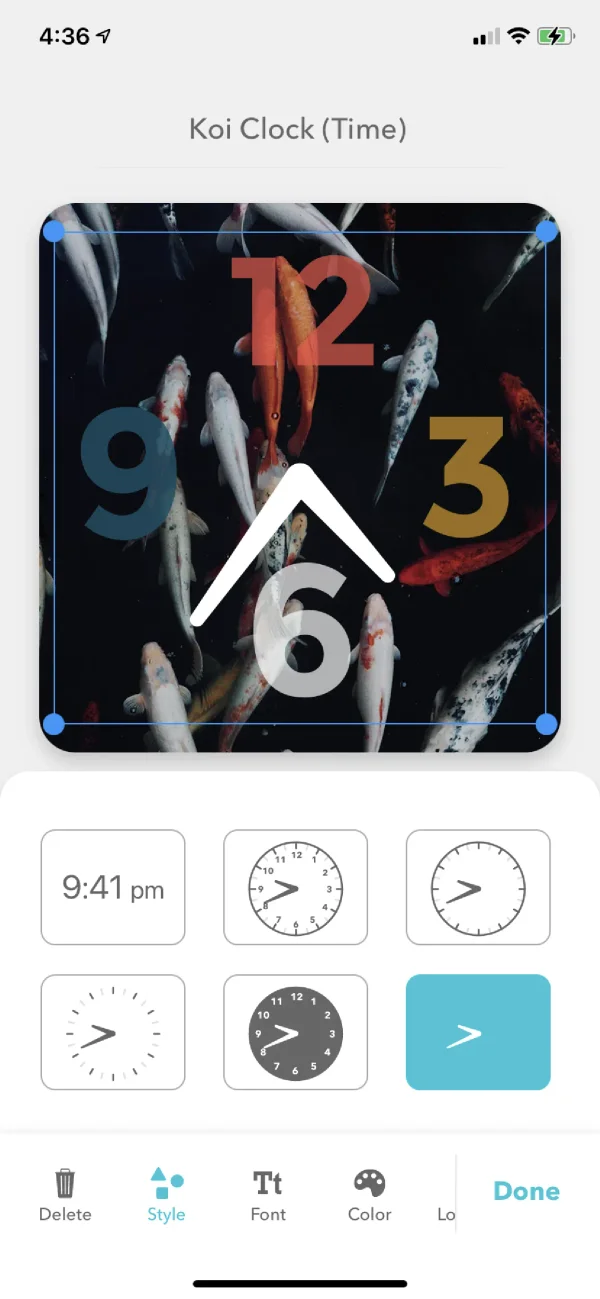
• Time – Add an analog or digital clock to your widget.
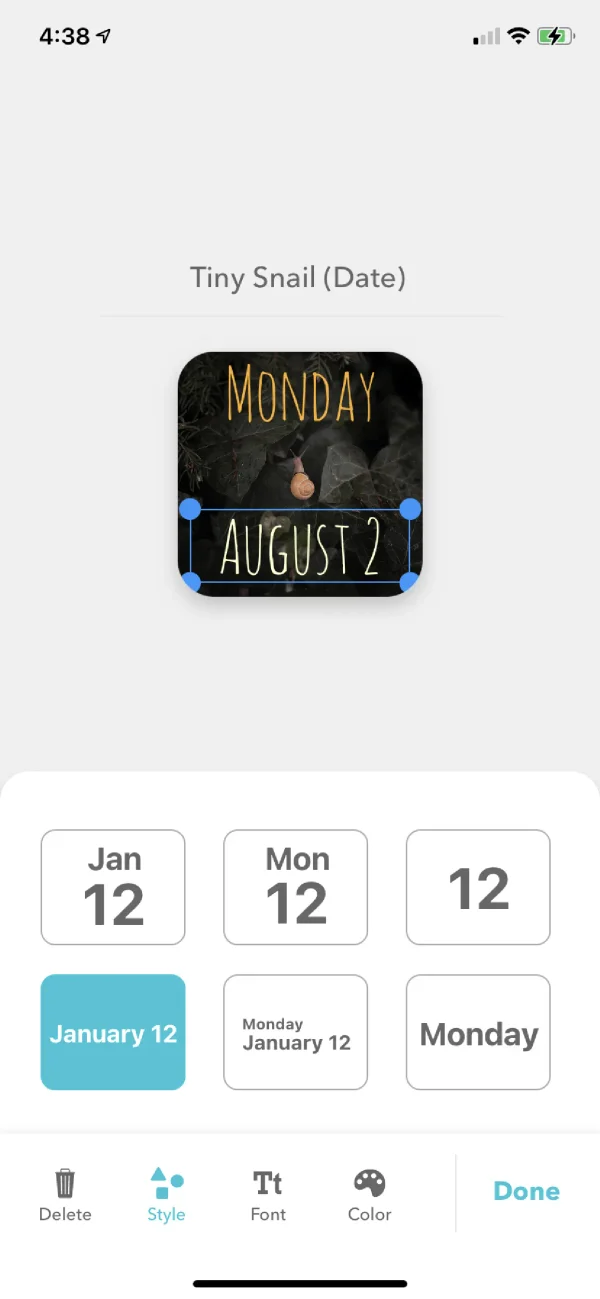
• Date – Add today’s date to your widget in a variety of formats.
• Calendar – Add a calendar to your widget to view the entire month.
• Text – Write anything you want on your widget! Perfect for displaying your favorite quote against a stylish background photo.
• Photos - Customize your background photo using your own custom photos. You can also choose from the many photos in the Widget Studio library.
• Slideshow – Add multiple photos and the widget will cycle through them like a slideshow.
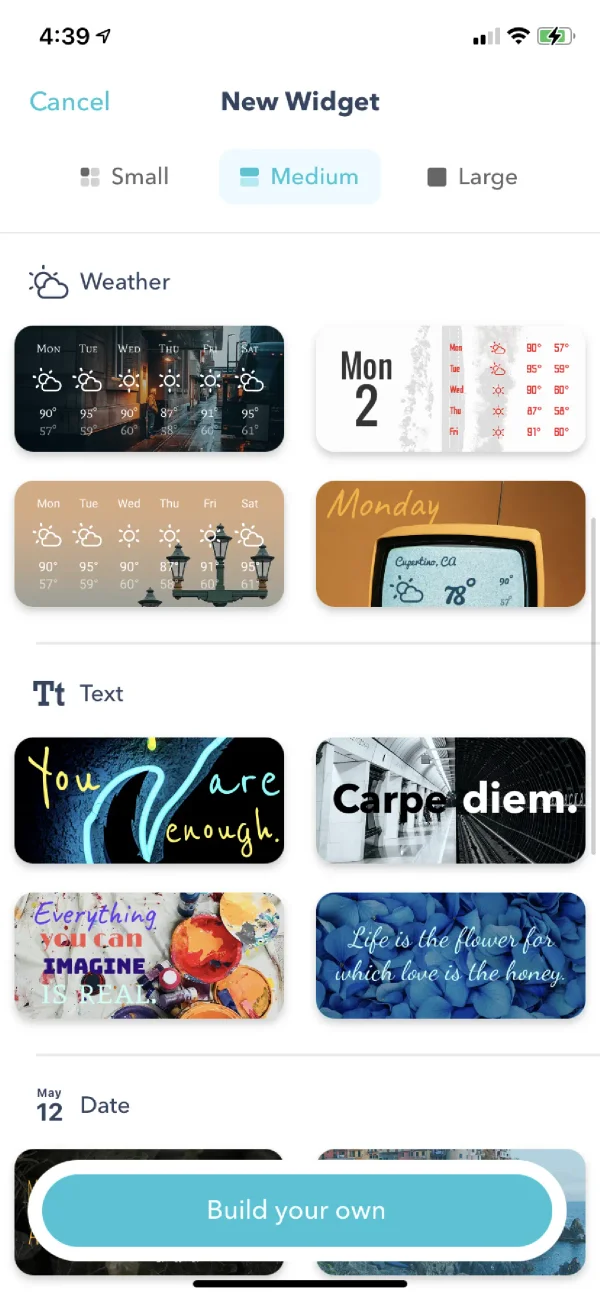
• Presets – Need inspiration? Choose from over 80 templates to get started.
Once you’ve created your widgets, go to your iOS Home Screen and long-hold on an empty part of your screen. Then tap the “+” icon that appears at the top of the screen. Next, find and tap “Widget Studio” in the list. From there you can select which size widget you want and drag your widget onto your Home Screen. To change the widget that is displayed, long-hold your widget and tap “Edit Widget.”
Share your creation with #WidgetStudio and inspire other Widget Designers like you!
-
In addition to Widget Studio’s free features, we also offer Widget Studio Premium as a subscription. Widget Studio Premium subscribers will have access to Countdown widgets, Weather widgets, and Premium templates.
Price may vary by location. Subscriptions will be charged to your credit card through your iTunes account. Your subscription will automatically renew unless canceled at least 24 hours before the end of the current period. You can manage your subscription in Account Settings after purchase.
Terms: https://www.sunflowr.com/terms-of-service/
Privacy Policy: https://www.sunflowr.com/privacy/
新機能
バージョン 1.1.2 · 2025/12/16
• Minor fixes and improvements
Thanks for using Widget Studio!
アプリのプライバシー
このアプリのデータの取り扱いについて、Sevenlogics, Inc.がApp Storeで申告している内容です。
-
ユーザーに関連付けられないデータ
収集される場合がありますが、ユーザーの識別情報には関連付けられません。
- 位置情報
- 診断
プライバシーの取り扱いは、ご利用の機能やお客様の年齢などに応じて異なる場合があります。
情報
- 販売元
- Sevenlogics, Inc.
- カテゴリ
- 仕事効率化
- バージョン
- 1.1.2
- 更新日
- 2025/12/16
- リリース
- 2021/7/24
- サイズ
- 72.4 MB
- 必要条件
- iOS 17.0以降
- 対象年齢
- 4+
- 価格
- 無料
- アプリ内課金
- あり
- 言語
- 英語
- 著作権
- © Sunflowr
こちらもおすすめ
-
 PicCo Widget - ホーム画面カスタマイズ写真、カレンダーとカウントダウンのウィジェット
-
 Countdown widget : Day Counter仕事効率化
-
 Magic Launcher WidgetsWidgets, Launchers, AI Toolkit
-
 OneWidget—widgets&wallpaper仕事効率化
-
 Date Today: Date Widget仕事効率化
-
 Simple Widgets • Photo仕事効率化
-
 Ermine - カレンダーとウィジェット月カレンダーとカスタマイズできるウィジェット
-
 SuperWidget - Shortcuts & APIs仕事効率化
-
 Favorites Widget Pro仕事効率化
-
 ウィジェット - ウィジェット、テーマロック画面 & デスクトップウィジェット