- 対象年齢4+
- カテゴリヘルスケア/フィットネス
- 開発元Robin Confalonieri
- 言語英語ほか1言語
- サイズ114.6 MB
App Storeの公式ページにリンクしています
Download.orgはWOApp - Workout trackerのファイルを一切ホストしていません。ボタンを押すと、Robin Confalonieriが公開しているApp Storeのアプリページが開きます。ページの最終確認:2026/11/12。
スクリーンショット
概要
開発元はこのテキストをお使いの言語で提供していません。
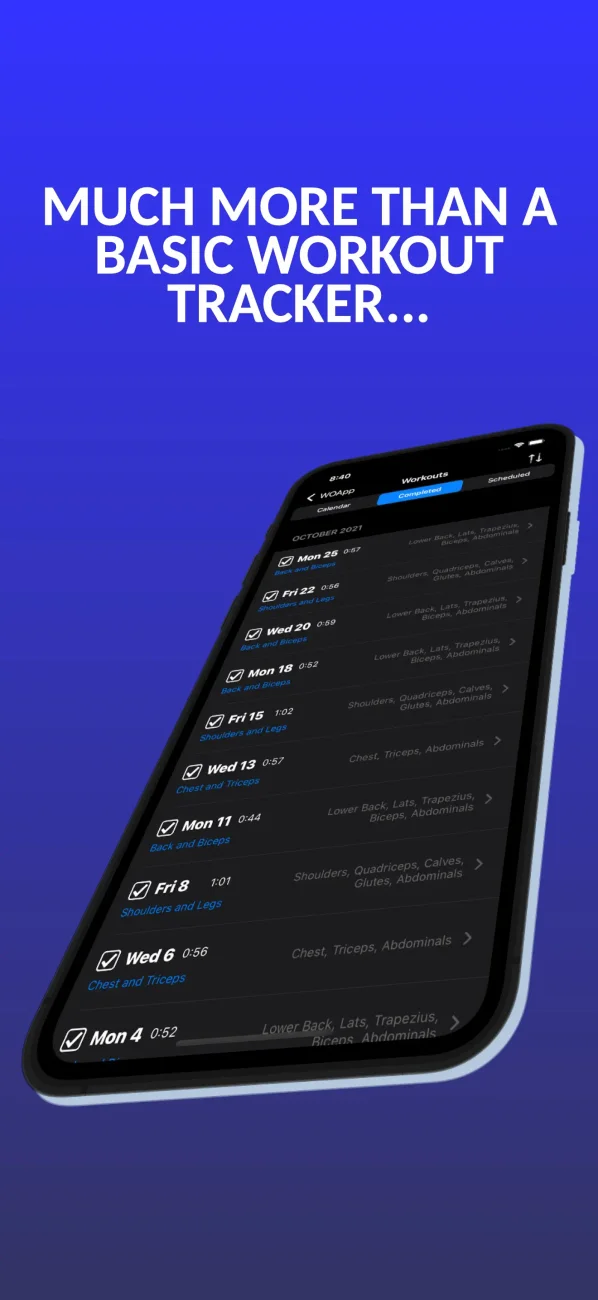
WOApp is much more than a basic workout tracker. Thanks to this app, you'll be able to log and plan your workouts, create your own training programs thanks to a list of 300+ exercises organized by muscles and muscle groups (bar, dumbbells, bodyweight, machines, cardio, etc.). But you'll also be able to create your own exercises in few secs and share them with your mates, to consult and analyze your statistics, to track your body measurements, and a lot more!
FUNCTIONALITIES
=============
1. Track your workouts
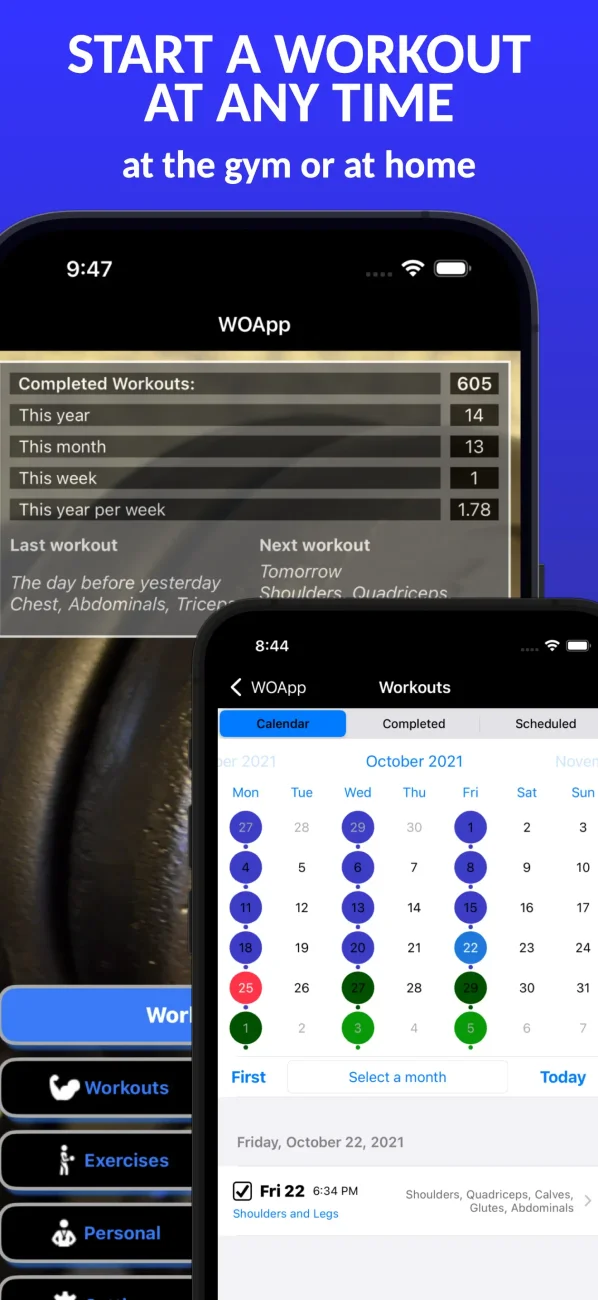
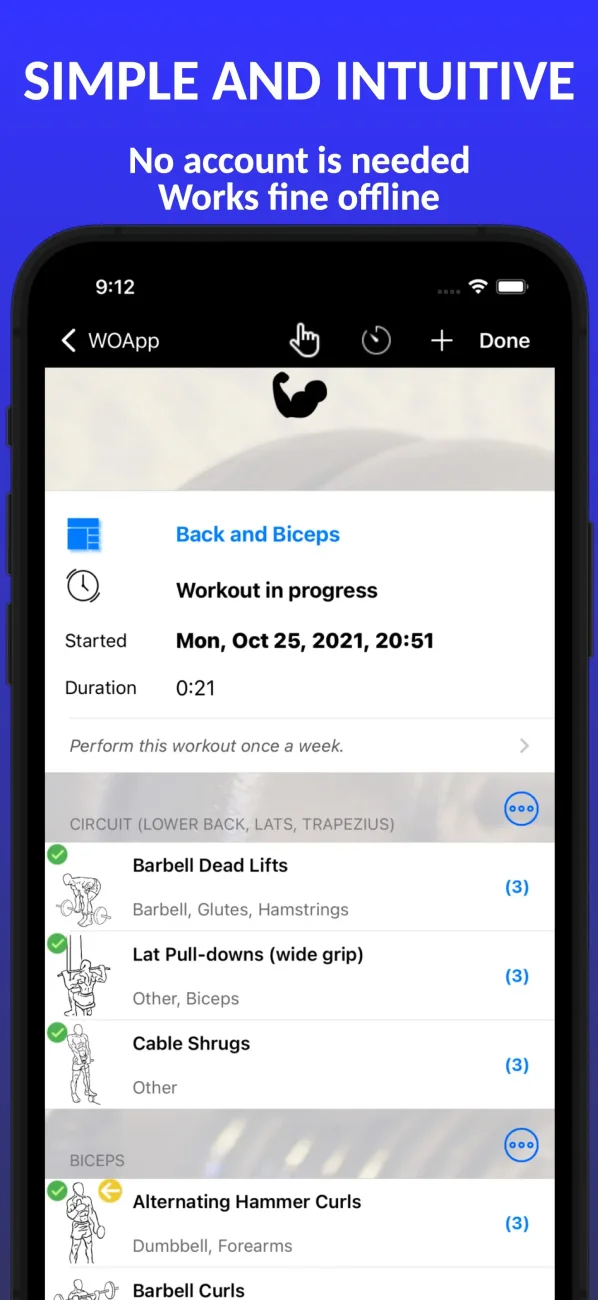
- Start a workout at any time, at the gym or at home. You may start a workout from scratch and add exercises while training, or you may start a workout that you had planned, or copy a workout that you have already completed, or copy a routine.
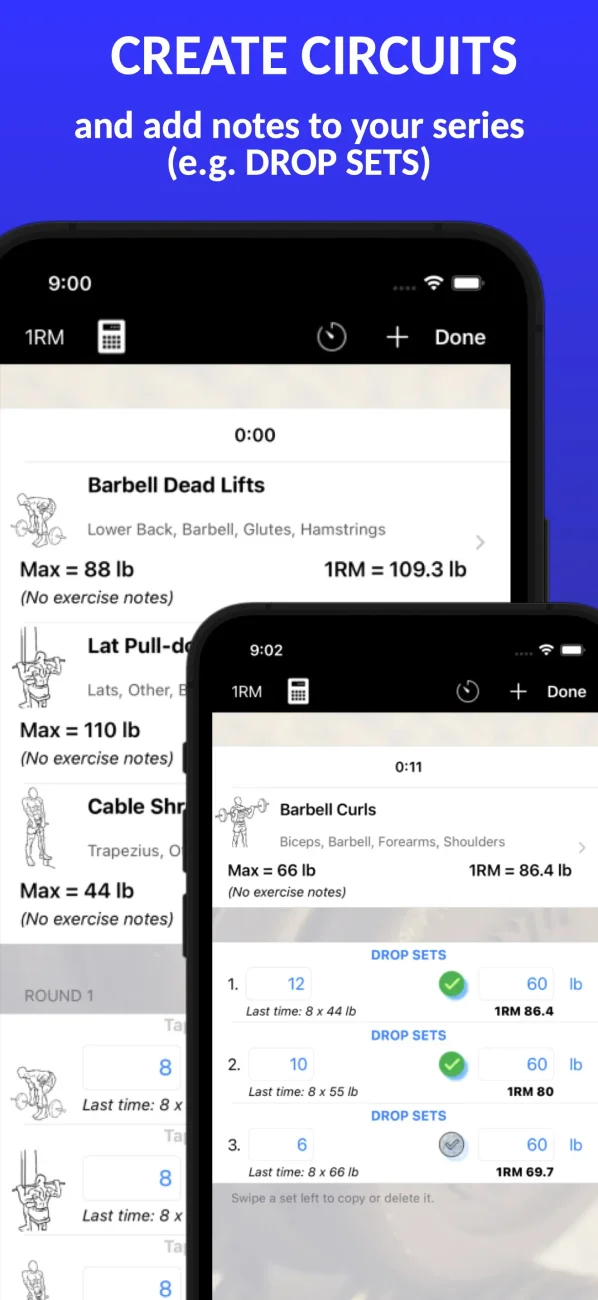
- Add notes to your series (e.g. SUPERSET, DROP SET).
- Create circuits with as many exercises as you want.
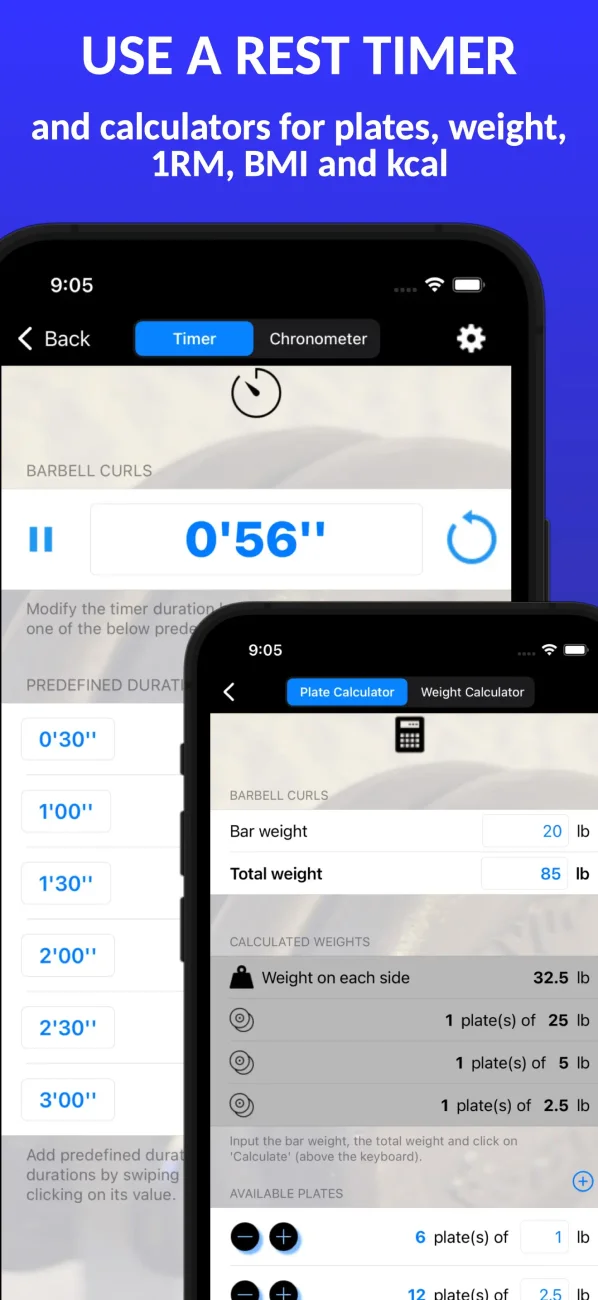
- Use the rest timer between two sets, and between two exercises.
- Pick a sound like a ring bell for when the rest timer is over.
- Take notes related to an exercise while working out; these notes will be available the next time you pick this exercise.
- Automatically get your One-Rep Max (1RM) for each set.
- Use the plate calculator to know the amount of weight and which plates to put on on each side of a bar.
- Use the weight calculator.
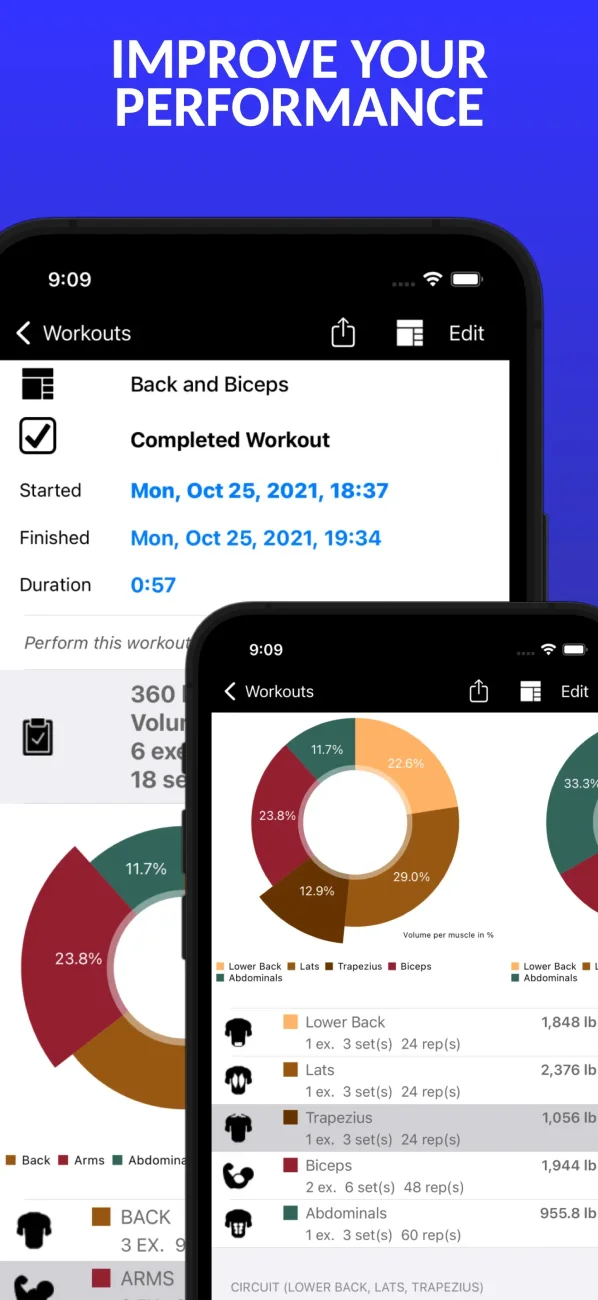
- Get metrics like the number of reps per exercise or the total weight per muscle at the end of a workout.
2. Main screen
Access all the main functionalities from the main screen. It is very common with similar applications that the navigation inside the app is confusing and that you can't easily switch from one functionality to another. Whereas with WOApp, it is always very clear which functionality you are using and very easy to switch from a screen to another.
3. Programs and routines
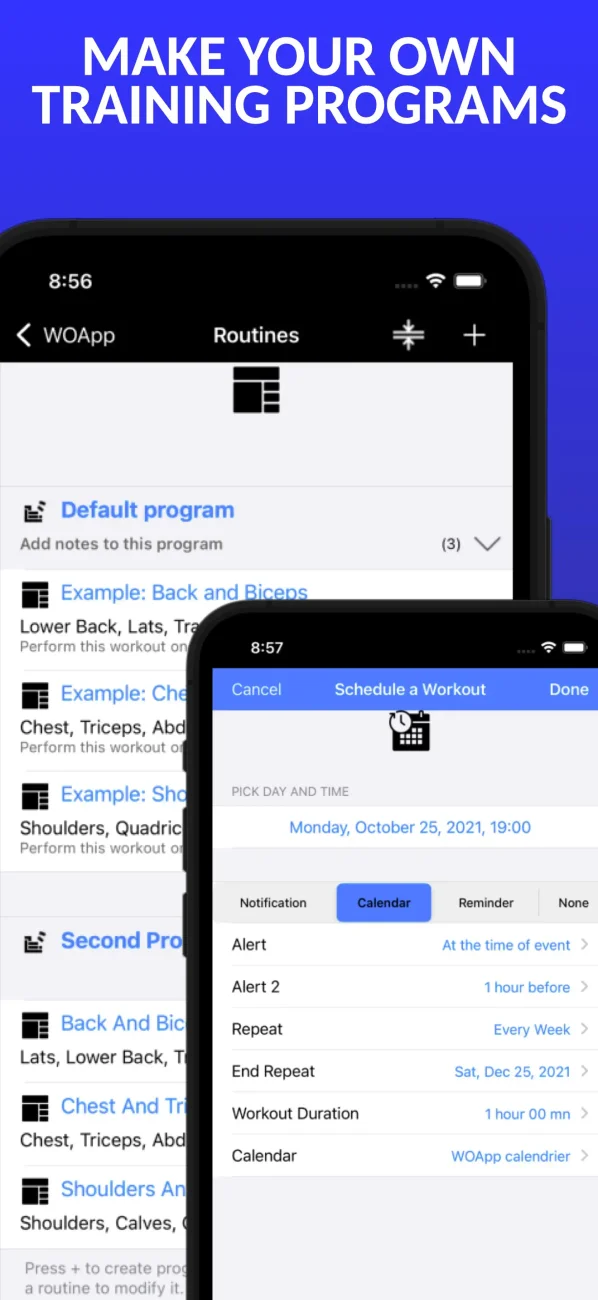
- Create your own training programs to meet your goals, and prepare your workouts thanks to routines that you'll execute on a regular basis or on a one-by-one case.
- Plan repeating workouts, integrated into your iPhone or iPad Calendar or Reminders, with or without alarms.
- Mark specific sets like 'DROP SETs'.
4. Exercises
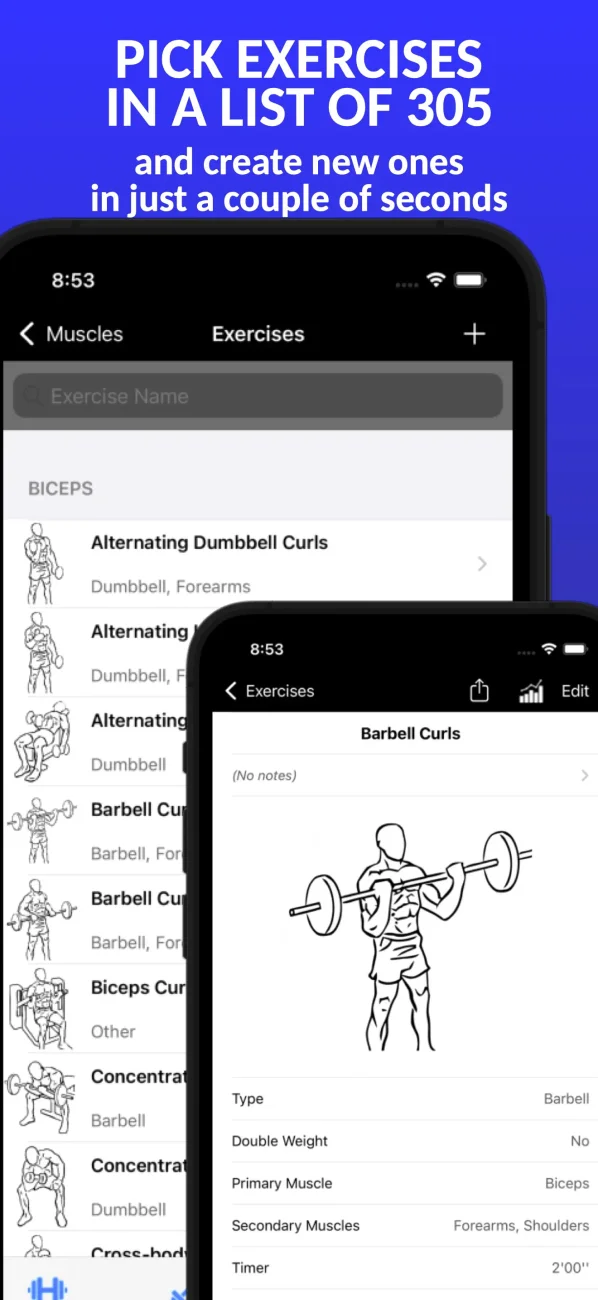
- 300+ exercises (including Bodyweight and Cardio) are available along with animated pictures and descriptions.
- Modify the exercises, create your own in a couple of seconds, and share them with your mates.
5. Statistics
Consult your statistics on workouts (number of repetitions, volume, etc.), muscles, muscle groups, exercises (you may also compare exercises) and personal data.
6. Personal
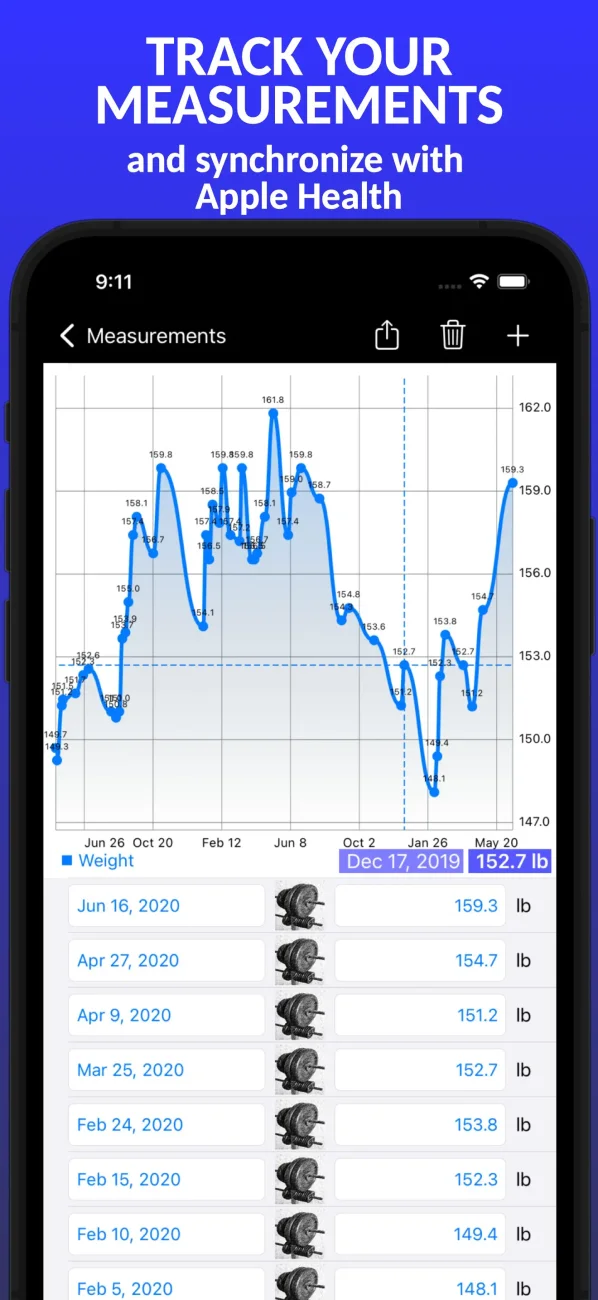
- Track 17 body measurements (weight, height, body fat percentage, etc.) plus those that you'll create yourself.
- Get your BMI (Body Mass Index) automatically calculated.
- Take photos and organize them into folders to view your physical progress.
- Score achievements by training hard and tracking your personal data.
7. Import / Export
- Save your workouts and all your data to iCloud as a safety measure, which can also be if you have to remove the app from your device and re-install it afterwards.
- Synchronize with Apple Health (workouts, burned calories, body measurements - iPhone only).
- Import and export your data thanks to CSV files.
- Export your data in clean text files.
* Pick an image or a photo of yours to be displayed in the background.
* Use the imperial or metric system (lb/kg, inches/cm).
* WOApp is compatible with iOS Dark Mode.
PAYING APP
=========
WOApp is not free, but the price is a one-off: you pay once and that's it. There is no subscription nor any hidden cost. Once bought, you'll be able to use WOApp forever.
新機能
バージョン 7.4.6 · 2026/1/14
The user guide has been updated and a couple of bugs have been updated. You'll also find 3 new exercices:
- Shoulders: Front Dumbbell Raises (hammer)
- Lats : Seated machine Rows (handles), and Seated machine Rows
アプリのプライバシー
このアプリのデータの取り扱いについて、Robin ConfalonieriがApp Storeで申告している内容です。
-
データの収集なし
開発元はこのアプリからデータを収集しません。
プライバシーの取り扱いは、ご利用の機能やお客様の年齢などに応じて異なる場合があります。
情報
- 販売元
- Robin Confalonieri
- カテゴリ
- ヘルスケア/フィットネス
- バージョン
- 7.4.6
- 更新日
- 2026/1/14
- リリース
- 2018/4/22
- サイズ
- 114.6 MB
- 必要条件
- iOS 15.6以降
- 対象年齢
- 4+
- 価格
- 無料
- 言語
- 英語, フランス語
- 著作権
- Copyright © 2019 Robin Confalonieri. All rights reserved.
こちらもおすすめ
-
 Pushpins Gameヘルスケア/フィットネス
-
 Daily Affirmations - Self Loveヘルスケア/フィットネス
-
 RoxPacer: Hyrox Race Pacerヘルスケア/フィットネス
-
 PushUp Synthヘルスケア/フィットネス
-
 Baby Sleep Trainer: Ferberヘルスケア/フィットネス
-
 AndroTrack: Gym & Testosteroneヘルスケア/フィットネス
-
 Fast - Intermittent Fastingヘルスケア/フィットネス
-
 Caffeine Tracker: Daily Logヘルスケア/フィットネス
-
 DBT Skills & Diary Cardヘルスケア/フィットネス
-
 DoseMate Proヘルスケア/フィットネス