- 対象年齢12+
- カテゴリユーティリティ
- 言語英語
- サイズ38.7 MB
App Storeの公式ページにリンクしています
Download.orgはWristlyのファイルを一切ホストしていません。ボタンを押すと、が公開しているApp Storeのアプリページが開きます。ページの最終確認:2026/11/14。
スクリーンショット



概要
開発元はこのテキストをお使いの言語で提供していません。
Wristly – The Ultimate Watch Tracking App
Wristly was created from a simple idea: a tool to help us track our watches effortlessly. What started as a private solution among colleagues quickly evolved into a platform for all watch enthusiasts.
Track, manage, and analyze your watch collection like never before! Wristly keeps your timepieces organized, monitors your wearing habits, and provides insightful statistics—all in one place. Whether you’re a casual wearer, collector, or investor, Wristly ensures you stay in control of your watches.
Core Features
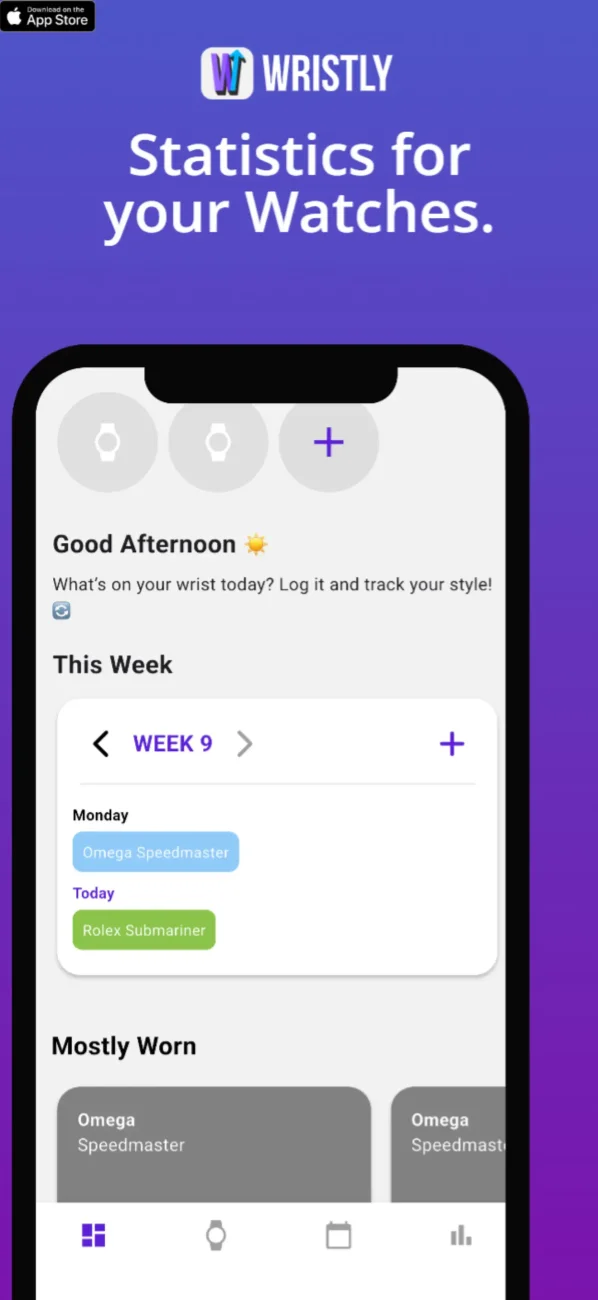
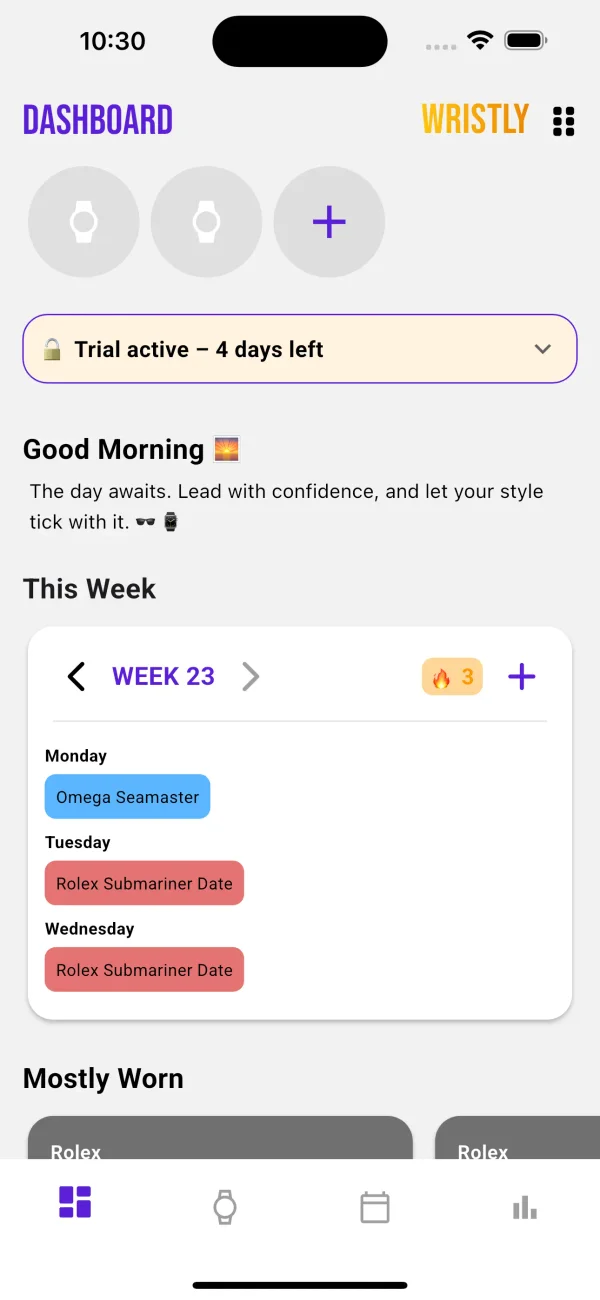
Dashboard Page – Your personalized watch hub!
• Stay informed with Dashboard Messages, keeping you up to date on your collection.
• Weekly Overview Widget, giving you insights into your wearing habits this week.
• Mostly Worn & Forgotten Watches Sections, highlighting your most and least worn timepieces.
• Every December, enjoy your Wristly Recap, a personal overview summarizing your entire year of watch-wearing history.
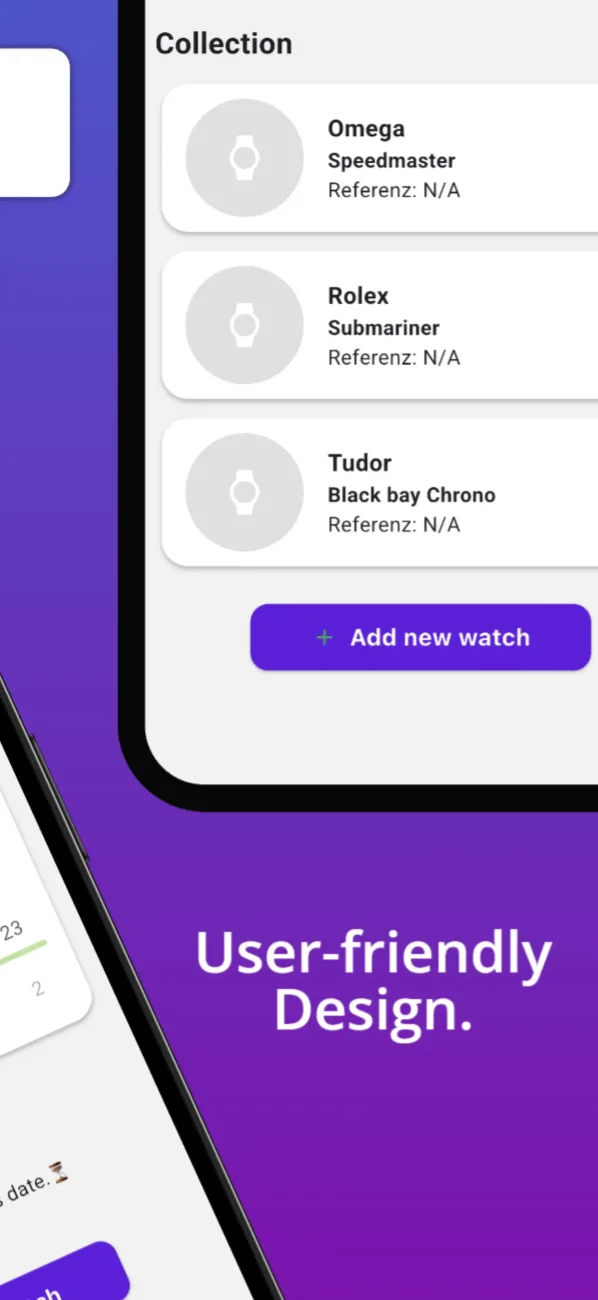
Collection Page – Your digital watch collection at a glance.
• Create and manage your watches, including all key details and a dedicated watch image.
• Mark watches as sold to unlock additional widgets related to sales tracking.
• Easily navigate to each watch’s detailed statistics or history pages.
• Statistics and collection are deliberately separate, so you can focus on your watches first and dive into analytics when you want.
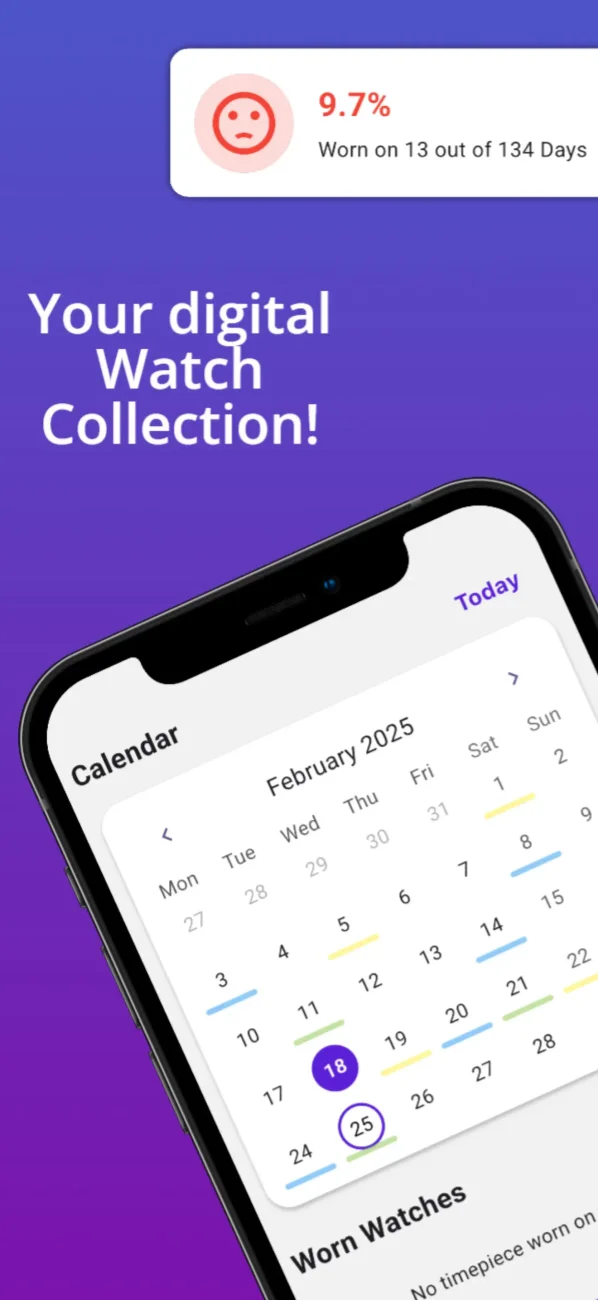
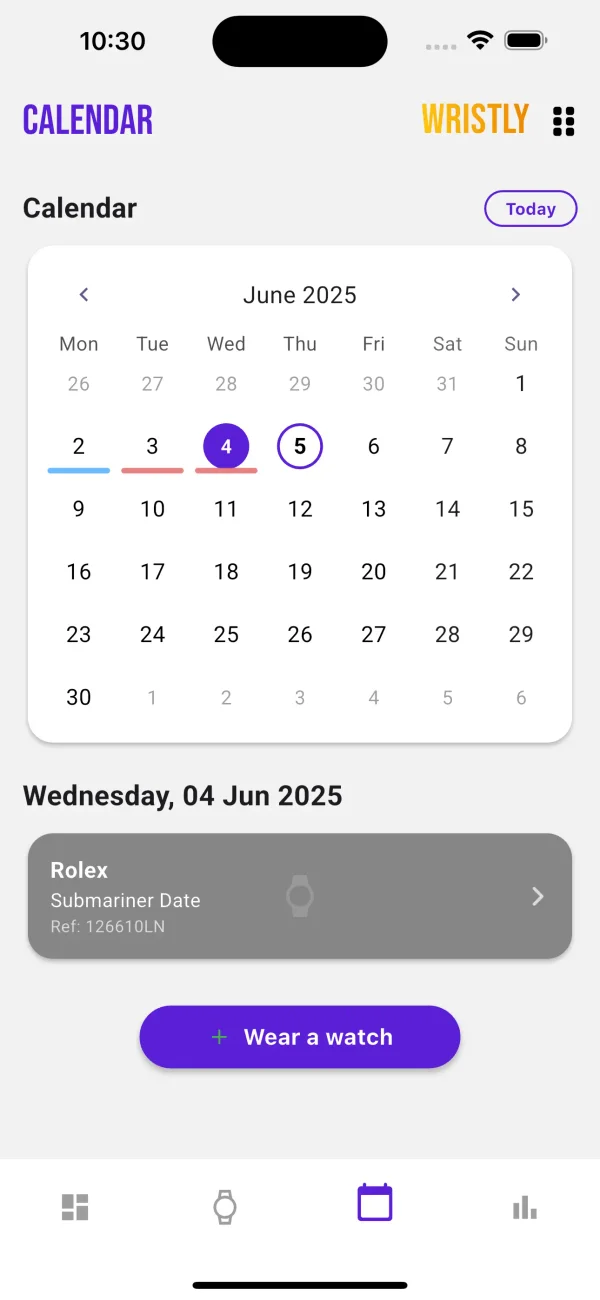
Calendar Page – Log your watch-wearing habits effortlessly.
• Manually log which watch you wore today or on past days, ensuring complete and accurate tracking.
• All statistics are automatically calculated based on your Collection and Calendar entries.
• Keep an overview of your most worn and least worn watches with real-time insights.
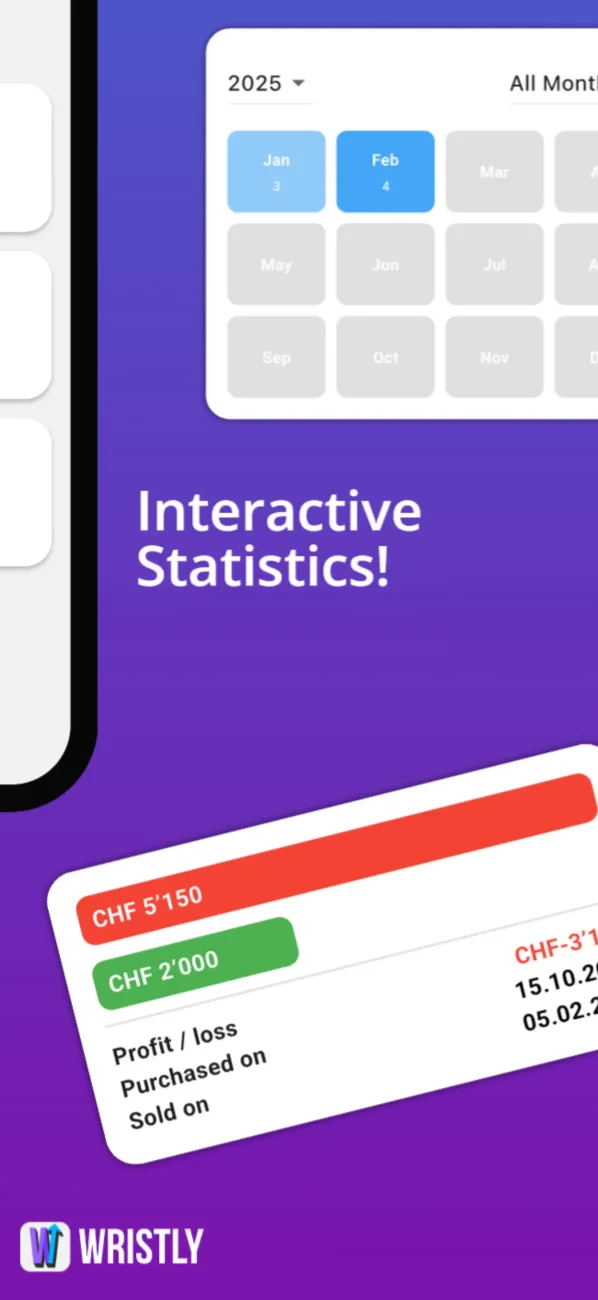
Statistics Page – Where the magic happens!
• Based on your logged data, Wristly automatically generates interactive widgets.
• Apply filters to get specific insights tailored to your collection.
• If widgets don’t show enough details, open full-screen views to access in-depth information at any time.
Advanced Statistics Widgets – Personalize your Statistics Page with additional widgets:
• Seasonal Watch Usage – Track how your watch-wearing habits change throughout the year.
• Income & Expenses Overview – Keep a financial overview of your watch investments.
• Most Expensive vs. Most Worn – Compare the watches you value most vs. those you wear most.
• Customizable Layout – Show, hide, and rearrange widgets to match your preferences.
Enhanced Dashboard Insights – Stay on top of your collection with:
• Current Wear Streak – Track your consecutive days of wearing a watch.
• Wristly Recap – Access throughout the year and not just at the end of the year.
Import & Export Functionalities – Full control over your data:
• Backup & Restore – Secure your database and re-import it when needed.
• Excel Export – Export your collection into Excel for deeper analysis.
• Image Backup – Export and import watch images for safekeeping.
Extended Watch Statistics – Gain deeper insights into your watches:
• Usage Rate Indicator – Shows whether a watch is frequently worn or rarely used.
• Wear Frequency Graph – A visual breakdown of your wearing patterns.
• Wear History Heatmap – A color-coded heatmap displaying your most active watch months.
Dark Mode – A sleek and stylish dark theme for an enhanced user experience.
Wristly automatically generates all statistics based on your data, making watch tracking seamless and insightful.
Built with passion for watch enthusiasts, by watch enthusiasts.
Start tracking your watches today with Wristly!
Terms of Use - Standard Apple Terms of Use (EULA):
https://www.apple.com/legal/internet-services/itunes/dev/stdeula/
新機能
バージョン 1.0.28 · 2026/3/28
What’s New in 1.0.28:
• Added toolbar in Collection page for sort and search functionality
• Glass-style navigation bar for iOS 26
• Added option to remove a watch image
• Improved calendar markers for days with multiple watches
• Improved calendar view with better date selection
• More compact navigation bar for a cleaner layout
• Fixed issue where updated watch images were not displayed immediately
Please make a backup of your data before updating!
アプリのプライバシー
このアプリのデータの取り扱いについて、がApp Storeで申告している内容です。
-
データの収集なし
開発元はこのアプリからデータを収集しません。
プライバシーの取り扱いは、ご利用の機能やお客様の年齢などに応じて異なる場合があります。
情報
- 販売元
- Sven Marc Holenstein
- カテゴリ
- ユーティリティ
- バージョン
- 1.0.28
- 更新日
- 2026/3/28
- リリース
- 2025/6/8
- サイズ
- 38.7 MB
- 必要条件
- iOS 15.6以降
- 対象年齢
- 12+
- 価格
- 無料
- 言語
- 英語
- 著作権
- © 2026 SKYCIN Studios