- 対象年齢4+
- カテゴリ教育
- 開発元James Clarke
- 言語英語
- サイズ55.7 MB
App Storeの公式ページにリンクしています
Download.orgはWristRecallのファイルを一切ホストしていません。ボタンを押すと、James Clarkeが公開しているApp Storeのアプリページが開きます。ページの最終確認:2026/11/18。
スクリーンショット



概要
開発元はこのテキストをお使いの言語で提供していません。
Learn on your wrist. Remember everywhere. Memory is one of your most precious attributes nurturing it and growing it will take you far! Whether cramming for an exam, or staying mentally active you will not regret checking out WristRecall.
WristRecall turns spare moments into opportunities to learn and test your knowledge for the topics that matter to you. Study from your wrist, review stats on your phone, and keep your decks and progress close wherever you go.
STUDY ON APPLE WATCH
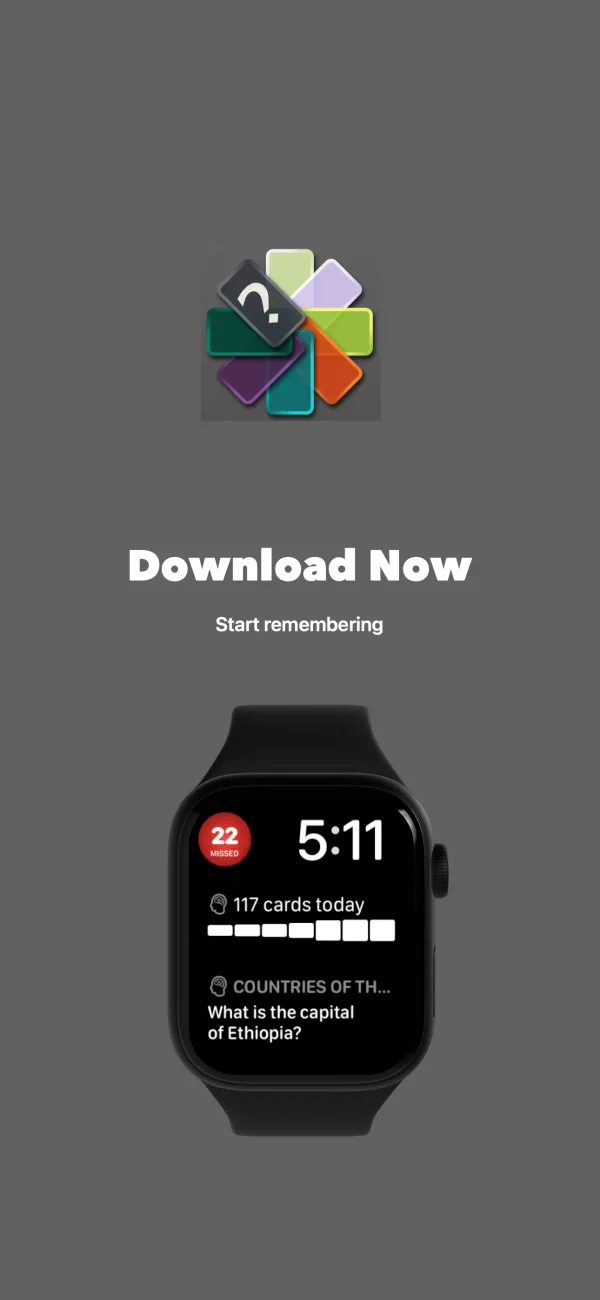
Choose a deck, set a session length with the Digital Crown, and filter by topic. Reveal answers, record correct or missed cards, and keep moving through a focused session without reaching for your phone. Complications put your next card and daily progress on your watch face.
QUIZ AND BROWSE ON IPHONE
Run complete quizzes on iPhone with deck selection, session setup, card question/answer, and a clear results summary. Search and filter every deck, review individual card history, and snooze cards you have mastered for today, this week, or permanently.
CREATE AND MANAGE YOUR DECKS
Build and edit personal flashcard decks directly on iPhone. Add topics, write rich cards, customize deck details and artwork, and return to unfinished editing sessions whenever you are ready.
UNDERSTAND YOUR PROGRESS
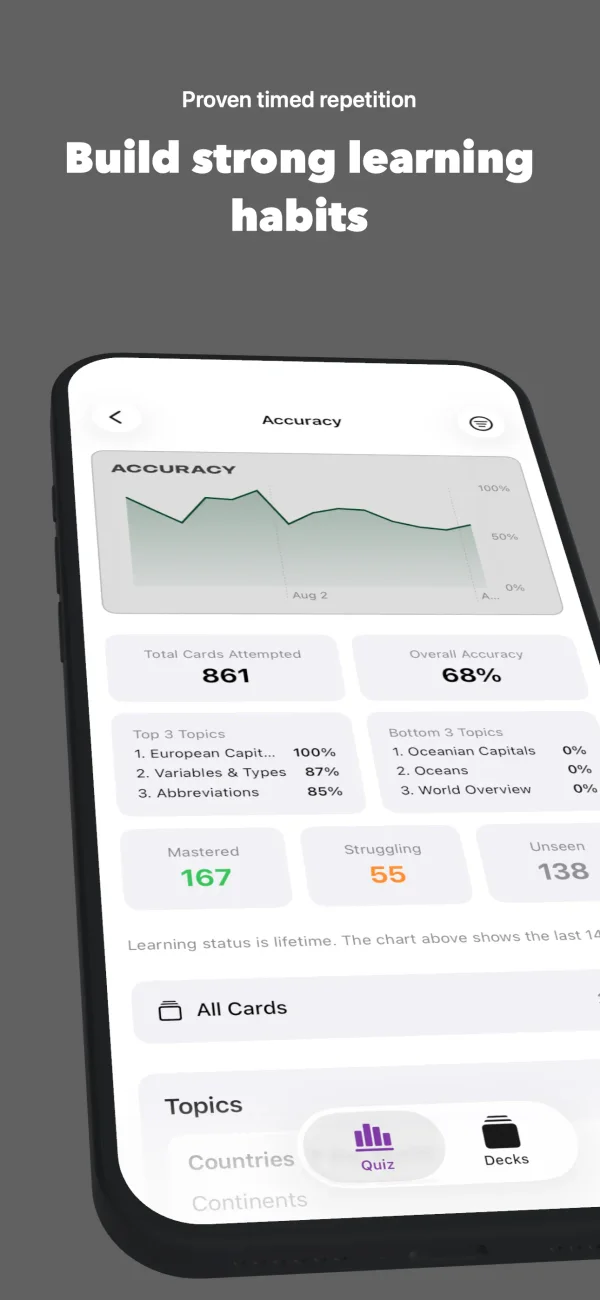
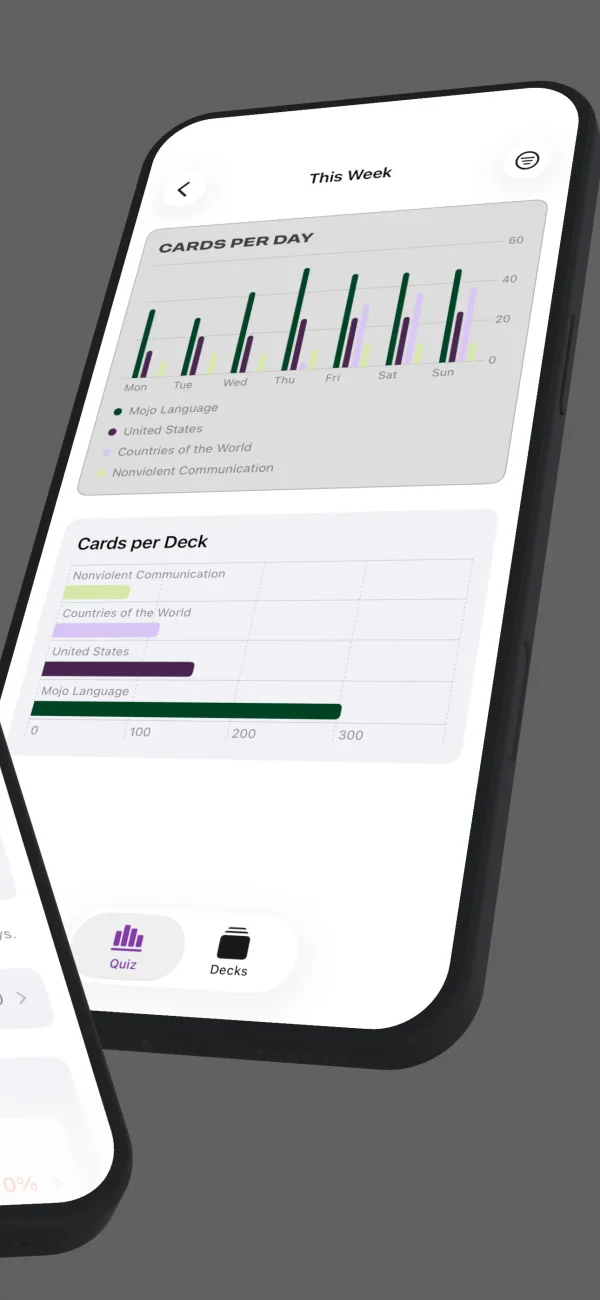
Explore Today, This Week, Accuracy, and Streak details. Compare activity across decks, inspect pass/fail ratios, revisit missed cards, and see topic-by-topic accuracy. WristRecall prioritizes unseen and missed cards so each session focuses on what is most useful.
SYNC YOUR DECKS
Import .wristdeck files with AirDrop, Files, or the Share Sheet. Quick Look previews a deck before you open it. With Premium, Deck Roaming keeps imported decks backed up in iCloud and easily installable across your devices.
GET STARTED EASILY
Guided setup helps you install starter decks, configure Apple Watch, and begin your first quiz. Send multiple imported decks to your watch in one flow with connection, storage, and transfer progress feedback.
RICH, FLEXIBLE FLASHCARDS
Markdown support brings bold text, colored highlights, and code blocks to your cards. Study programming, languages, geography, professional material, or any subject you can turn into a deck.
WIDGETS AT A GLANCE
Add iPhone Home Screen and Lock Screen widgets for today's progress, weekly activity, accuracy trends, or your next learning card.
OPTIONAL MAC DECK CREATION
Premium subscribers can use WristRecall's MCP server on Mac with compatible desktop tools to create or revise decks. Completed changes sync through iCloud and appear alongside decks made in the app.
No account is required. Your learning data stays within your Apple ecosystem and syncs using iCloud.
Terms of Use (EULA): https://wristrecall.app/terms
Privacy Policy: https://wristrecall.app/privacy
新機能
バージョン 2.0.3 · 2026/9/18
Customize WristRecall with themes. Choose primary and secondary colors, edit the background gradient, or use custom colors. Your theme carries through to widgets and Apple Watch. Try the new CherryDrop theme; the default theme is now called Championship.
Find new decks during onboarding and in Get More Decks. You can also export and share a deck with friends from its page using Messages, AirDrop, and other sharing options.
アプリのプライバシー
このアプリのデータの取り扱いについて、James ClarkeがApp Storeで申告している内容です。
-
データの収集なし
開発元はこのアプリからデータを収集しません。
プライバシーの取り扱いは、ご利用の機能やお客様の年齢などに応じて異なる場合があります。
情報
- 販売元
- James Clarke
- カテゴリ
- 教育
- バージョン
- 2.0.3
- 更新日
- 2026/9/18
- リリース
- 2026/3/19
- サイズ
- 55.7 MB
- 必要条件
- iOS 26.0以降
- 対象年齢
- 4+
- 価格
- 無料
- アプリ内課金
- あり
- 言語
- 英語
- 著作権
- © 2026 ObjectivePixel