- 対象年齢4+
- カテゴリ仕事効率化
- 開発元Roozbeh Geraili Mikola
- 言語英語
- サイズ1.1 MB
App Storeの公式ページにリンクしています
Download.orgはwSlope Proのファイルを一切ホストしていません。ボタンを押すと、Roozbeh Geraili Mikolaが公開しているApp Storeのアプリページが開きます。ページの最終確認:2026/11/17。
スクリーンショット



概要
開発元はこのテキストをお使いの言語で提供していません。
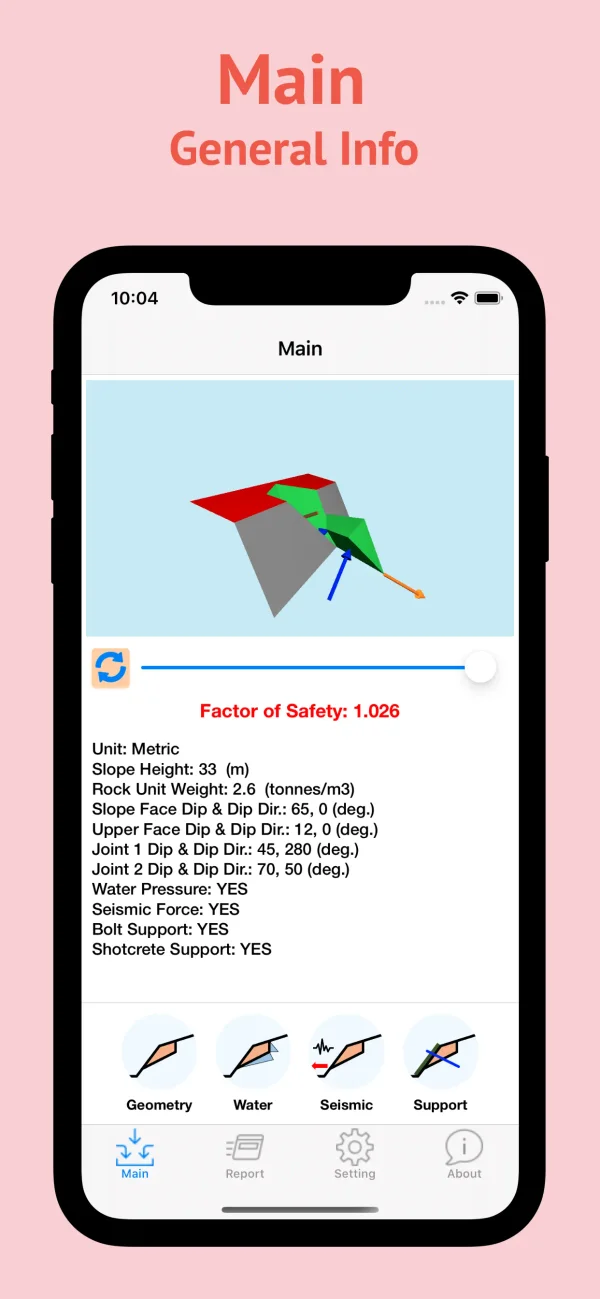
wSlope is designed to perform a quick rock slope analysis on your phone device. wSlope is very simple and easy to use. wSlope uses block theory (Goodman and Shi, 1985) method to estimate the stability of surface wedges in rock slopes. wSlope has the following features:
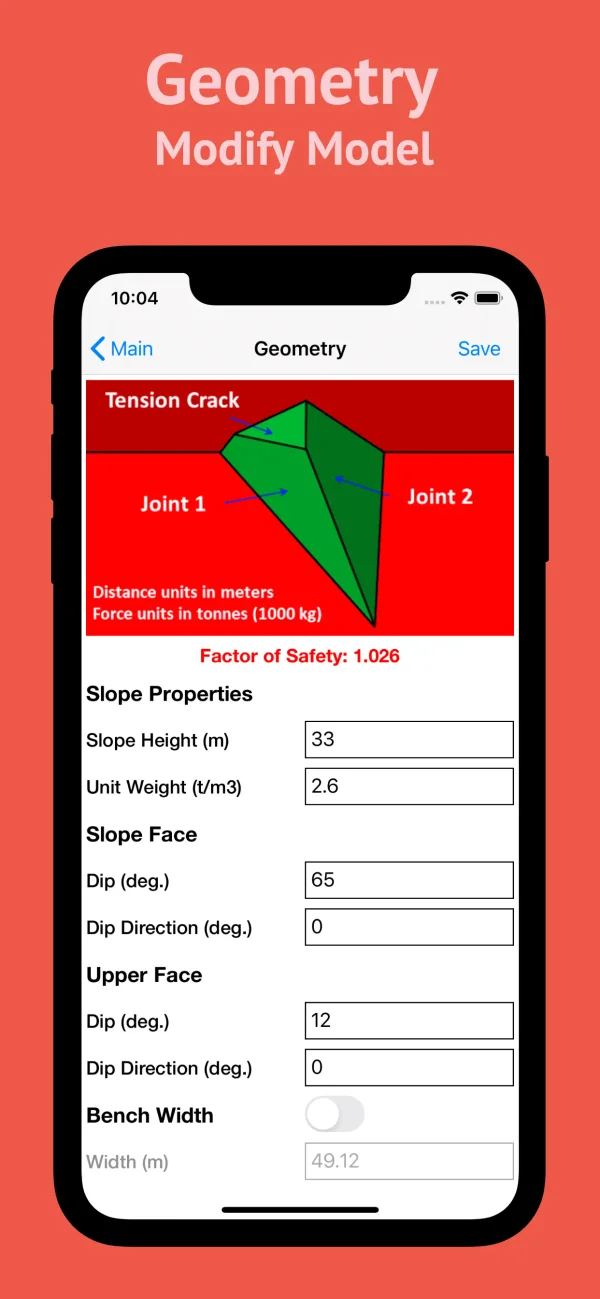
- wSlope determines Factor of Safety (FOS) for translational slip of a single rock wedge formed in a rock slope by two intersecting joints, slope face, upper ground face as well as tenstion crack (optional).
- wSlope provides an integrated graphical environment for fast, easy data entry and 3D model visualization.
- Water pressure can be applied on joint planes. Water pressure forces can be represented by arrows displayed at the center of each wedge failure plane, directed normal to the plane.
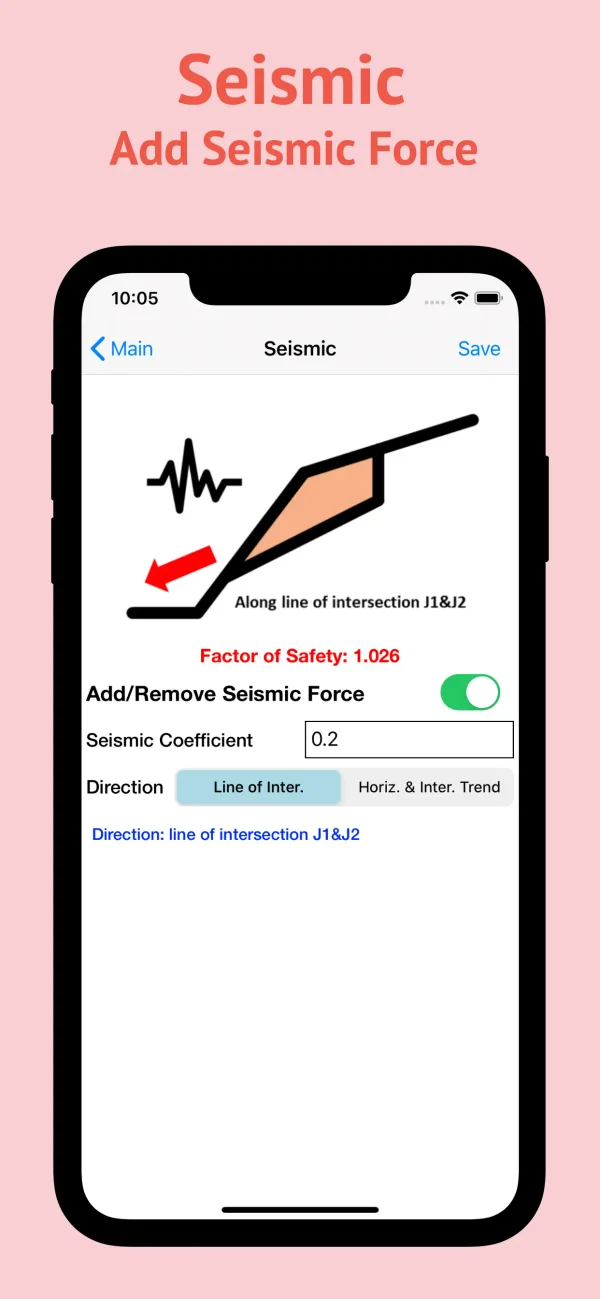
- Seismic Force can be applied to the wedge by selecting the Seismic switch box. If Seismic Force has been applied to a model, the direction and existence of a seismic force will be represented on the 3D model as a yellow arrow at the lowermost wedge vertex on the slope face.
- Rock bolts and shotcrete can be applied to increase the wedge safety factor. The support parameters dialog allows user to easily add support and define the support properties for the model. Bolt’s trend angle will be calculated automatically based on the slope direction. User also will be able to modify the parameters. Shotcrete is only applied to the slope face of the model (not the upper slope). Slope face will be shaded gray, to indicate the presence of shotcrete.
- The Settings Tab can be used to configure the main analysis parameters for your model, such as Units of Measurement, Project Title.
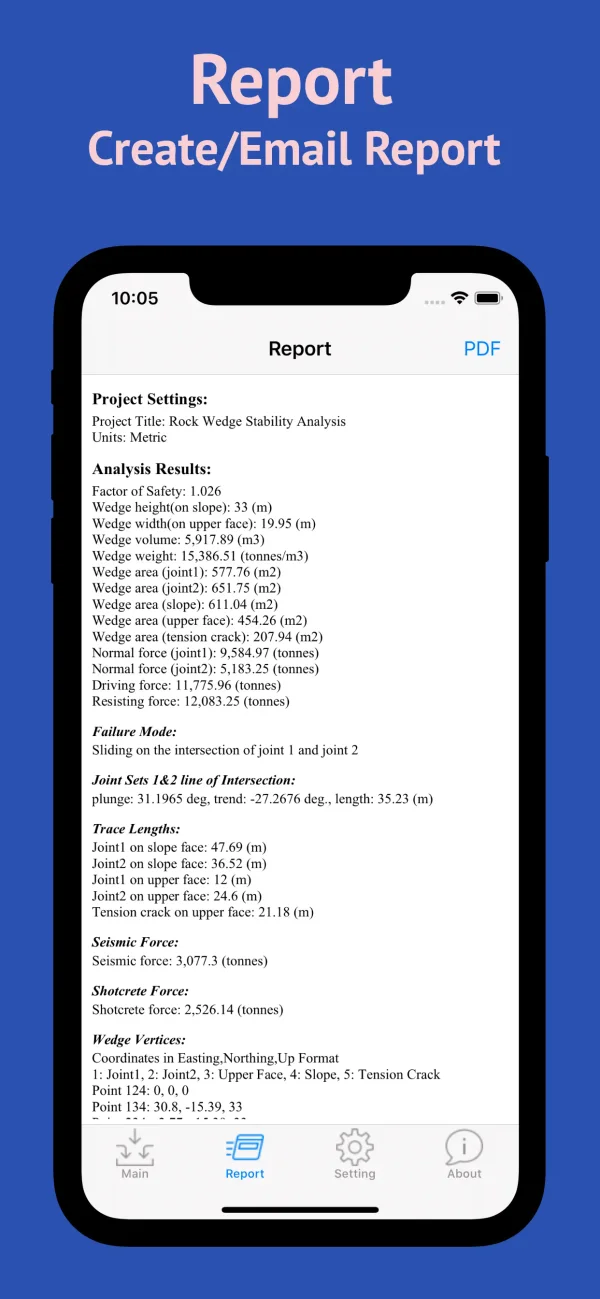
- The brief summary of analysis results and input data will be displayed in the Report Page. The report button, allows user to save the current model’s input and output information into PDF file. The generated report file can be sent out via email.
新機能
バージョン 1.1.1 · 2026/9/14
The app has been rebuilt to meet the latest requirements from the App Store.
アプリのプライバシー
このアプリのデータの取り扱いについて、Roozbeh Geraili MikolaがApp Storeで申告している内容です。
-
データの収集なし
開発元はこのアプリからデータを収集しません。
プライバシーの取り扱いは、ご利用の機能やお客様の年齢などに応じて異なる場合があります。
情報
- 販売元
- Roozbeh Geraili Mikola
- カテゴリ
- 仕事効率化
- バージョン
- 1.1.1
- 更新日
- 2026/9/14
- リリース
- 2020/4/3
- サイズ
- 1.1 MB
- 必要条件
- iOS 16.1以降
- 対象年齢
- 4+
- 価格
- ¥300
- 言語
- 英語
- 著作権
- © Roozbeh Geraili Mikola