- 対象年齢4+
- カテゴリユーティリティ
- 開発元Akator GmbH
- 言語英語ほか22言語
- サイズ6.7 MB
App Storeの公式ページにリンクしています
Download.orgはWurstfingerのファイルを一切ホストしていません。ボタンを押すと、Akator GmbHが公開しているApp Storeのアプリページが開きます。ページの最終確認:2026/11/22。
スクリーンショット
概要
開発元はこのテキストをお使いの言語で提供していません。
Wurstfinger - The Keyboard for Fat Fingers
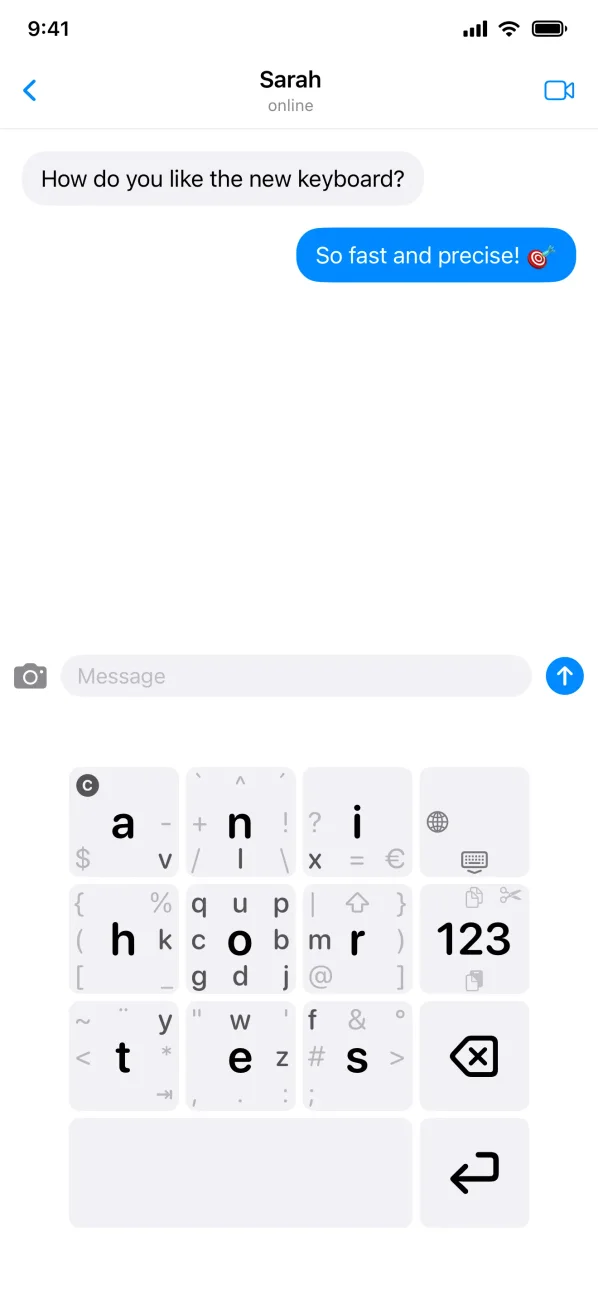
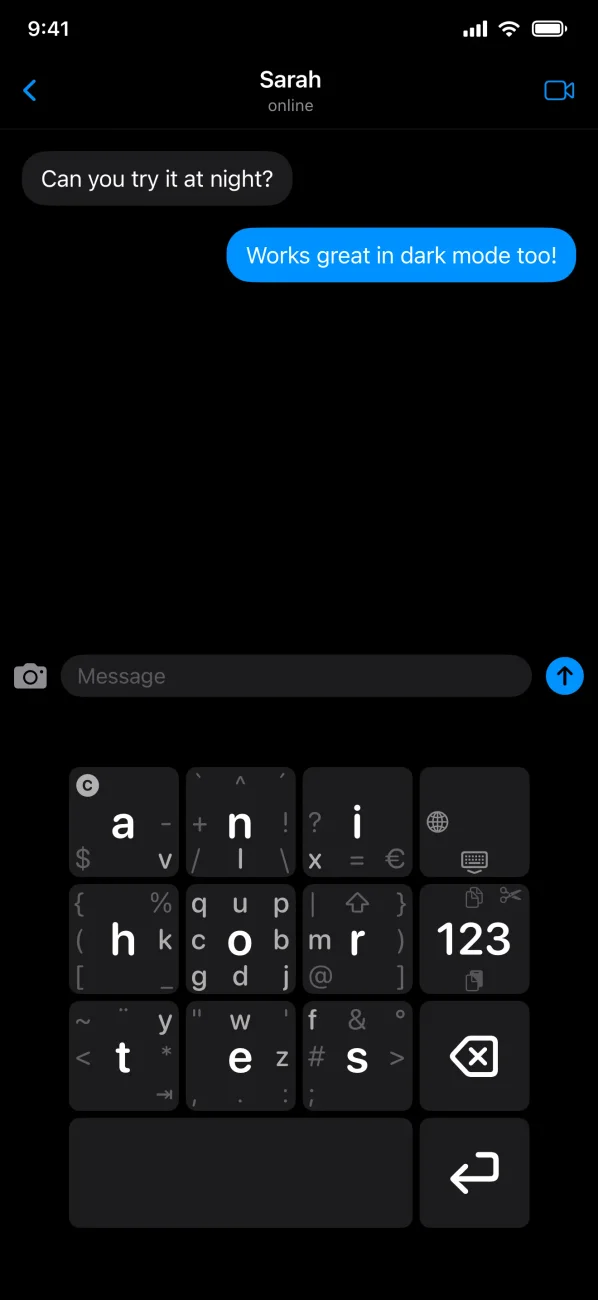
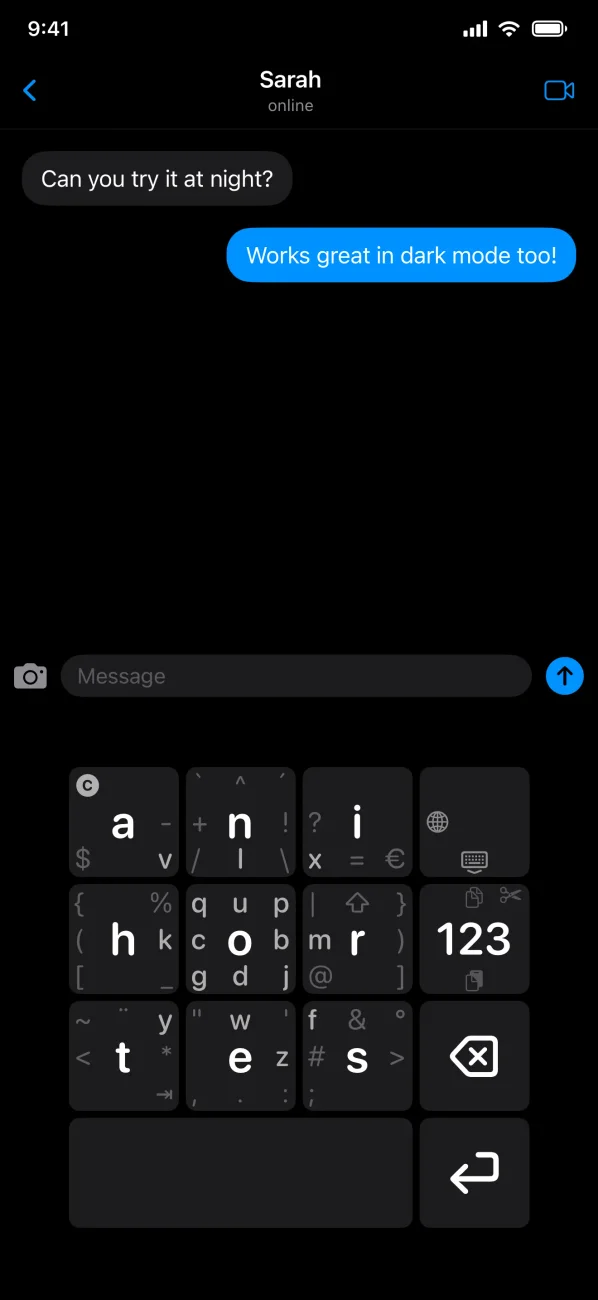
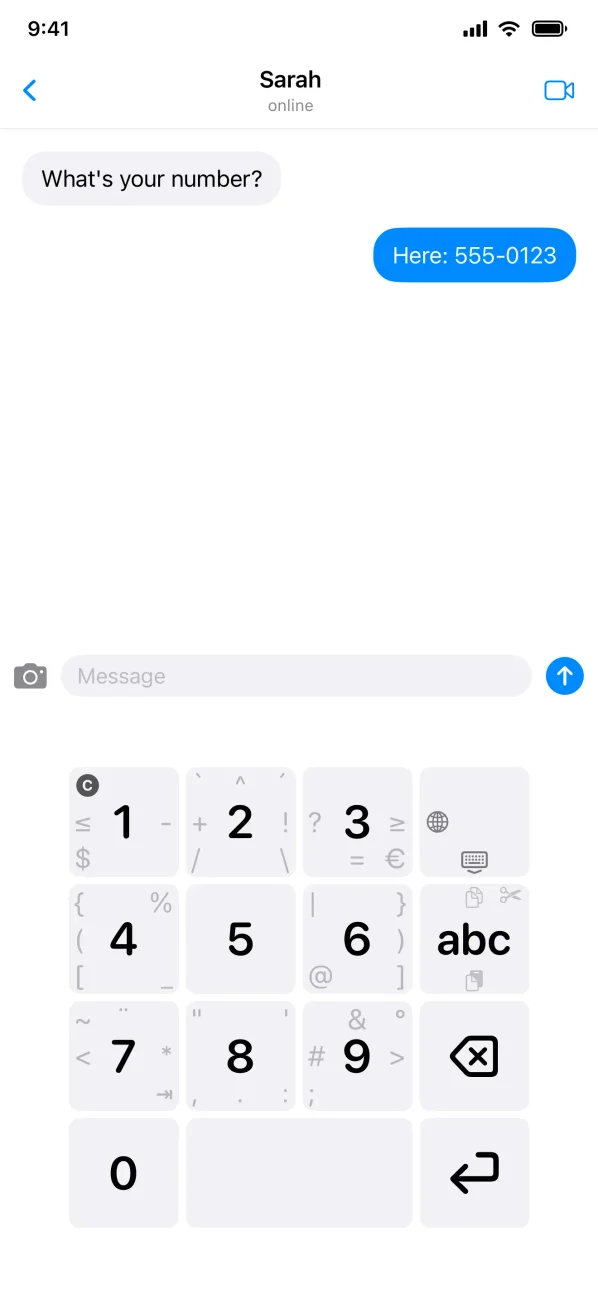
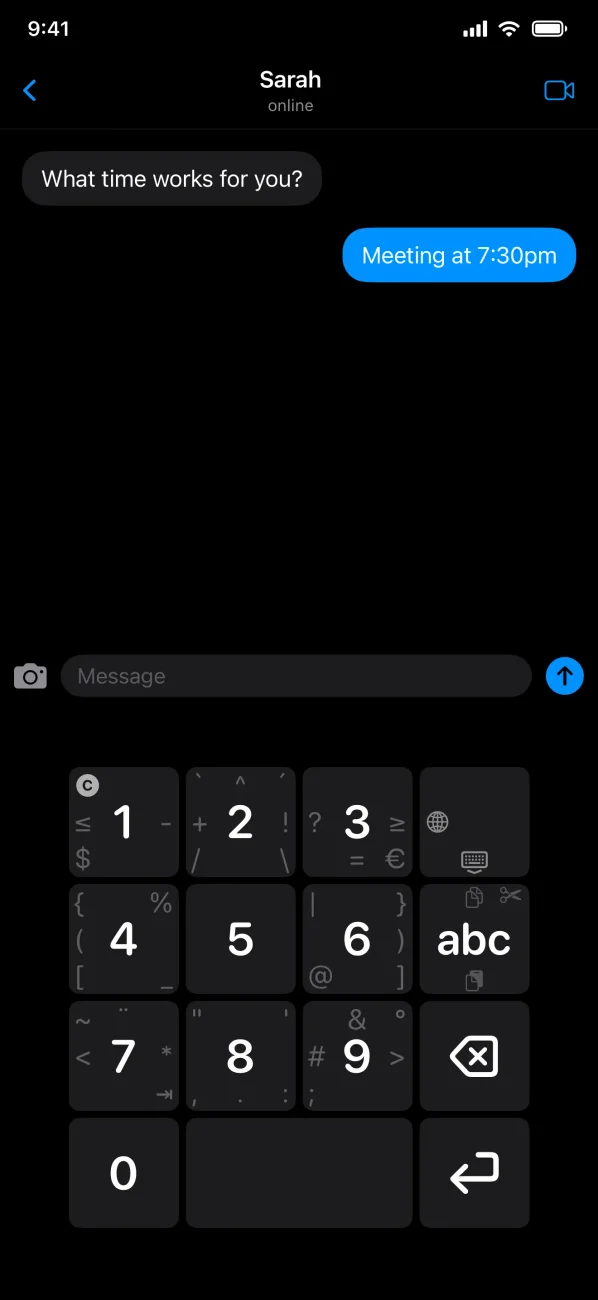
Tired of typos? Wurstfinger is a privacy-conscious keyboard with large keys and swipe gestures. Based on the proven MessagEase layout, it replaces the cramped QWERTY grid with a 3x3 layout optimized for thumb typing.
Unlike mainstream keyboards, Wurstfinger doesn't rely on invasive word prediction - instead, it achieves accuracy through ergonomic design. Large, well-spaced keys mean fewer missed taps, and the gesture system lets you access all characters without hunting for tiny buttons.
FEATURES:
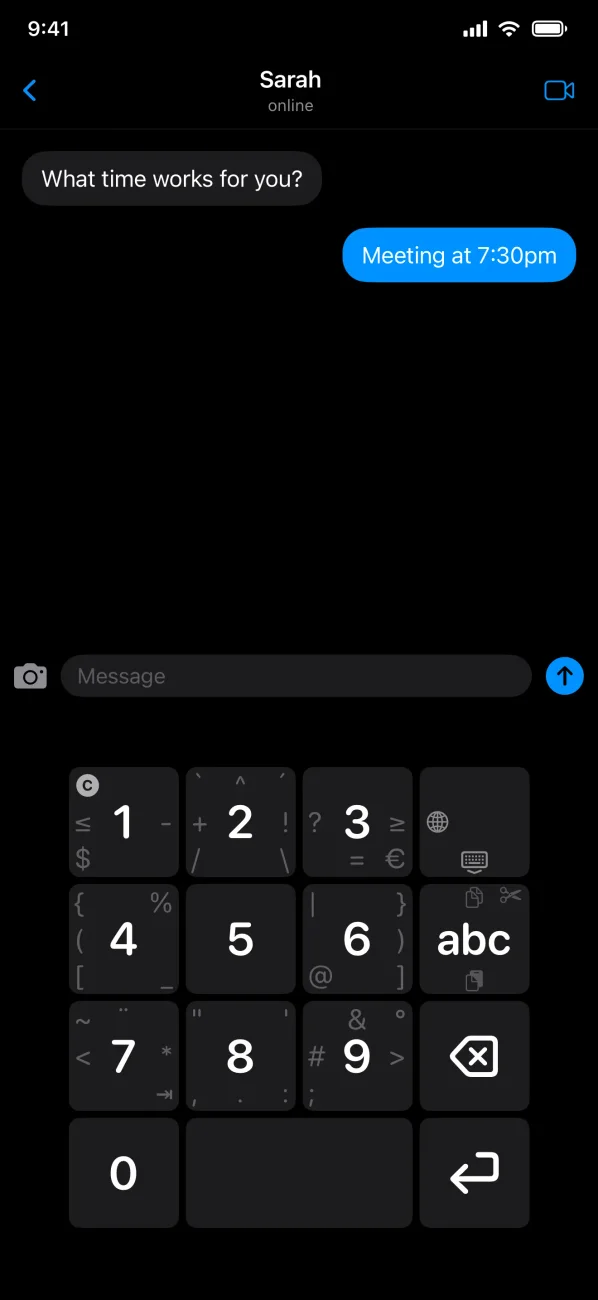
• Large 3x3 Key Grid - Optimized for thumbs, not precision pointers
• Swipe Gestures - Access 8 additional characters per key by swiping
• 26 Keyboard Layouts - Arabic, Croatian, English, Estonian-Finnish, Finnish, French, German, Greek, Hebrew, Hindi, Italian, Japanese (Hiragana), Japanese (Katakana), Korean, Persian, Polish, Portuguese, Russian, Spanish, Spanish-Catalan, Swedish, Tagalog, Thai, Ukrainian, Urdu, and Vietnamese (with Telex input)
• Compose Rules - Create accents through combinations (e.g. ' + a = á)
• Circular Gestures - Draw a circle for uppercase letters
• Cursor Control - Drag on the space bar to move the cursor, drag on the delete key to erase continuously
• Haptic Feedback - Customizable vibration intensity
• Fully Adjustable - Scale keyboard size to your preference
PRIVACY FIRST:
• No data collection
• No network access
• No word prediction tracking
• All processing happens locally on your device
Wurstfinger requires training - expect a few days to build muscle memory. But once you've crossed that threshold, you'll never want to go back to a standard keyboard. The gestures become second nature, and you'll type faster and with fewer errors than ever before.
Your fingers will thank you!
新機能
バージョン 1.4.1 · 2026/8/11
Version 1.4.1
New:
• Optional gesture trail — a soft stroke follows your finger while you swipe and fades out when you lift it. Off by default, under Settings › Gestures
• New app icon: Liquid Glass on iOS 26, with depth on the Home Screen
Improved:
• Fast flicks are recognized as swipes again instead of typing the key's center letter
• Characters that could not be typed at all on the new layouts: Thai ฬ ฒ ฑ ฏ and ฿, the Japanese 、 and 。 with the small kana, the half-space in Persian and Urdu, Arabic-script punctuation, the Hindi ₹, the Hebrew ׳ and ״, and the voiced kana iteration marks ゞ and ヾ
• č ď ě ň ř š ť ž are directly reachable: the caron now sits on the return swipe of the ^ key, replacing the stand-alone circumflex accent that swipe used to type (the ^ itself is unchanged)
• Diagonal drags on the delete key delete instead of doing nothing
• A long press held across a mode or language switch no longer types the old key's digit
• Double-space types a period only on two consecutive spaces, and inserts the sentence mark of the script you are typing
• Forward-delete and capitalize-word respect an active selection
• Coming back from another app applies settings changed in the meantime before the first keystroke, and the app switcher no longer shows an empty gap where the keyboard was
• VoiceOver reaches the shift, punctuation and mode keys, and offers swipe-only actions such as copy, cut, paste and hide keyboard through the rotor
• Key labels stay inside their key at the smallest keyboard sizes
• Size & Position was shown in English whatever the app language, and is translated now, along with 70 corrected translations
• Leaner rendering leaves the keyboard more memory headroom
アプリのプライバシー
このアプリのデータの取り扱いについて、Akator GmbHがApp Storeで申告している内容です。
-
データの収集なし
開発元はこのアプリからデータを収集しません。
プライバシーの取り扱いは、ご利用の機能やお客様の年齢などに応じて異なる場合があります。
情報
- 販売元
- Akator GmbH
- カテゴリ
- ユーティリティ
- バージョン
- 1.4.1
- 更新日
- 2026/8/11
- リリース
- 2025/12/9
- サイズ
- 6.7 MB
- 必要条件
- iOS 17.0以降
- 対象年齢
- 4+
- 価格
- 無料
- 言語
- 英語, アラビア語, クロアチア語, フィリピン語, フィンランド語, フランス語, ドイツ語, ギリシャ語, ヘブライ, ヒンディー語, イタリア語, 日本語 ほか11言語
- 著作権
- © 2026 Akator GmbH