- 対象年齢4+
- カテゴリミュージック
- 開発元Alexander Ewering
- 言語英語
- サイズ8.4 MB
App Storeの公式ページにリンクしています
Download.orgはXequence 2のファイルを一切ホストしていません。ボタンを押すと、Alexander Eweringが公開しているApp Storeのアプリページが開きます。ページの最終確認:2026/11/17。
スクリーンショット

概要
開発元はこのテキストをお使いの言語で提供していません。
This app is targeted at digital music production enthusiasts & professionals.
Xequence is a comprehensive, fast & reliable MIDI sequencer, editor, arranger & controller for iPhone & iPad.
Providing a desktop-class editing experience, it is the perfect centerpiece for a hardware studio, or for apps like AUM & Audiobus 3 to create a modular mobile music production environment.
HIGHLIGHTS:
- Efficient & fast User Interface for an amazing editing workflow
- Robust MIDI File Import & Export (notes, controllers, program changes, etc.)
- Extensive support for MPE (In-App Purchase) with per-note expression data editing
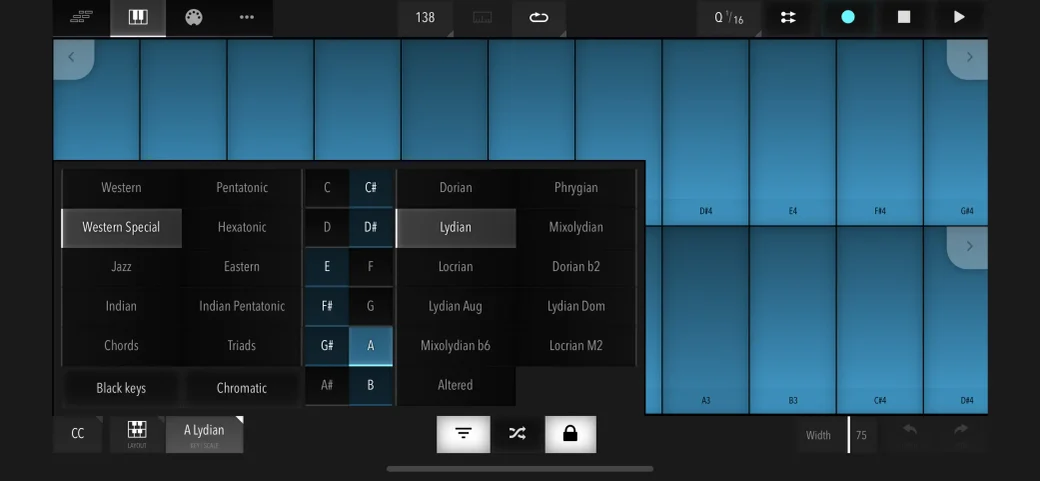
- Support for scales everywhere (keyboard, pianoroll, etc.)
- Over 70 included scales in 10 categories
- MIDI Time Stretching in all editors
- Best-in-class MIDI timing and clock output
- Full Ableton Link 3 support
- Full Audiobus 3 support
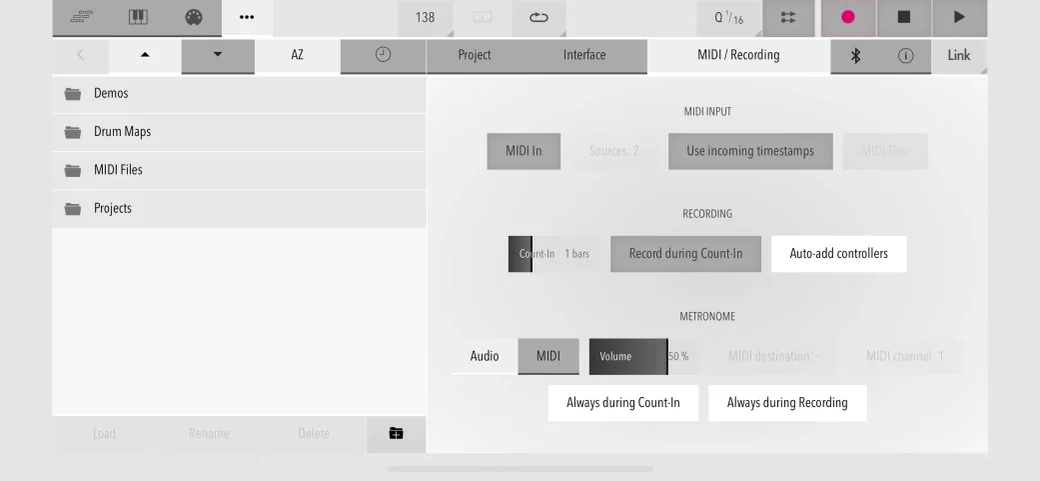
- MIDI In & Thru with re-channelization & re-routing
- MIDI Sync Master (Clock/Start/Stop/Continue/SPP) to sync other DAWs & sequencers to Xequence, e.g. to use audio tracks, or external drum machines. Several options for compatibility
ARRANGER:
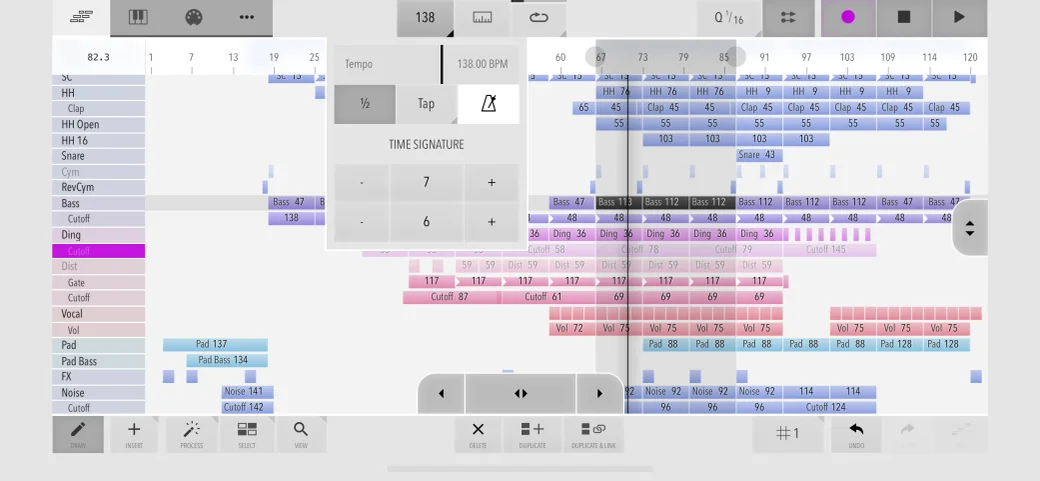
- Unlimited Clips
- Unlimited Tracks
- Unlimited Sub Tracks per Track
- 64 Undo/Redo steps
- Flexible grid
- Per-track non-destructive Swing & MIDI Delay
- Linked Clips / Clones (editing the original changes all copies)
- Powerful clip-based, per-track independent looping
- Program changes
- Selection tools: Marquee/Rectangle, Same Track, Same Instrument, Linked Clips, Invert, etc.
- Editing tools: Create Copy, Create Linked Copy, Unlink, Split, Join, Convert loops to clips, etc.
- Global clipboard, even between projects
- Movement/Trimming Handles at screen edges for efficient editing
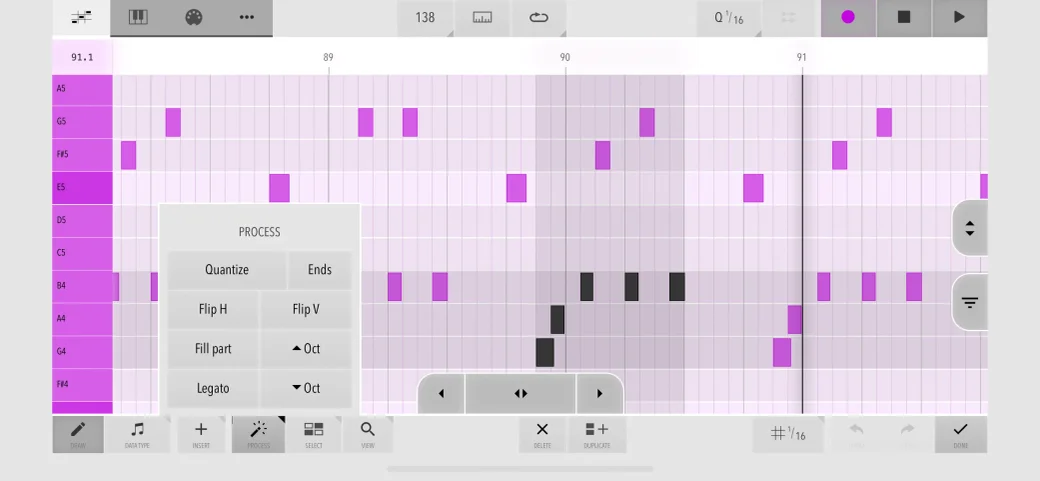
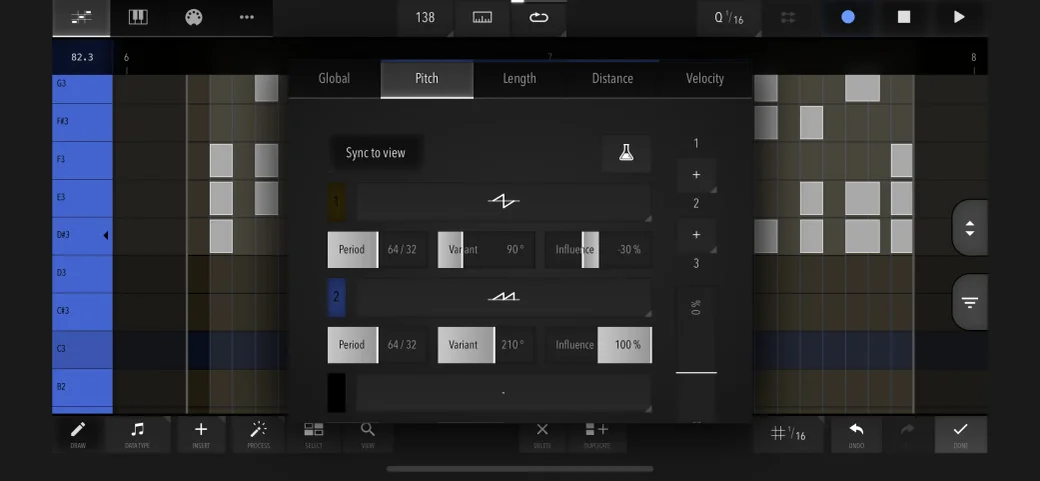
PIANOROLL EDITOR:
- 256 Undo/Redo steps
- Scale-awareness ("folding")
- Relative or absolute grid (move by grid increments or snap to nearest grid lines)
- Live MIDI previews of all edits
- Selection tools: Box, Same Note, Same Key, Same Beat Position, Invert, etc.
- Editing tools: Copy, Legato, Quantize, Quantize Ends, Octave +/-, Flip H/V (mirror), Fill clip with selection, etc.
- Smart Draw mode: Touch to create, touch again to delete, drag up/down to transpose, drag left/right to change length
- Global clipboard, even between projects
- Configurable "ghost" overlays
- Note velocities quickly adjustable via a handle, or editable like controllers, see below:
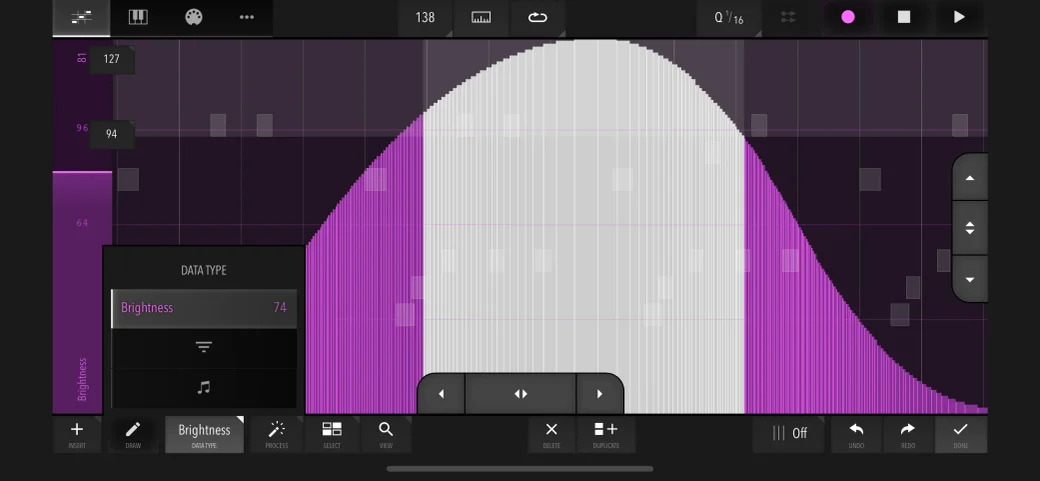
CONTROLLER EDITOR:
- 256 Undo/Redo steps
- Selection tools: Box, Same Beat Position, Invert
- Selection modes: Add & Replace
- Editing tools: Copy, Reduce, Quantize, Compress/Expand, Flip H/V (mirror), Ramp (various curves), Fill clip with selection
- Smart Draw mode
- Note Velocities can be shown as controllers and edited with the same tools
- Configurable vertical grid & value entry
KEYBOARD / CONTROLLER:
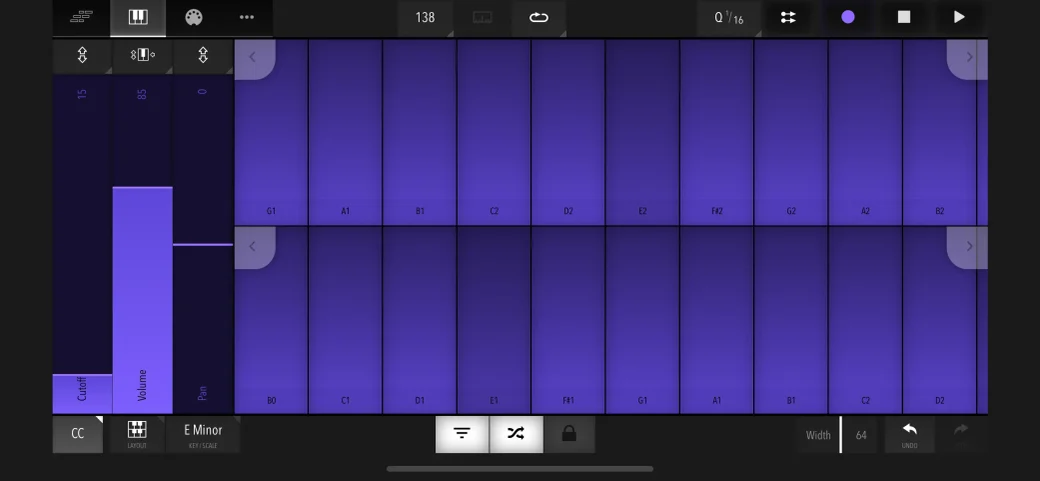
- Scale-aware, very playable single or dual keyboards
- Glide support
- Adjustable key width
- Velocity emulation (via vertical position)
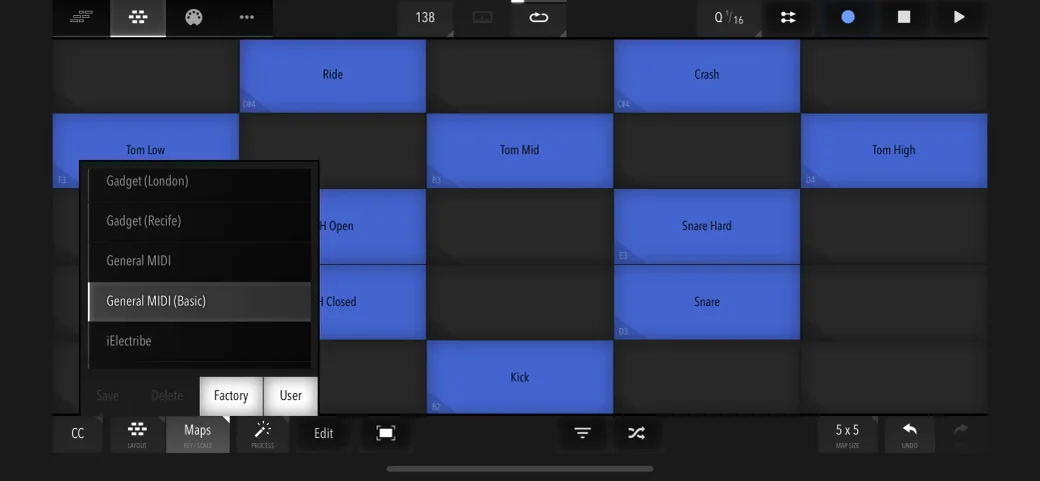
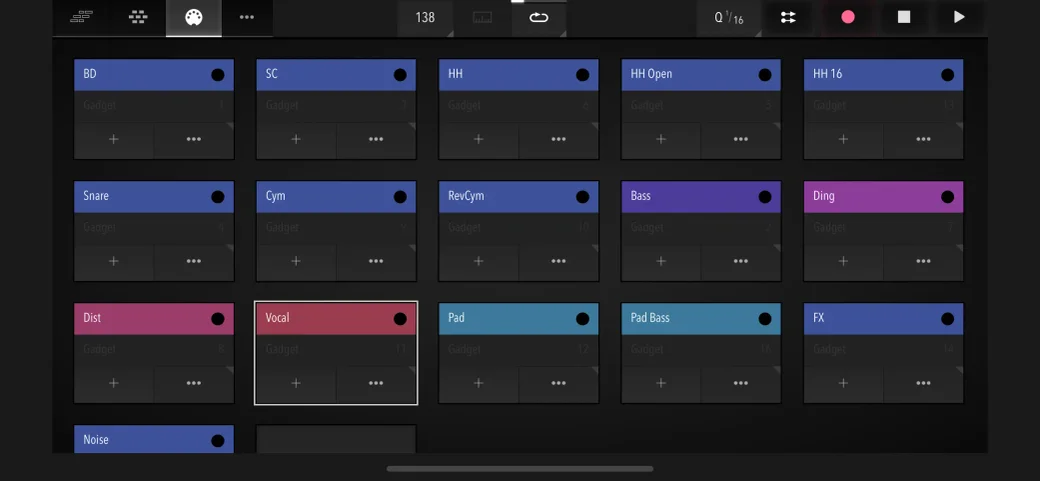
- Drum maps and pads, fully editable, 40+ factory maps
- Touch ribbons for live control
- Controllers can be moved by sliding (ribbon), device rotation (up to three axes at once), like a button (sustain pedal, "trance gates"), or by touching the keys at different vertical positions. All highly configurable.
INSTRUMENTS:
- Unlimited Instruments (MIDI configurations for devices / apps)
- Up to 150controller slots per Instrument
- Optional support for (N)RPNs (In-App Purchase)
- Loading & Saving of instruments for re-use in other projects, 40+ factory presets included (In-App Purchase)
- Compatible with virtually ALL apps and class-compliant MIDI interfaces
VARIOUS:
- Audio or MIDI Metronome
- Note chasing (notes play even when playback starts in the middle)
- Controller chasing
- Perfect song looping, no dropouts/jitter at loop points
- Supports any time signature/BPM (fixed per song)
- Includes PolyHymnia, an advanced Generative Music module
- Light and Dark themes
Please report any issues via our website, we provide quick and comprehensive support!
新機能
バージョン 2.6.1 · 2023/12/30
IMPROVEMENTS:
- Keyboard: In dual keyboard mode, "Hold+" mode can now be toggled to encompass both keyboards together, or separately (old behaviour). See new "+" dropdown in the keyboard bottom toolbar.
- Minor UI tweaks.
FIXES:
- Keyboard: Fix occasional stuck keys when playing both keyboards in "Hold+" mode at the same time.
アプリのプライバシー
このアプリのデータの取り扱いについて、Alexander EweringがApp Storeで申告している内容です。
-
ユーザーに関連付けられないデータ
収集される場合がありますが、ユーザーの識別情報には関連付けられません。
- 診断
プライバシーの取り扱いは、ご利用の機能やお客様の年齢などに応じて異なる場合があります。
情報
- 販売元
- Alexander Ewering
- カテゴリ
- ミュージック
- バージョン
- 2.6.1
- 更新日
- 2023/12/30
- リリース
- 2019/8/24
- サイズ
- 8.4 MB
- 必要条件
- iOS 14.2以降
- 対象年齢
- 4+
- 価格
- ¥3,000
- アプリ内課金
- あり
- 言語
- 英語
- 著作権
- © 2017 Seven Systems Cross-Platform Media Ltd