
- 対象年齢4+
- カテゴリファイナンス
- 開発元Yes Bank Limited
- 言語英語
- サイズ28.2 MB
App Storeの公式ページにリンクしています
Download.orgはYes Secure Nextのファイルを一切ホストしていません。ボタンを押すと、Yes Bank Limitedが公開しているApp Storeのアプリページが開きます。ページの最終確認:2026/11/12。
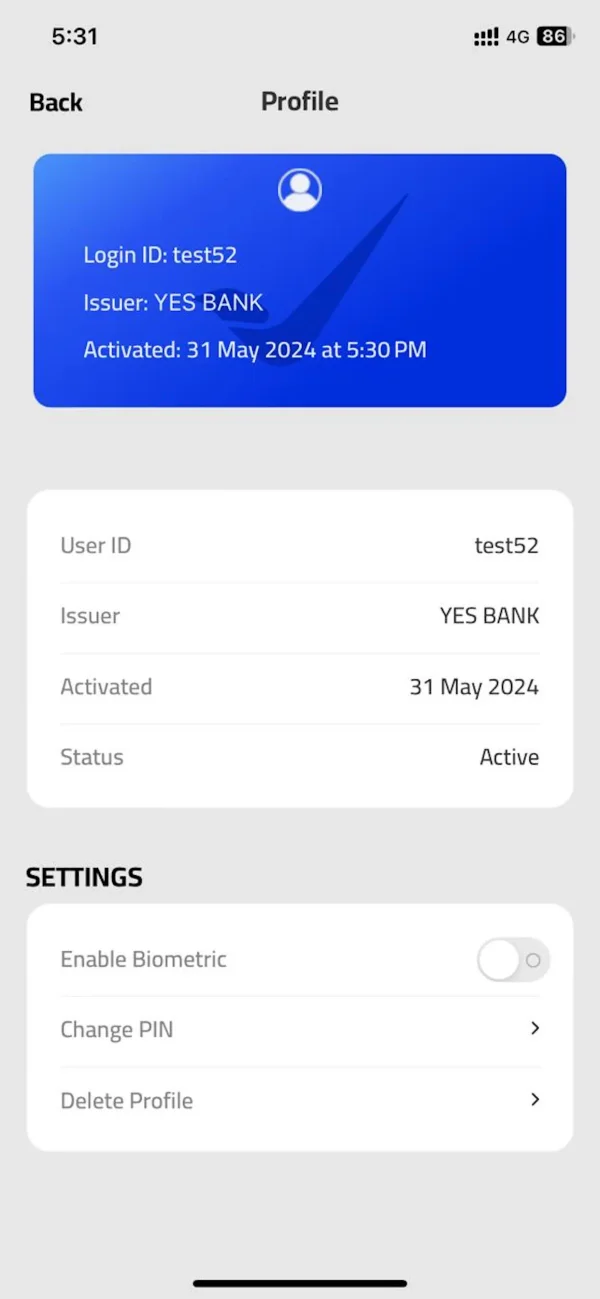
スクリーンショット
概要
開発元はこのテキストをお使いの言語で提供していません。
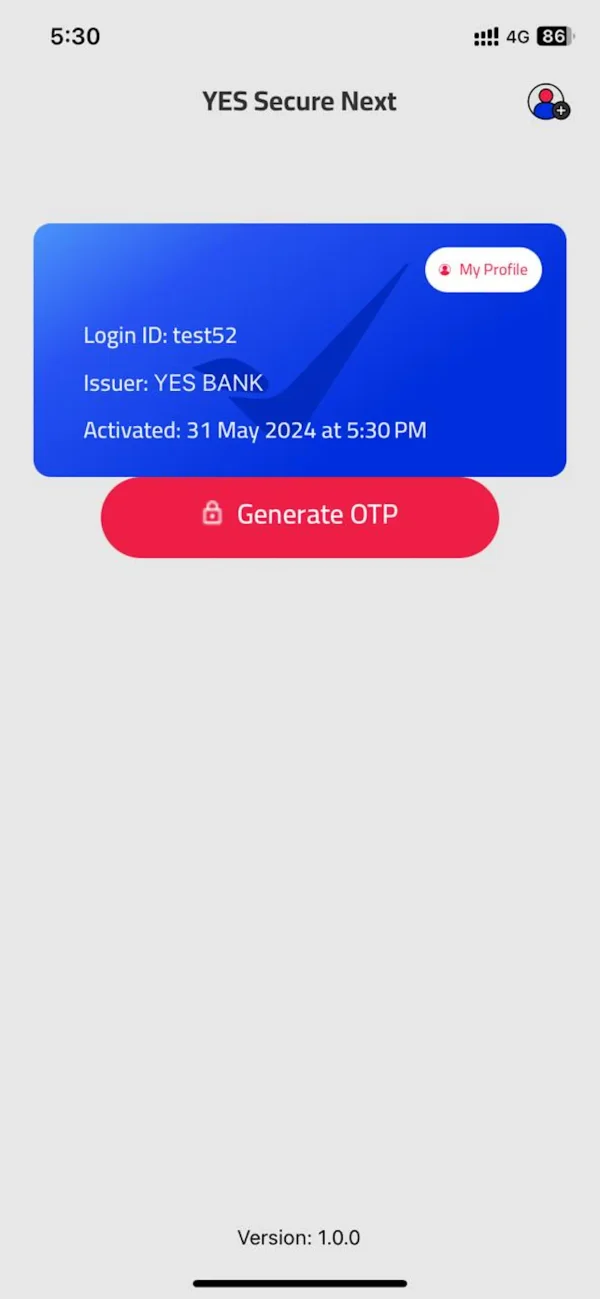
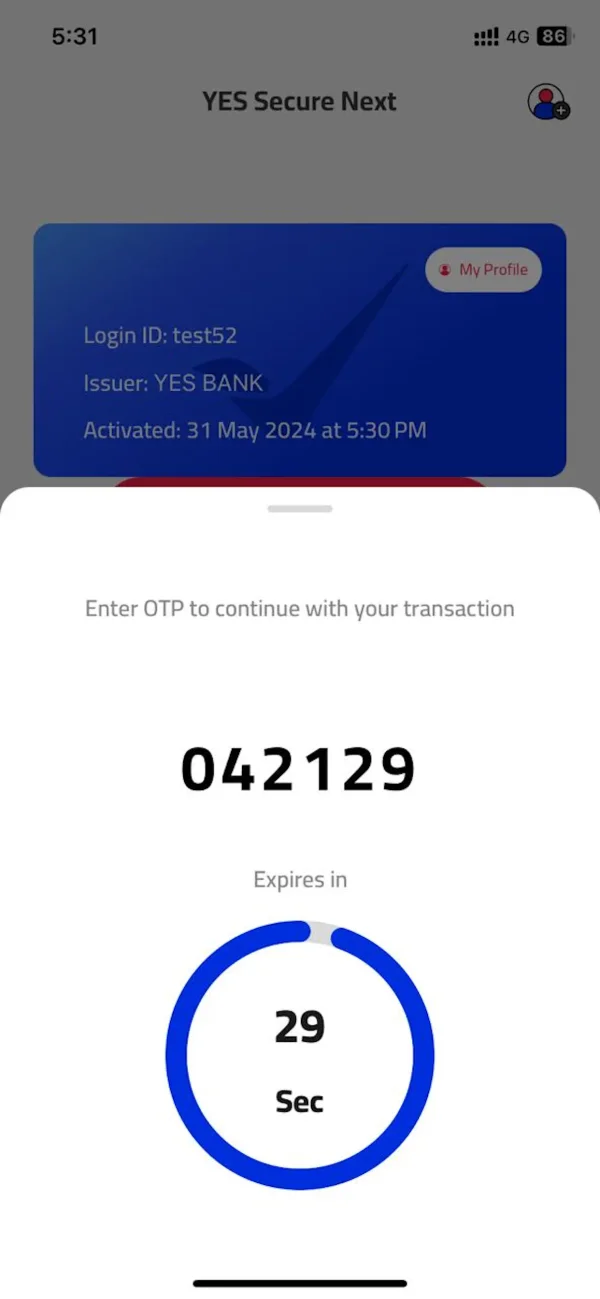
YES Secure Next app - Generate OTP with ease
Rule out network dependency for One Time Password (OTP). Generate OTP with YES Secure Next app without mobile network on your mobile device.
Authenticate all your Retail Net Banking transactions with YES Secure Next. It is safe and convenient for frequent travellers and for low/ no mobile network locations.
Register with ease on YES Secure Next app
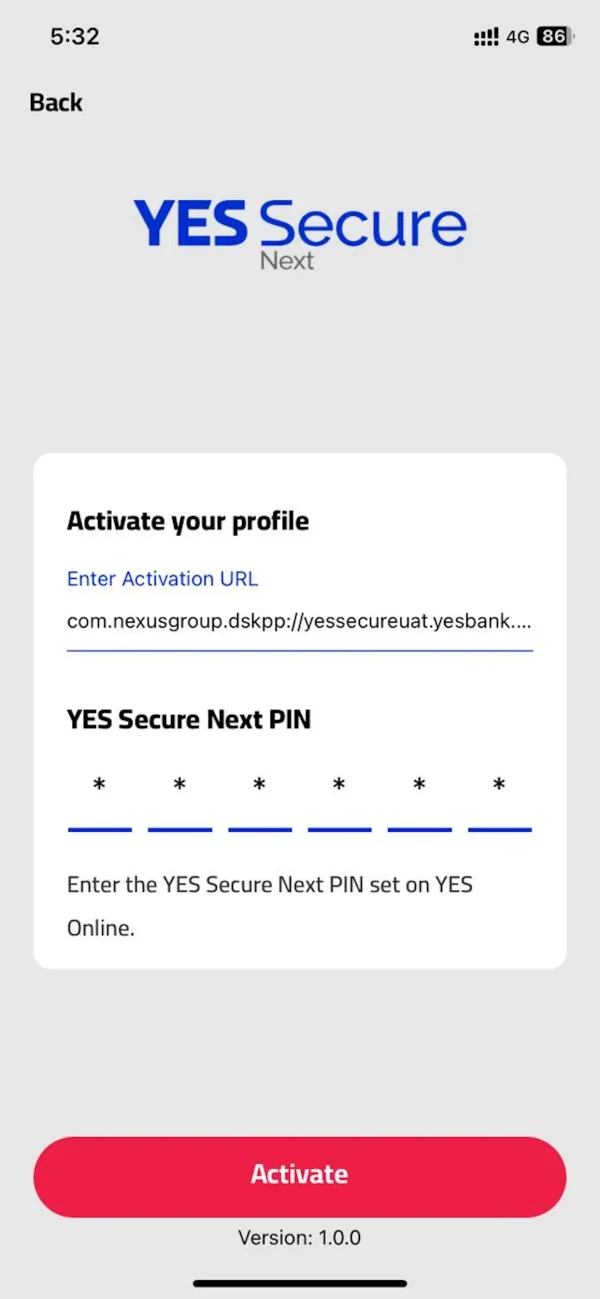
1) Login to YES Online (Retail Net Banking) and go to Manage Profile.
2) Select ‘Under Security Preferences’ > ‘Register for YES Secure Next’.
3) Choose the operating system of your device.
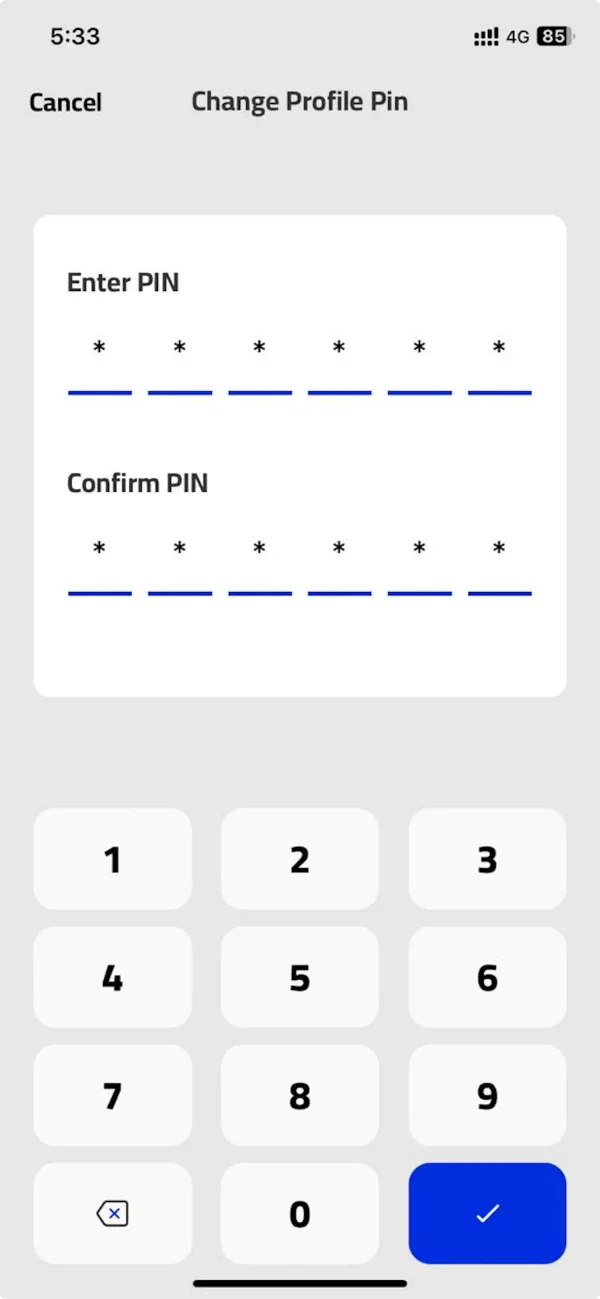
4) Set YES Secure Next PIN.
5) Download and activate the application on your mobile device.
6) Verify YES Secure Next by entering the OTP on YES Online.
Important Note
To activate YES Secure Next app, you need to have Mobile Internet/ Wi-Fi connectivity on your device linked to your registered mobile number with the Bank.
Once YES Secure Next is enabled, you will stop receiving OTP through SMS/IVR.
新機能
バージョン 1.0.3 · 2026/6/10
As our continuous endeavour, we have deployed some minor fixes and have updated our security controls to make the app faster, safer and more stable.
アプリのプライバシー
このアプリのデータの取り扱いについて、Yes Bank LimitedがApp Storeで申告している内容です。
-
データの収集なし
開発元はこのアプリからデータを収集しません。
プライバシーの取り扱いは、ご利用の機能やお客様の年齢などに応じて異なる場合があります。
情報
- 販売元
- Yes Bank Limited
- カテゴリ
- ファイナンス
- バージョン
- 1.0.3
- 更新日
- 2026/6/10
- リリース
- 2024/11/8
- サイズ
- 28.2 MB
- 必要条件
- iOS 18.1以降
- 対象年齢
- 4+
- 価格
- 無料
- 言語
- 英語
- 著作権
- © YES BANK