
- 対象年齢4+
- カテゴリファイナンス
- 開発元Gianfranco Antenucci
- 言語英語
- サイズ44.4 MB
App Storeの公式ページにリンクしています
Download.orgはZapSpendのファイルを一切ホストしていません。ボタンを押すと、Gianfranco Antenucciが公開しているApp Storeのアプリページが開きます。ページの最終確認:2026/11/18。
スクリーンショット

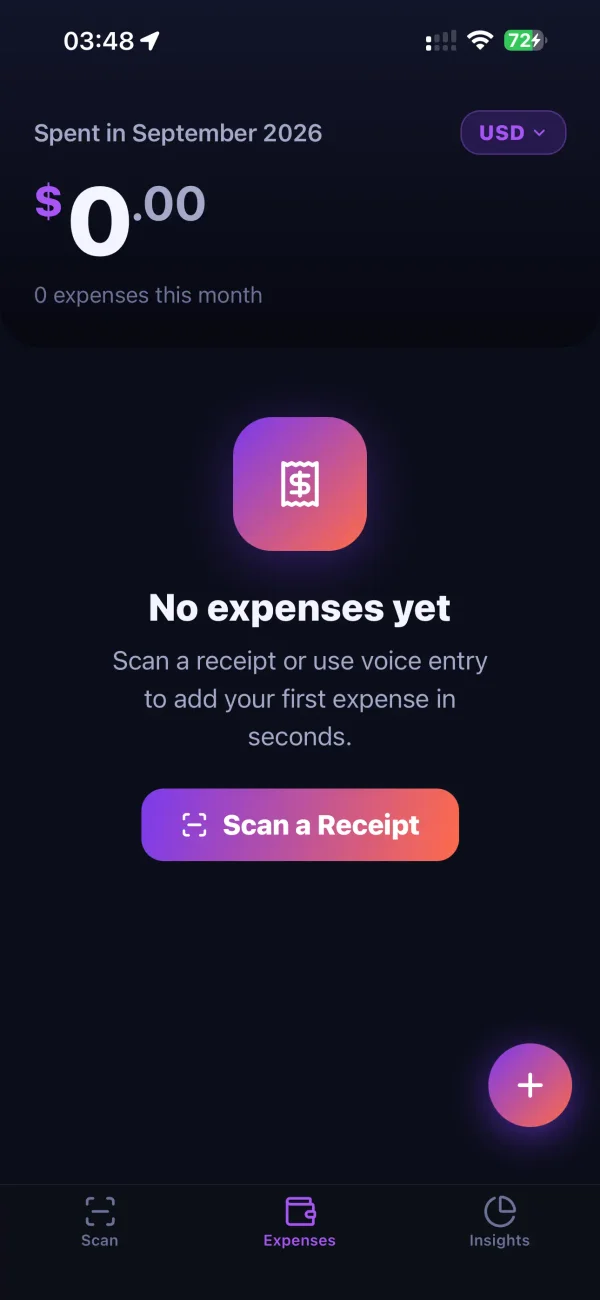

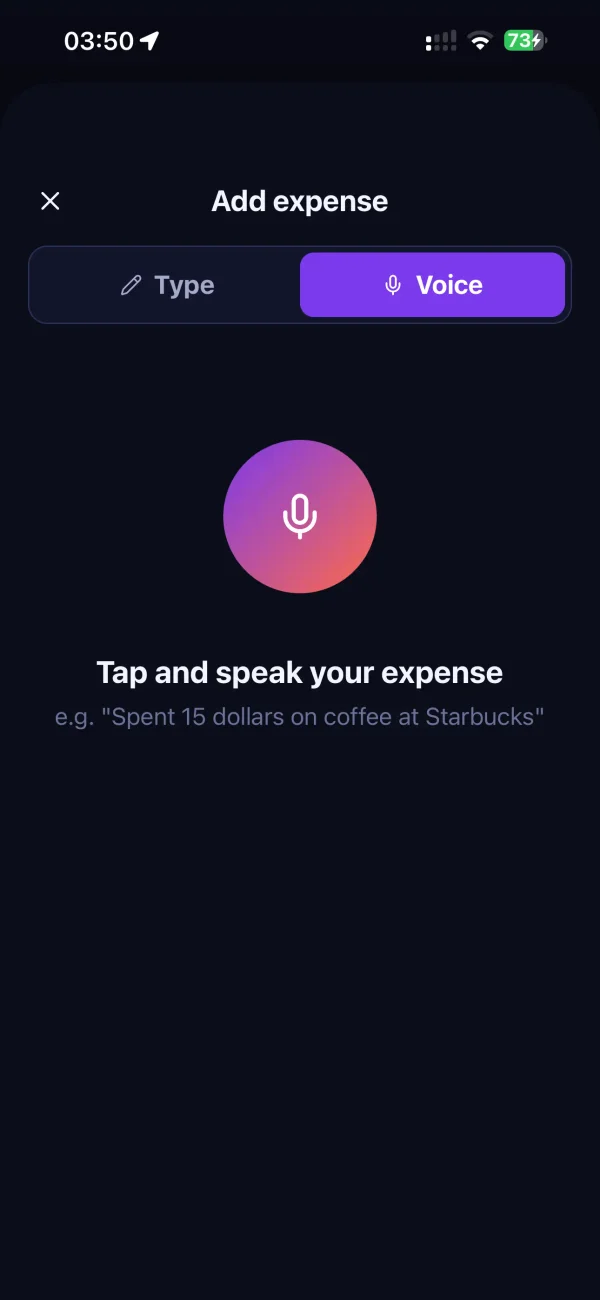
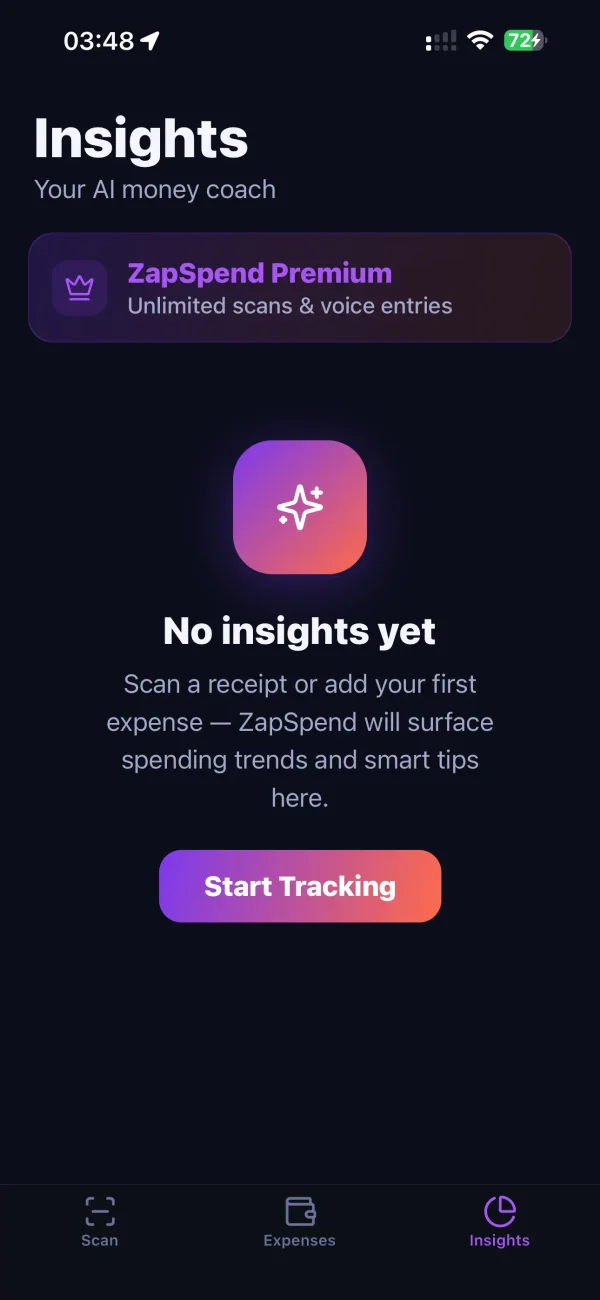
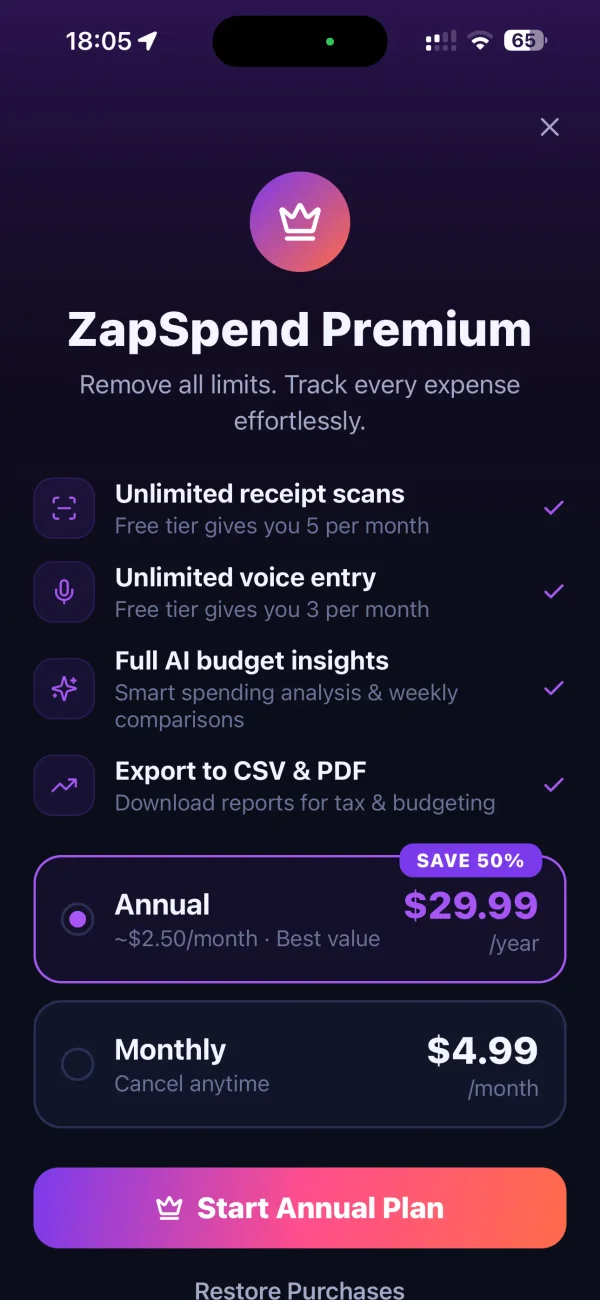
概要
開発元はこのテキストをお使いの言語で提供していません。
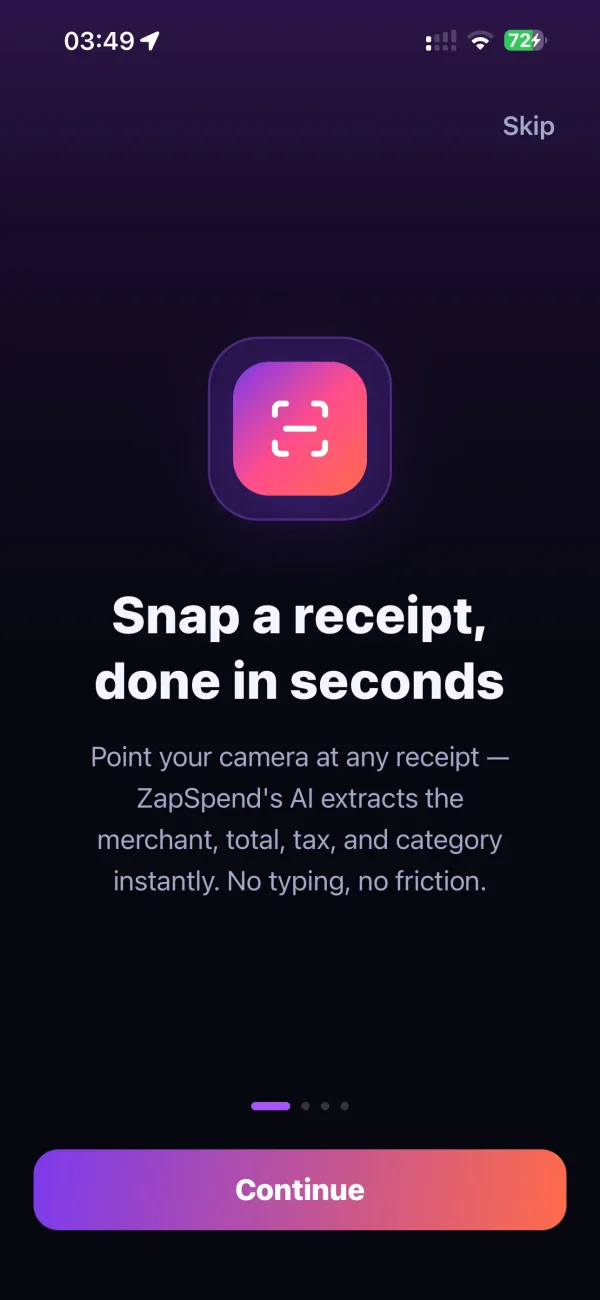
ZapSpend is the fastest way to track your expenses — just snap a photo of any receipt and our AI instantly extracts the merchant, total, tax and category for you. No more manual data entry.
SMART RECEIPT SCANNING
Point your camera at any receipt and ZapSpend's AI does the work — extracting merchant name, total amount, tax, date and automatically categorizing the expense. Review and edit before saving with a clean, intuitive interface.
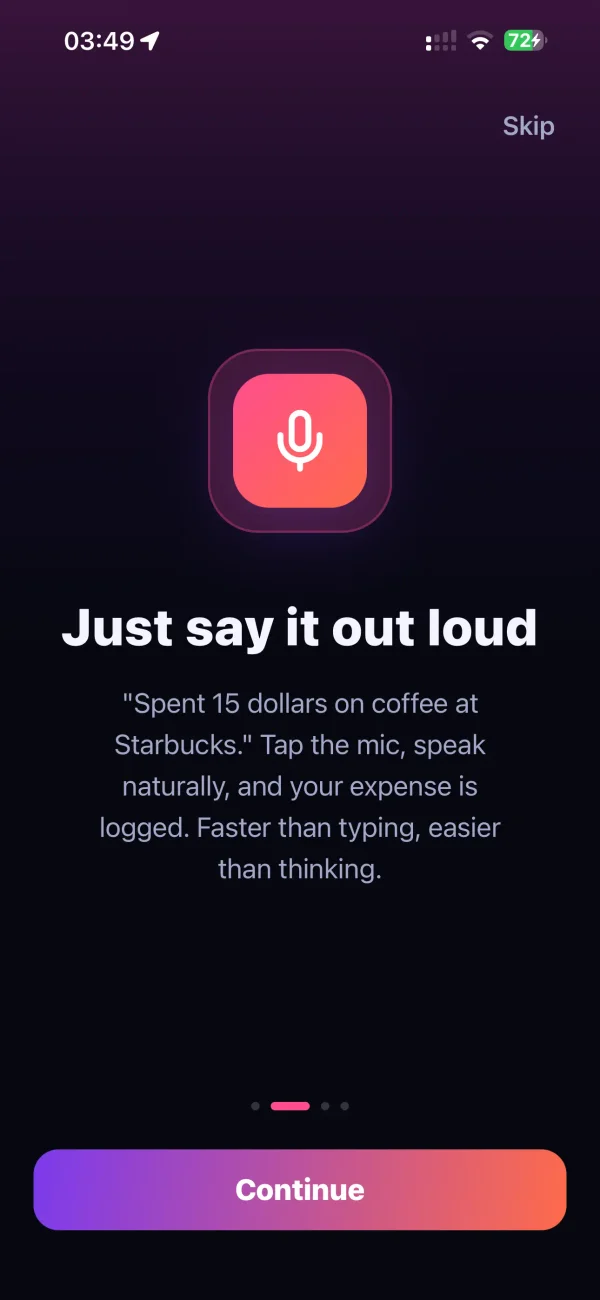
VOICE EXPENSE ENTRY
Log expenses hands-free. Just say "Spent 15 dollars on coffee at Starbucks" and ZapSpend transcribes your voice, extracts the details and creates the entry. Perfect for quick logging on the go.
AI BUDGET INSIGHTS
See where your money goes with beautiful animated charts:
• Category breakdowns with a colorful donut chart
• Weekly spending trends
• Month-over-month comparisons
• Smart AI observations like "You spent 30% more on dining this week"
EXPENSE TIMELINE
Browse all your expenses in a clean chronological feed with category-colored icons. Swipe to delete, tap for details and filter by category or date range. Smooth animations make every interaction feel effortless.
EXPORT & SHARE
Export your expenses to CSV or PDF with a single tap — perfect for taxes, reimbursements or personal budgeting records.
PRIVACY-FIRST
All receipt processing happens on your device. Your financial data stays private and never leaves your phone unless you choose to export it.
SUBSCRIPTION
ZapSpend Pro unlocks unlimited receipt scanning, advanced AI insights and ad-free experience. Choose between monthly or annual billing. Cancel anytime.
KEY FEATURES
• AI receipt scanner — snap, extract, save
• Voice expense entry — hands-free logging
• Smart auto-categorization
• Beautiful animated charts and insights
• Weekly and monthly spending comparisons
• Export to CSV and PDF
• Privacy-first — all processing on-device
• Dark mode with premium fintech design
Download ZapSpend and make expense tracking effortless.
Terms of Use: https://www.apple.com/legal/internet-services/itunes/dev/stdeula/
新機能
バージョン 1.2.0 · 2026/9/2
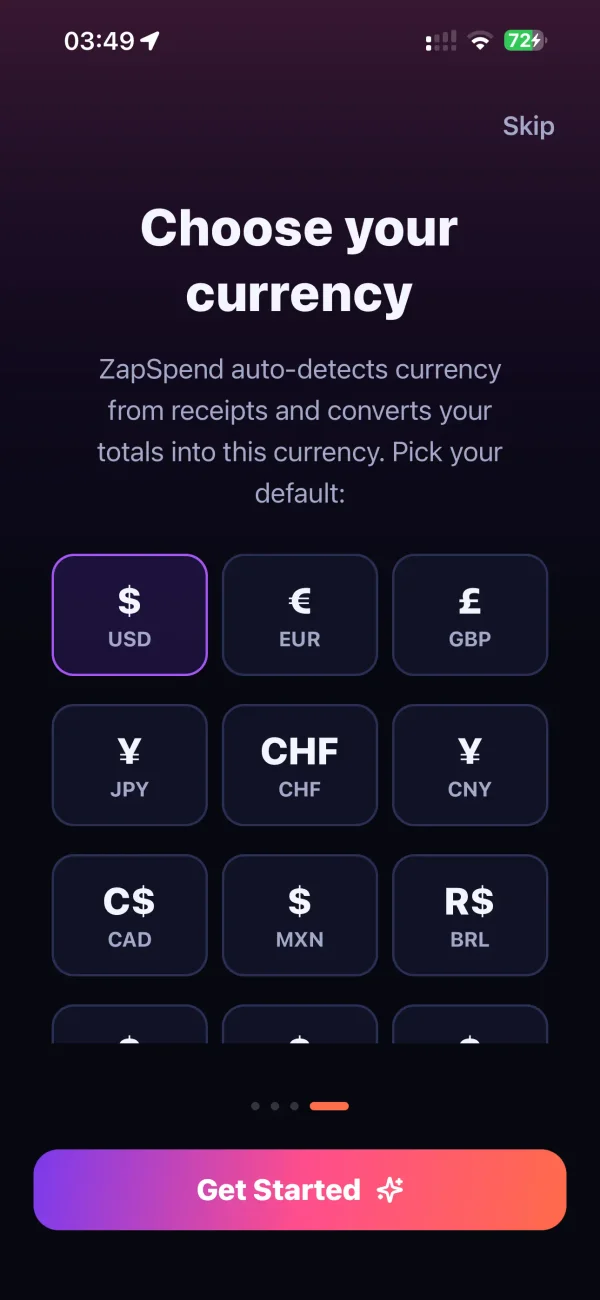
Multi-currency is here! ZapSpend now thinks in your currency.
• 40+ currencies — pick your base currency at onboarding, covering the Americas, Europe, Asia, Africa, and Oceania
• Live conversion — all totals, charts, and insights are automatically converted to your base currency using daily exchange rates (works offline too)
• Multi-currency exports — CSV now includes a "Converted Amount" column and PDF reports show both the original and converted amount per row, with the summary total in your base currency
• Your receipts stay original — each expense keeps its own currency; the total simply converts it for you
• Change anytime — tap the currency chip on the Expenses screen to switch your base currency whenever you like
• Faster scanning — receipts now open instantly for review while AI extraction runs in the background
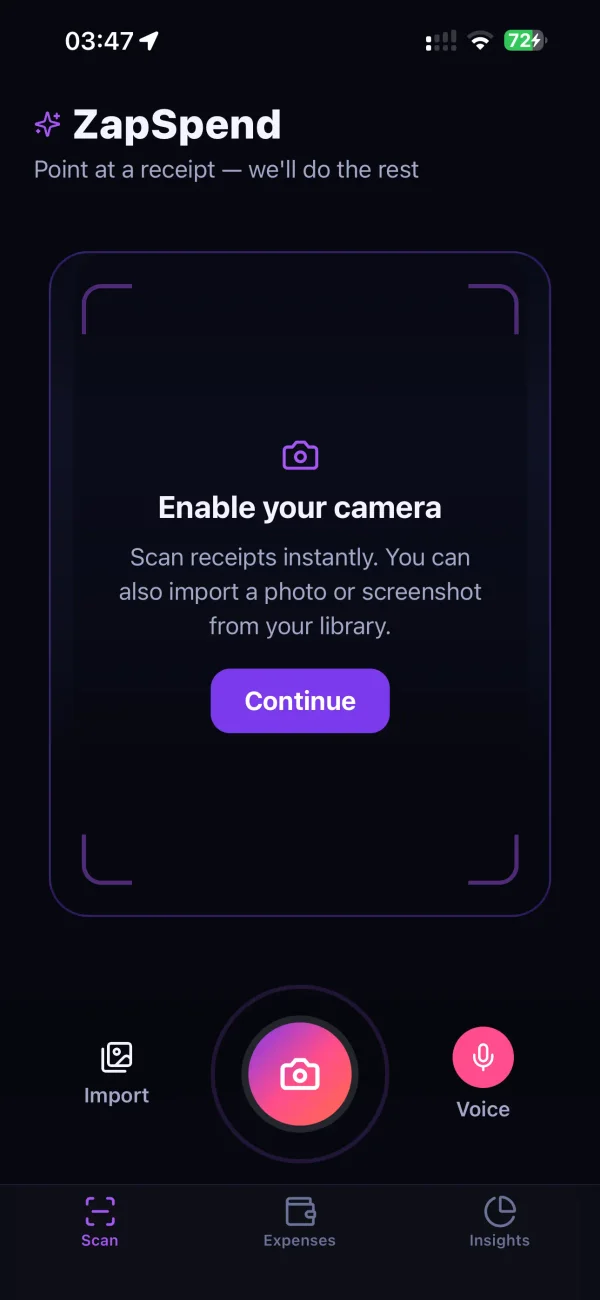
• Redesigned Scan tab — a cleaner, centered camera view with streamlined controls
• Voice entry, smoother — more reliable transcription with clearer error messages
• Battery & heat optimizations — the camera now fully pauses when you leave the Scan tab
• Paywall improvements and bug fixes, including the onboarding currency grid
アプリのプライバシー
このアプリのデータの取り扱いについて、Gianfranco AntenucciがApp Storeで申告している内容です。
-
データの収集なし
開発元はこのアプリからデータを収集しません。
プライバシーの取り扱いは、ご利用の機能やお客様の年齢などに応じて異なる場合があります。
情報
- 販売元
- Gianfranco Antenucci
- カテゴリ
- ファイナンス
- バージョン
- 1.2.0
- 更新日
- 2026/9/2
- リリース
- 2026/7/13
- サイズ
- 44.4 MB
- 必要条件
- iOS 15.1以降
- 対象年齢
- 4+
- 価格
- 無料
- アプリ内課金
- あり
- 言語
- 英語
- 著作権
- © Gianfranco Antenucci
こちらもおすすめ
-
 KashLog:家計簿・支出管理月末を待たずに予算を把握
-
 AI家計簿・レシート読取: Receetoレシート読取・支出管理・確定申告
-
 SpendLists:収入管理・予算家計簿で支出と毎月のお金を記録
-
 Budget App & Expense TrackerSpending, Budgeting, Money
-
 Kroo Bank - Mobile Bankingファイナンス
-
 SC Chinaファイナンス
-
 Stripe Expressファイナンス
-
 MoneySuperMarketファイナンス
-
 MoneyTrack - 純粋な家計簿広告なし、全デバイス同期、資産管理
-
 Spending Trackerファイナンス