
- 対象年齢4+
- カテゴリユーティリティ
- 開発元Vu Thi Hanh
- 言語英語ほか10言語
- サイズ40.6 MB
App Storeの公式ページにリンクしています
Download.orgはZybra Castのファイルを一切ホストしていません。ボタンを押すと、Vu Thi Hanhが公開しているApp Storeのアプリページが開きます。ページの最終確認:2026/11/17。
スクリーンショット
概要
開発元はこのテキストをお使いの言語で提供していません。
Zybra Cast turns your iPhone into a wireless display remote for any smart TV in your home. Cast videos, photos, and your full iPhone screen to TVs and streaming devices that speak the open protocols Apple supports out of the box. No extra hardware, no cables, no account.
WHY CHOOSE ZYBRA CAST
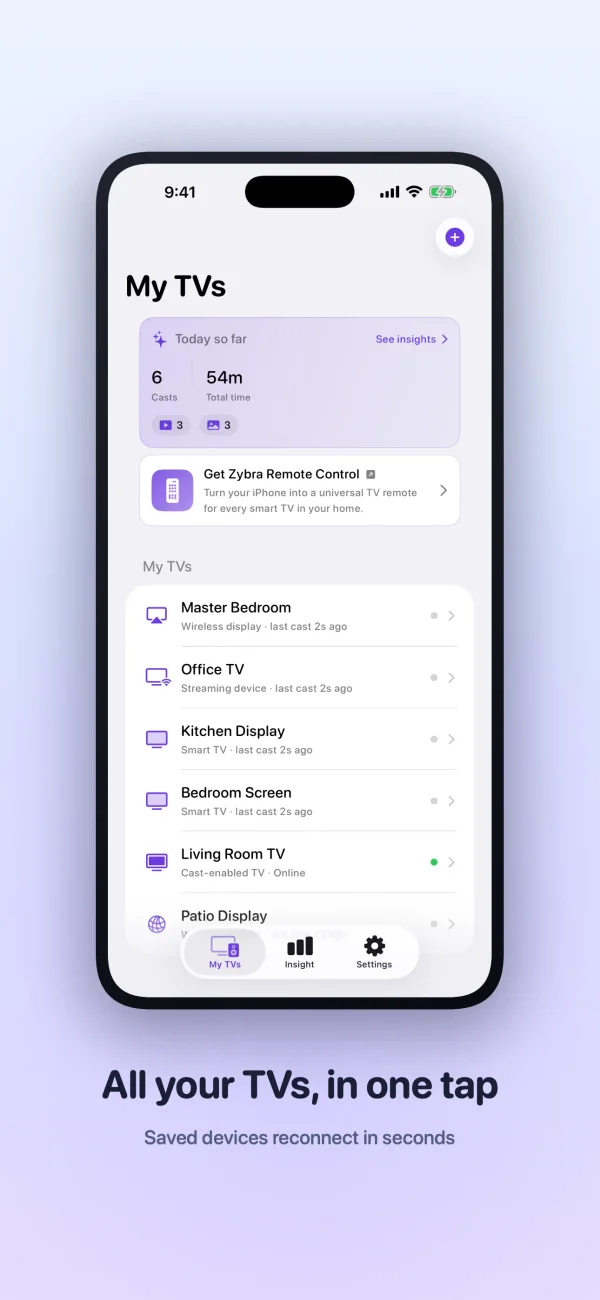
Saved TVs with instant reconnect. Most cast apps make you re-discover the network every time you open them. Zybra Cast remembers every TV you have used, lets you nickname them (Living Room, Bedroom, Kitchen), and reconnects in three taps.
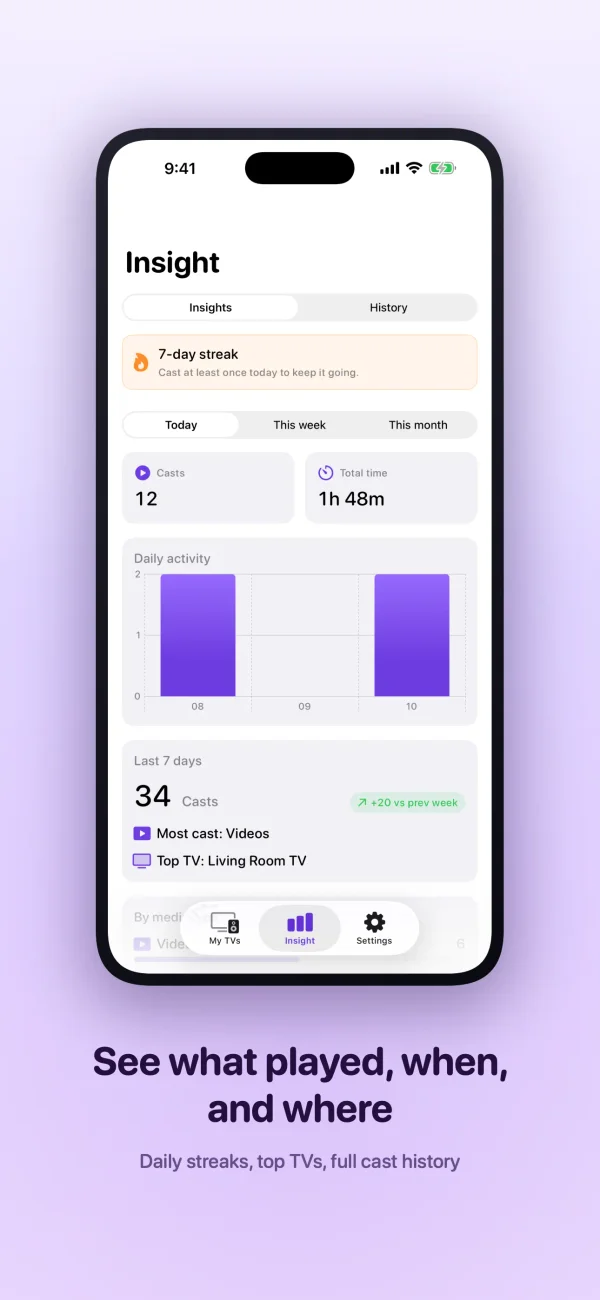
Full cast history. Browse a chronological log of everything you have ever cast, grouped by day. See what played, when, and on which TV. Re-find a video you watched last night without scrolling through your library.
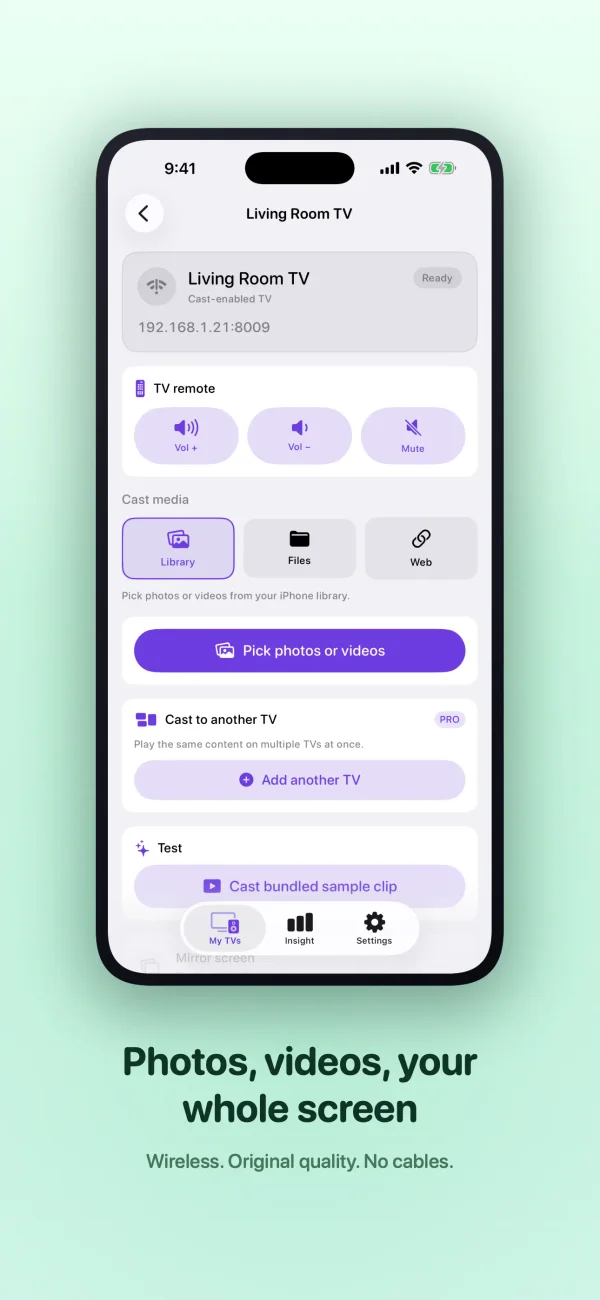
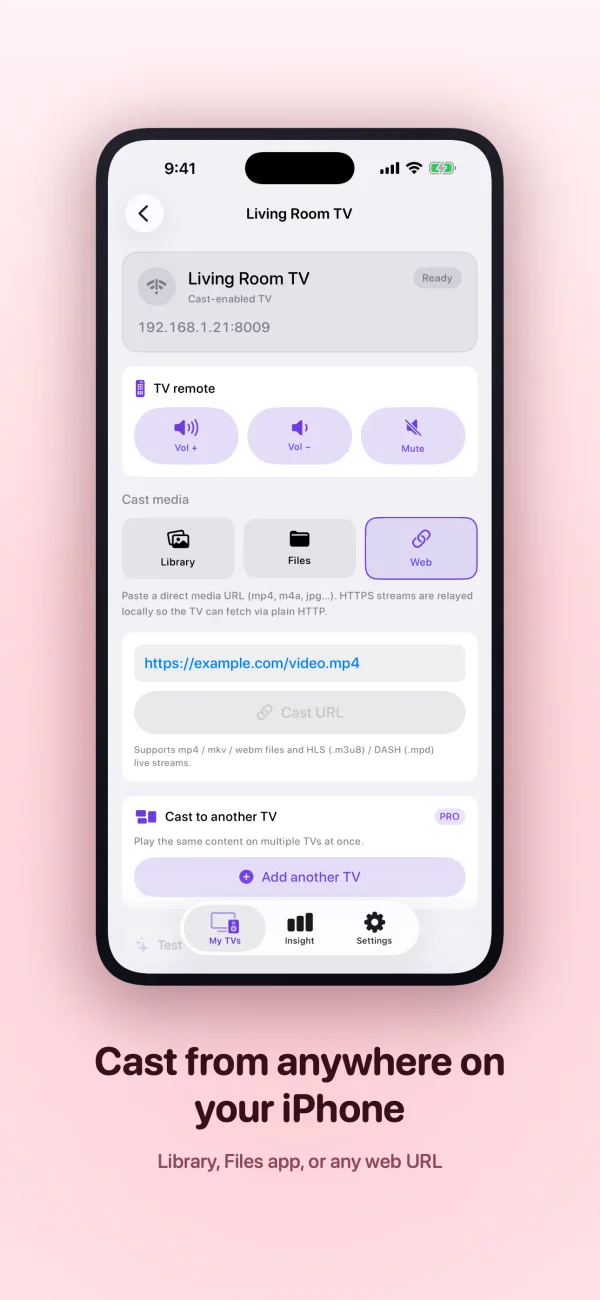
Cast photos and videos from your library. Pick from Photos, tap Cast, and your TV starts playing in seconds. Local files stream over Wi-Fi at original quality with byte-range seeking, so scrubbing through long videos works the way you expect.
Mirror your entire iPhone screen. Show off games, share work presentations, or watch web videos on the big screen. HLS-based mirror keeps the stream smooth and the latency low.
Friendly device names. Zybra Cast reads each TV's actual user-set name and displays that (Living Room TV, Mom's Display) instead of cryptic technical strings.
Step-by-step connection guides. Different smart TVs ask for different first-time approval flows — a popup on the TV, a pairing prompt, a quick toggle in the TV's settings. Zybra Cast walks you through each path right inside the app.
HONEST ABOUT WHAT IS POSSIBLE
Streaming services that use FairPlay DRM (Netflix, Disney Plus, HBO Max, Apple TV Plus) cannot be cast or mirrored from any third-party app. This is an Apple platform restriction, not something cast apps can work around. Use the cast button inside those apps, or stream natively through Control Center.
PRIVACY FIRST
Everything stays on your local Wi-Fi network. Zybra Cast does not upload your media, does not track your usage, and does not require an account. Your iPhone serves files directly to your TV over your home network. No cloud, no servers, no analytics.
REQUIREMENTS
iPhone running iOS 17 or later, on the same Wi-Fi network as your TV.
SUPPORT
Tap Help inside the app for connection guides and answers to common questions. For everything else, reach us through the support link below.
Privacy & Policy: https://zenitystudio.cloud/policy.html
Term of Services: https://zenitystudio.cloud/terms.html
新機能
バージョン 1.1.1 · 2026/5/7
- Fixing discover issues
アプリのプライバシー
このアプリのデータの取り扱いについて、Vu Thi HanhがApp Storeで申告している内容です。
-
ユーザーのトラッキングに使用されるデータ
他社のアプリやウェブサイトを横断してユーザーをトラッキングする目的で使用される場合があります。
- ID
-
ユーザーに関連付けられないデータ
収集される場合がありますが、ユーザーの識別情報には関連付けられません。
- ID
プライバシーの取り扱いは、ご利用の機能やお客様の年齢などに応じて異なる場合があります。
情報
- 販売元
- Vu Thi Hanh
- カテゴリ
- ユーティリティ
- バージョン
- 1.1.1
- 更新日
- 2026/5/7
- リリース
- 2026/5/5
- サイズ
- 40.6 MB
- 必要条件
- iOS 17.0以降
- 対象年齢
- 4+
- 価格
- 無料
- アプリ内課金
- あり
- 言語
- 英語, アラビア語, フランス語, ドイツ語, ヒンディー語, 日本語, ポルトガル語, ロシア語, 簡体字中国語, スペイン語, ベトナム語
- 著作権
- © Zybra Cast 2026
こちらもおすすめ
-
 SecureKey: 2FA Authユーティリティ
-
 Water Eject & Speaker Careユーティリティ
-
 AI Scanning: QRCode & Barcodeユーティリティ
-
 Remote Control: Smart TV +ユーティリティ
-
 SwiftPDFユーティリティ
-
 Zapp: テレビリモコン・リモコンアプリ広告なし・Google TV/Fire TV/LG対応
-
 MOV to MP4 - Video Converterユーティリティ
-
 AI Scanner - Object Identifierユーティリティ
-
 onLM — Offline AI Assistantユーティリティ
-
 Cleaner Pure: Clean Up Storage重複写真を削除、ビデオ、連絡先を削除する