ABBYY FineReader PDF16.0.14.7295 for macOS
Edits PDFs and turns scanned pages into editable text with OCR
Trial · Proprietary
You are on Windows — this is the macOS version. See the Windows version
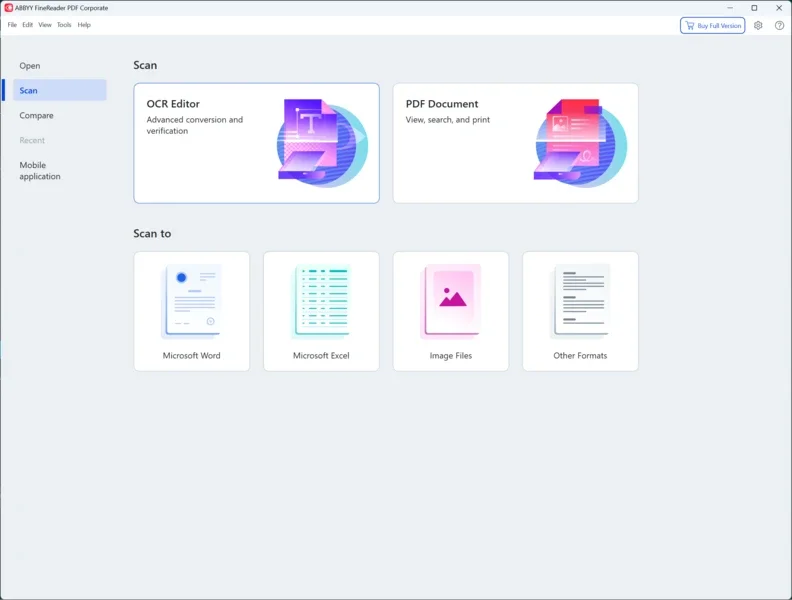
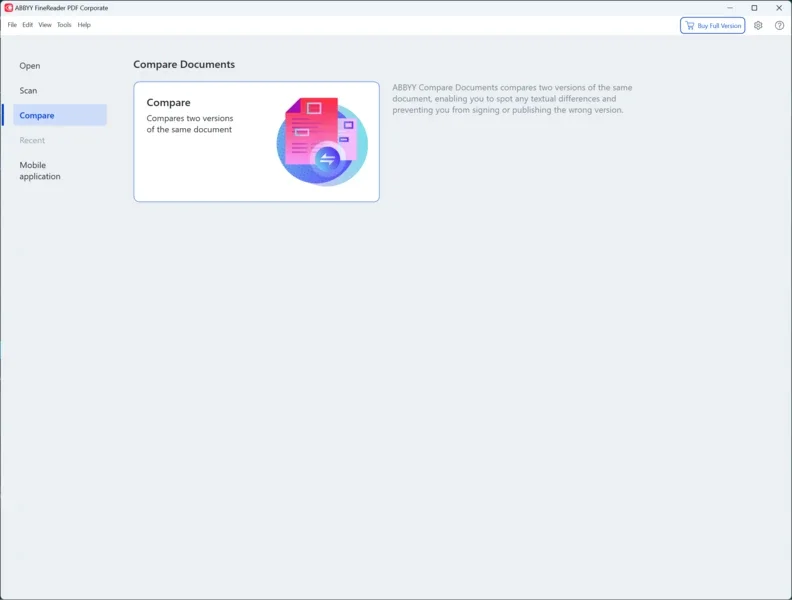
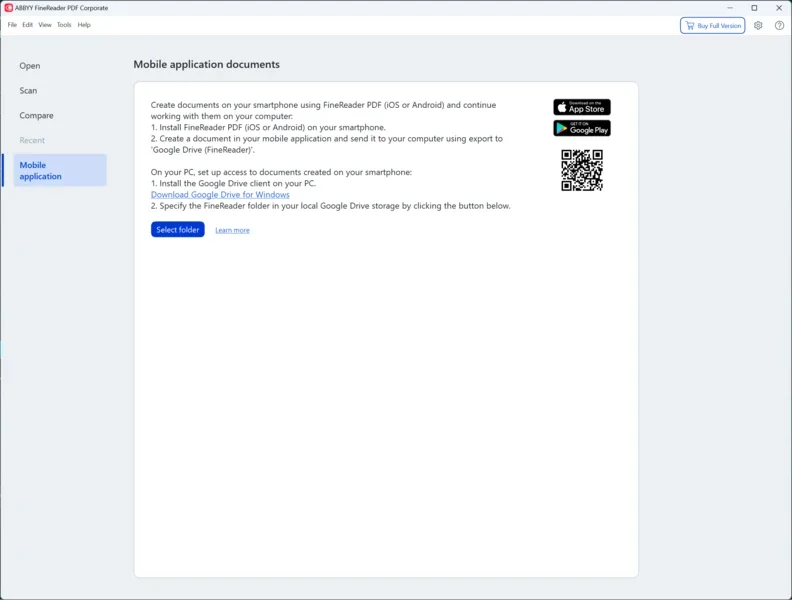
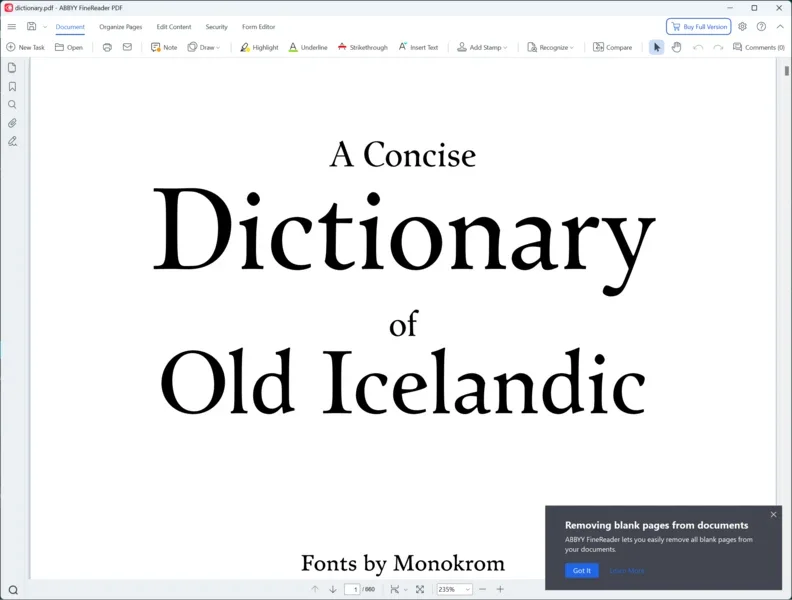
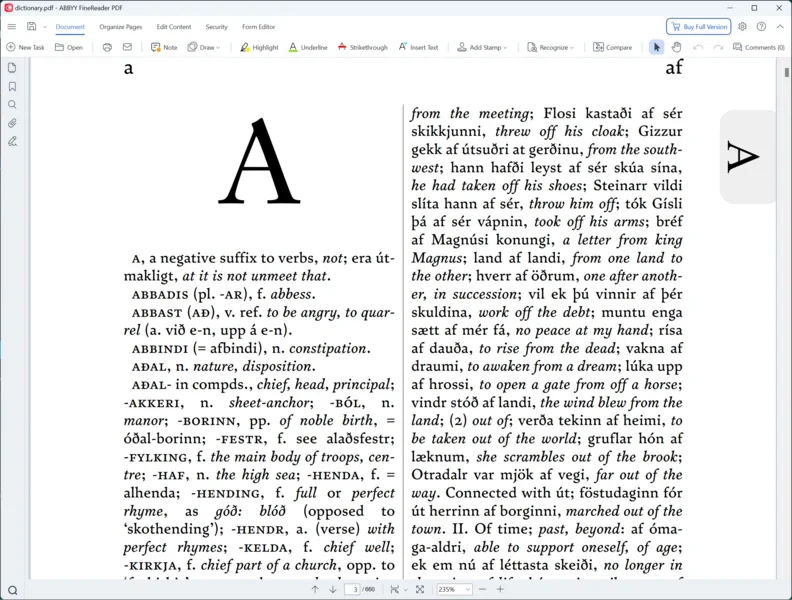
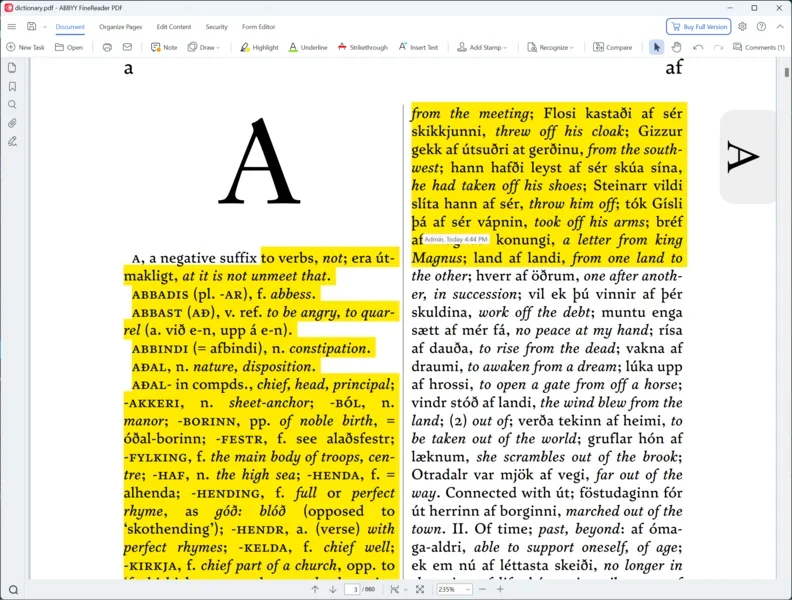
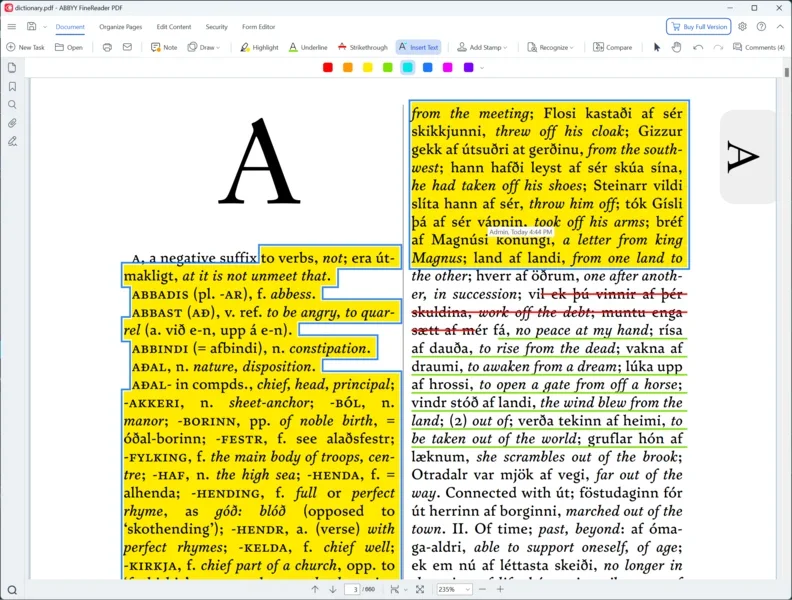
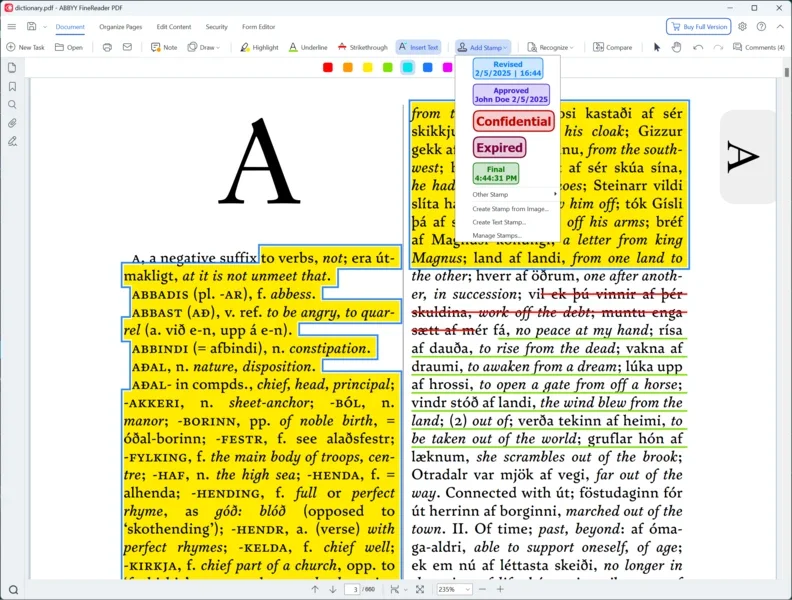
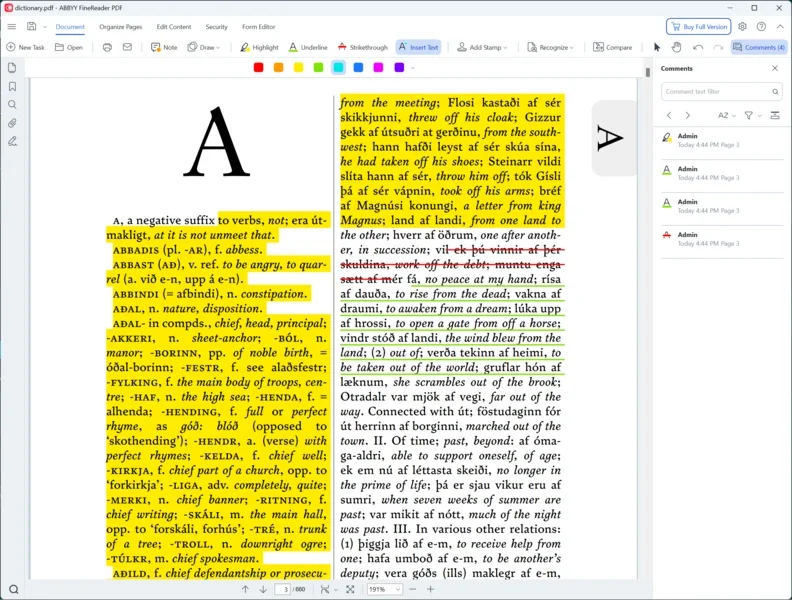
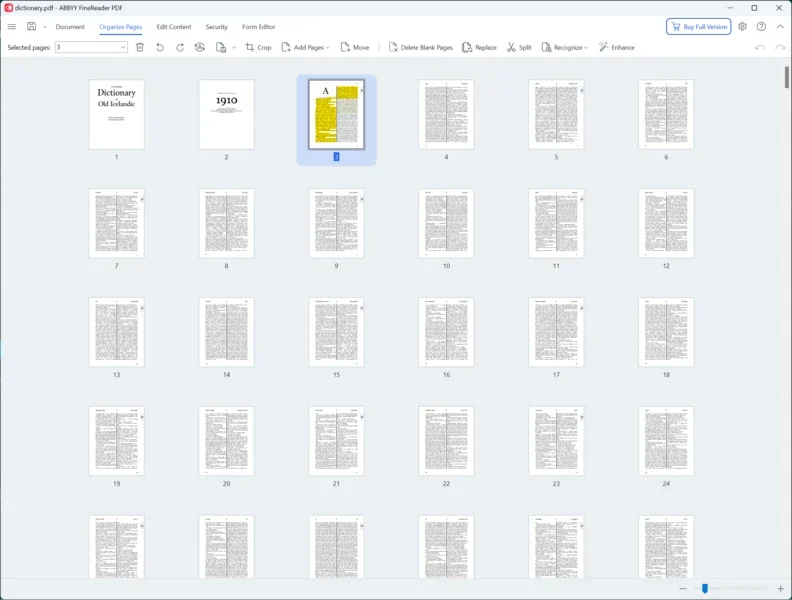
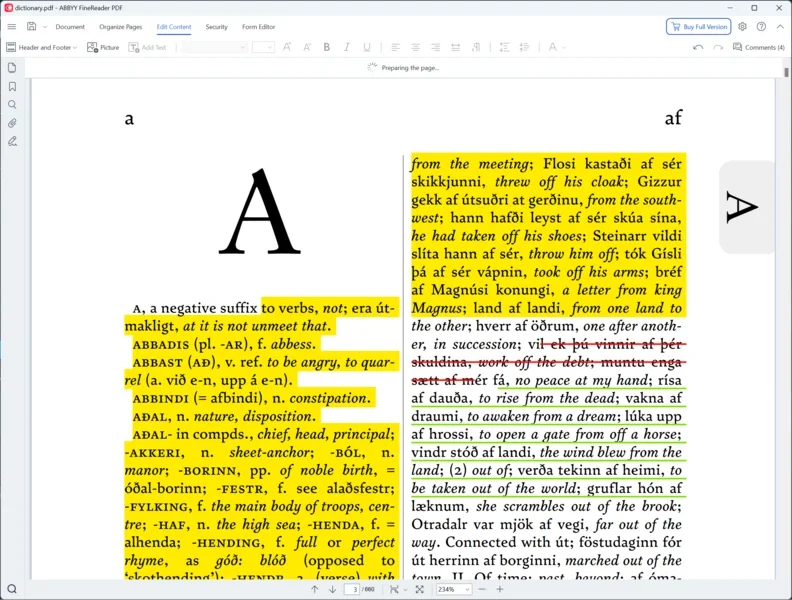
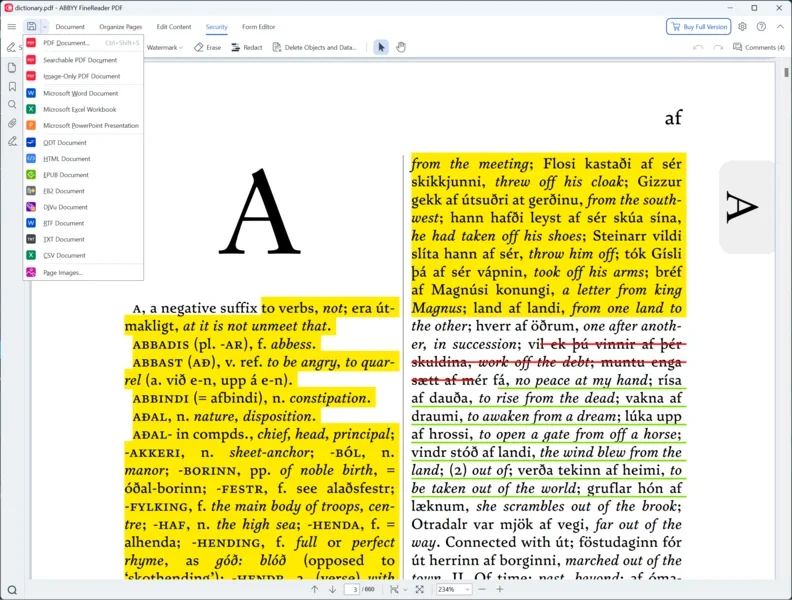
ABBYY FineReader PDF opens a PDF and lets you change it directly, no round trip through another format. Text is editable, fonts can be changed, images resized, page elements rearranged. Pages can be added or deleted, several PDFs combined into one, long documents split into sections. The scanning side does the other half of the job. The program connects to a scanner, so a scanned page opens straight in the app, and OCR reads the text in non-editable images and documents and turns it into editable digital content. Conversion runs both ways: PDFs go to Word, Excel or PowerPoint with the original layout and structure kept, and other formats can be turned into PDFs.
Confidential text or images can be redacted, which deletes them permanently so they cannot be retrieved. Passwords restrict access, files can be encrypted, and editing or printing permissions are managed per file. For review work, annotations and comments can be added, text highlighted and shapes drawn on the document. Bookmarks can be added, indexes created, and large numbers of files managed. Every change is kept in the document history, which can be reviewed later.
The trial runs seven days and allows editing up to 100 pages of text. After that a license has to be bought to keep using it.
[Release notes coming soon]
Verify the file
Compare the SHA-256 of the file you downloaded with the value below. Files exactly as the publisher released them.
-
16.0.14.7295
16.0.14.7295 · DMG · 888.7 MB
SHA-256
f837b1213f105f539c7d8d248351297dcba78eb77e65a1c3f2ac82b6ddac66d8Check on VirusTotal Get
Files exactly as the publisher released them.
Information
- Seller
- ABBYY
- Size
- 888.7 MB
- Category
- Text & documents
- Compatibility
macOS
- Age rating
- All ages
- License
- Proprietary
- Price
- Trial
- Platform
- Also available on Windows