Adobe DNG Converter19.0 for macOS
Converts camera raw files to DNG for compatibility
Free · Proprietary
You are on Windows — this is the macOS version. See the Windows version
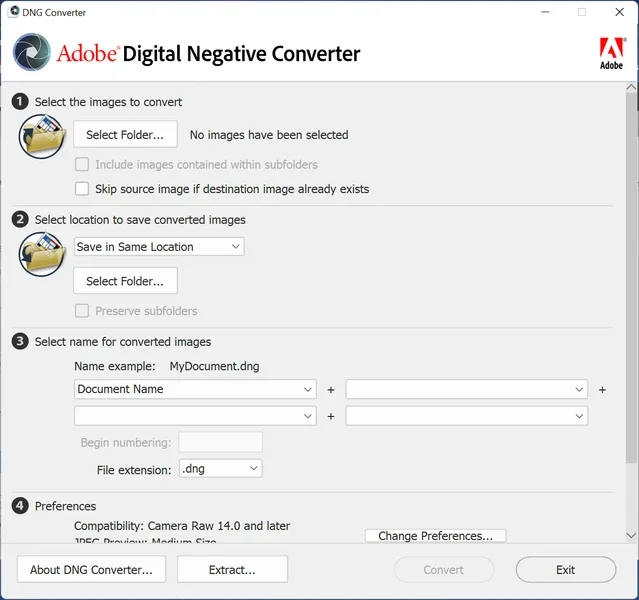
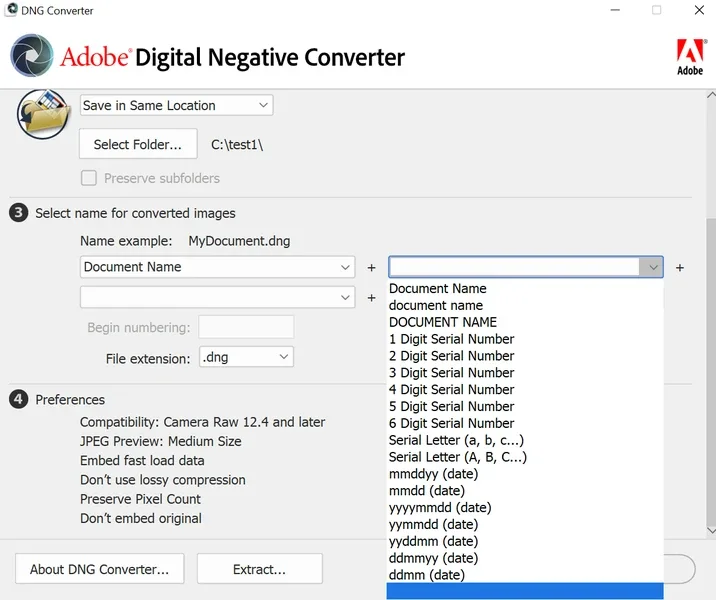
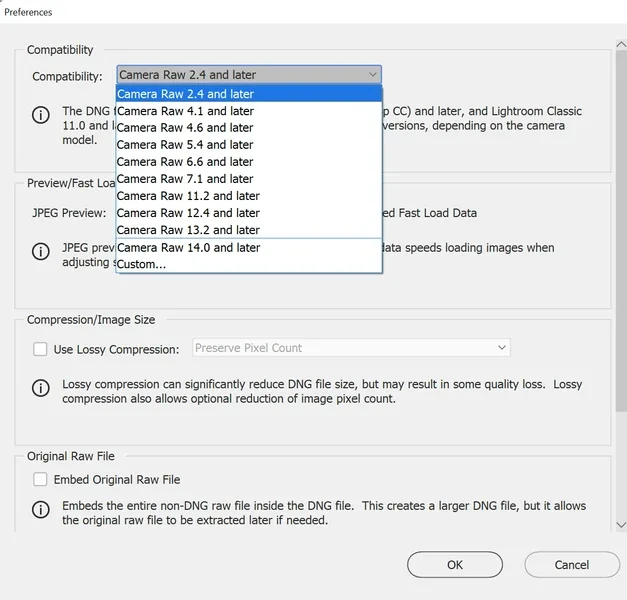
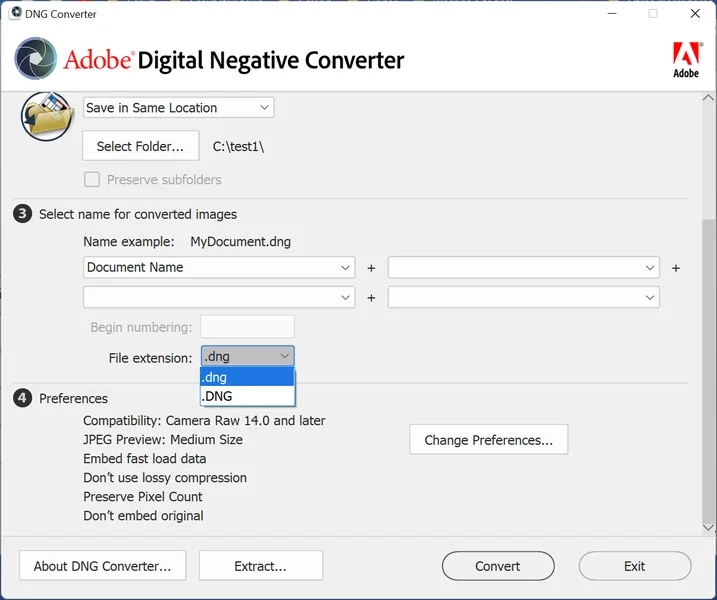
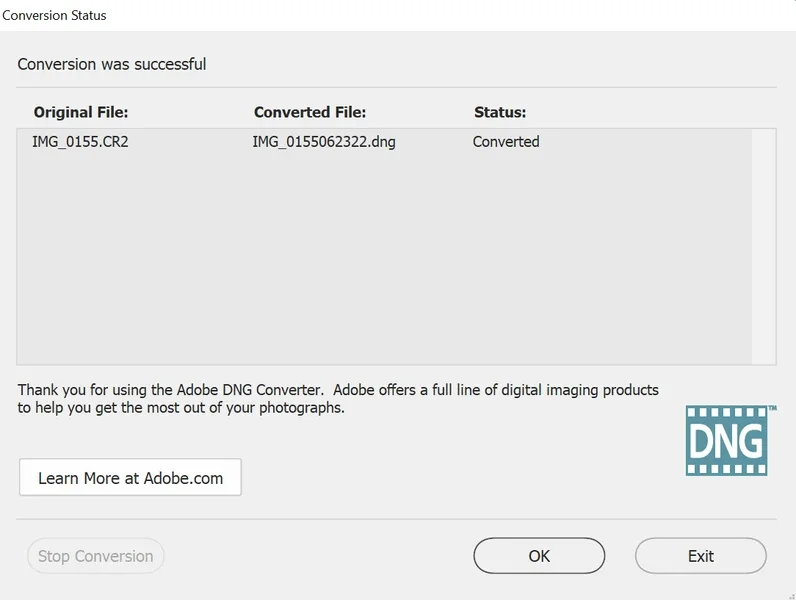
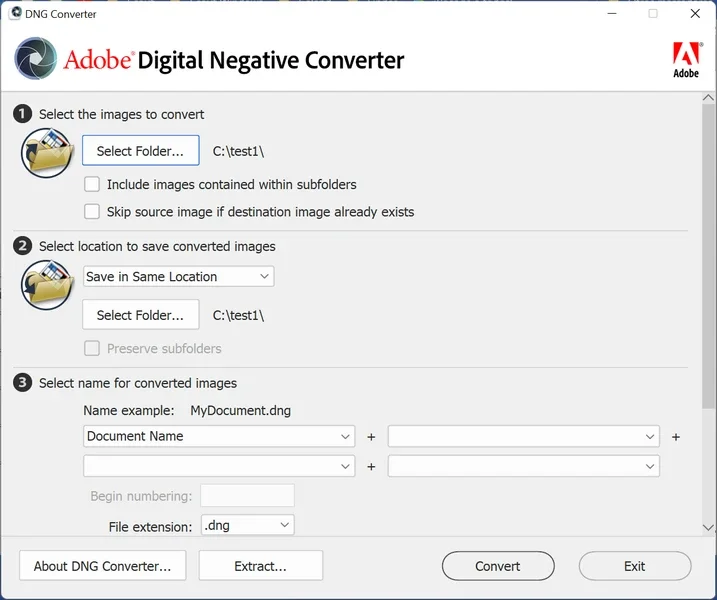
You point Adobe DNG Converter at the folder holding your photos, then choose the DNG format and a name for the images. Conversion starts once those selections are made. The program turns .raw and .dng camera formats into DNG.
Why convert at all
RAW and DNG are digital negatives that keep all the uncompressed data from a photo. A JPG is compressed by comparison; these formats give more dynamic range and more room for color retouching in software. The output keeps its quality, since it stays an uncompressed negative format, only adapted for compatibility. That helps when an editor refuses to open files: an older program can be shut out by a newer camera, just as a newer program can be shut out by an older file. The converter can also write an older DNG format that your software supports.
All Camera Raw versions on the market are supported. Camera Raw comes with Photoshop and lets you retouch RAW photos from that program, and it is also the basis for Lightroom.
[Release notes coming soon]
Verify the file
Compare the SHA-256 of the file you downloaded with the value below. Files exactly as the publisher released them.
-
adobe-dng-converter-19-0.dmg
19.0 · DMG · 1.7 GB
SHA-256
9c9cd689f329448b3bc22b984c686dbfc8c81b24a6ecc320a13afe3b1406d28fCheck on VirusTotal Get
Files exactly as the publisher released them.
Information
- Seller
- Adobe
- Size
- 1.7 GB
- Category
- Photo Utilities
- Compatibility
macOS 10.4 Tiger or later
- Languages
English
- Age rating
- All ages
- License
- Proprietary
- Price
- Free
- Platform
- Also available on Windows