Aiarty Image Enhancer3.13 for macOS
Generative AI upscaling and restoration for Mac photos
Trial · Proprietary
You are on Windows — this is the macOS version. See the Windows version

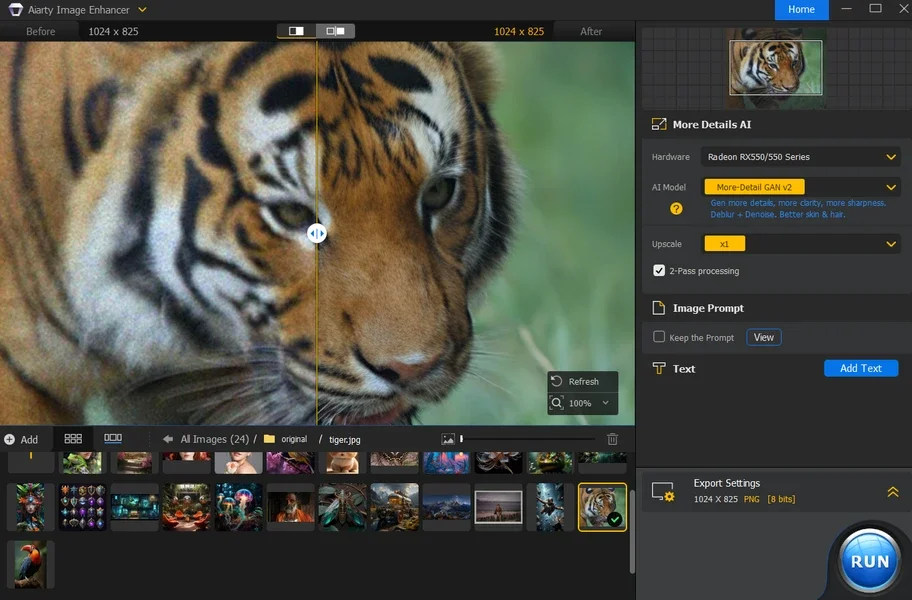
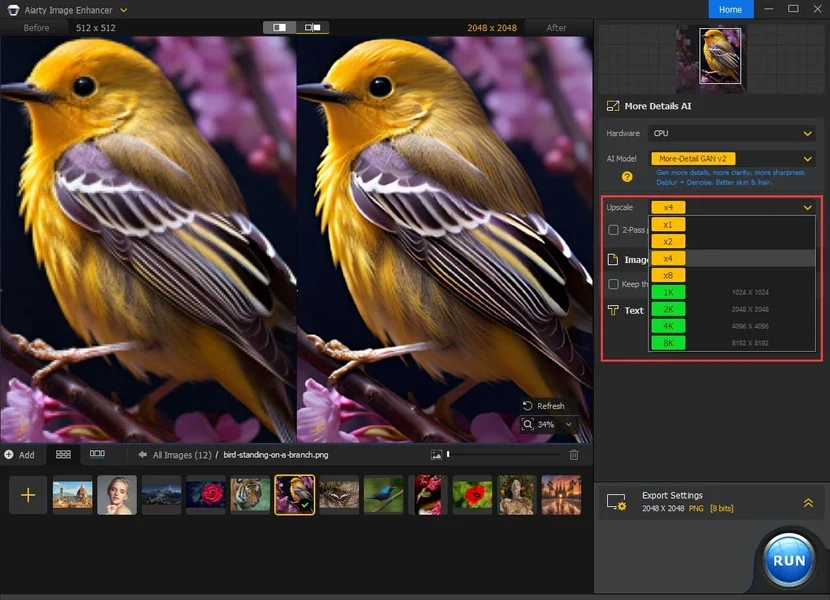
Aiarty Image Enhancer uses a More-detail GAN model that generates detail, clarity, and sharpness while it deblurs and denoises an image. That model works on skin, hair, textures, lines, and similar features, and it tends to give better perceptual results on images that carry that kind of detail.
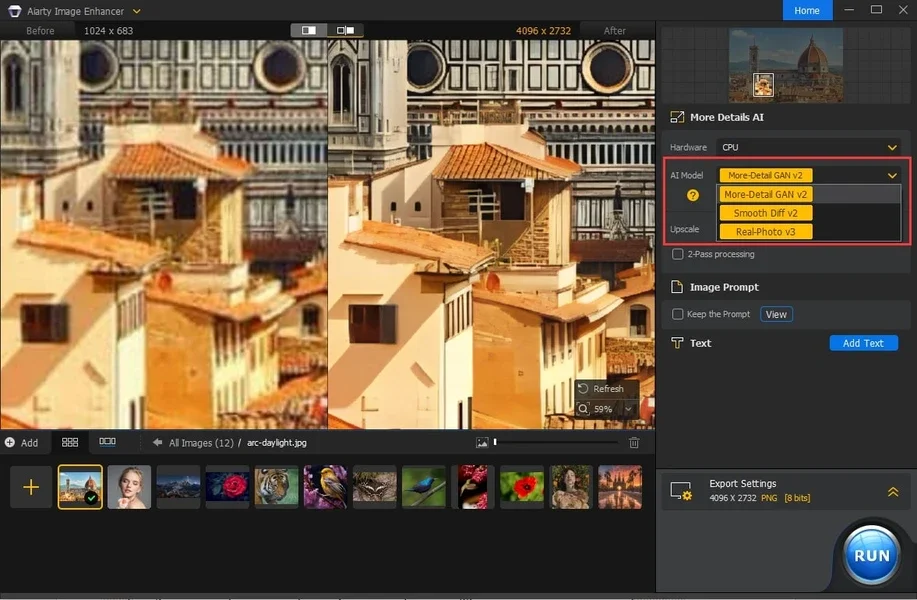
The software improves image quality through deblurring, denoising, sharpening, and generating realistic details. Three AI models handle super resolution. Real-Photo is built for photographs: it restores original fidelity, improves clarity, and removes blur and noise. Denoise uses deep learning to denoise and reconstruct an image, which raises clarity, sharpness, and visual quality. Smooth Diff restores original fidelity, improves clarity, and removes flaws, and it is meant for images that do not need extra detail. There is also a model trained specifically for AI art, which restores blurred AI-generated images and compressed pictures. Deblur takes blurry, grainy, pixelated, or soft images and cleans them up in one click while the AI generates more detail.
Upscale enlarges any image to 4K, 8K, 10K, or even 32K without losing detail. Batch processing handles over 1000 images at once. The software suits business and personal use alike, and the Mac version is proprietary, with a trial available.
[Release notes coming soon]
Verify the file
Compare the SHA-256 of the file you downloaded with the value below. Files exactly as the publisher released them.
-
aiarty-image-enhancer-3-13.dmg
3.13 · DMG · 122.8 MB
SHA-256
eb480b223dc187143ec1c383f5bc3bfa3beb3b1c88638d6d1896f3b400d1b5fbCheck on VirusTotal Get
Files exactly as the publisher released them.
Information
- Seller
- Digiarty Software, Inc.
- Size
- 122.8 MB
- Category
- Photo Utilities
- Compatibility
macOS
- Age rating
- All ages
- License
- Proprietary
- Price
- Trial
- Platform
- Also available on Windows