Android File Transfer - Quicksharefor macOS
Wireless file sharing between Android devices and Macs
Free
You are on Windows — this is the macOS version. See the Windows version
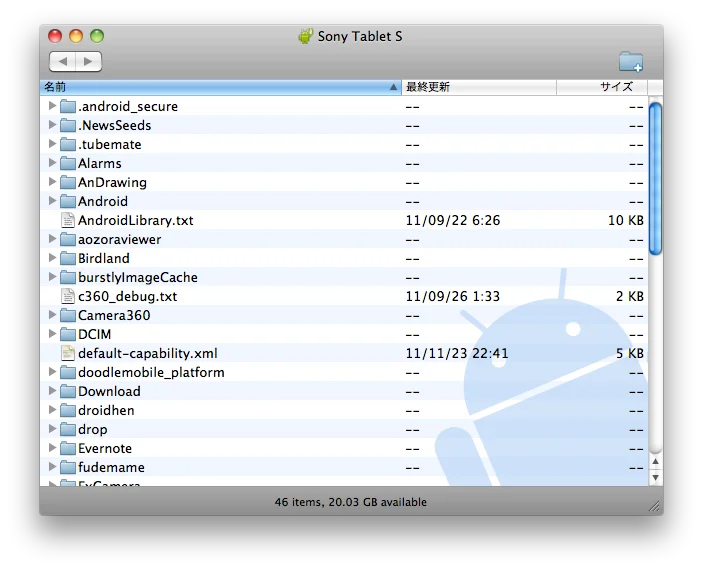
Quick Share moves files wirelessly between nearby Android devices and Macs. It is a tool built for that job alone: sending photos, videos, documents, audio files, or entire folders from one device to another without a cable.
Transfers work in both directions, from Android to a desktop or laptop and from a Mac back to a phone or tablet. On the computer you drag files onto the app or right-click them and choose Send with Quick Share. Every transfer is end-to-end encrypted, and the receiver is always asked to confirm before anything is received. The devices need to be within five meters of each other, and both Wi-Fi and Bluetooth must be enabled on the Mac. The app has to be installed on the computer, but on Android 6 and newer Quick Share comes preinstalled, so there is nothing extra to add on the phone side. You can control who discovers your device and sends files, limiting visibility to everyone, contacts only, or your own devices.
It runs on desktops and laptops with a 64-bit OS. ARM devices are not supported. Quick Share is free.
Verify the file
Compare the SHA-256 of the file you downloaded with the value below. Files exactly as the publisher released them.
No downloads on this page: this app is distributed by its publisher.
Files exactly as the publisher released them.
Information
- Seller
- Developed with Google
- Compatibility
macOS
- Price
- Free
- Platform
- Also available on Windows