AppFlowy0.15.1 for macOS
Open-source local workspace for notes, tasks and wikis, no account needed
Free · AGPL 3.0
You are on Windows — this is the macOS version. See the Windows version
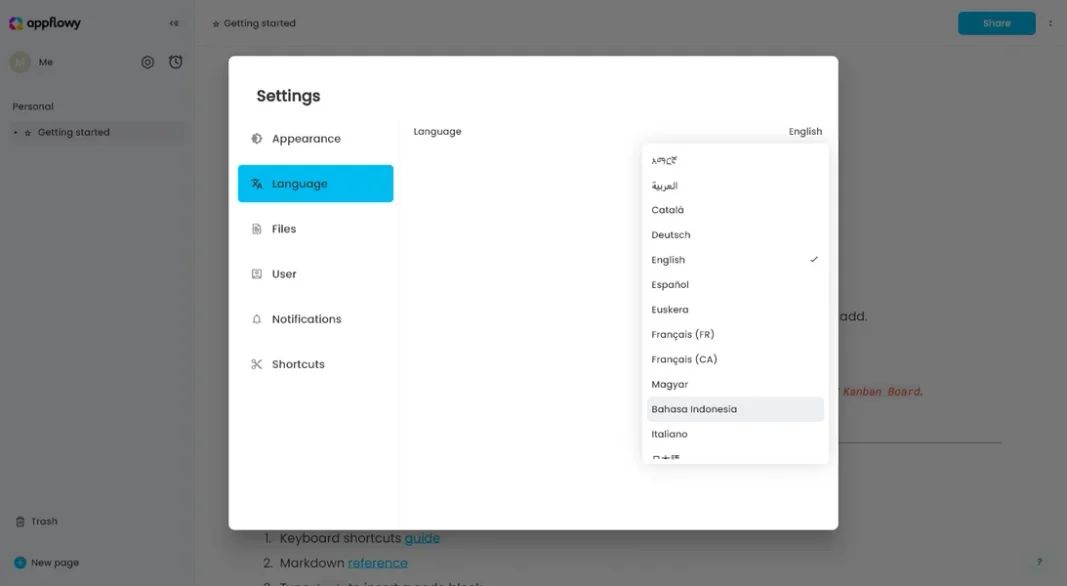
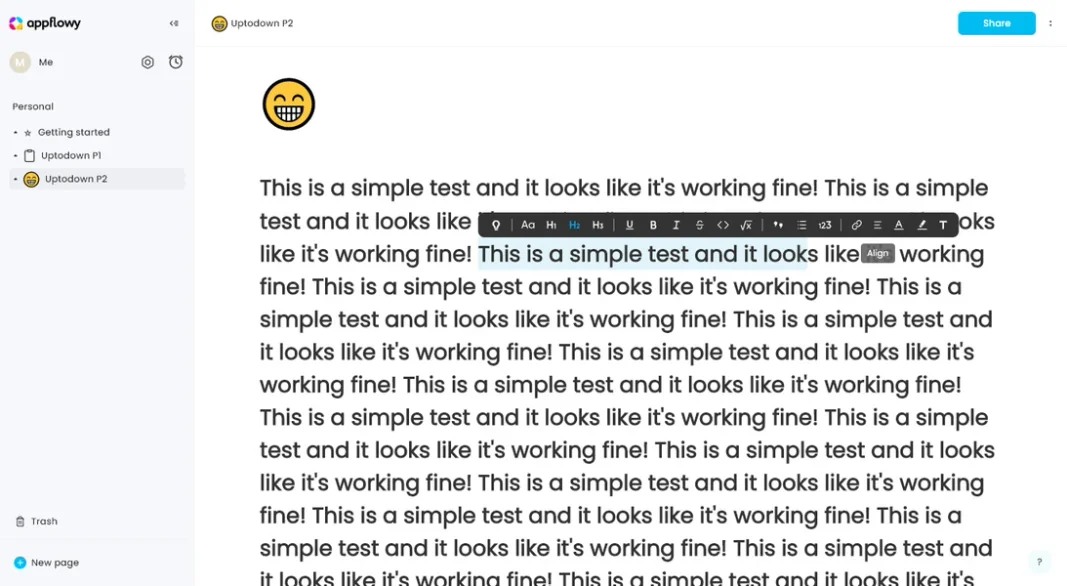
AppFlowy is an open-source Mac app that runs locally and does not depend on the cloud. Users have full control over their data. No account is required, so work can begin right after installation.
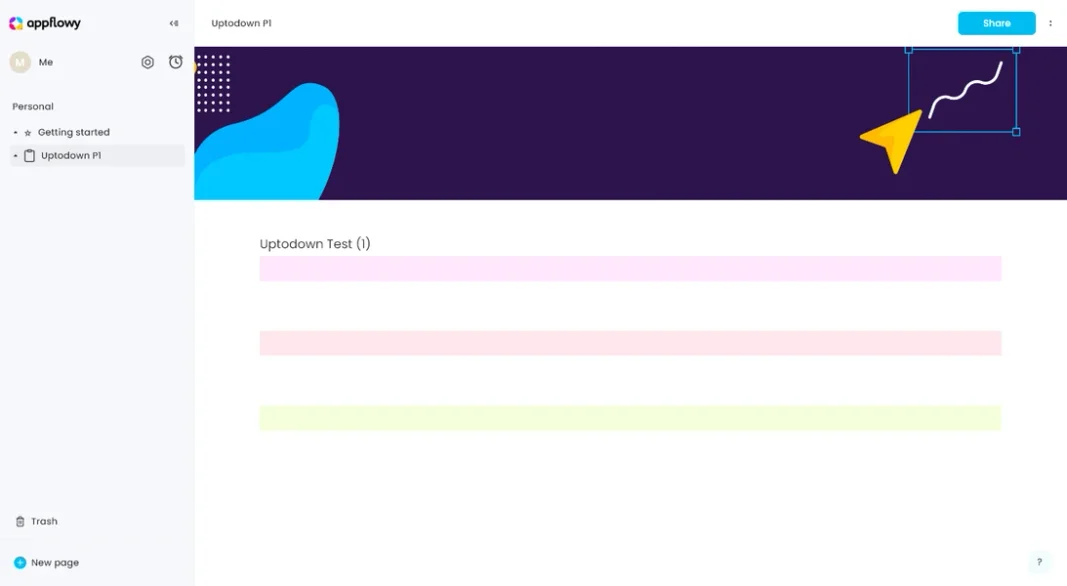
Pages are created from the sidebar and editing inside a page starts by clicking and typing.
- Each page has a custom title and header.
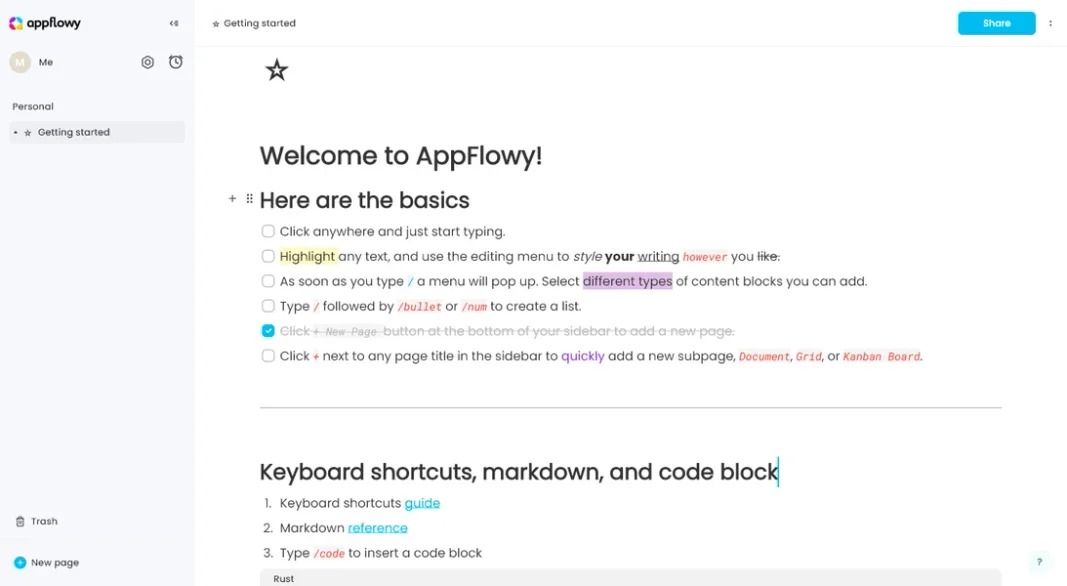
- Standard formatting tools are included.
- Images and other elements can be inserted easily.
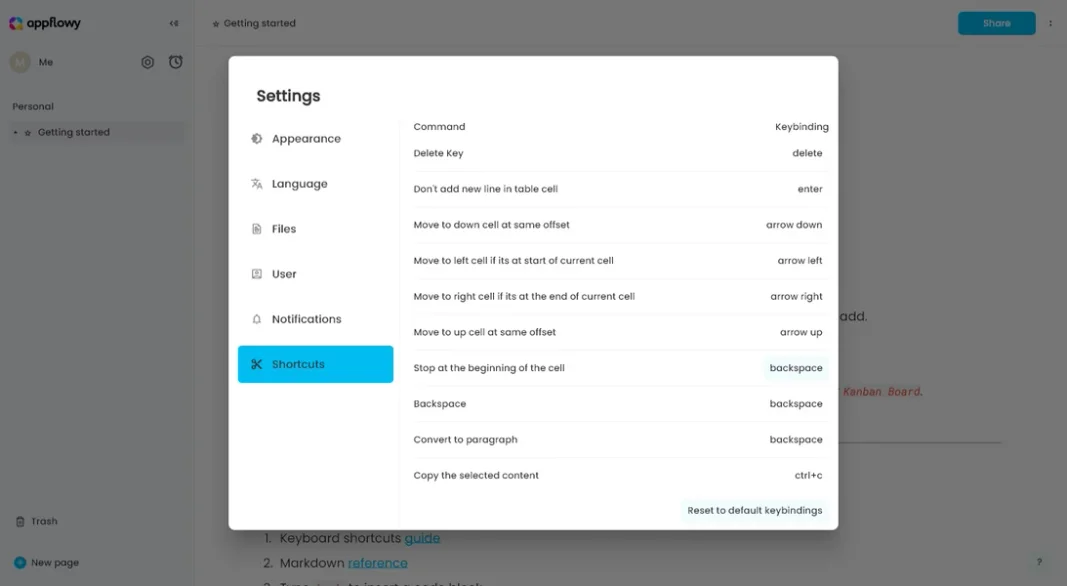
- Keyboard shortcuts and reference documentation are quickly accessible.
An onboarding guide walks through the main features in a short session. Notes, tasks and projects can be kept together in one flexible workspace, and the workflow is similar to modern productivity tools. It works for solo use or collaboration with others, and can be used to build personal or shared knowledge bases and wikis. The app is free and privacy-focused.
[Release notes coming soon]
Verify the file
Compare the SHA-256 of the file you downloaded with the value below. Files exactly as the publisher released them.
-
appflowy-0-15-1.zip
0.15.1 · ZIP · 222.7 MB
SHA-256
d9015b846ea3e3c1ee9ed438b02675352c69fddefb87375021408b2d39047dceCheck on VirusTotal Get
Files exactly as the publisher released them.
Information
- Seller
- AppFlowy Inc.
- Size
- 222.7 MB
- Category
- Business
- Compatibility
macOS
- Languages
Afrikaans and 47 more
- Afrikaans, Amharic, Arabic, Armenian, Belarusian, Bulgarian, Catalan, Chinese, Croatian, Czech, Danish, Dutch, English, Estonian, Farsi, Finnish, French, German, Greek, Hebrew, Hindi, Hungarian, Icelandic, Indonesian, Italian, Japanese, Kazakh, Korean, Latvian, Lithuanian, Malay, Norwegian, Polish, Portuguese, Romanian, Russian, Serbian, Slovak, Slovenian, Spanish, Swahili, Swedish, Tagalog, Thai, Turkish, Ukrainian, Vietnamese, Zulu
- Age rating
- 3+
- License
- AGPL 3.0
- Price
- Free
- Platform
- Also available on Windows