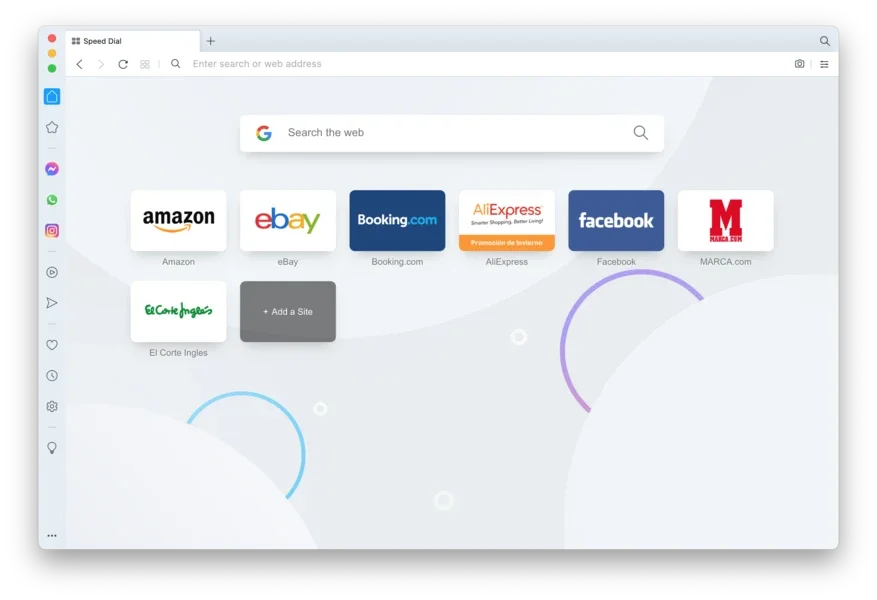
Arc1.174.1 for macOS
Keeps tabs and shortcuts in a side panel on macOS
Free · Proprietary
You are on Windows — this is the macOS version. See the Windows version
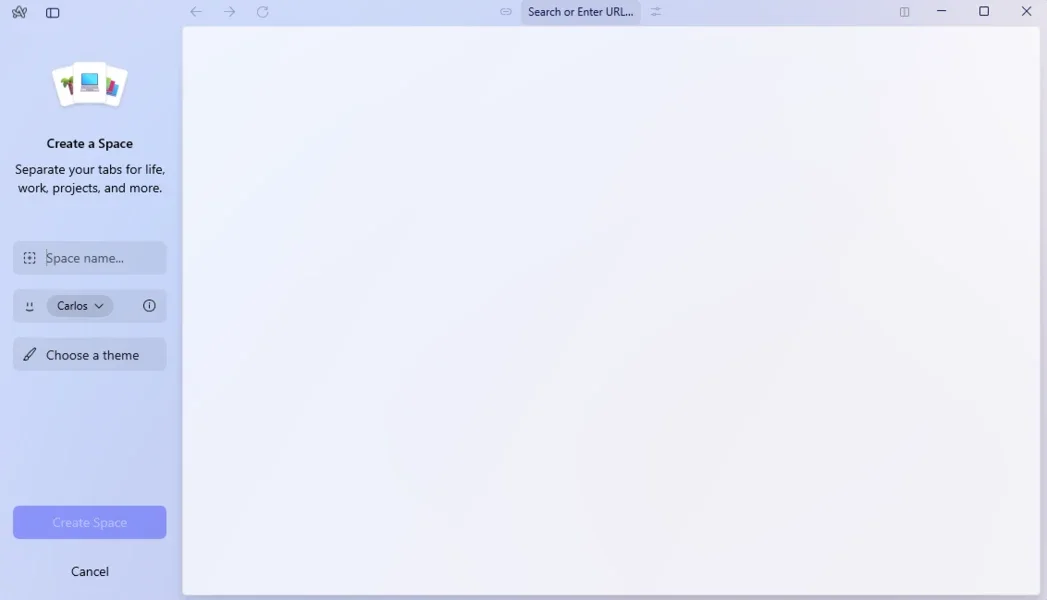
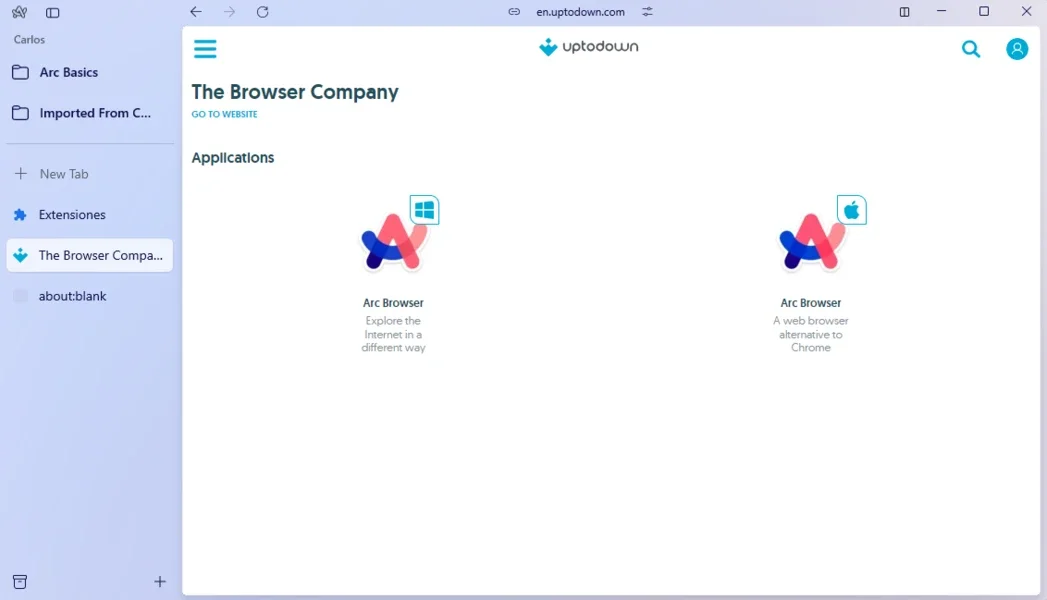
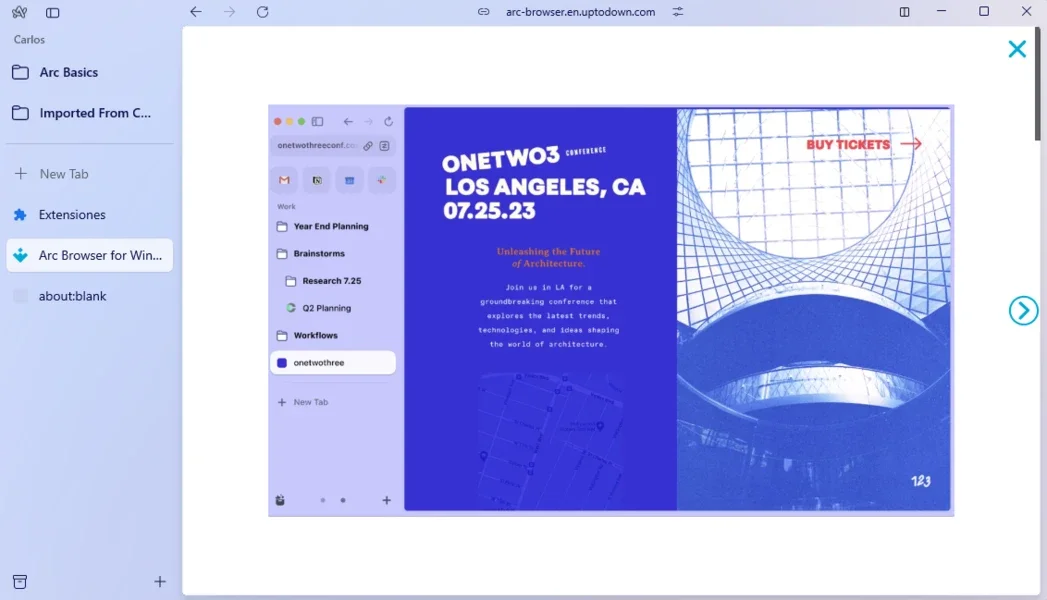
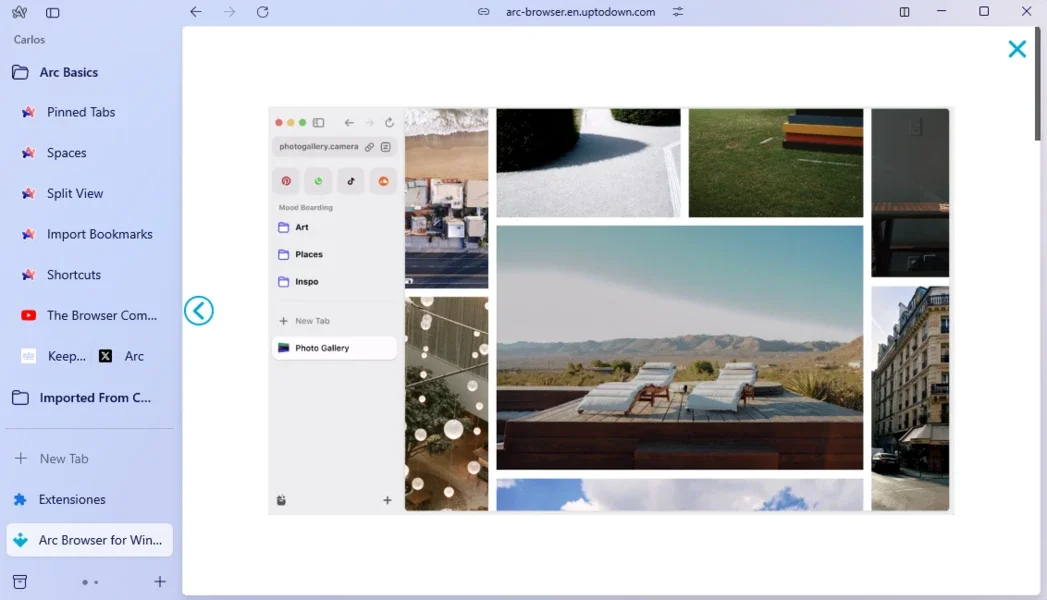
Arc keeps your tabs and shortcuts down the side of the screen instead of across the top. It is a web browser for macOS made by The Browser Company. The side panel is where open tabs, workspaces and shortcuts to pages you open often all sit, and a click brings the side menu back if you close it.
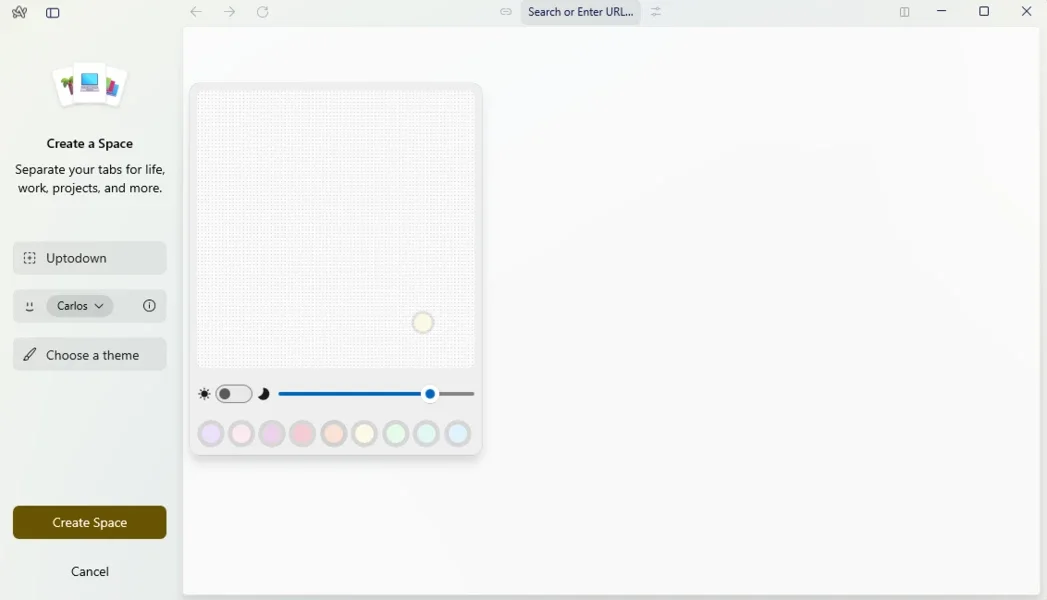
Each workspace holds its own set of tabs, so several independent groups can stay open at once. In full screen the side tab hides to give the page more room. The design is minimalist and customizable, down to the color, which can be set to any shade. On first install you have to create an account. Passwords can come in from Chrome or Edge, and more than one profile can be added, each tied to a different account. The account syncs open tabs and passwords for services.
Arc can be set as the default browser. It does not track browsing activity, so it does not know which pages you visit or how long you stay on them, and it does not see what you type into the browser. User data is not sold to third parties.
[Release notes coming soon]
Verify the file
Compare the SHA-256 of the file you downloaded with the value below. Files exactly as the publisher released them.
-
arc-1-174-1.zip
1.174.1 · ZIP · 448.0 MB
SHA-256
460838fb835db73f7ebf2158318bd2acf8a20153554c831851c1b4ddf2c19b3bCheck on VirusTotal Get
Files exactly as the publisher released them.
Information
- Seller
- The Browser Company
- Size
- 448.0 MB
- Category
- Web Browsers
- Compatibility
macOS 13.0 Ventura or later
- Languages
Afrikaans and 47 more
- Afrikaans, Amharic, Arabic, Armenian, Belarusian, Bulgarian, Catalan, Chinese, Croatian, Czech, Danish, Dutch, English, Estonian, Farsi, Finnish, French, German, Greek, Hebrew, Hindi, Hungarian, Icelandic, Indonesian, Italian, Japanese, Kazakh, Korean, Latvian, Lithuanian, Malay, Norwegian, Polish, Portuguese, Romanian, Russian, Serbian, Slovak, Slovenian, Spanish, Swahili, Swedish, Tagalog, Thai, Turkish, Ukrainian, Vietnamese, Zulu
- Age rating
- 3+
- License
- Proprietary
- Price
- Free
- Platform
- Also available on Windows