ASAPDF1.11.18 for macOS
Creates, edits, and signs PDFs on the Mac
Trial · Proprietary
You are on Windows — this is the macOS version. See the Windows version
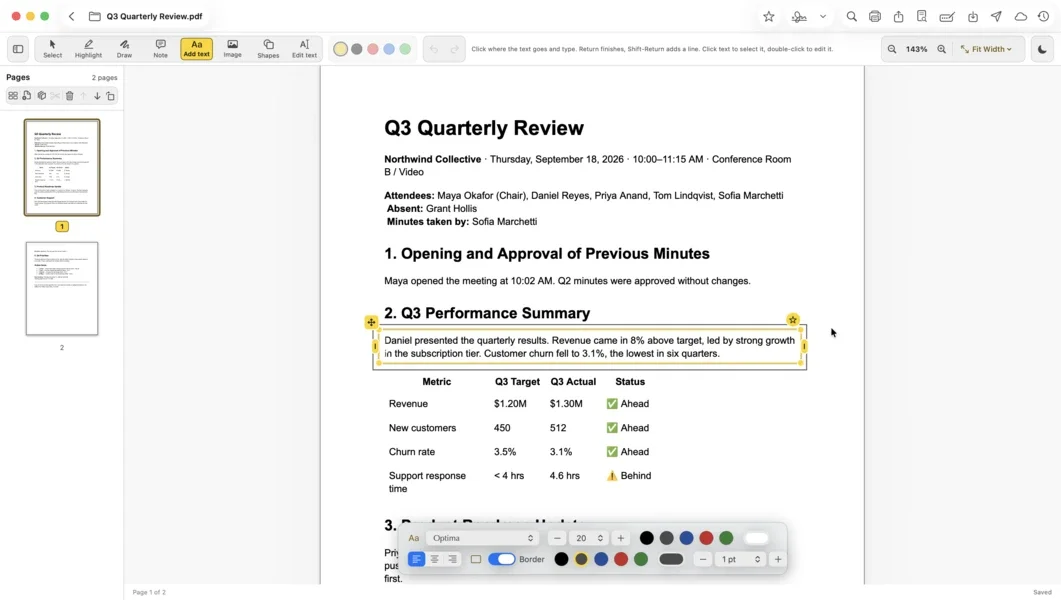
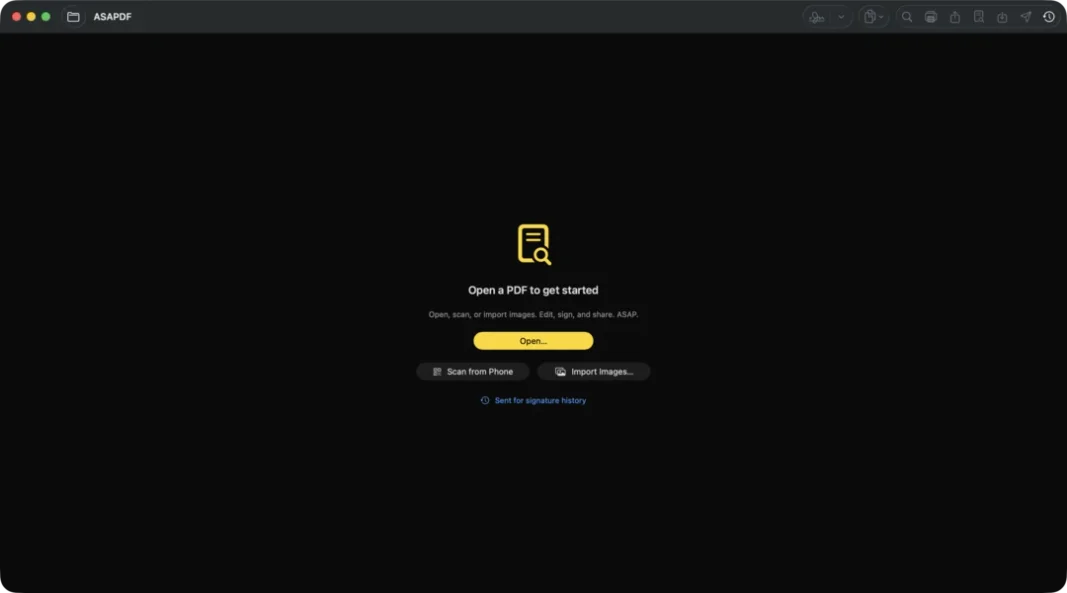
Start a document from scratch in ASAPDF or open an existing one and edit it directly. Text boxes, images, graphics, highlights, and freehand drawing are all there, and the freehand tool takes a mouse, stylus, or finger. The program is a PDF app for creating, editing, and signing. A document begun on a computer can be finished on a phone.
Signatures and form filling
A saved signature goes onto any document in a few taps. You can sign a document yourself or send it out for signature. A remote recipient gets an emailed link to sign, while someone in the room scans a QR code with their phone camera and signs in the browser, with no app install and no account creation. Each signature request returns a completion record showing when and how it was signed. Any document can become a fillable form with fields others complete.
- One sign-in, using an Apple, Google, or email account, works across all your devices and the web.
- Finished documents contain no watermarks.
[Release notes coming soon]
Verify the file
Compare the SHA-256 of the file you downloaded with the value below. Files exactly as the publisher released them.
-
1786036476926-50202857-ASAPDF.dmg
1.11.18 · DMG · 12.9 MB
SHA-256
cdae470914d0a4efbb05b9873cb4d56340bd42fec04ae33b8221a78e54df00e0Check on VirusTotal Get
Files exactly as the publisher released them.
Information
- Seller
- Bravely Studios
- Size
- 12.9 MB
- Category
- Text & documents
- Compatibility
macOS macOS 10.15 or later
- Languages
English
- Age rating
- 3+
- License
- Proprietary
- Price
- Trial
- Platform
- Also available on Windows