Aseprite1.3.18.6 for macOS
Pixel art editor with real-time previews and a timeline
Trial · Proprietary
You are on Windows — this is the macOS version. See the Windows version
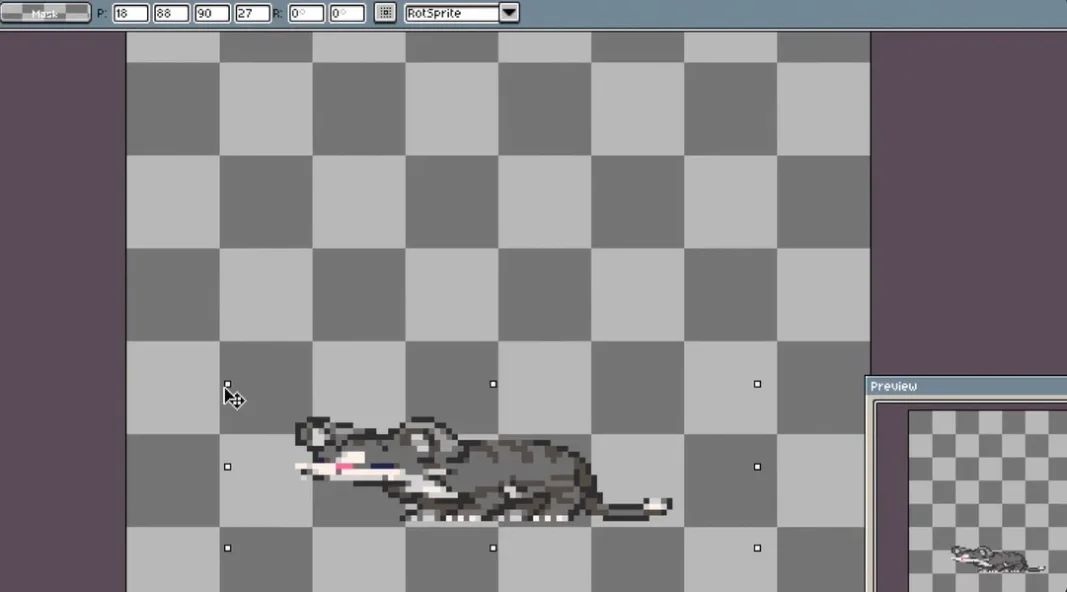
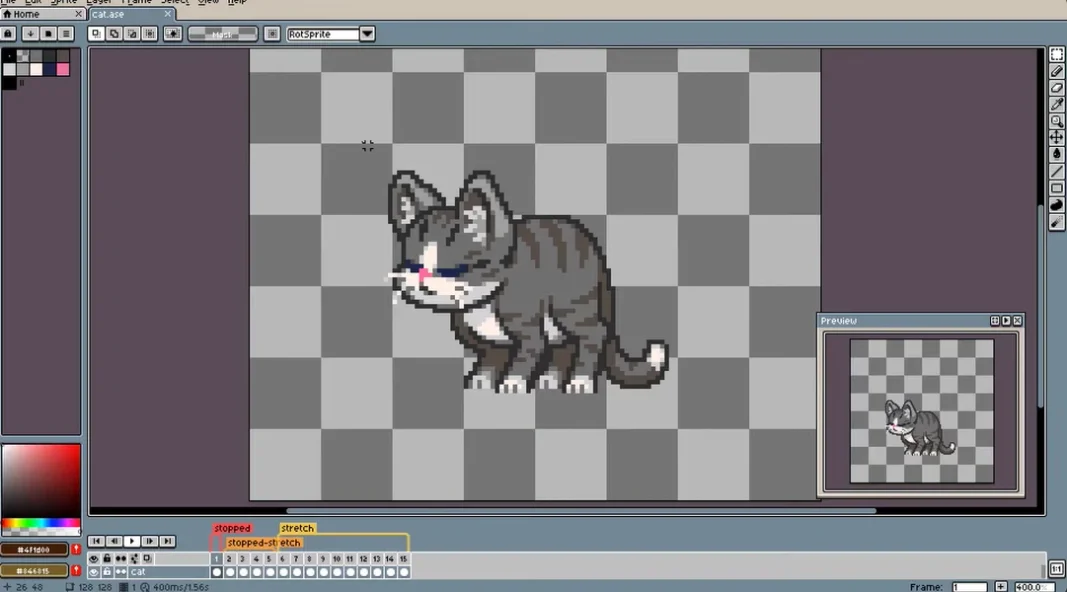
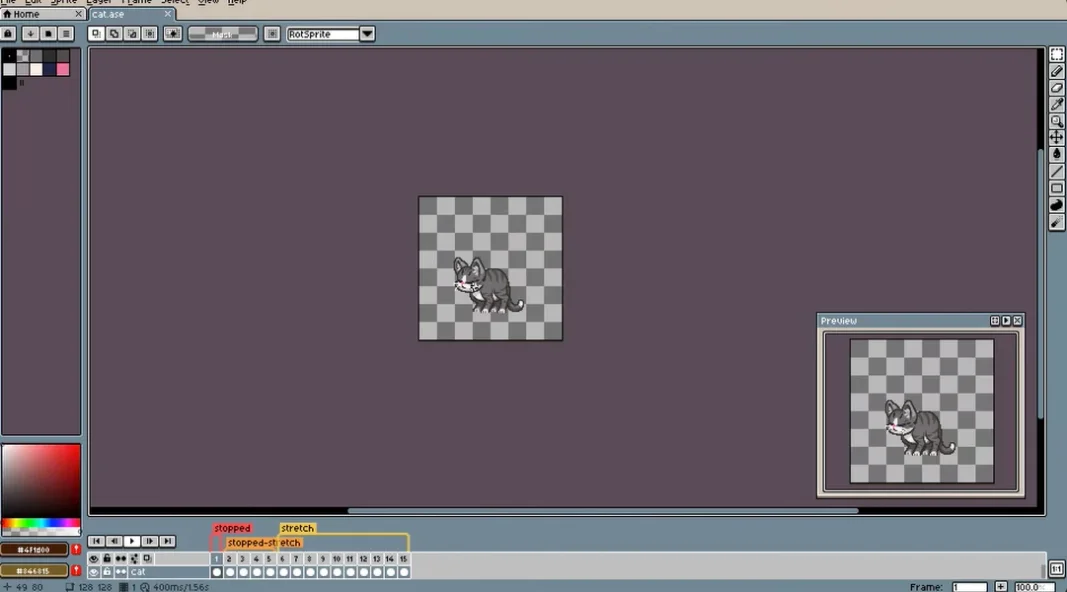
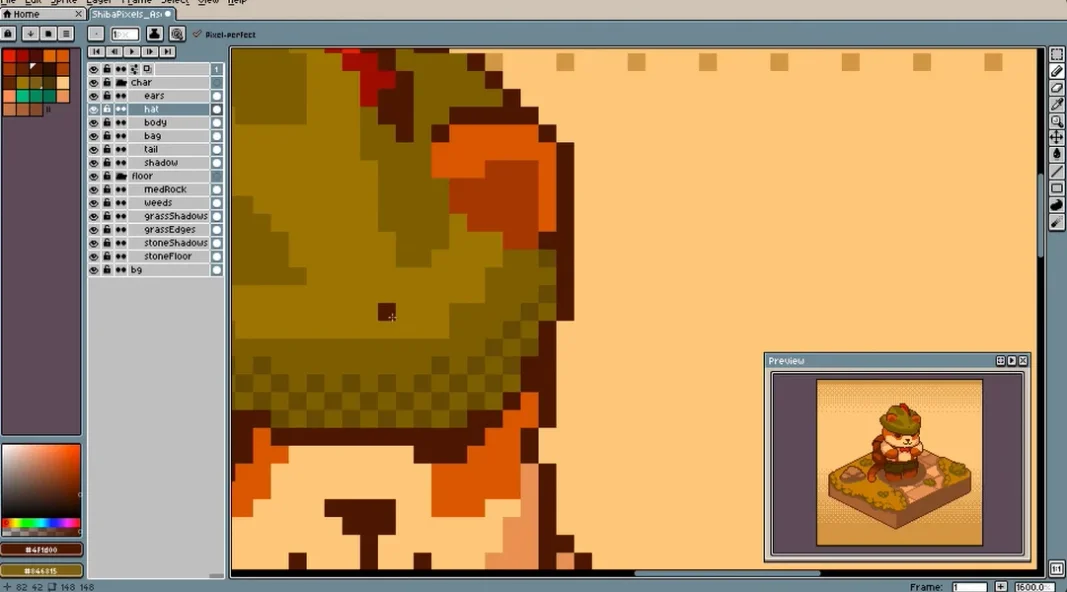
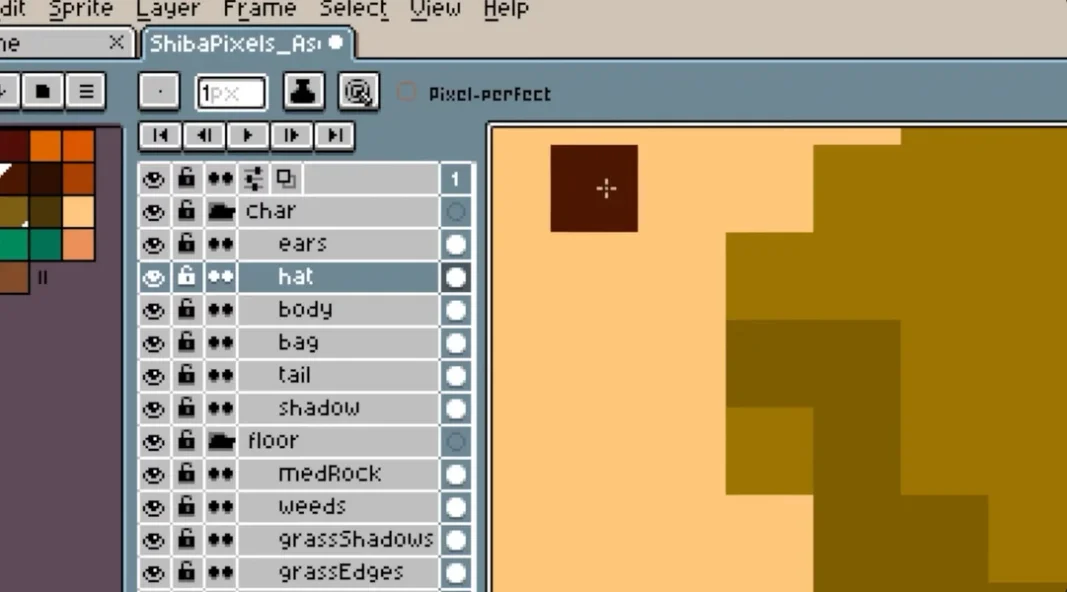
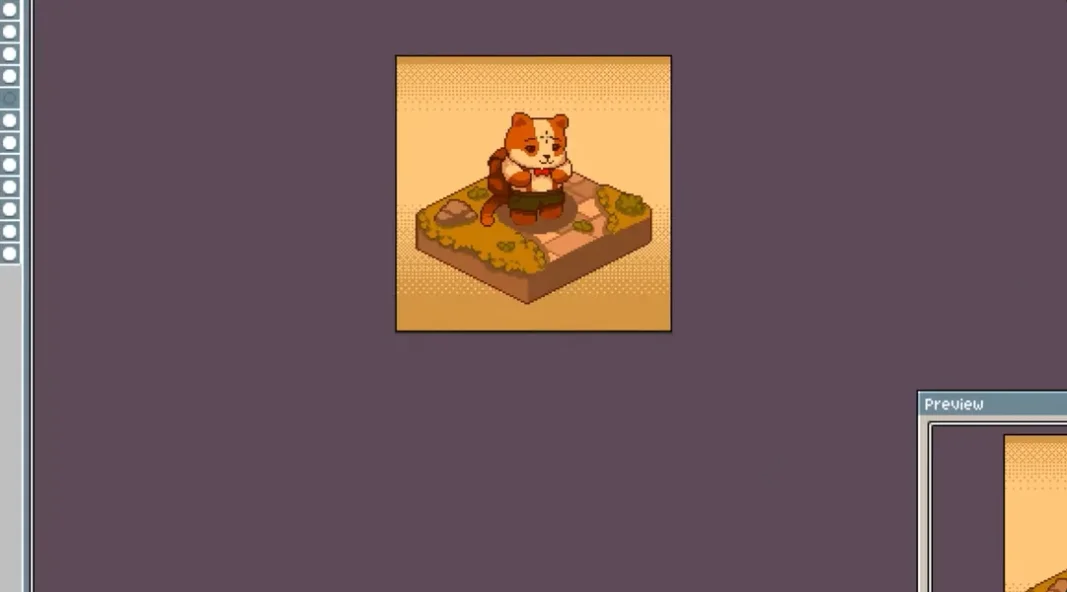
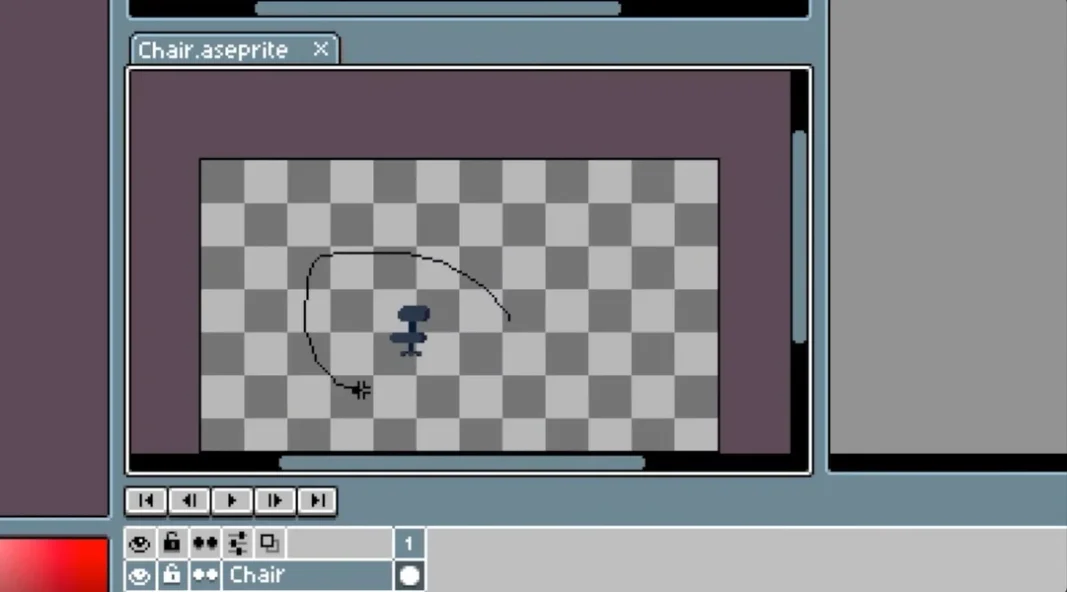
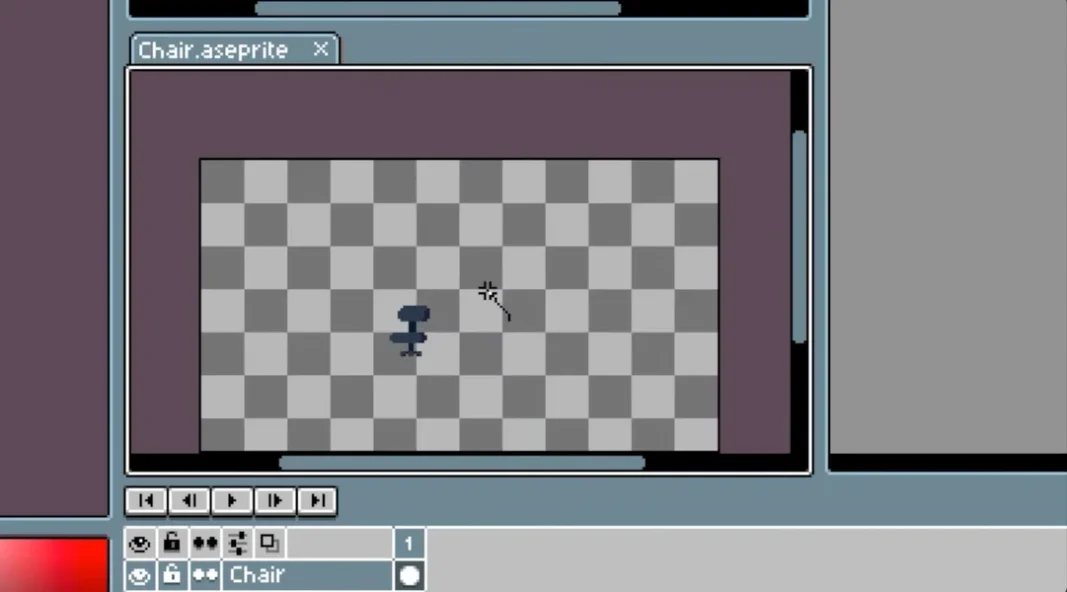
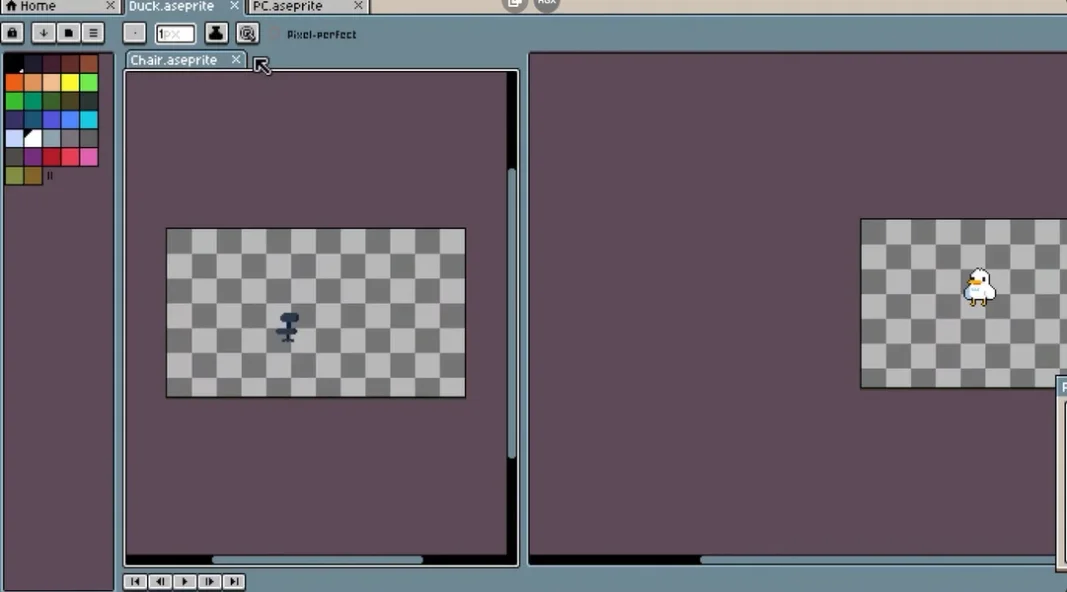
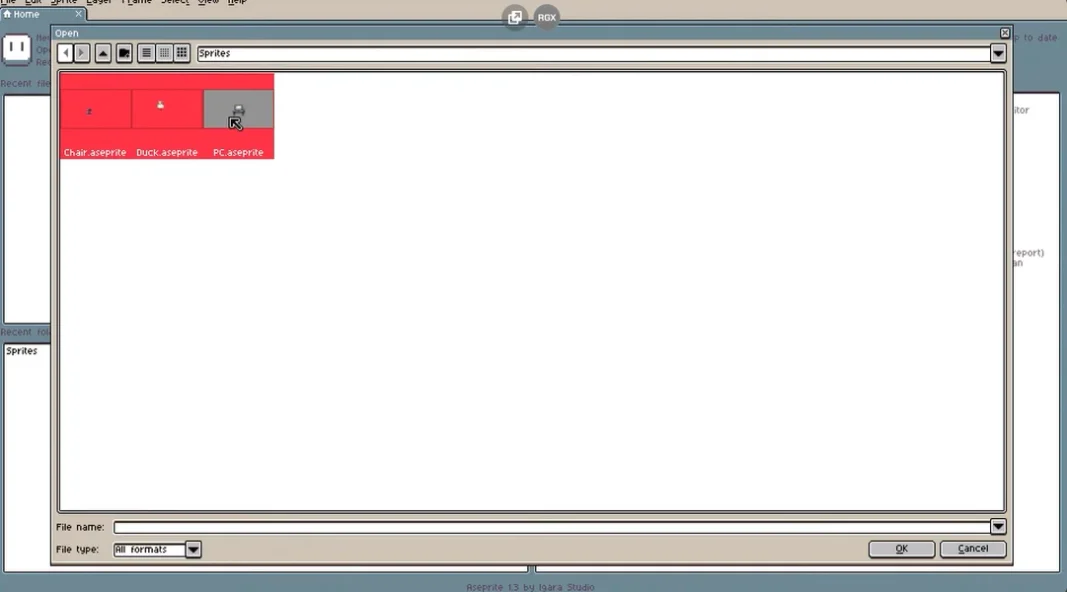
Aseprite is for making pixel art. You draw individual pixels by hand, and automated tools handle the repetitive parts: filling in shapes, drawing lines, and shifting the color palette. Image files can be inserted as references for illustrations.
Animation and layers
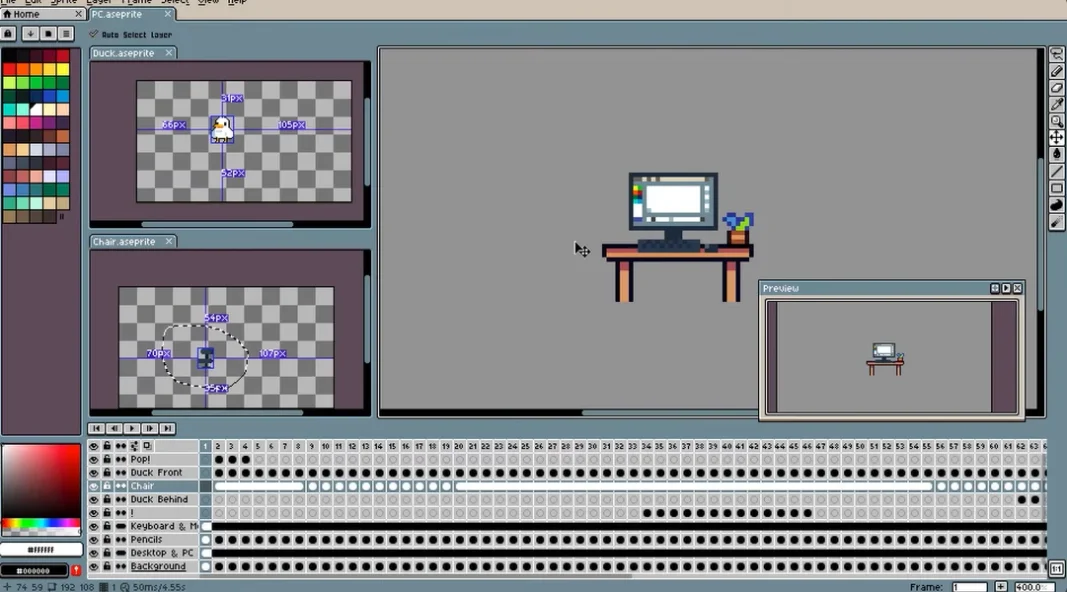
A timeline organizes sprites, and layers let you arrange them for more complex and detailed animations. Previews update in real time as you work. Various speed settings let you create smooth animation sequences. The interface is intuitive.
Digital artists and video game developers use it.
[Release notes coming soon]
Verify the file
Compare the SHA-256 of the file you downloaded with the value below. Files exactly as the publisher released them.
-
aseprite-1-3-18-6.dmg
1.3.18.6 · DMG · 25.7 MB
SHA-256
7318dc843e0469e3a703771dbdb17371e2cb8366a3512783a46bf27746347f44Check on VirusTotal Get
Files exactly as the publisher released them.
Information
- Seller
- Igara Studio S.A.
- Size
- 25.7 MB
- Category
- Development
- Compatibility
macOS 10.4 Tiger or later
- Languages
Afrikaans and 47 more
- Afrikaans, Amharic, Arabic, Armenian, Belarusian, Bulgarian, Catalan, Chinese, Croatian, Czech, Danish, Dutch, English, Estonian, Farsi, Finnish, French, German, Greek, Hebrew, Hindi, Hungarian, Icelandic, Indonesian, Italian, Japanese, Kazakh, Korean, Latvian, Lithuanian, Malay, Norwegian, Polish, Portuguese, Romanian, Russian, Serbian, Slovak, Slovenian, Spanish, Swahili, Swedish, Tagalog, Thai, Turkish, Ukrainian, Vietnamese, Zulu
- Age rating
- All ages
- License
- Proprietary
- Price
- Trial
- Platform
- Also available on Windows