Atom1.63.1 for macOS
Open-source text editor with Git built in
Free · MIT
You are on Windows — this is the macOS version. See the Windows version
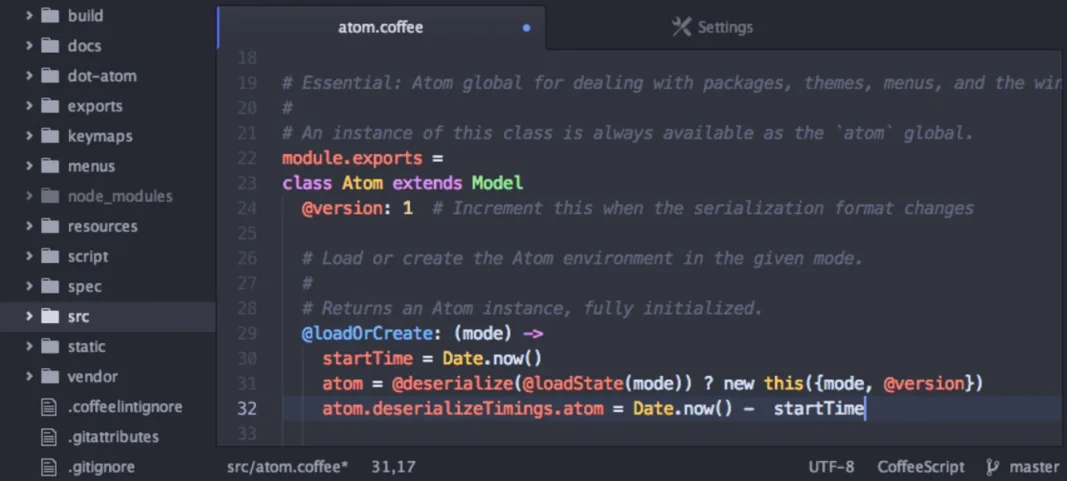
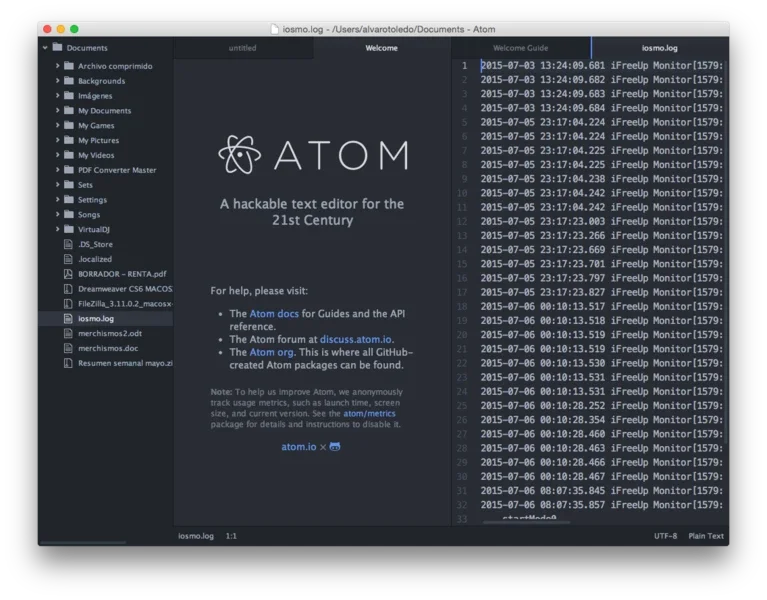
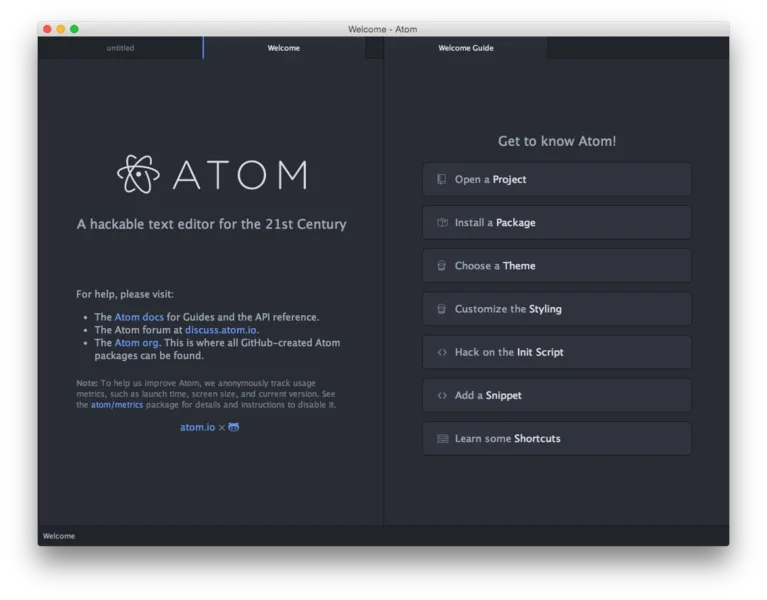
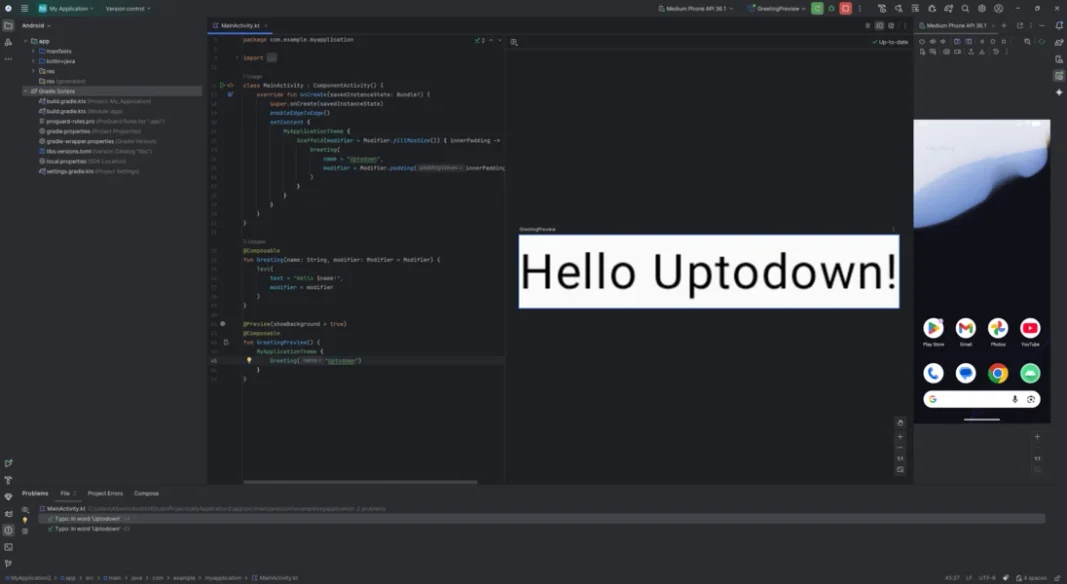
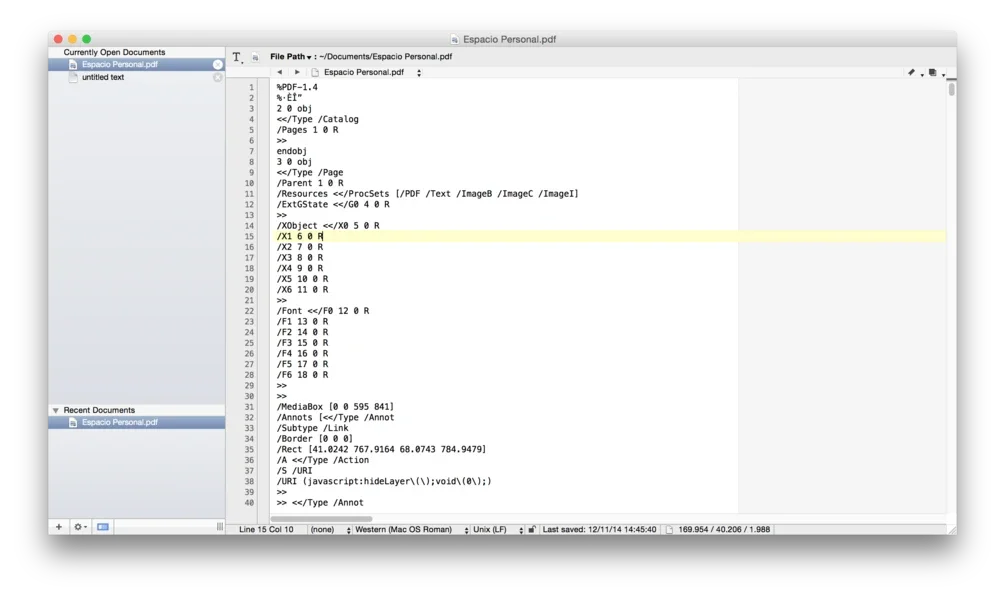
Atom is an open-source text editor that runs on Windows, Linux and Mac. Open a file and it works out the language on its own, then applies syntax highlighting to match.
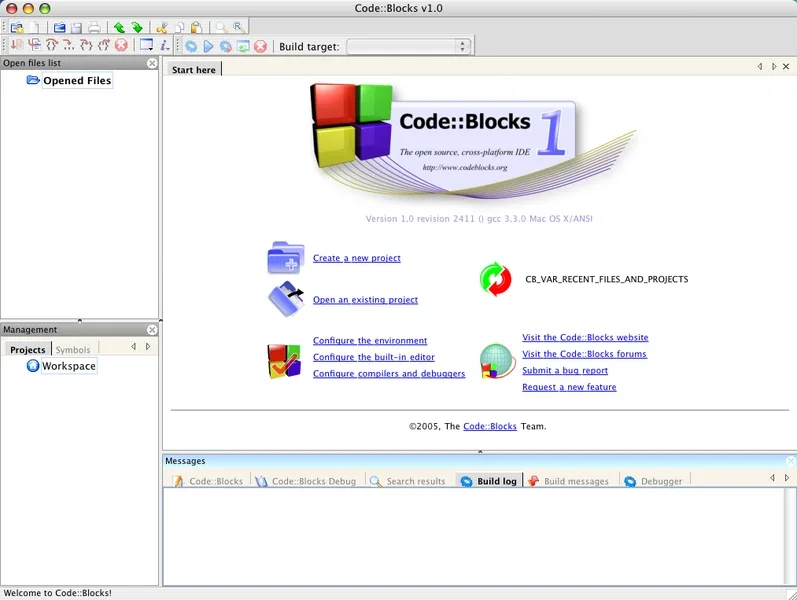
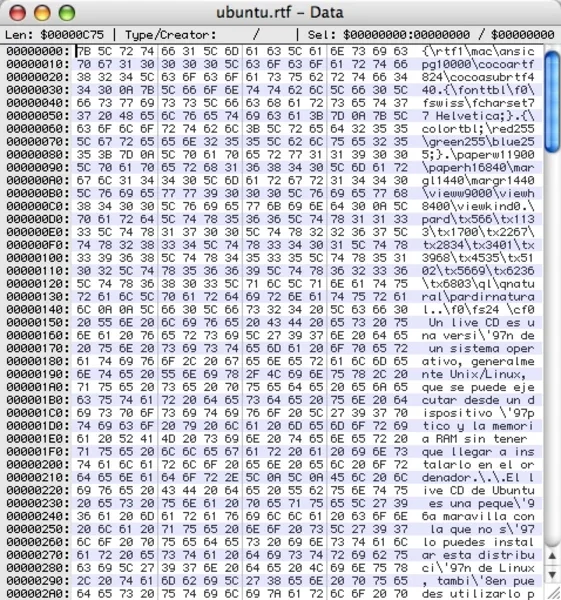
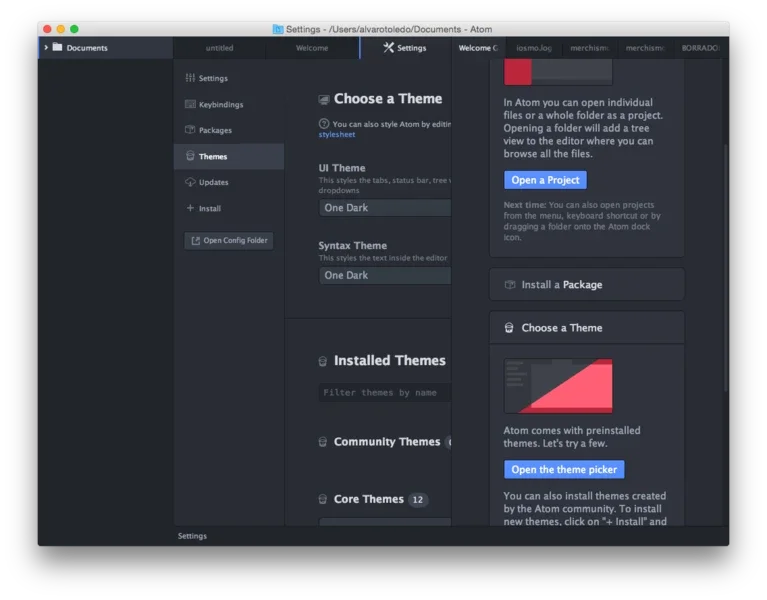
Projects go into folders, and you can keep several panels open while you work. Search runs across the project. Autocomplete suggestions follow the context, and snippets let you drop in repeated blocks of code without retyping them. The Git version control system is built in, which covers publishing to GitHub. It is fairly lightweight compared with other options, and its modular environment lets you install packages that add features. The community supplies much of that extension work. At the time of writing, the package and theme directories held upwards of 2,000 add-ons and 600 looks respectively.
People use it as an IDE for a number of programming languages, and a project set up on one platform can be carried to another. It is free under the MIT license.
[Release notes coming soon]
Verify the file
Compare the SHA-256 of the file you downloaded with the value below. Files exactly as the publisher released them.
-
1.63.1
1.63.1 · ZIP · 207.5 MB
SHA-256
6350dc9bea903334ece6ad25bce39564fa8bdaff6659c3bb822c19c4b5615411Check on VirusTotal Get
Files exactly as the publisher released them.
Information
- Seller
- GitHub
- Size
- 207.5 MB
- Category
- Development
- Compatibility
macOS 10.4 Tiger or later
- Languages
English
- Age rating
- All ages
- License
- MIT
- Price
- Free
- Platform
- Also available on Windows