CapCut9.8.0.4799 for macOS
Free video editor with AI tools, 4K HDR export and a 15-minute cap
Free · Proprietary
You are on Windows — this is the macOS version. See the Windows version
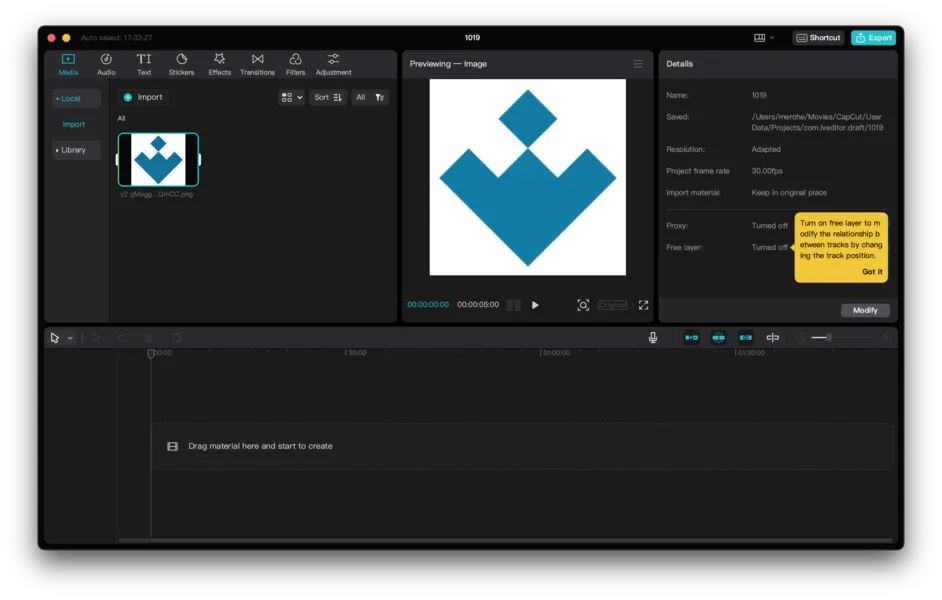
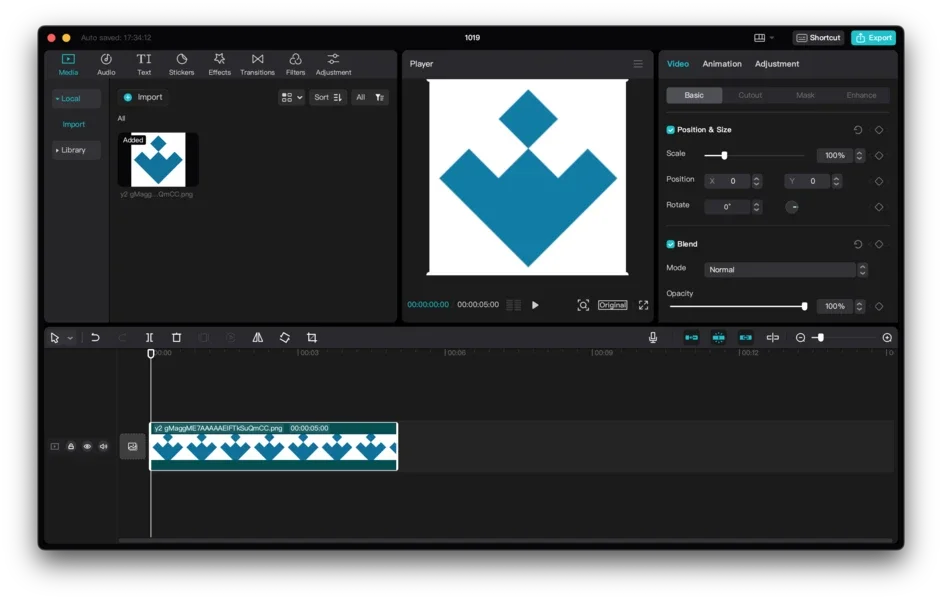
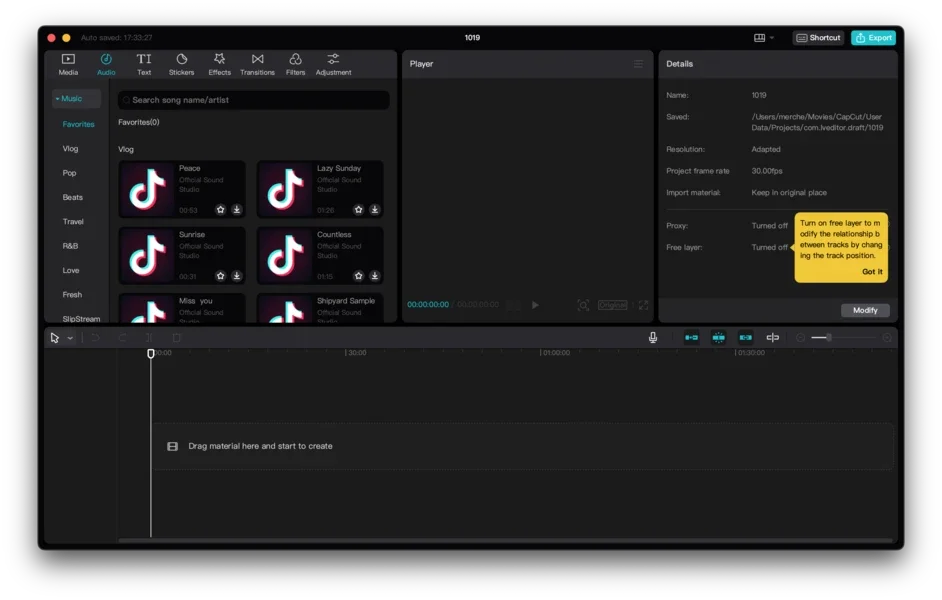
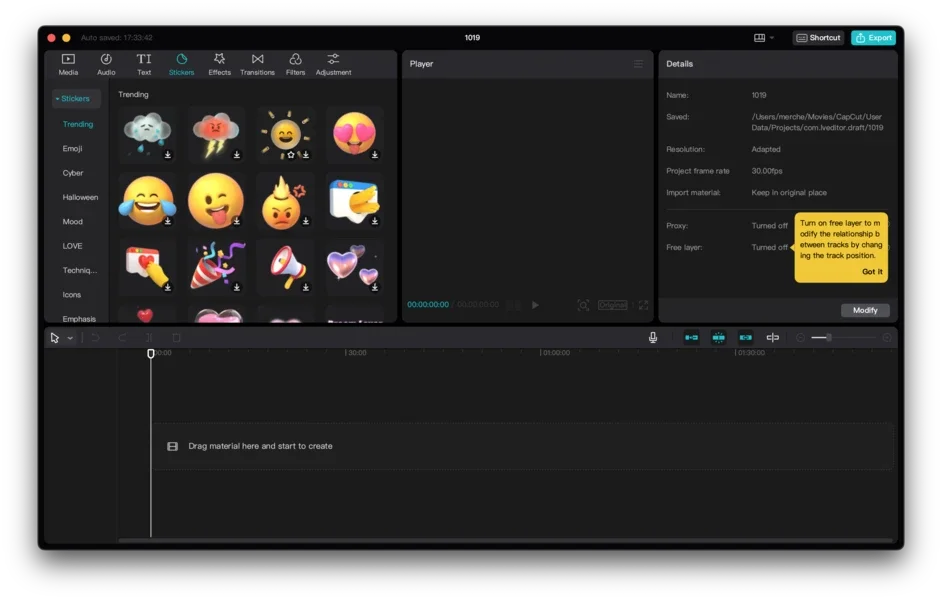
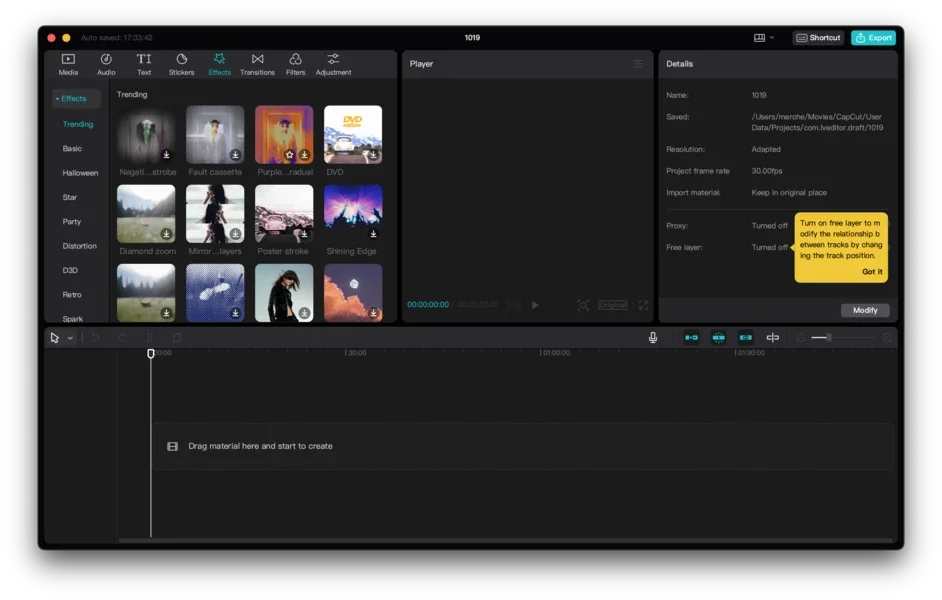
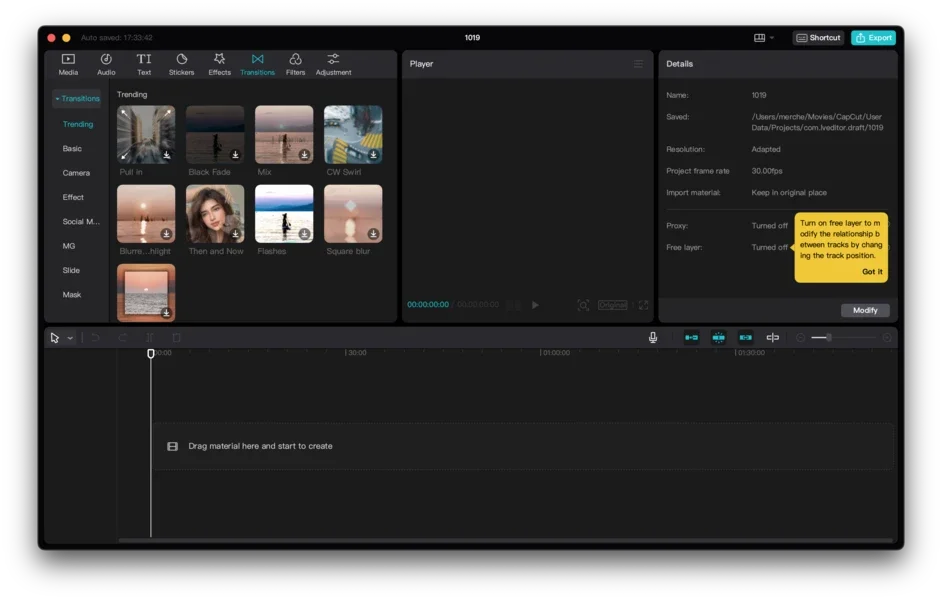
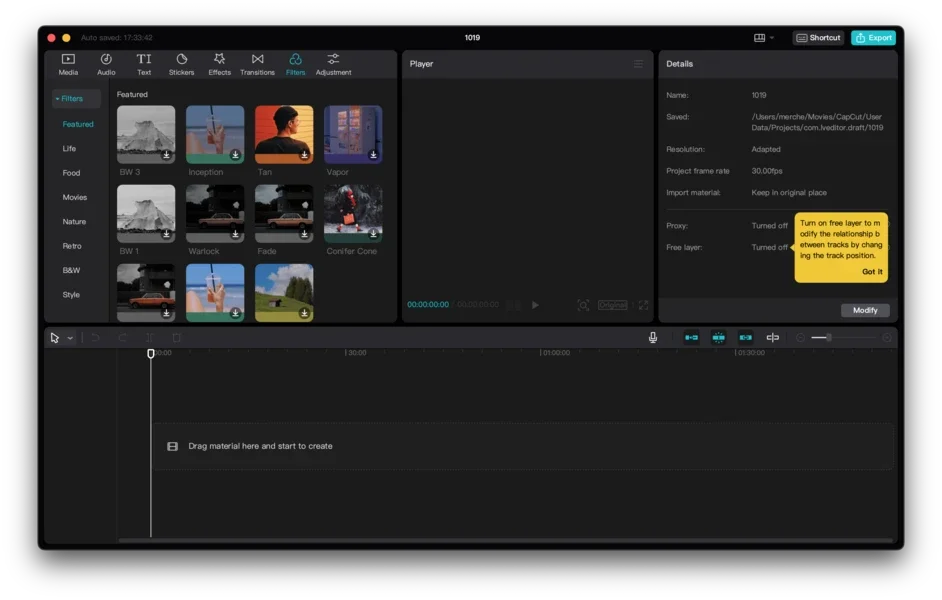
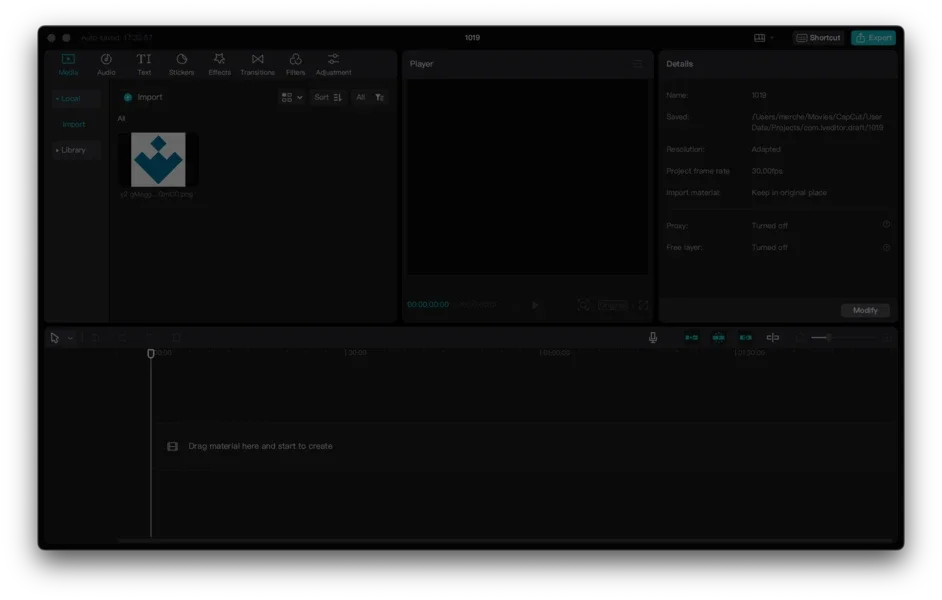
CapCut can turn a long video into a short one in a single click. That is the kind of thing it is built around: it is a free video editor for the Mac, used mostly for vertical clips on Instagram Reels, YouTube Shorts and TikTok, though it also edits horizontal footage for posting online. It sits between the built-in tools that come with apps and full professional editors, and it is free.
Upload a clip and you can change its brightness, tone and saturation at no cost. The integrated gallery has stickers, filters, masks, sounds and copyrighted music, and you can add custom backgrounds, animated titles, and transitions for text and images. Auto Velocity changes the speed of the picture in sections you choose, and text-to-speech covers nearly 93 languages. There is an AI voice changer and a video translator, plus image and text generation from prompts.
CapCut Video Studio, the newer workspace, drops the timeline for a canvas and puts AI across the pipeline: ideation, storyboarding, scene generation and editing all happen in the same place. It runs on Dreamina Seedance 2.0. Output goes up to 4K HDR, uploads are encrypted, and free users can upload 1GB of video. Edited videos are capped at 15 minutes.
[Release notes coming soon]
Verify the file
Compare the SHA-256 of the file you downloaded with the value below. Files exactly as the publisher released them.
-
capcut-9-8-0-4799.dmg
9.8.0.4799 · DMG · 1.3 GB
SHA-256
174d22264055e67047c0f0a495c3c7ac0e6681dfe80dac31c80f9741b12204e1Check on VirusTotal Get
Files exactly as the publisher released them.
Information
- Seller
- Bytedance Pte. Ltd.
- Size
- 1.3 GB
- Category
- Design & editing
- Compatibility
macOS
- Age rating
- 3+
- License
- Proprietary
- Price
- Free
- Platform
- Also available on Windows