Capto: Screen Capture and Record2.1.6 for macOS
Grabs the full screen or a region you outline, then annotates and filters it
Global Delight Technologies Pvt. Ltd
Trial · Proprietary
You are on Windows — this is the macOS version.
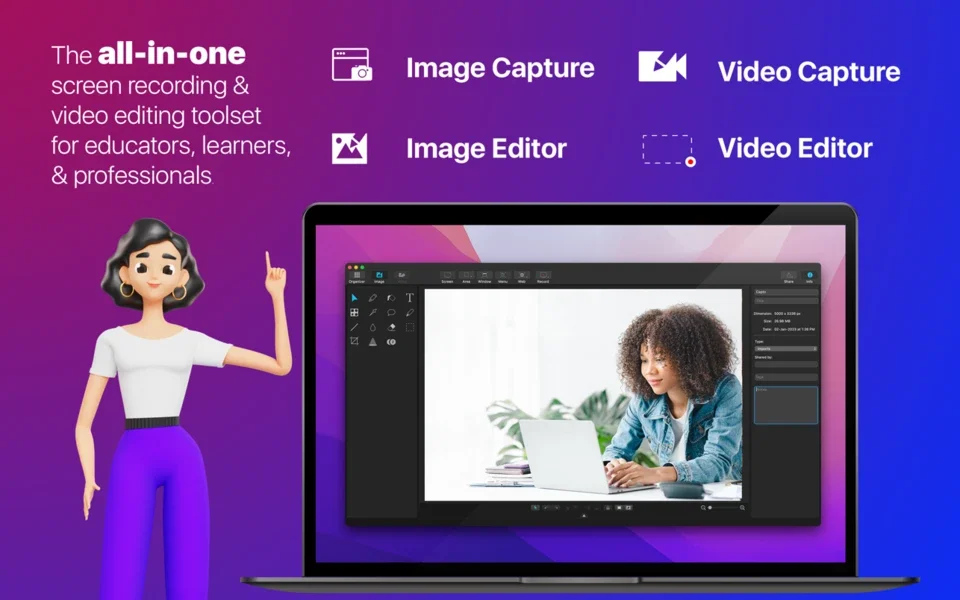
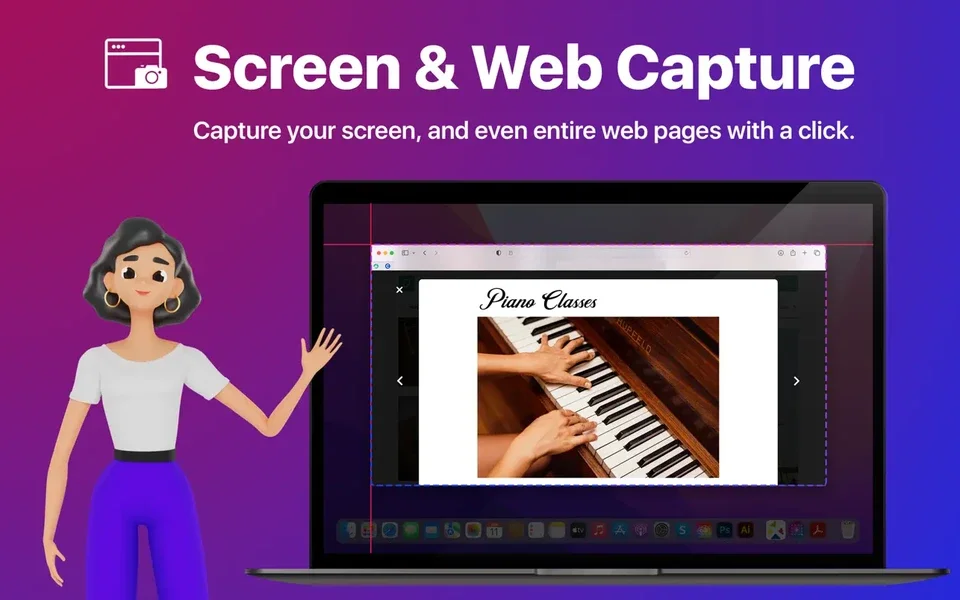
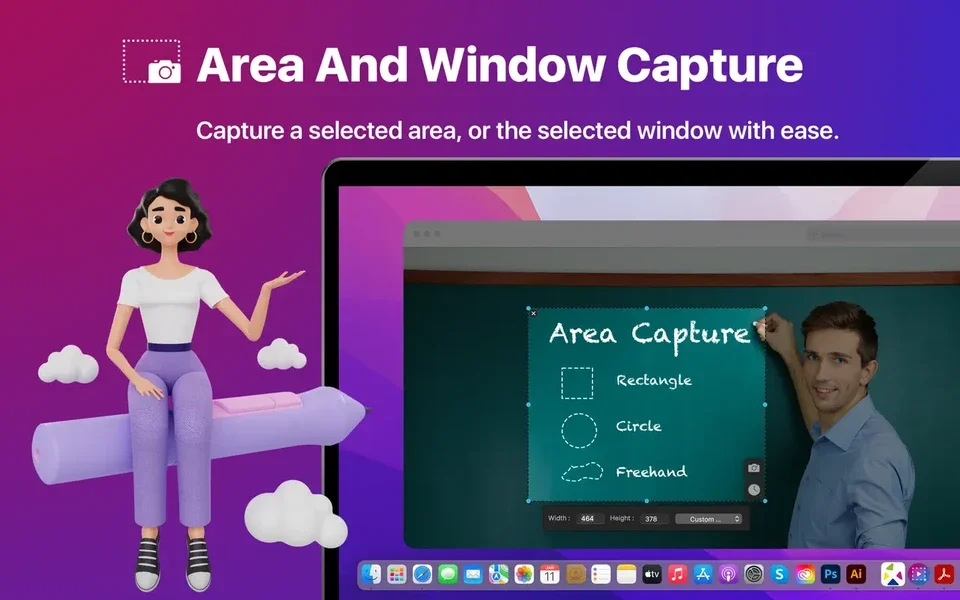
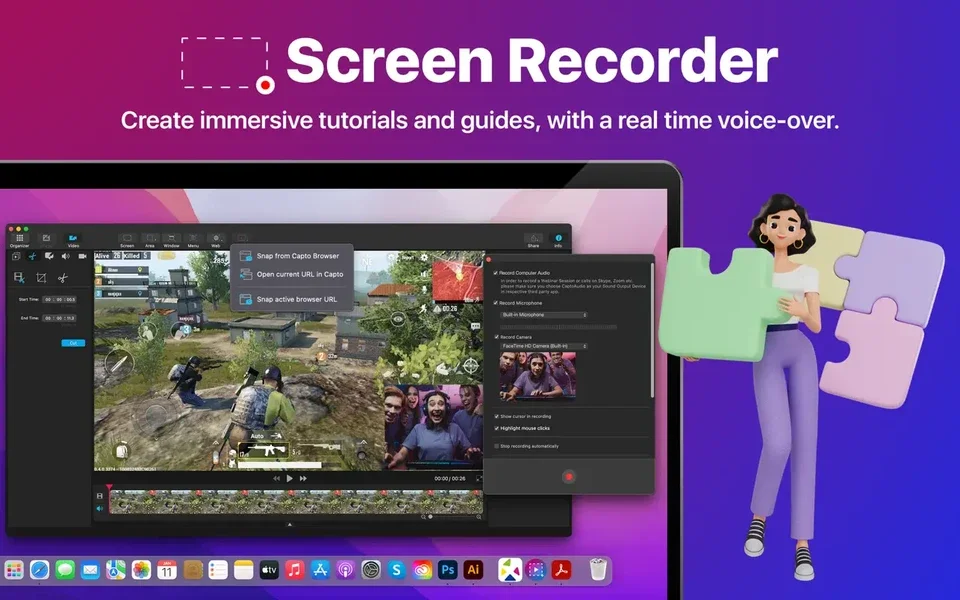
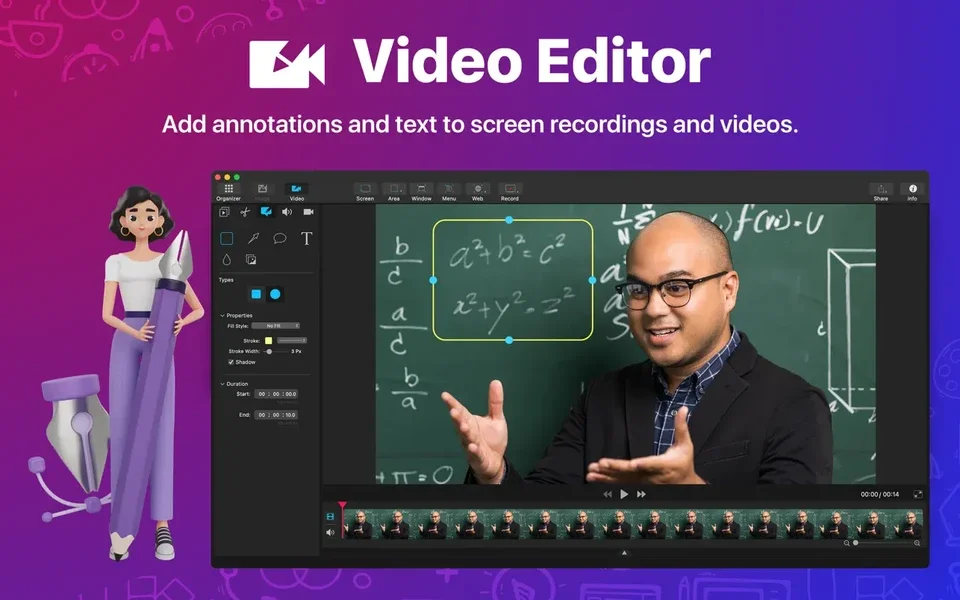
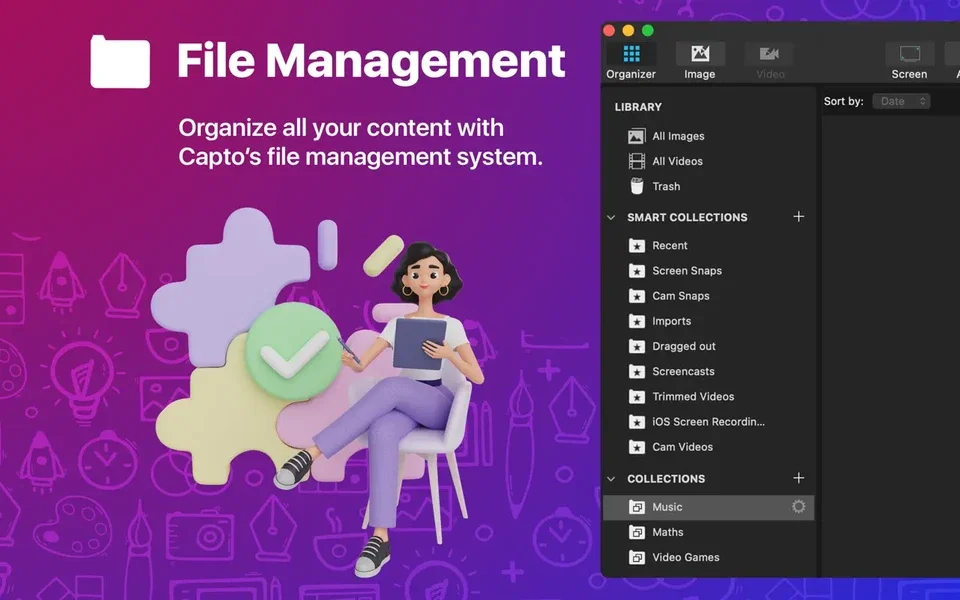
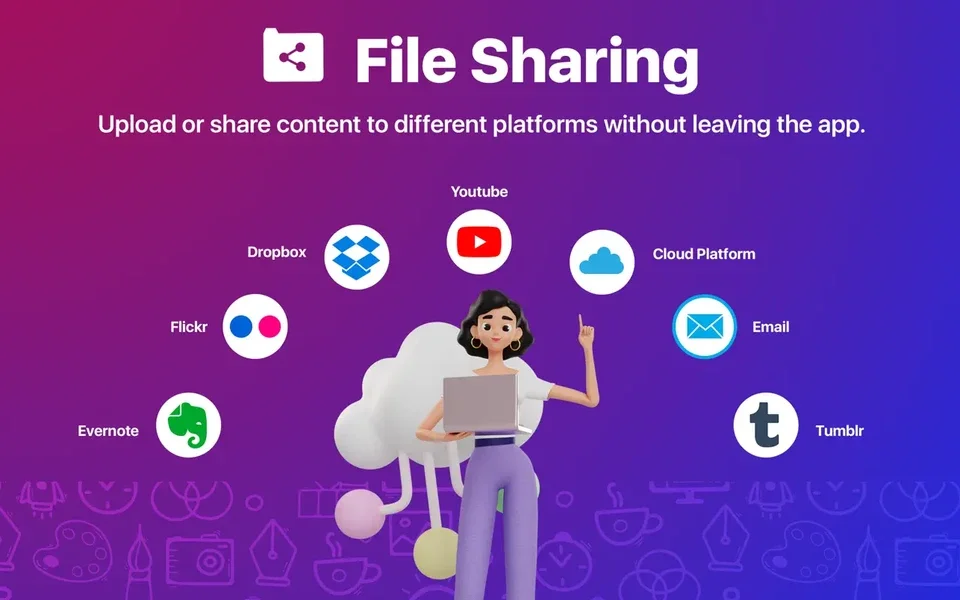
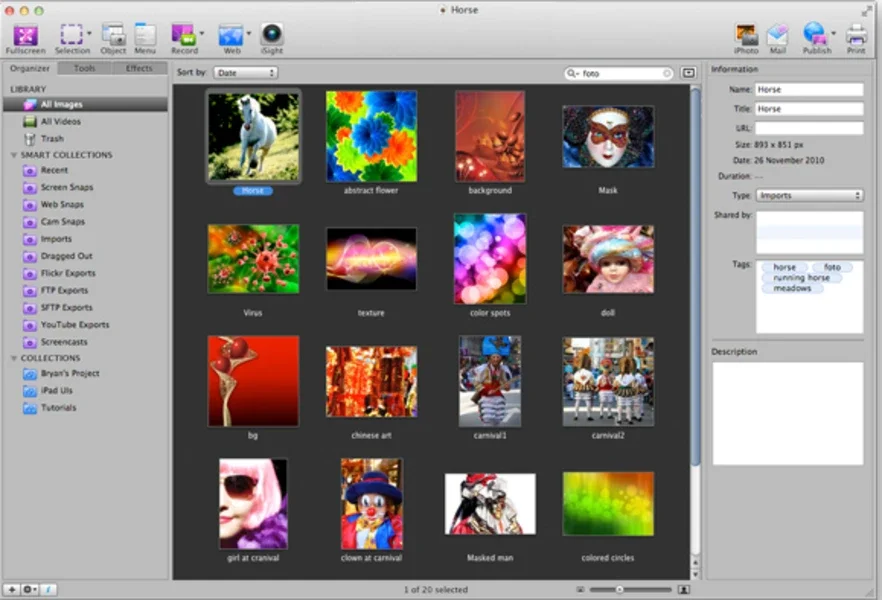
Capto: Screen Capture and Record takes the whole screen or an area you pick. Area selection comes in rectangle, circle, polygon, and marquee. A full window can also be selected from the Option tab.
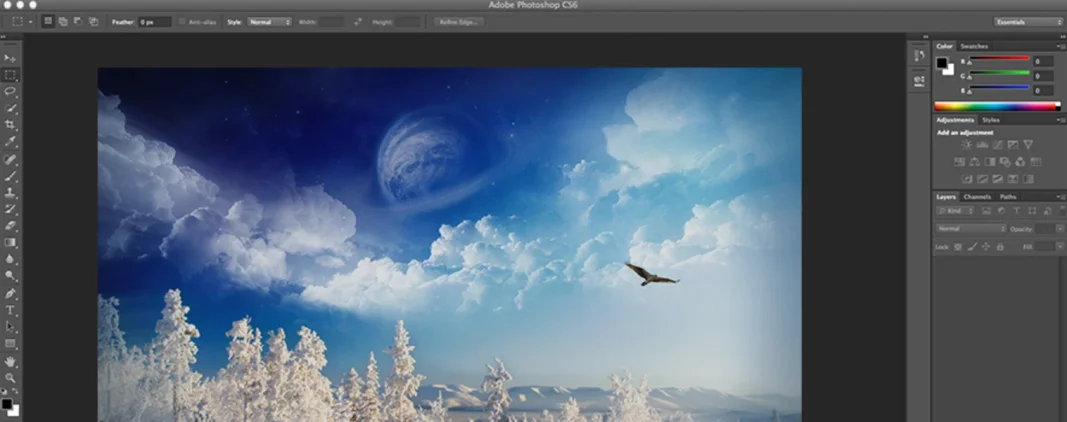
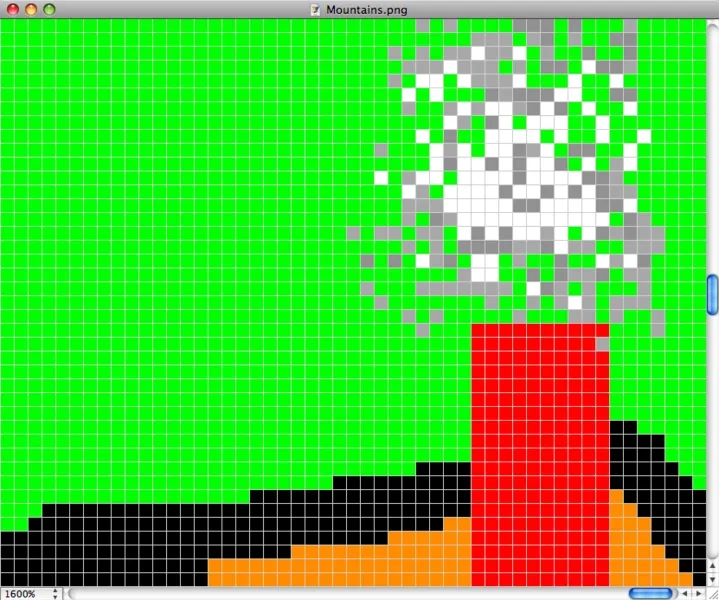
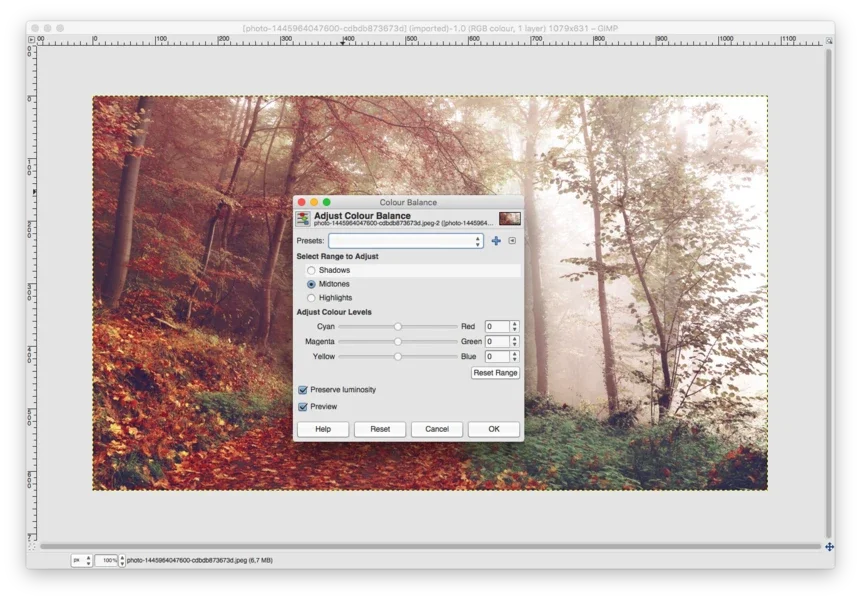
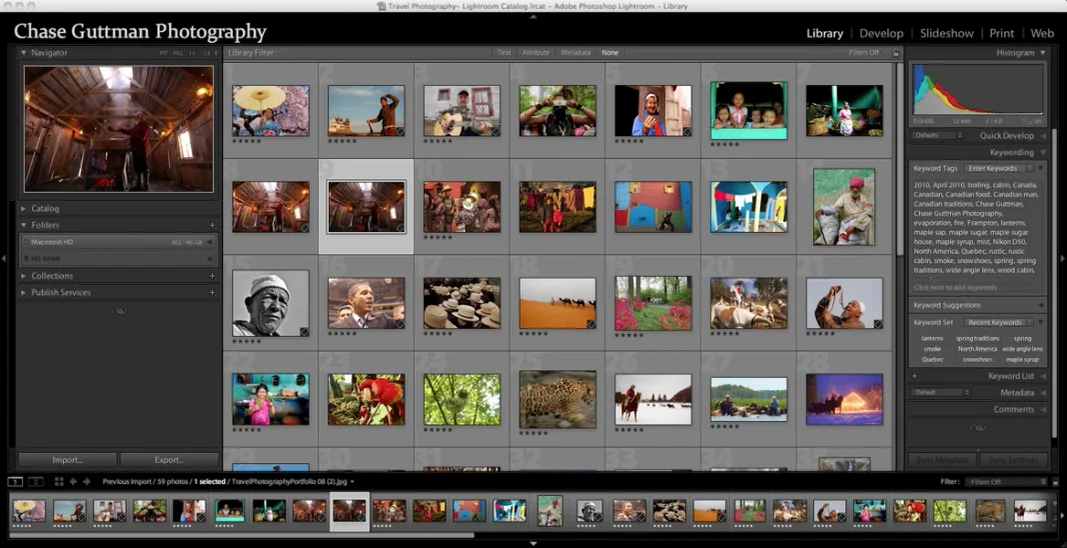
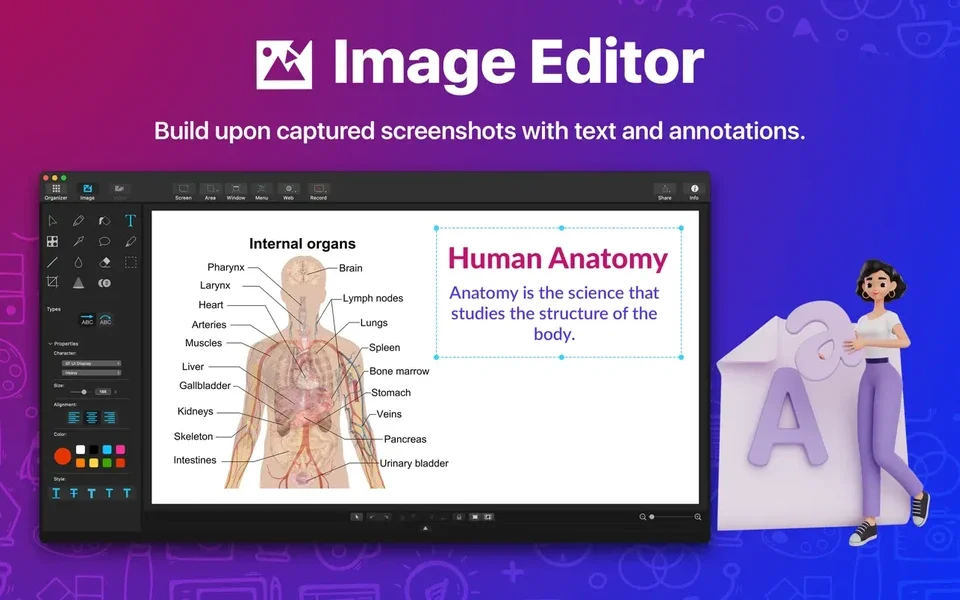
Once you have the capture, you can annotate it with text, lines, arrows, shapes, and a brush, and you can blur parts of it. Images can be cropped, and exposure, saturation, and contrast adjusted. Filters run to sepia, monochrome, inverted colors, skew, an Edges effect, and blur; the Edges effect has two border types. The Skew effect changes the look of the image. Files save as PNG, JPEG, TIFF, PDF, GIF, or BMP.
The program runs on macOS. It is proprietary software, with a trial available.
[Release notes coming soon]
Verify the file
Compare the SHA-256 of the file you downloaded with the value below. Files exactly as the publisher released them.
-
capto-screen-capture-and-record-2-1-6.dmg
2.1.6 · DMG · 55.3 MB
SHA-256
4b5f7c4cead5ddbfd4a28f7e9f0a954f941a52fe974af08495b15076a58e9d90Check on VirusTotal Get
Files exactly as the publisher released them.
Information
- Size
- 55.3 MB
- Category
- Capture & editing
- Compatibility
macOS
- Languages
English
- Age rating
- All ages
- License
- Proprietary
- Price
- Trial