
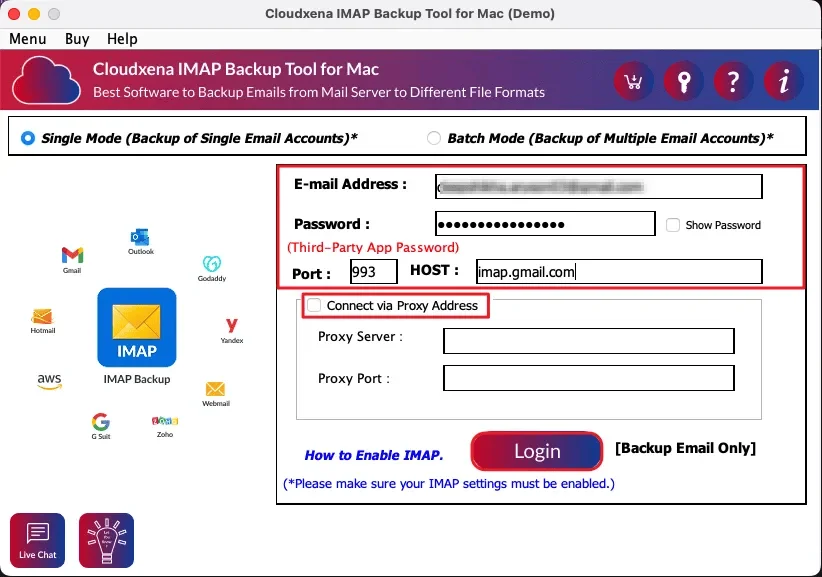
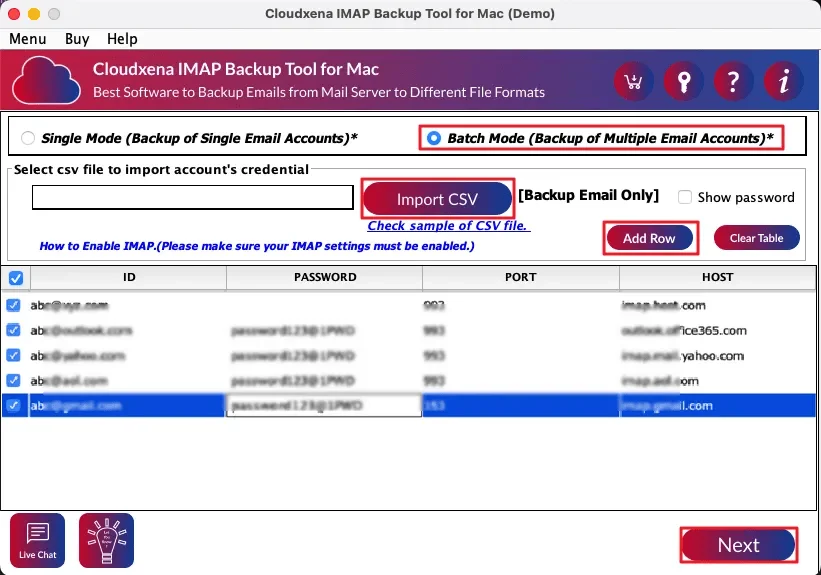
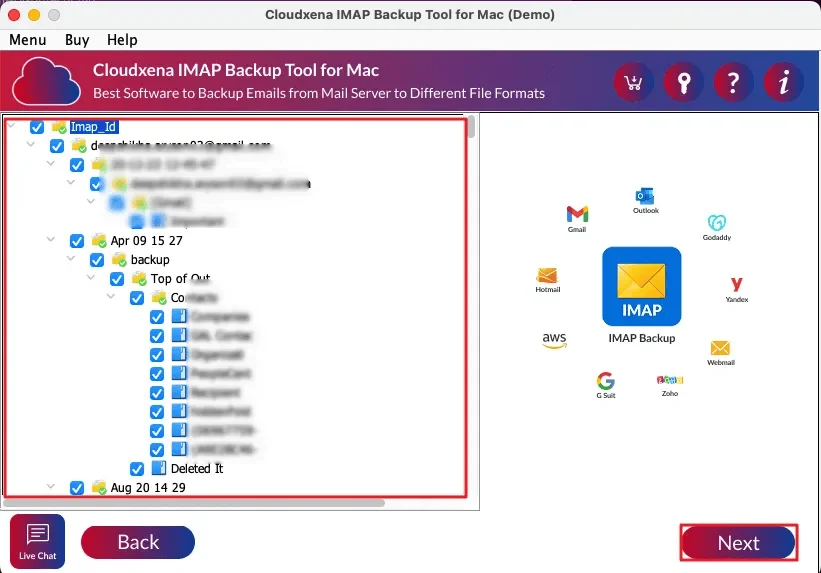
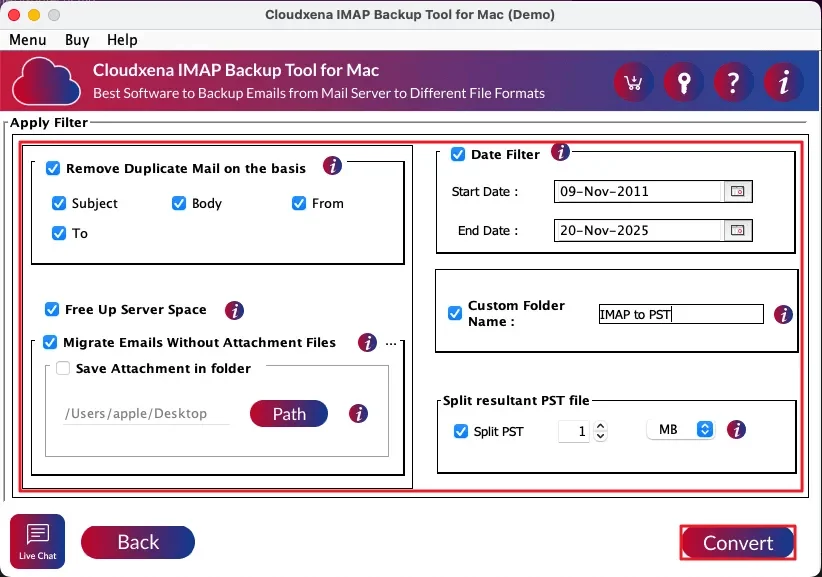
CloudXena IMAP Backup Tool is a desktop application for macOS that connects to an IMAP account with your login credentials and lets you pick which folders to export instead of taking the whole mailbox every time. After authentication you see the mailbox folders directly in the interface. Inbox, Sent, Drafts, Trash, and any custom folders are there to select. Filtering options narrow things further: specific folders, date ranges, or individual items. That cuts processing time and produces a tighter archive.
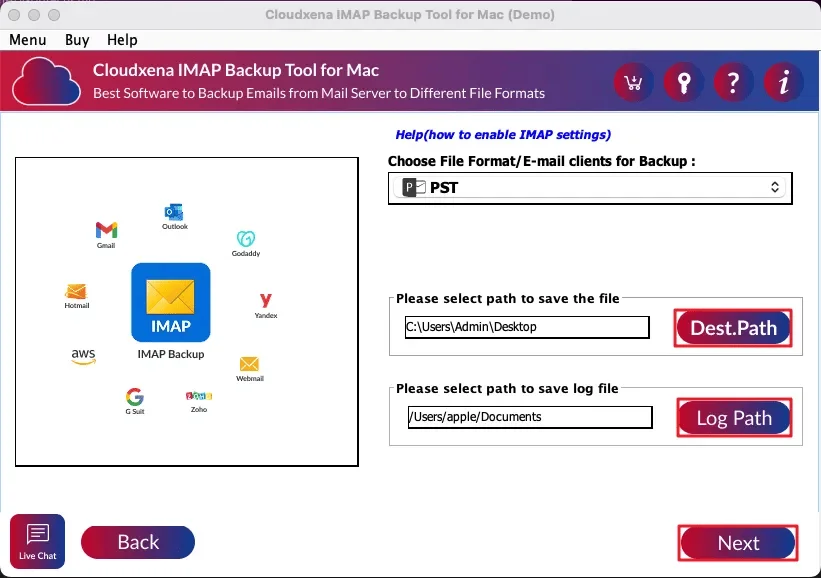
Exports go to PST, MBOX, EML, PDF, MSG, and other common formats. Message structure and folder hierarchy survive the export. Attachments, metadata, and email properties are kept wherever the chosen output format can carry them. The tool handles large volumes of email. It works with any email service that supports IMAP and accepts valid credentials. Processing runs locally, and you put the copies on internal drives, external storage, or whatever backup location you choose. People use it to move mailboxes, keep records for the business or for legal files, store data on local disks, and archive personal email. It also gives you a copy to fall back on when a mailbox is deleted by mistake, an account changes, or a service goes down.
The interface runs in clear steps: add the account, choose folders, set the export options. Version 23.9.0 is a demo.
[Release notes coming soon]
Verify the file
Compare the SHA-256 of the file you downloaded with the value below. Files exactly as the publisher released them.
-
1779429495812-672148907-imap-backup-tool.dmg
23.9.0 · DMG · 198.9 MB
SHA-256
e32e0aa025cd1af5a55670cf89e8e8011b24a4dc16663fb1cf7a5cd044bfbb52Check on VirusTotal Get
Files exactly as the publisher released them.