Computer Glasses3.1.0 for macOS
Drag a magnifier over any part of the Mac screen to enlarge it
Free · Proprietary
You are on Windows — this is the macOS version.
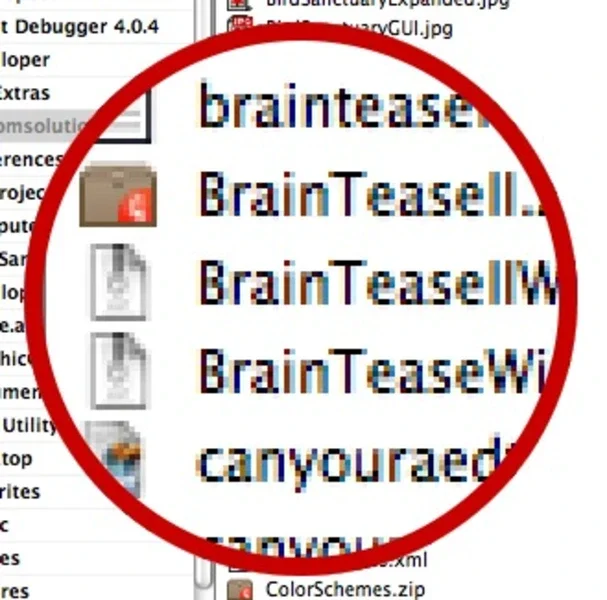
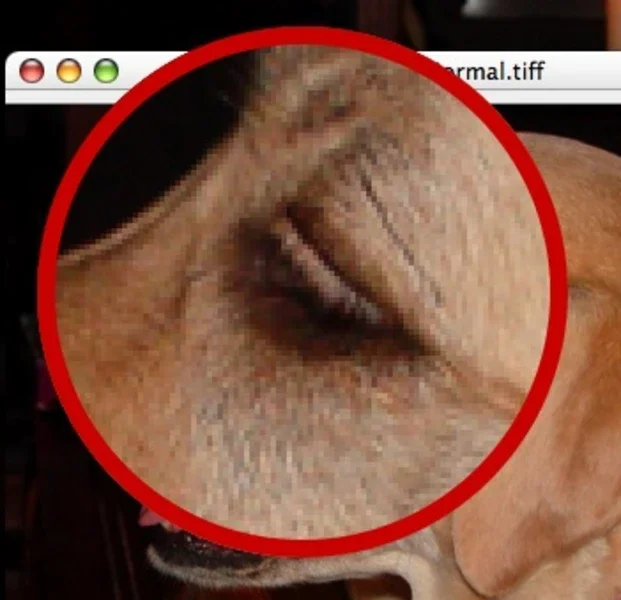
Computer Glasses puts a magnifying glass on your Mac screen, and you drag and drop it onto whatever area you want to enlarge. It works on text and on images alike. Enlargement goes up to four times, with settings running from slight to largest.
The settings panel
The shape is picked in the application's settings panel, and the magnifier comes in circular or rectangular form. That same panel sets the magnifier's size and its magnification level. Clicking the triangle next to 'shrink' minimizes the panel.
[Release notes coming soon]
Verify the file
Compare the SHA-256 of the file you downloaded with the value below. Files exactly as the publisher released them.
-
3.1.0
3.1.0 · ZIP · 1.8 MB
SHA-256
5cb4b16bb07c3b0d9f596c80737f4828934d52c32153ce4ac5012a4c42ce9f22Check on VirusTotal Get
Files exactly as the publisher released them.
Information
- Seller
- Custom Solutions of Maryland
- Size
- 1.8 MB
- Category
- Power Tools
- Compatibility
macOS
- Languages
English
- Age rating
- All ages
- License
- Proprietary
- Price
- Free