CorelDRAW1.0 for macOS
Vector illustration, photo editing and layout on the Mac
You are on Windows — this is the macOS version. See the Windows version
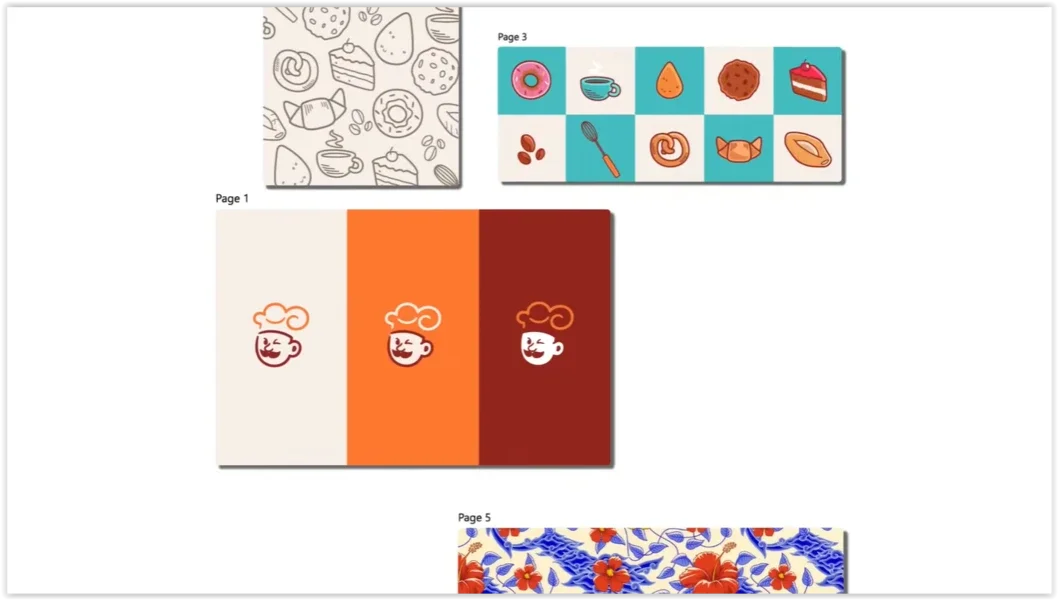


CorelDRAW is used for drawing and layout work on the Mac, built around vectors rather than pixels. Activate a subscription and a workspace you can rearrange lets you manage vector projects and multi-page documents.
- LiveSketch turns freehand strokes from a graphics tablet into clean vector curves as you draw, and the vector-editing tools let you change the result afterwards.
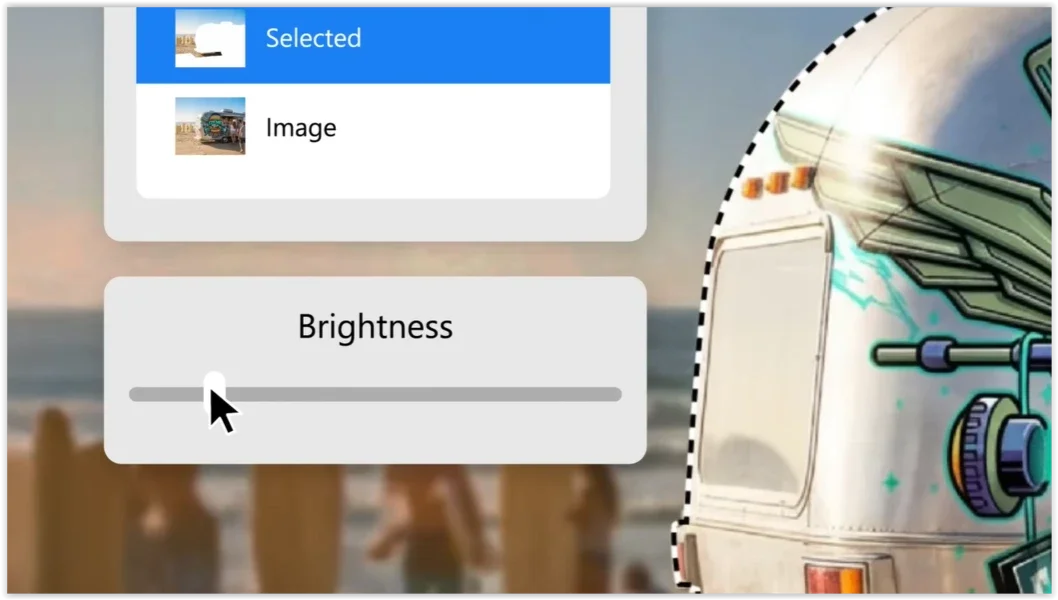
- AI-based features upsample low-resolution images and cut the artifacts left by compression.
- Illustration, photography and layout sit in one environment, alongside tools for logos, typography, print compositions and web content.
Corel PHOTO-PAINT is integrated, so some image adjustments happen without a second tool. Cloud-based collaboration lets you share progress and take feedback directly on files. Two drawbacks get mentioned: the program demands a lot of resources, with a wish for steadier performance on more modest systems, and importing native files from other programs can need manual corrections after conversion.
[Release notes coming soon]
Verify the file
Compare the SHA-256 of the file you downloaded with the value below. Files exactly as the publisher released them.
-
coreldraw-1-0.dmg
1.0 · DMG · 2.1 MB
SHA-256
26611f56077784d763dc47988cef8b4f606b36be77fe43bd56a2ff6dd8f94afeCheck on VirusTotal Get
Files exactly as the publisher released them.
Information
- Seller
- Corel
- Size
- 2.1 MB
- Category
- Photo Utilities
- Compatibility
macOS
- Languages
English
- Age rating
- 3+
- Platform
- Also available on Windows