Skip to content

Dolphin Emulator2609-293 for macOS

Plays GameCube and Wii games on a Mac, with controller and graphics options

Dolphin Emulator Project

Free · Proprietary

Download 2609-293 · 48.3 MB
  • Age rating
    3+
  • Category
    Emulators
  • Developer
    Dolphin Emulator Project
  • Languages
    48
    Afrikaans
  • Size
    48.3
    MB

Mac

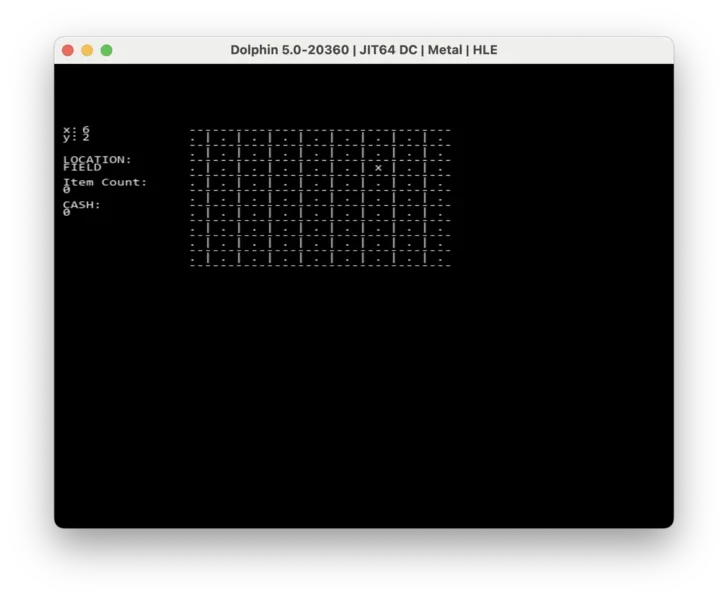
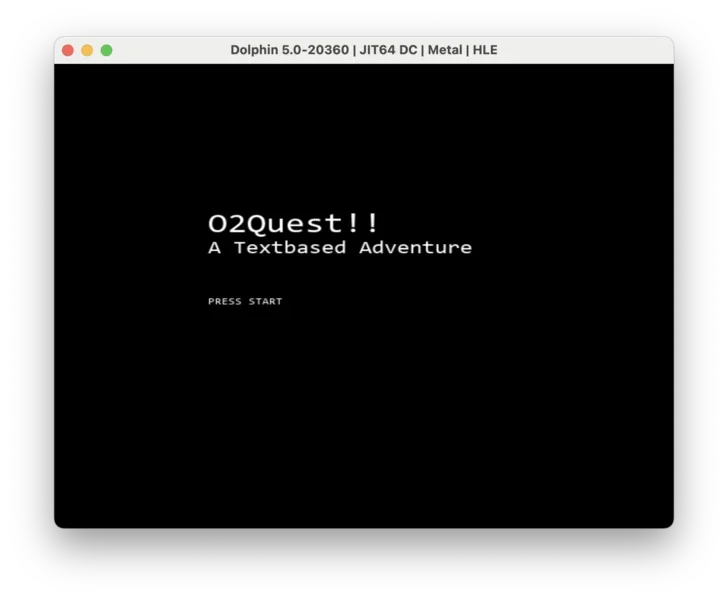
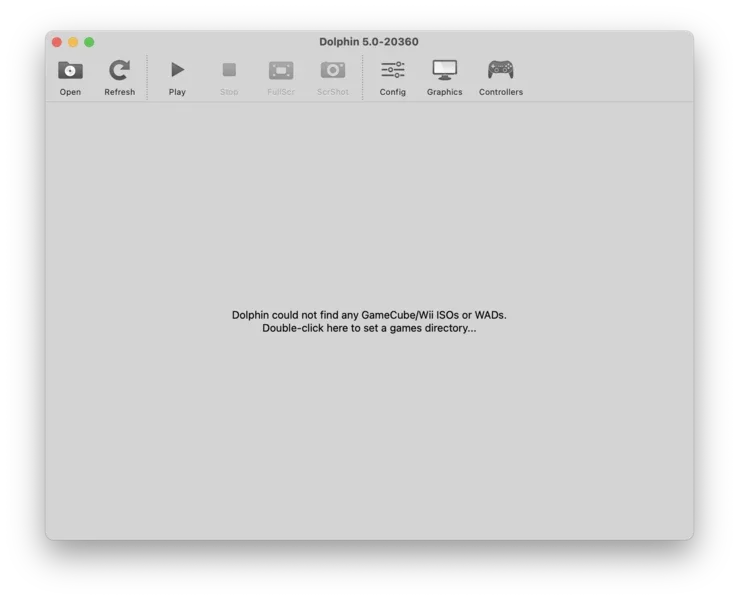
Dolphin Emulator lets you play Nintendo GameCube and Wii games on a Mac, and it can run almost any game from the Nintendo catalog. Because the original Wii hardware is much weaker than modern graphics cards, games can render in high definition, and on a relatively new computer the graphics are often better than on the original consoles. Wii controllers can be configured freely, including connecting a Wiimote to the PC with an adapter. For almost every game, an ordinary game controller is recommended.

Setup can be somewhat difficult, since many options improve performance at the cost of graphic quality. The emulator receives frequent updates.

[Release notes coming soon]

Version 2609-293

Verify the file

Compare the SHA-256 of the file you downloaded with the value below. Files exactly as the publisher released them.

  • dolphin-emulator-2609-293.dmg

    2609-293 · DMG · 48.3 MB

    SHA-256

    04875ed6189749dba7e6e986a2434984fbaab1a4829331b4589126426c2cee71 Check on VirusTotal Get

Files exactly as the publisher released them.

Information

Size
48.3 MB
Category
Emulators
Compatibility
macOS 11.0 Big Sur or later
Age rating
3+
License
Proprietary
Price
Free

Version history

  • [Release notes coming soon]

    2609-293
  • [Release notes coming soon]

    2609-221
  • [Release notes coming soon]

    2609-191
  • [Release notes coming soon]

    2609-127
  • [Release notes coming soon]

    2609-113
  • [Release notes coming soon]

    2609a
  • [Release notes coming soon]

    2609-11
  • [Release notes coming soon]

    2609-7
  • [Release notes coming soon]

    2609-3
  • [Release notes coming soon]

    2609
  • [Release notes coming soon]

    2606-388
  • [Release notes coming soon]

    2606-374
  • [Release notes coming soon]

    2606-368
  • [Release notes coming soon]

    2606-364
  • [Release notes coming soon]

    2606-348
  • [Release notes coming soon]

    2606-328
  • [Release notes coming soon]

    2606-315
  • [Release notes coming soon]

    2606-300
  • [Release notes coming soon]

    2606-282
  • [Release notes coming soon]

    2606-263
  • [Release notes coming soon]

    2606-203
  • [Release notes coming soon]

    2606-184
  • [Release notes coming soon]

    2606-136
  • [Release notes coming soon]

    2606-5
  • [Release notes coming soon]

    2603-419
  • [Release notes coming soon]

    2603-415
  • [Release notes coming soon]

    2603-410
  • [Release notes coming soon]

    2603-408
  • [Release notes coming soon]

    2603-397
  • [Release notes coming soon]

    2603-379
  • [Release notes coming soon]

    2603-369
  • [Release notes coming soon]

    2603-352
  • [Release notes coming soon]

    2603-316
  • [Release notes coming soon]

    2603-175
  • [Release notes coming soon]

    2603-138
  • [Release notes coming soon]

    2603-86
  • [Release notes coming soon]

    2603-43
  • [Release notes coming soon]

    2512-464
  • [Release notes coming soon]

    2512-441
  • [Release notes coming soon]

    2512-401
  • [Release notes coming soon]

    2512-303
  • [Release notes coming soon]

    2512-285
  • [Release notes coming soon]

    2512-255
  • [Release notes coming soon]

    2512-204
  • [Release notes coming soon]

    2512-146
  • [Release notes coming soon]

    2512-116
  • [Release notes coming soon]

    2512-109
  • [Release notes coming soon]

    2512-105
  • [Release notes coming soon]

    2512
  • [Release notes coming soon]

    2509-580

All versions ›