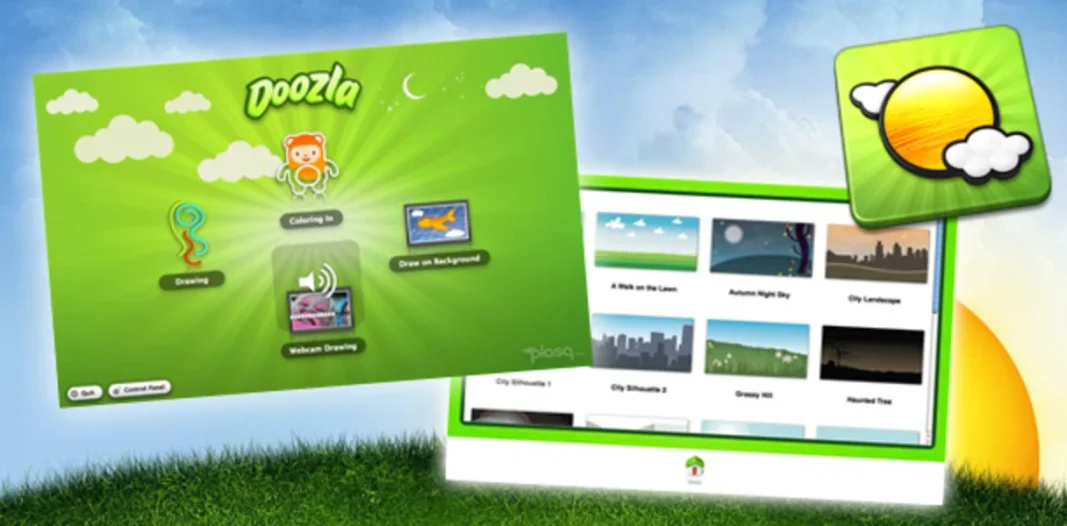
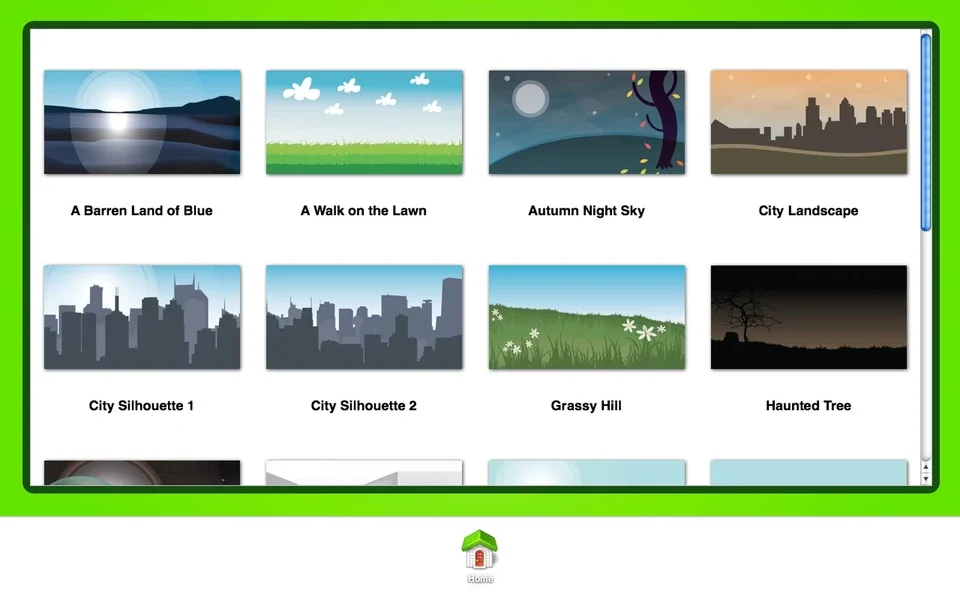
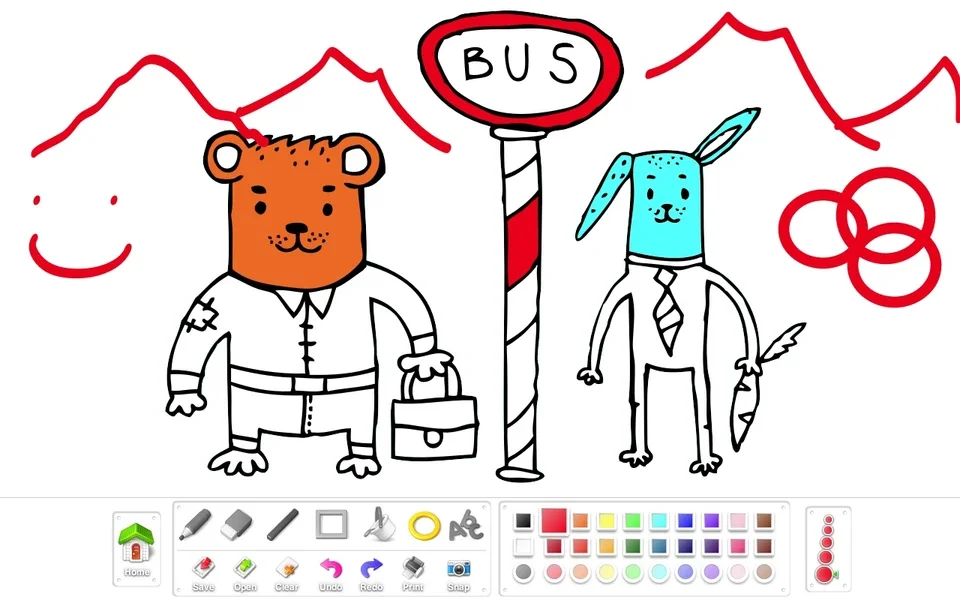
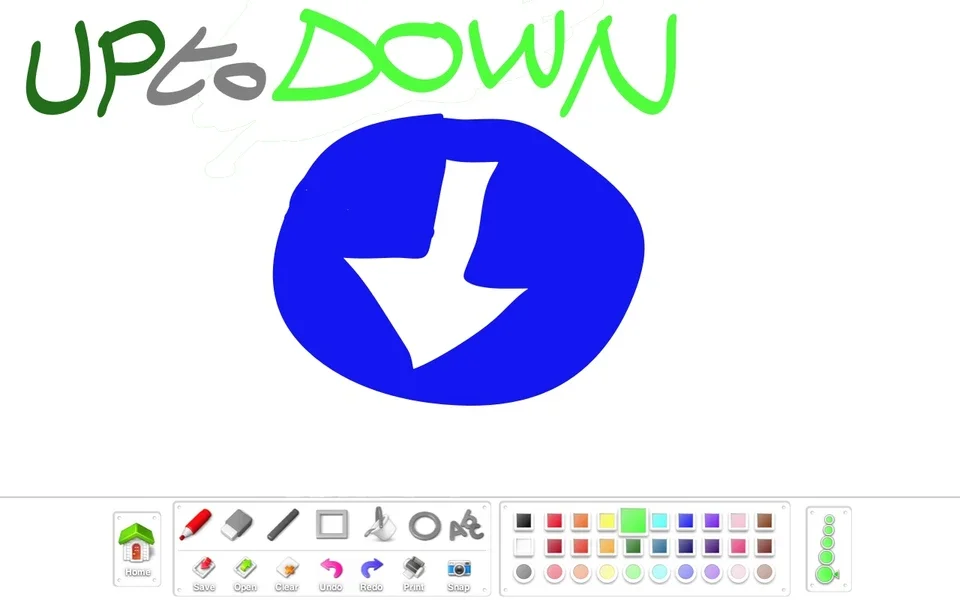
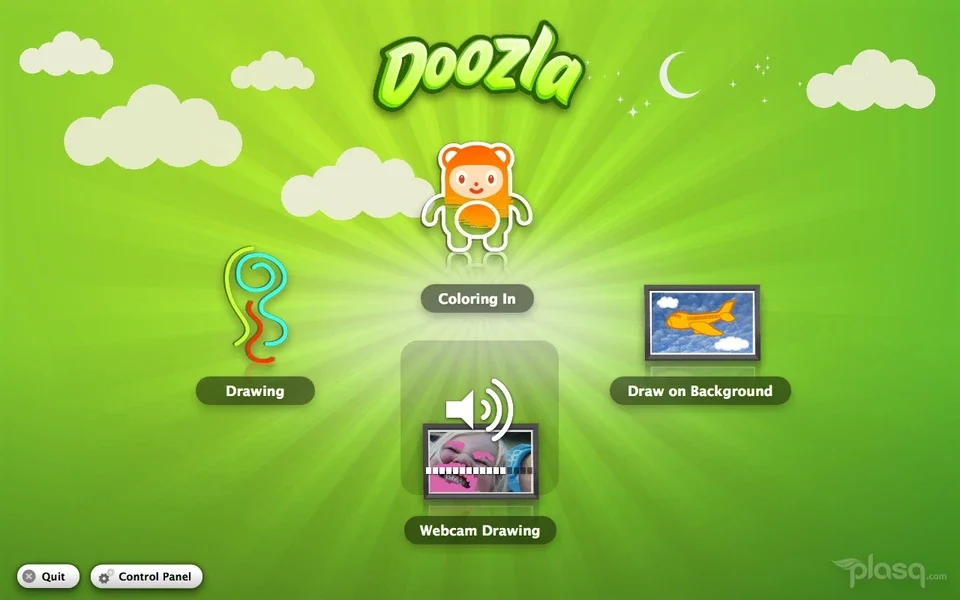
Doozla is a drawing program built around a full screen canvas. At the start you pick one of four things to work on: an existing image, a photo taken with the iSight camera, a coloring-in template, or a blank page. Drawing is vector-based, done with brushes, pencils, and colors. A single click opens a coloring-in template or a draw-on-background background, and supported files can be dragged straight into the window.
Clear takes off only the artwork on top; the background and the coloring-in template stay where they are. The color bucket has improved accuracy, the eraser reaches a jumbo size at the largest slider notch, and the color buttons give selection feedback on mouse down. Green bars show up while you resize the window, keeping the aspect ratio. Print orientation follows the orientation on screen. Full screen works across dual monitors, and you can toggle between full screen and window mode.
Snapping a photo with the iSight disables typing until the shot is done, and an improved notice appears when the camera is unavailable. Sound effects play for movements and actions and can be switched off. Saved files reopen from the home screen, and a warning appears if saving to a remote server fails. The password dialogue in the Control Panel shows visually when Password and Password Again match, and dialogs accept system-typical keystrokes. Included artwork is copied to /Library/Application Support/Doozla/ to save drive space and stay visible to all users on a network.
[Release notes coming soon]
Verify the file
Compare the SHA-256 of the file you downloaded with the value below. Files exactly as the publisher released them.
-
doozla-1.2.0.dmg
1.2.0 · DMG · 30.7 MB
SHA-256
258e43fb2dcbeba9290b399507384a94b336e65016036036f2bb4b306d7e8956Check on VirusTotal Get
Files exactly as the publisher released them.