EasyScreenOCR2.2.1 for macOS
Grabs text from screenshots and images on a Mac
Free · Proprietary
You are on Windows — this is the macOS version.
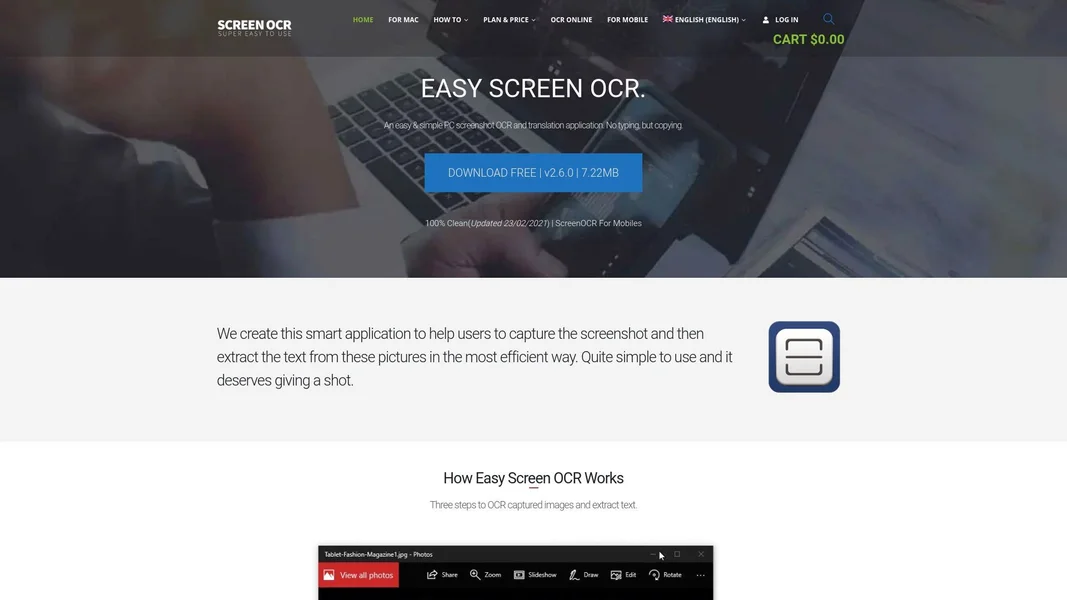
EasyScreenOCR pulls text out of images and screenshots on a Mac. Point it at a visual format you can't select text in, and it runs optical character recognition on what's there. The point is speed: the setup is minimal, and extraction starts without much configuration. That makes it usable for digitizing printed materials as well as for grabbing text off a screen. It handles multiple languages, including non-English text, so the recognition side isn't tied to English alone.
It's a free Mac application, and it sits under Education & Reference, in the Languages & Translation category.
The current build is 2.2.1, proprietary and free to use. The Mac version is the one described here.
[Release notes coming soon]
Verify the file
Compare the SHA-256 of the file you downloaded with the value below. Files exactly as the publisher released them.
-
EasyScreenOCR_V2.2.1.dmg
2.2.1 · DMG · 6.6 MB
SHA-256
25207c4d7a0d1f35fd4e7c83f6a62583f7a6b972e4b6d5c71ec1ce7939852d07Check on VirusTotal Get
Files exactly as the publisher released them.
Information
- Seller
- EasyScreenOCR
- Size
- 6.6 MB
- Category
- Text & documents
- Compatibility
macOS macOS 10.15 or later
- Languages
English
- Age rating
- All ages
- License
- Proprietary
- Price
- Free