Evernote11.43.4 for macOS
Centralizes notes, clippings, and images with searchable text
Free · Proprietary
You are on Windows — this is the macOS version. See the Windows version
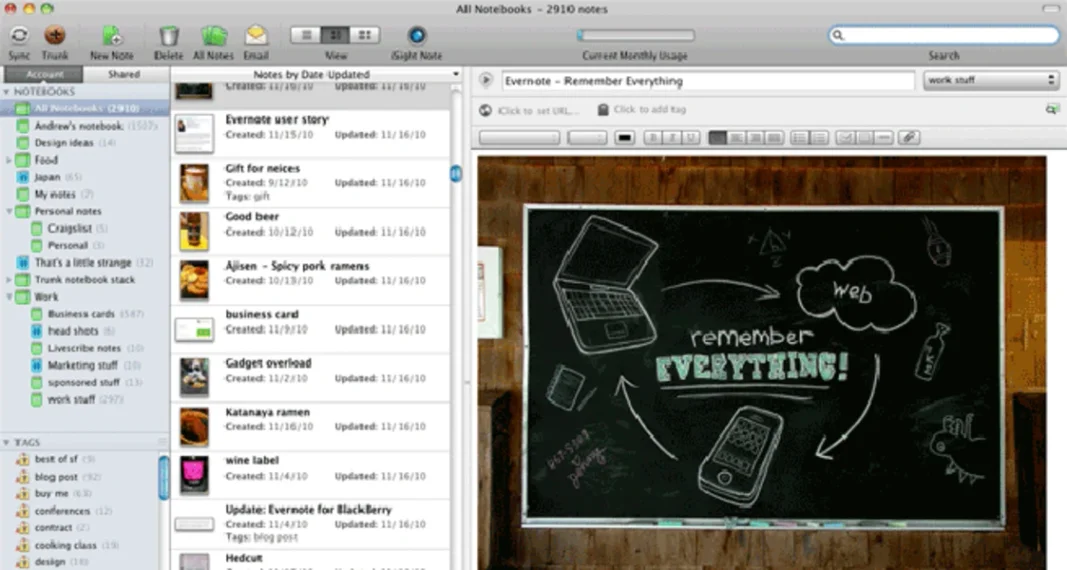
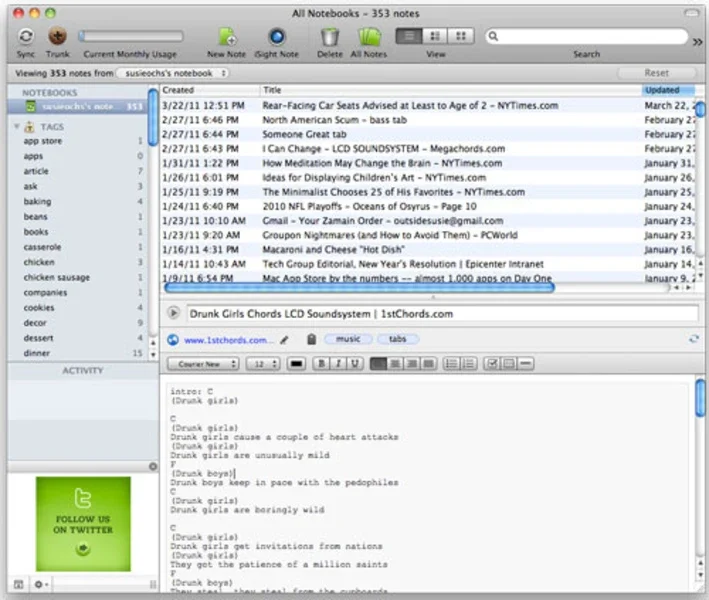
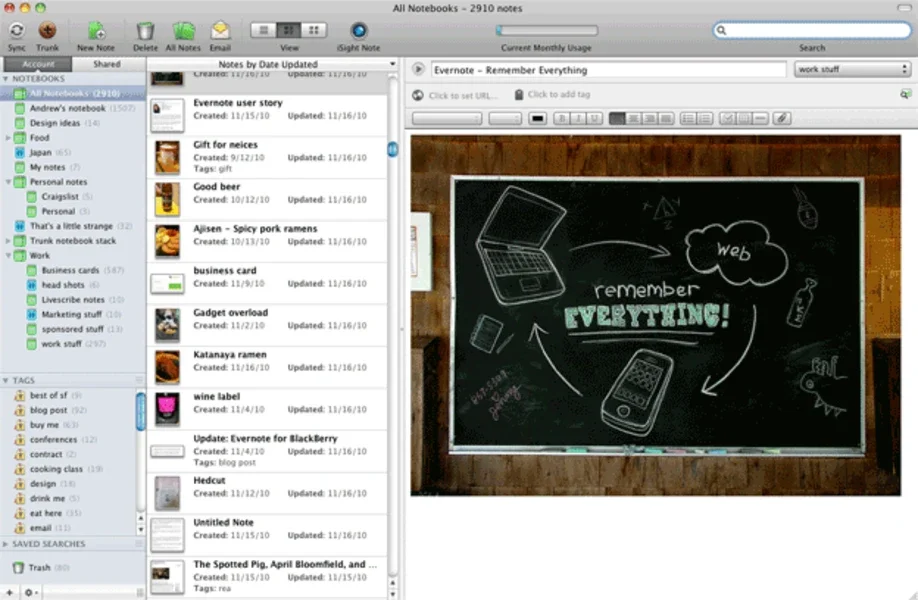
You clip something, and Evernote puts a thumbnail of it in the interface. Choose a thumbnail and the full content opens in a viewing panel. That covers web pages, documents, text segments, and images, so the Mac tool keeps notes, clippings, and visual material in one place, with capturing, organizing, and searching as the aim. Tags and filters sort items by project, topic, or whatever system you use.
Images go through optical character recognition, and the built-in search finds words embedded in graphics rather than only plain text. Saved information syncs to the cloud through your account, and notes are reachable from multiple devices.
The free plan carries monthly upload limits and quotas on some item types, among them web clippings, high-resolution photos, and written notes.
[Release notes coming soon]
Verify the file
Compare the SHA-256 of the file you downloaded with the value below. Files exactly as the publisher released them.
-
evernote-11-43-4.dmg
11.43.4 · DMG · 341.0 MB
SHA-256
42d9e00b3f6ffe41fcc3ac9f7101881be5de95fad70c2392683fcd9803e64a18Check on VirusTotal Get
Files exactly as the publisher released them.
Information
- Seller
- EverNote Corporation
- Size
- 341.0 MB
- Category
- Text & documents
- Compatibility
macOS 11.0 Big Sur or later
- Languages
- Age rating
- 3+
- License
- Proprietary
- Price
- Free
- Platform
- Also available on Windows