FFmpeg9.0.2 for macOS
Command-line multimedia converter and player for Mac
Free · GPL 2.0
You are on Windows — this is the macOS version. See the Windows version
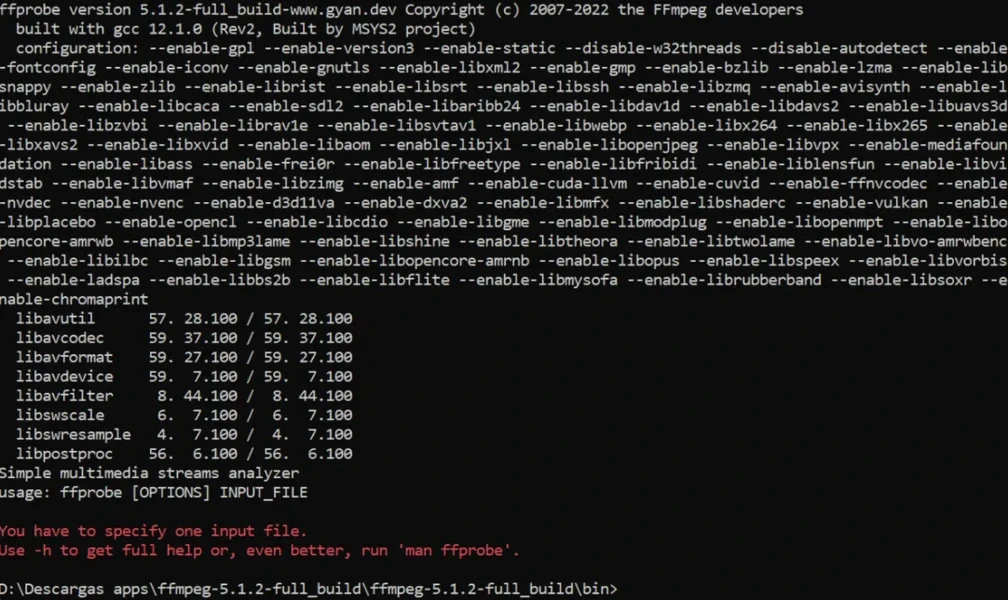
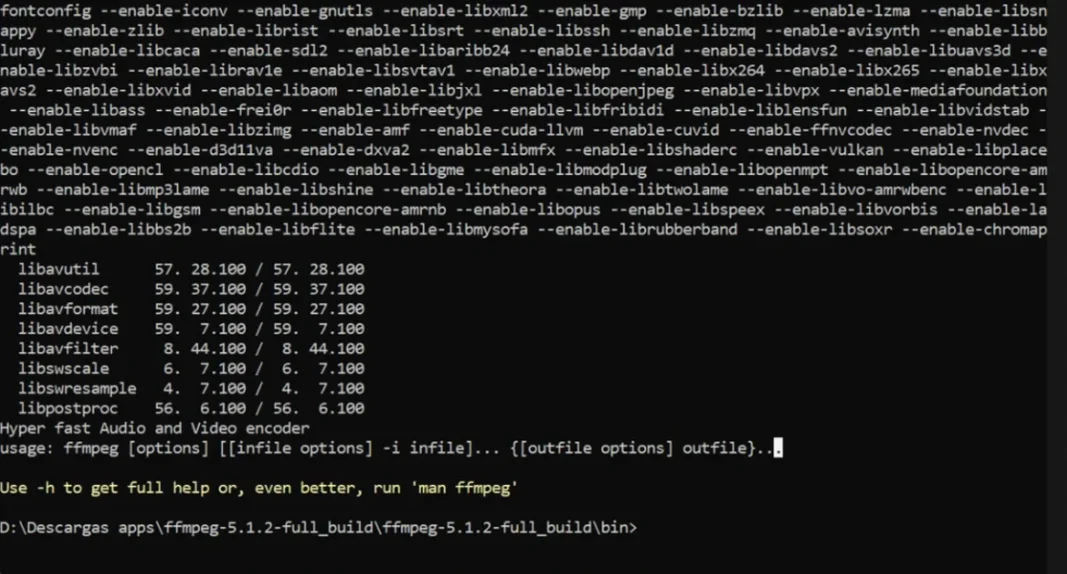
FFmpeg converts, filters, and plays audio and video files on the Mac. You work through the command line. To turn an AVI into an MP4, the command is ffmpeg -i input.avi output.mp4. The conversion takes seconds, and it happens without reaching for a heavier application. Basic processes and codecs run without advanced technical knowledge. The open source tool handles encoding, decoding, filtering, and playback for nearly every format. When you compress a file, you set the quality or bitrate and other parameters to suit the job.
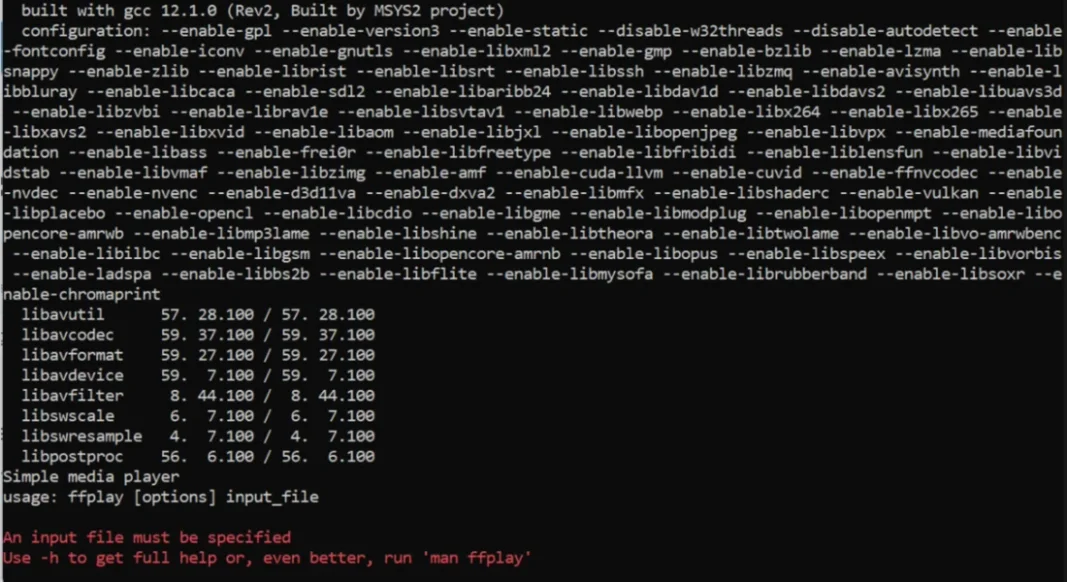
Playing files with ffplay
ffplay [options] [input_url] opens the player from inside FFmpeg. It plays back clips from the command line, which makes it handy for API testing. Reading the documentation is worth the time if you want to use the tool fully.
[Release notes coming soon]
Verify the file
Compare the SHA-256 of the file you downloaded with the value below. Files exactly as the publisher released them.
-
FFmpeg_V9.0.2.7z
9.0.2 · 7Z · 17.3 MB
SHA-256
9f48bbe06389f34d7398f2e3384e73f2578508078d2735996c37293dc8c76b9cCheck on VirusTotal Get
Files exactly as the publisher released them.