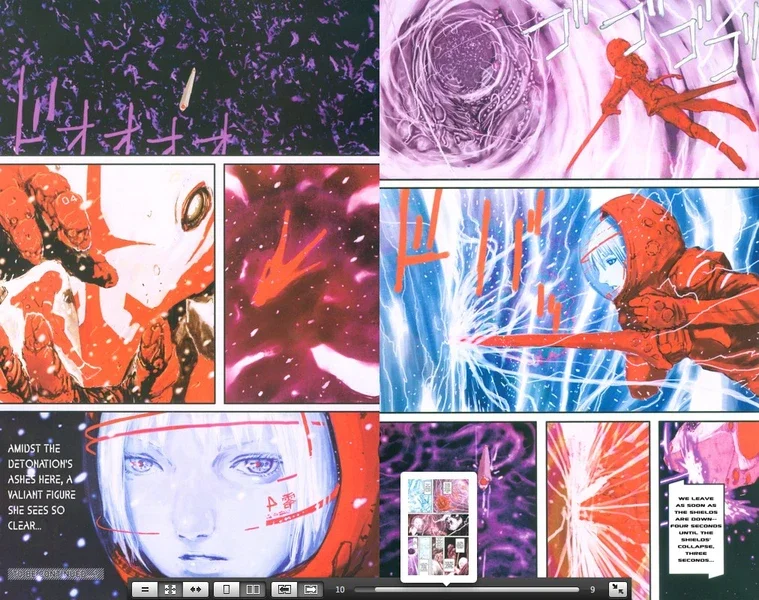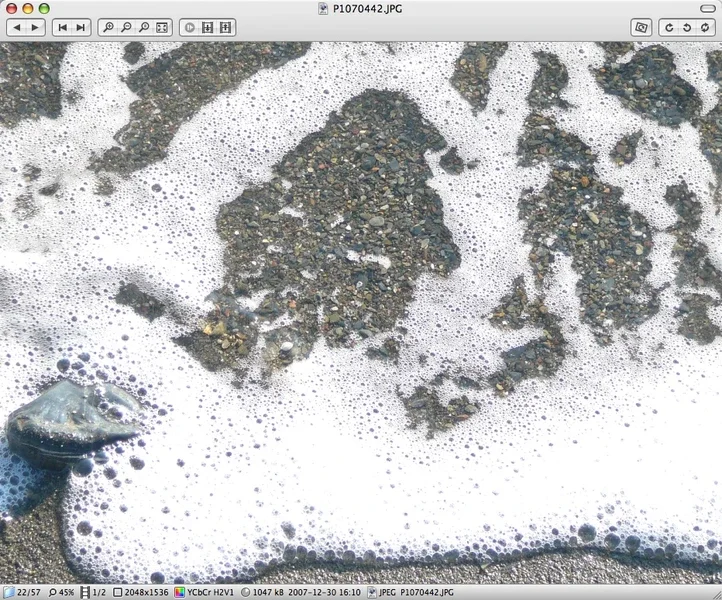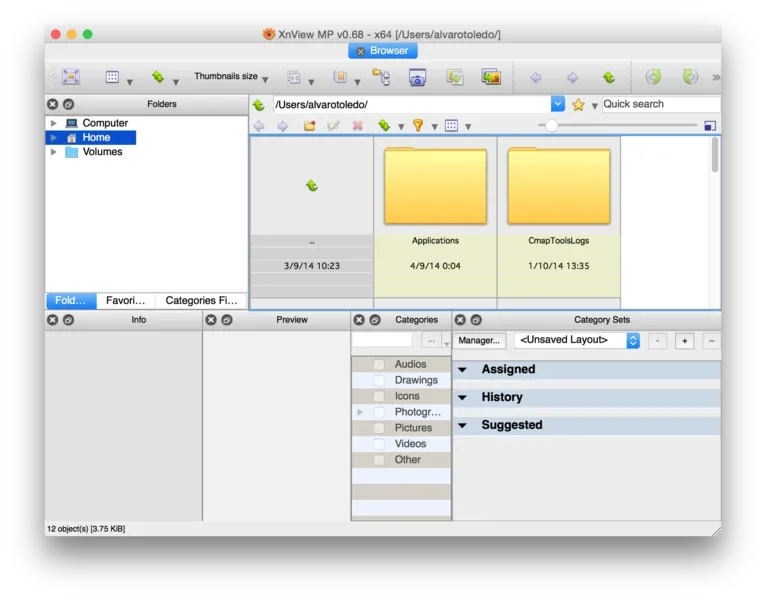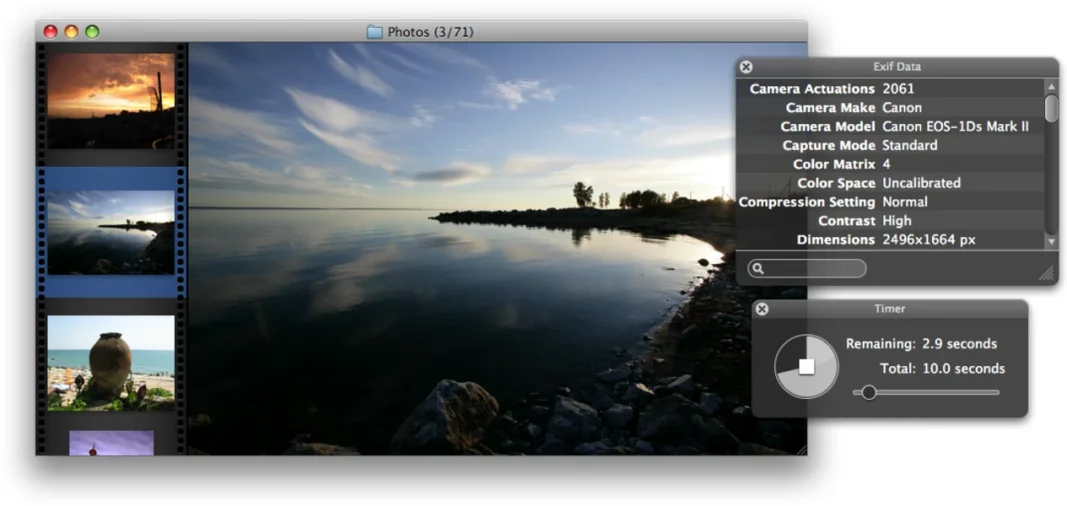
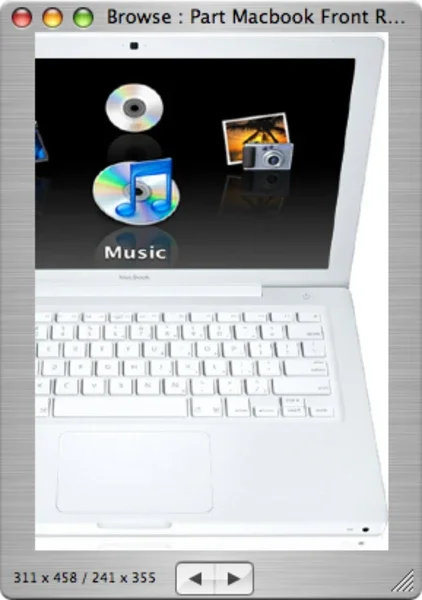
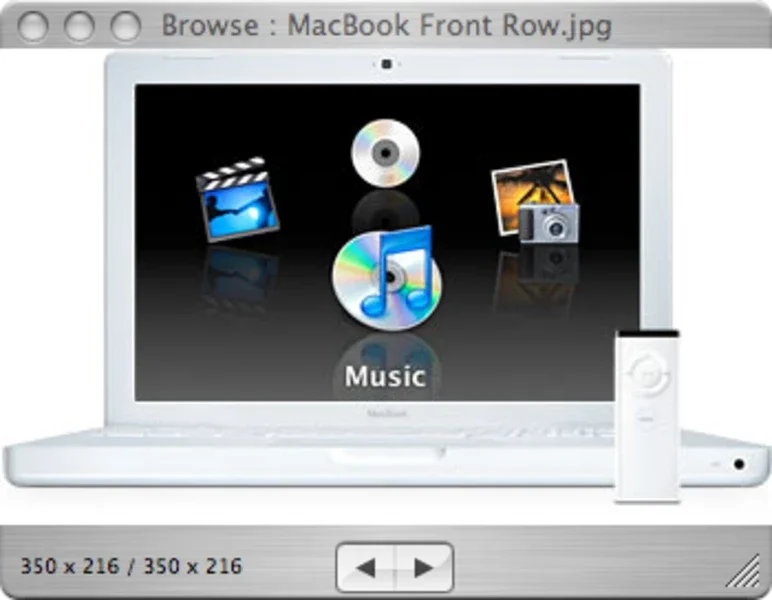
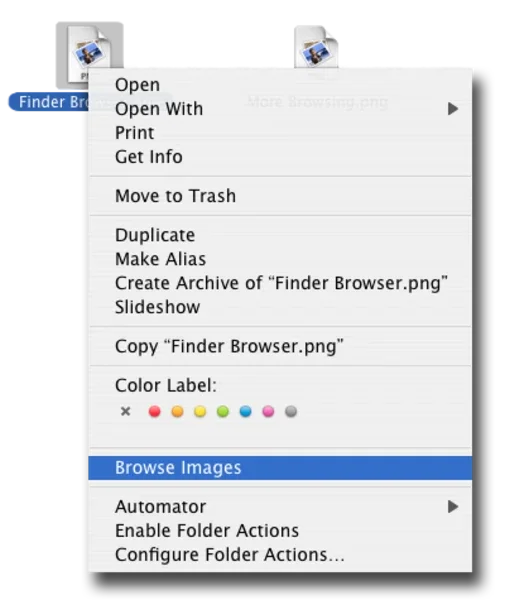
Finder Browser adds a 'Hojear las imágenes' option to the Finder context menu. Choosing it opens the image viewer on the folder you picked, and you can page through every picture there. A small control strip at the bottom of the image window moves you forward and backward through the files. JPEG, GIF, PNG and other common formats display fine. The viewer also shows the first page of PDF documents. It works as an extension for Finder and Path Finder and needs Mac OS X 10.4 or later.
Getting to the viewer
Right-click a folder in Finder, pick the menu entry, and the viewer comes up on that folder's images. The same entry is available from Path Finder. The control strip sits at the bottom of the display window.
[Release notes coming soon]
Verify the file
Compare the SHA-256 of the file you downloaded with the value below. Files exactly as the publisher released them.
-
finder-browser-1.0.8.dmg
1.0.8 · DMG · 156.7 KB
SHA-256
255bb2a141681b249c0a78d09ecefb7ed9c00ff96e8247b02c0c6dffd28079c6Check on VirusTotal Get
Files exactly as the publisher released them.
Information
- Seller
- Tekuris
- Size
- 156.7 KB
- Category
- Image Viewers
- Compatibility
macOS Mac OS X or later
- Age rating
- All ages
- License
- Proprietary
- Price
- Free