Flameshot15.0.0 for macOS
Open source screenshot tool with built-in annotation and upload
Free · GPL 3.0
You are on Windows — this is the macOS version. See the Windows version
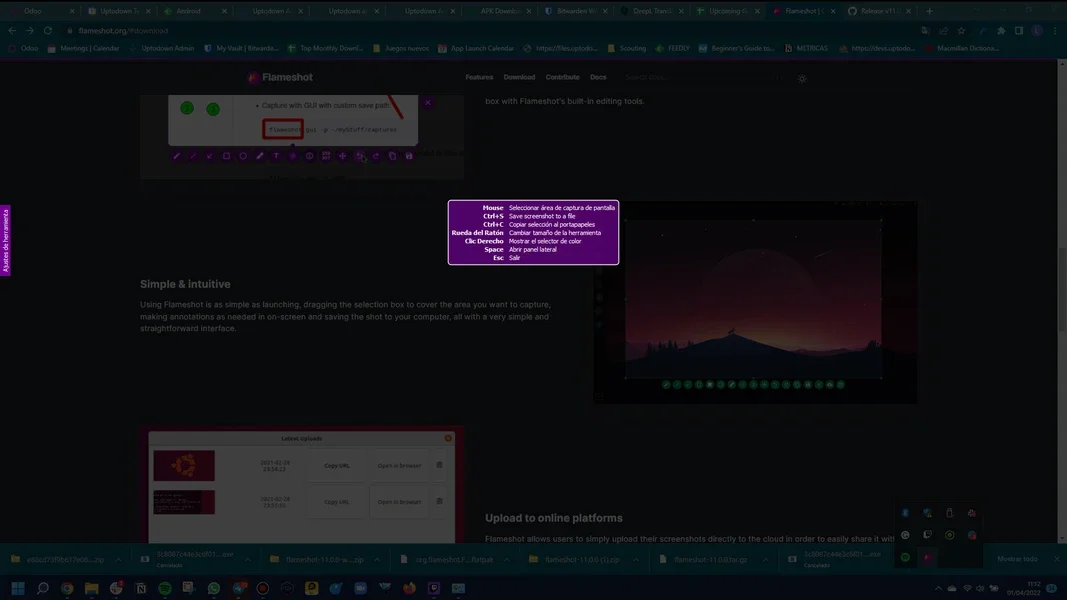
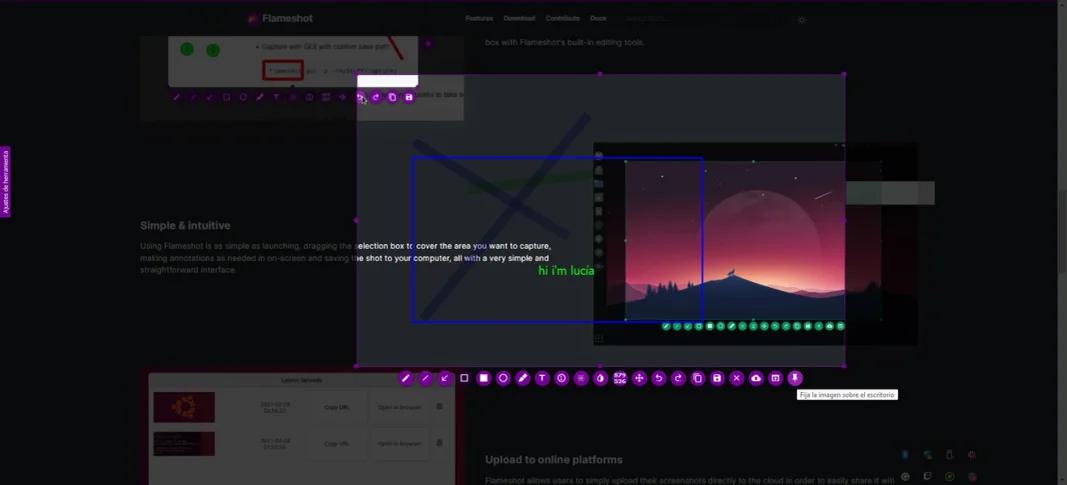
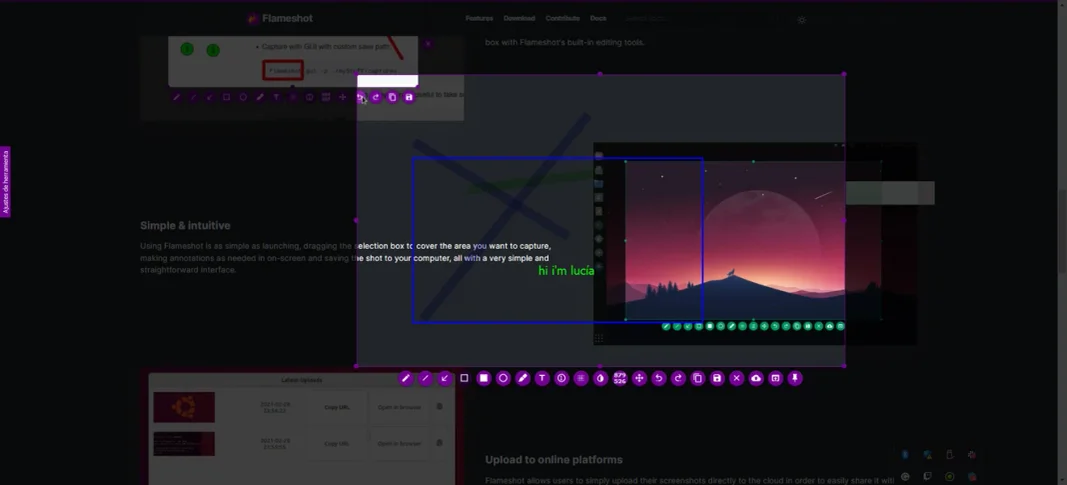
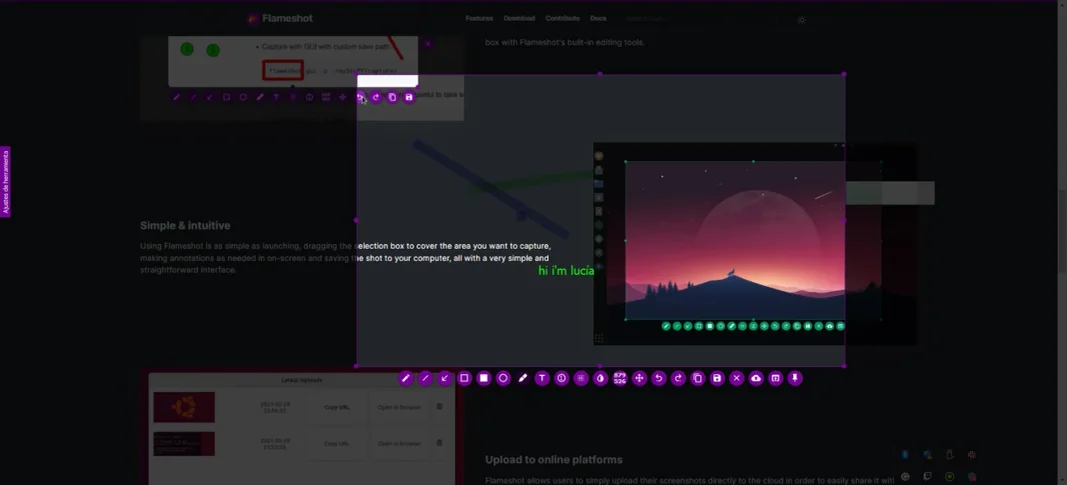
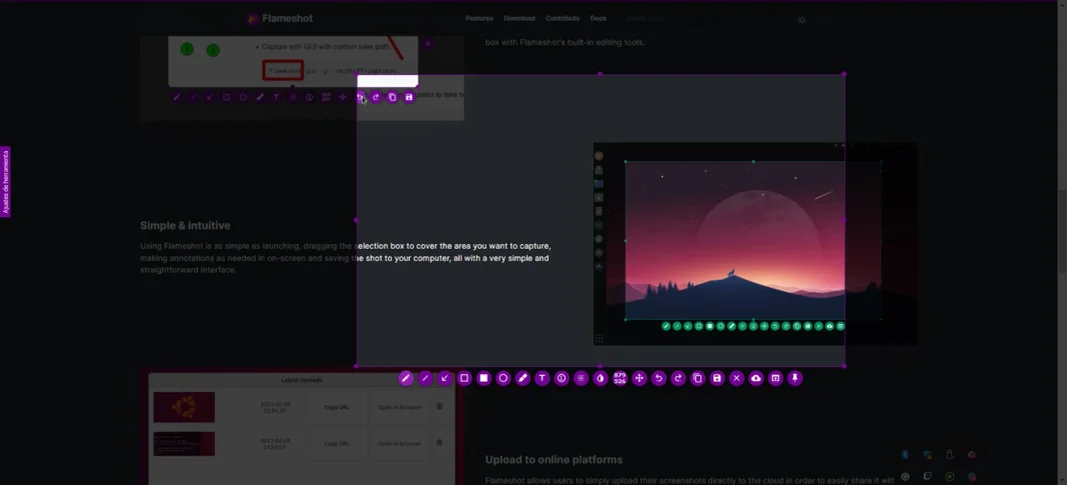
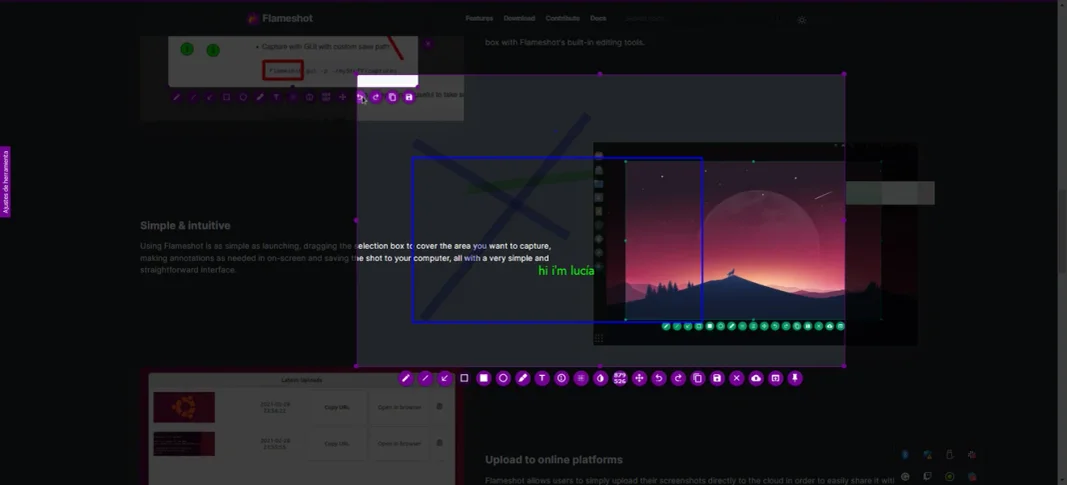
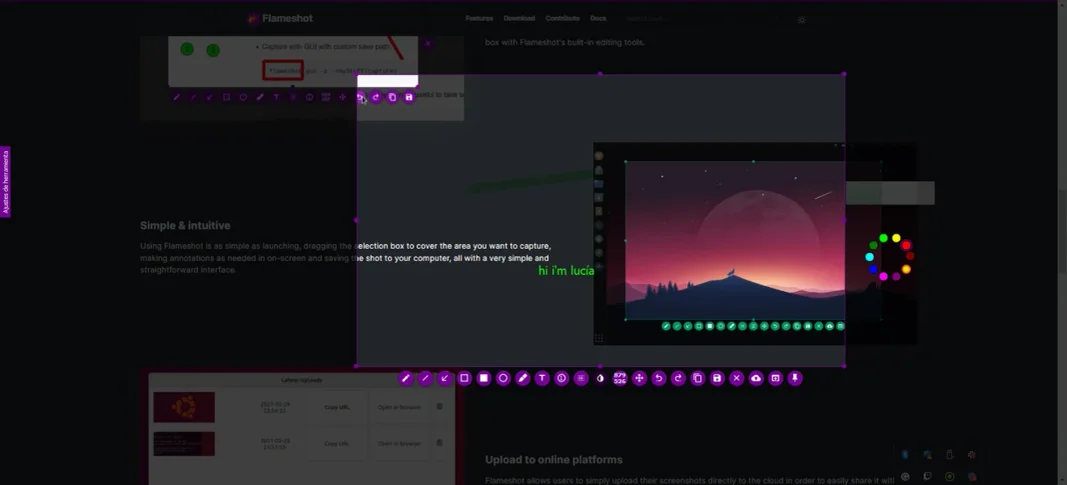
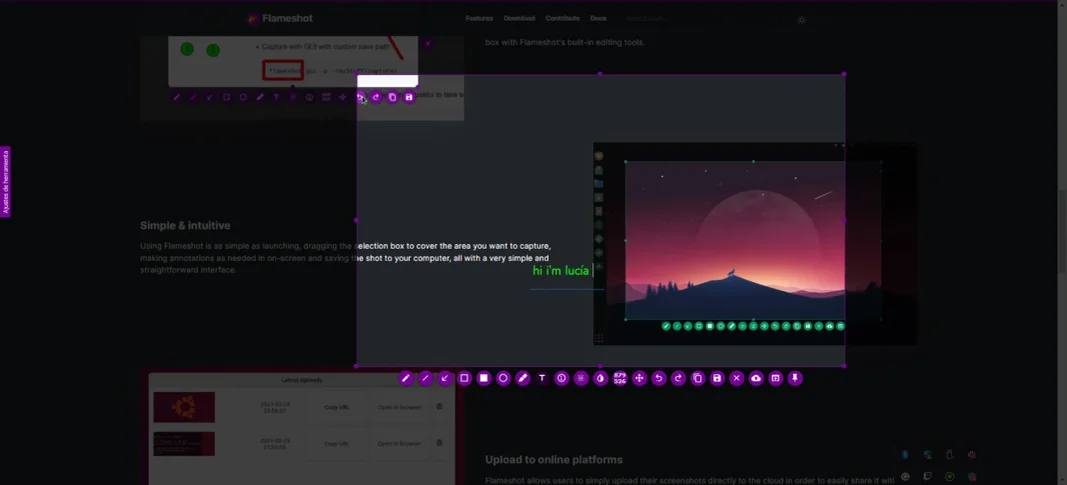
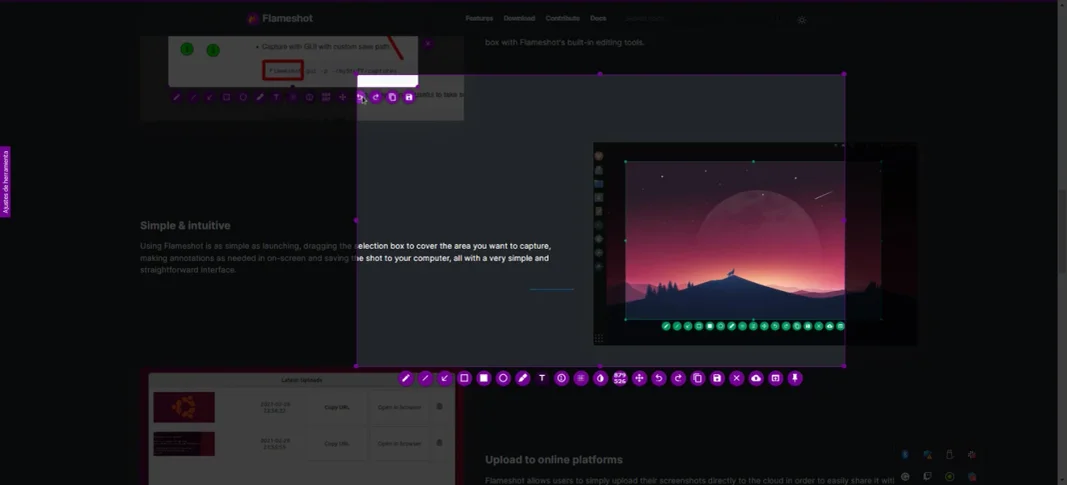
Run Flameshot and a simple interface appears for choosing which part of the desktop to capture. Once you have the shot, you can draw on it to highlight something, add text messages, or blur parts of the image. Rectangular and circular shapes or borders are available too.
The built-in tools let you edit the image without opening another program. The interface is fully customizable, including which tool buttons appear on screen. Keyboard shortcuts for the program's functions can be customized as well. You can save the file to your device or upload images to the cloud via an Imgur shortcut.
Flameshot is an open source screenshot tool that runs on macOS and is cross-platform. It has many built-in tools and features. The current version is 14.0.0, licensed under GPL 3.0, and it is free.
[Release notes coming soon]
Verify the file
Compare the SHA-256 of the file you downloaded with the value below. Files exactly as the publisher released them.
-
flameshot-15-0-0.dmg
15.0.0 · DMG · 37.2 MB
SHA-256
ff2f63fb630992385a8738f45fb819051dd6a30ff87909a8e98bfbf21170df3dCheck on VirusTotal Get
Files exactly as the publisher released them.
Information
- Seller
- Flameshot
- Size
- 37.2 MB
- Category
- Capture
- Compatibility
macOS
- Languages
Afrikaans and 47 more
- Afrikaans, Amharic, Arabic, Armenian, Belarusian, Bulgarian, Catalan, Chinese, Croatian, Czech, Danish, Dutch, English, Estonian, Farsi, Finnish, French, German, Greek, Hebrew, Hindi, Hungarian, Icelandic, Indonesian, Italian, Japanese, Kazakh, Korean, Latvian, Lithuanian, Malay, Norwegian, Polish, Portuguese, Romanian, Russian, Serbian, Slovak, Slovenian, Spanish, Swahili, Swedish, Tagalog, Thai, Turkish, Ukrainian, Vietnamese, Zulu
- Age rating
- All ages
- License
- GPL 3.0
- Price
- Free
- Platform
- Also available on Windows