GB Studio4.3.2 for macOS
Build Game Boy and Game Boy Color games without writing code
Free · Proprietary
You are on Windows — this is the macOS version. See the Windows version
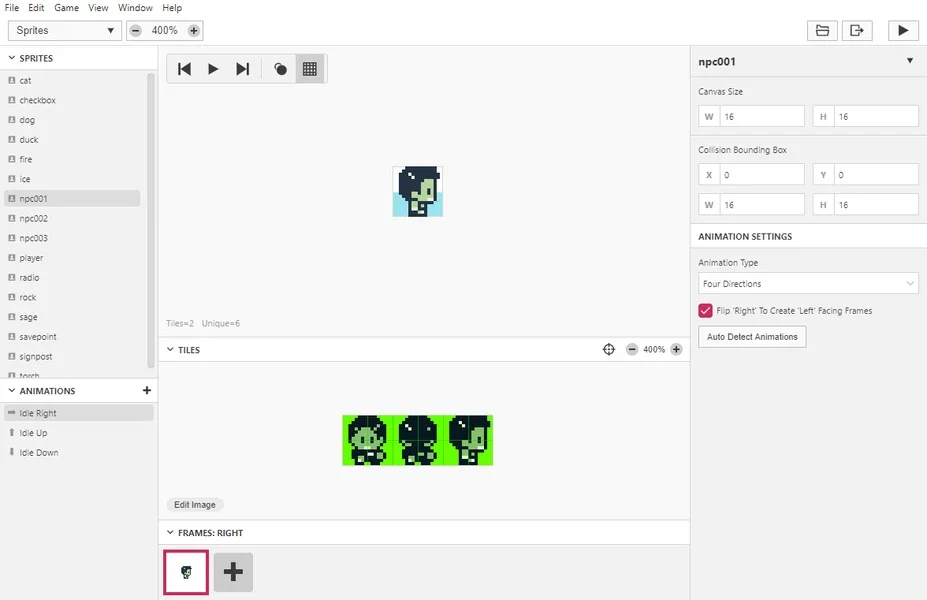
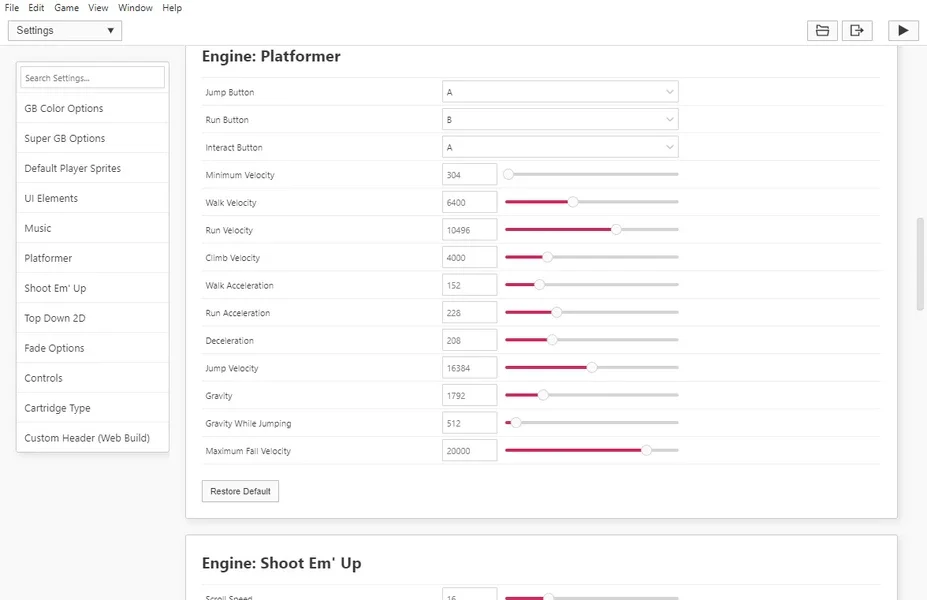
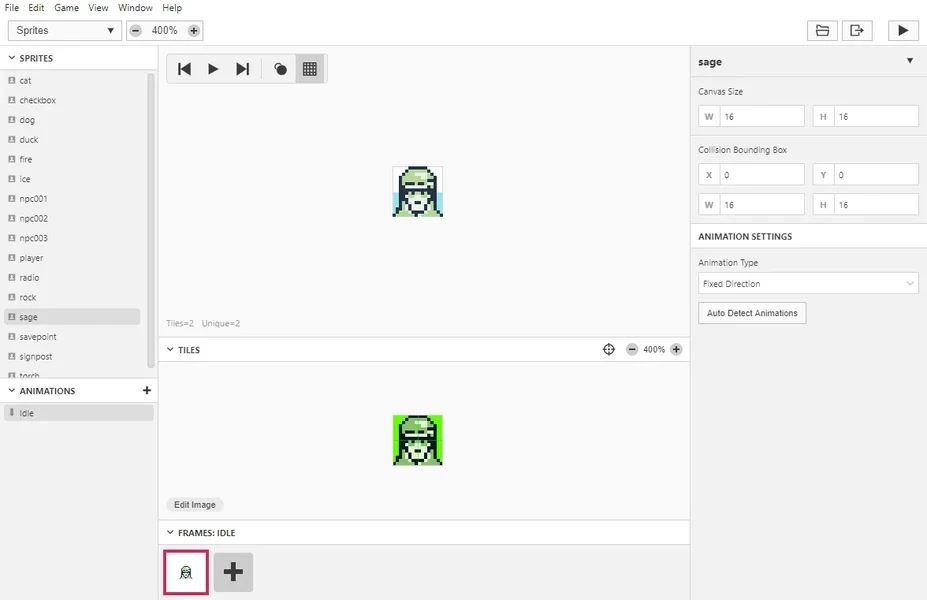
GB Studio is a Mac app for making games that run on the Game Boy and Game Boy Color. You start by unzipping the files into a folder and clicking the executable. A new project asks for a name and one of three templates. The Game Boy template includes an example top-down game, and the Game Boy Color template has prepared examples for platform and point-and-click games. The Blank template starts from nothing and is recommended only for experienced users.
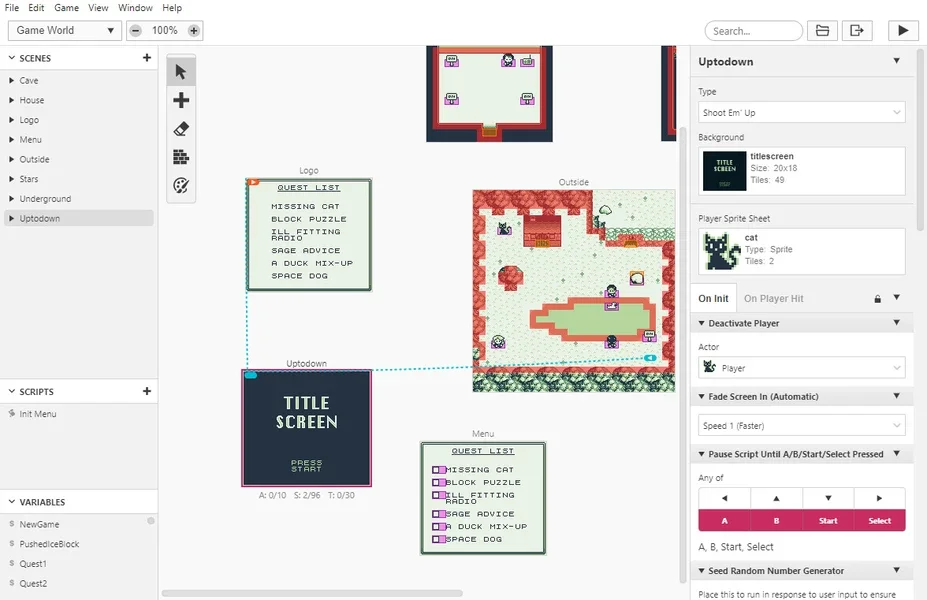
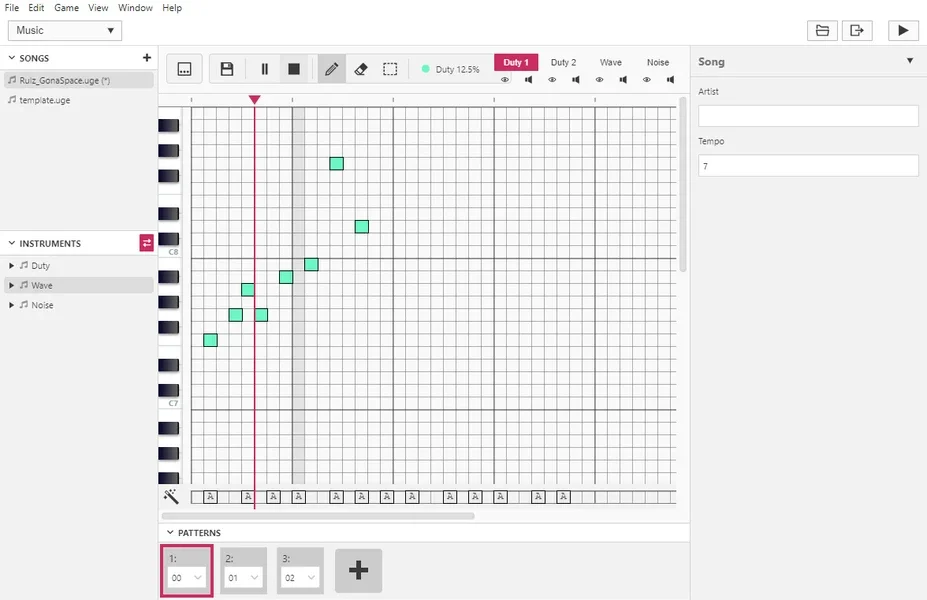
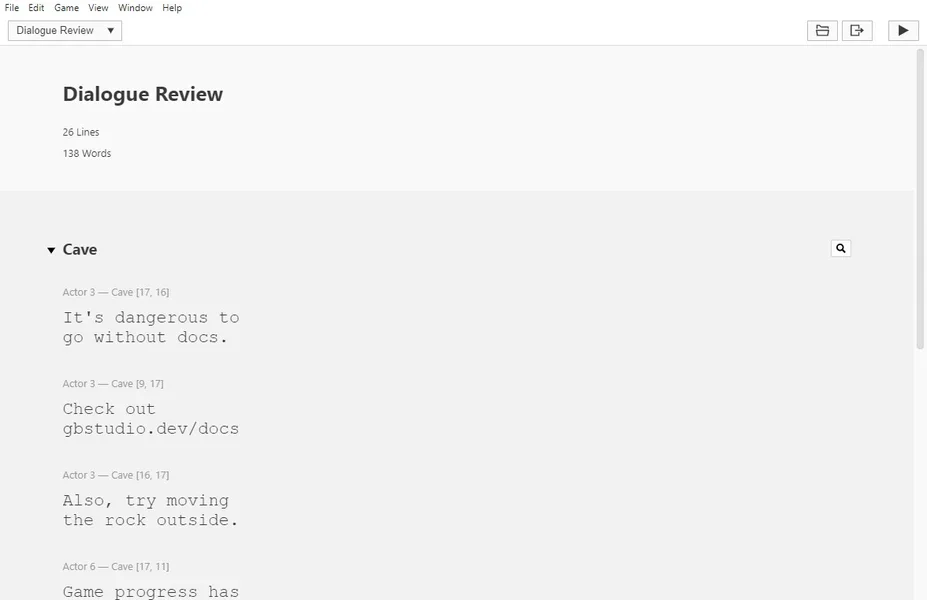
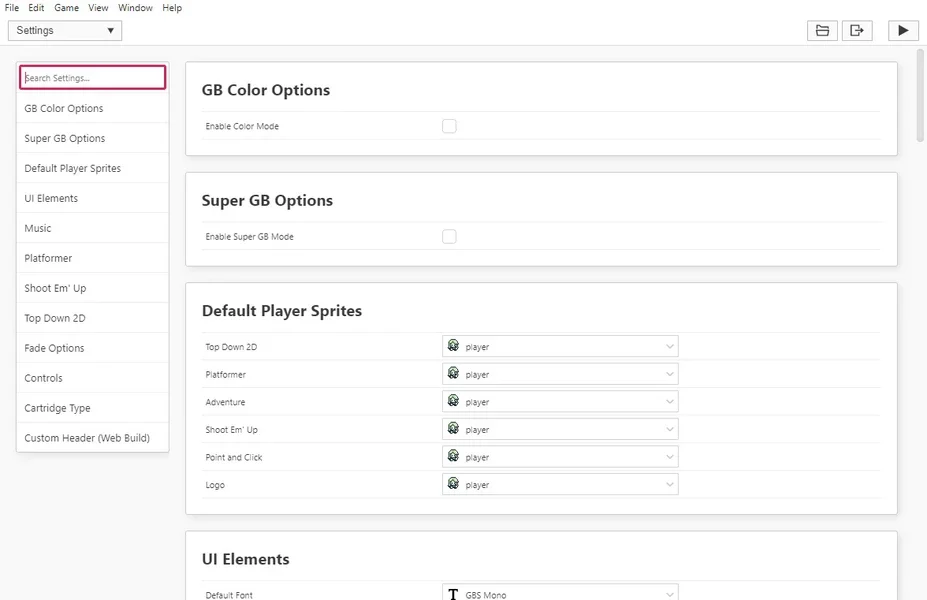
The default tab is Game World, where you join scenes by linking them, and scripts and variables can be created there easily. You build actions by joining lines and arrows, so no programming knowledge is required. A drop-down menu in the top-left corner reaches every section, including a sprite editor, a background generator and a music editor. The sprite tool edits animations rather than the sprites themselves, and a finished animation can be previewed from the Sprites tab. Changes there appear instantly in the Game World tab. Elements are placed by dragging and dropping, and the music tool composes chiptune music inside the app, with finished music inserted directly into the game. Patterns and templates help with original pieces.
When the project is done, export it as a ROM for either console or in Web format, which plays directly in any browser. A ROM runs in an emulator or on a real console if put on a cartridge.
[Release notes coming soon]
Verify the file
Compare the SHA-256 of the file you downloaded with the value below. Files exactly as the publisher released them.
-
gb-studio-4-3-2.zip
4.3.2 · ZIP · 113.0 MB
SHA-256
83967018e9ec611ce275f0414865cf1e3dce2bc95d6b478a7dc87090c23c2500Check on VirusTotal Get
Files exactly as the publisher released them.
Information
- Seller
- Chris Maltby
- Size
- 113.0 MB
- Category
- Power Tools
- Compatibility
macOS
- Languages
Afrikaans and 47 more
- Afrikaans, Amharic, Arabic, Armenian, Belarusian, Bulgarian, Catalan, Chinese, Croatian, Czech, Danish, Dutch, English, Estonian, Farsi, Finnish, French, German, Greek, Hebrew, Hindi, Hungarian, Icelandic, Indonesian, Italian, Japanese, Kazakh, Korean, Latvian, Lithuanian, Malay, Norwegian, Polish, Portuguese, Romanian, Russian, Serbian, Slovak, Slovenian, Spanish, Swahili, Swedish, Tagalog, Thai, Turkish, Ukrainian, Vietnamese, Zulu
- Age rating
- All ages
- License
- Proprietary
- Price
- Free
- Platform
- Also available on Windows