GNS33.0.6 for macOS
Network emulator for building and testing topologies with virtual and real gear
Free · Proprietary
You are on Windows — this is the macOS version. See the Windows version
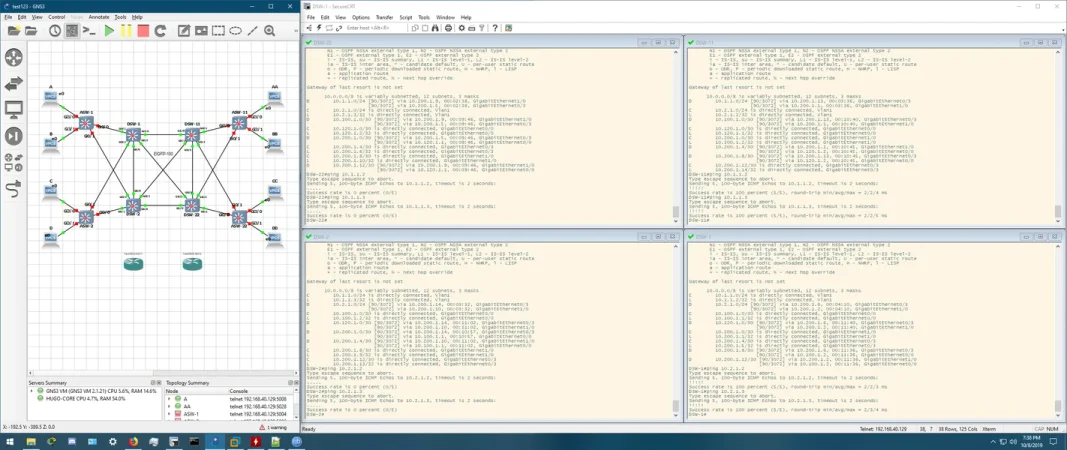
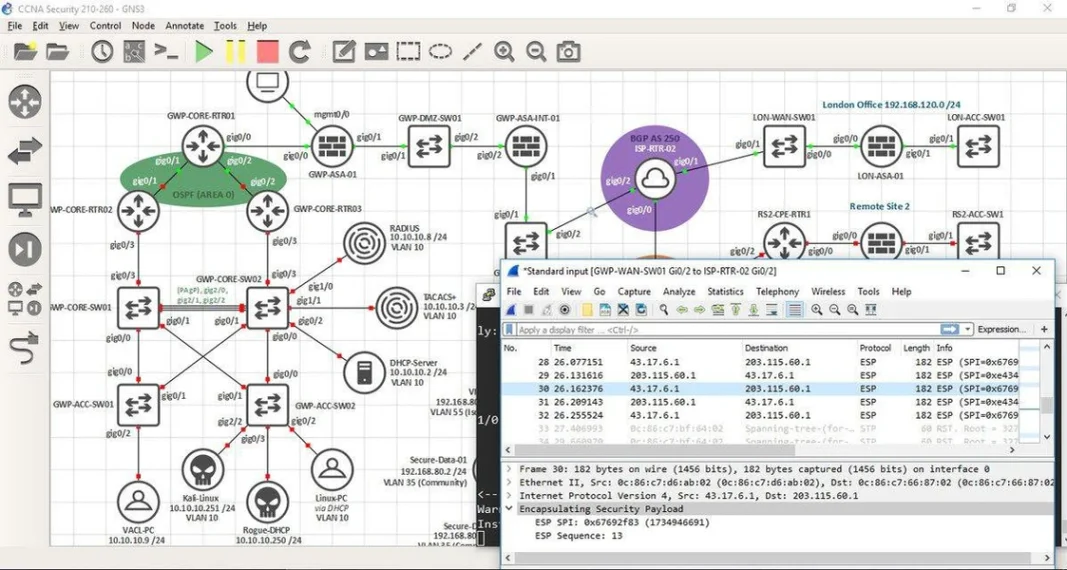
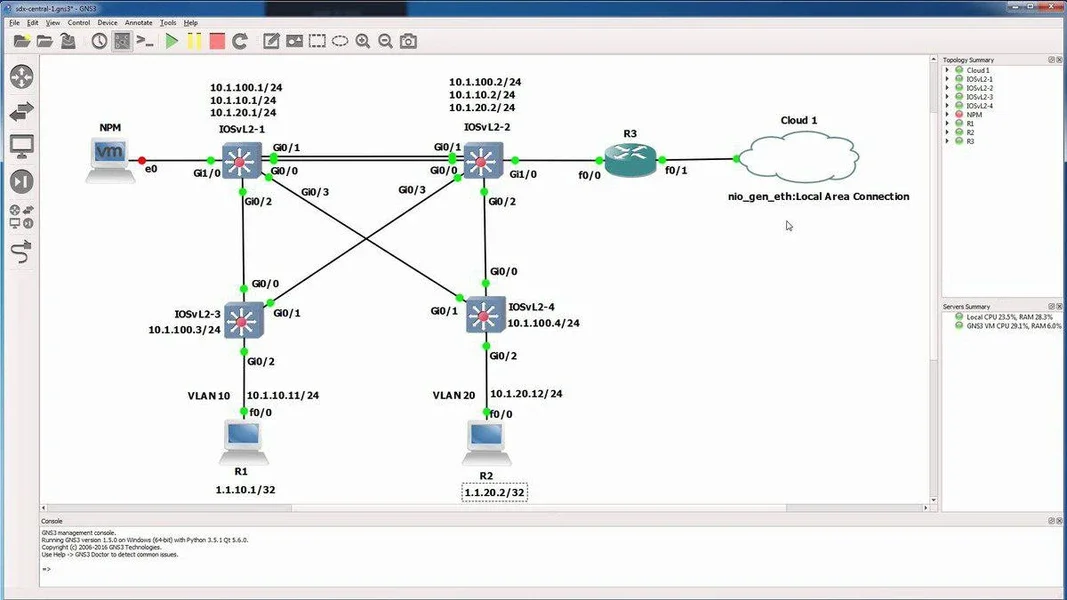
GNS3 is a free, open-source network software emulator for macOS. It performs real-time network simulation, so you can test a topology before deployment, and it emulates how real network hardware behaves.
- Combine virtual and real devices in one topology.
- Build, design and test networks regardless of scale or available hardware.
- Scale to hundreds of devices, with heavy customization.
- Test over 20 network vendors in virtual environments.
- Generate dynamic network maps for troubleshooting.
- Reach the setup remotely at any time.
Virtual machines are strongly recommended for good performance, and the usual picks are VirtualBox, VMware Fusion, VMware Workstation, VMware ESXi and Microsoft Hyper-V. Expect a complicated install: it needs several components, and online tutorials only go so far. Extensive online documentation ships alongside it.
Jeremy Grossmann, Dominik Ziajka and Piotr Pękala first developed it; Galaxy Technologies and the GNS3 community maintain it now. Large companies use it, as do people studying for network certification exams. A license check does not need an internet connection.
[Release notes coming soon]
Verify the file
Compare the SHA-256 of the file you downloaded with the value below. Files exactly as the publisher released them.
-
3.0.6
3.0.6 · DMG · 129.2 MB
SHA-256
0b557edb15127ac942f422ff9bff57640bb7c10e4c0e1db331653a2a05dd12eaCheck on VirusTotal Get
Files exactly as the publisher released them.
Information
- Seller
- Galaxy Technologies, LLC
- Size
- 129.2 MB
- Category
- Development
- Compatibility
macOS macOS 10.15 or later
- Languages
English
- Age rating
- All ages
- License
- Proprietary
- Price
- Free
- Platform
- Also available on Windows