Skip to content

Hazel6.1.2 for macOS

Rule-based file organization for the Mac

Noodlesoft

Trial · Proprietary

Download 6.1.2 · 27.4 MB
  • Age rating
    0+
    All ages
  • Category
    Power Tools
  • Developer
    Noodlesoft
  • Languages
    1
    English
  • Size
    27.4
    MB

Mac

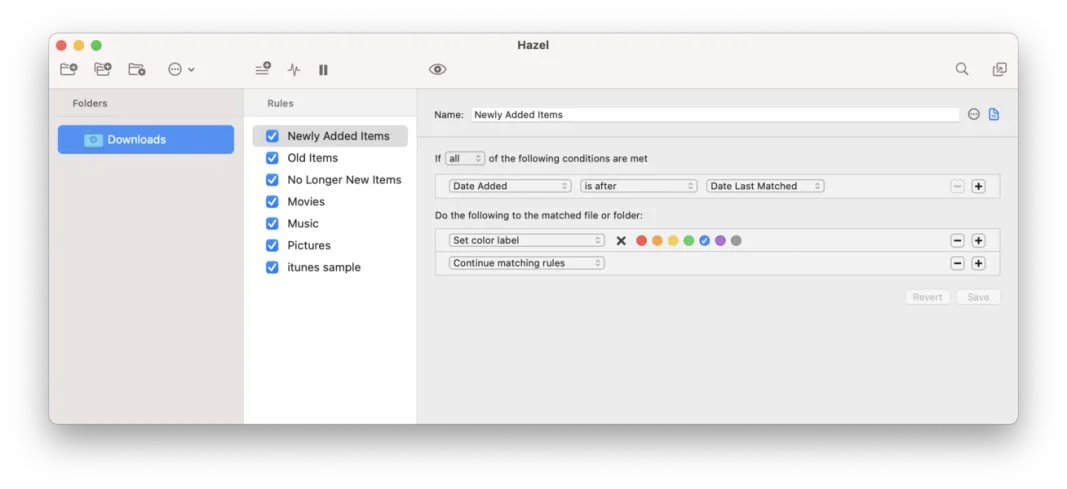
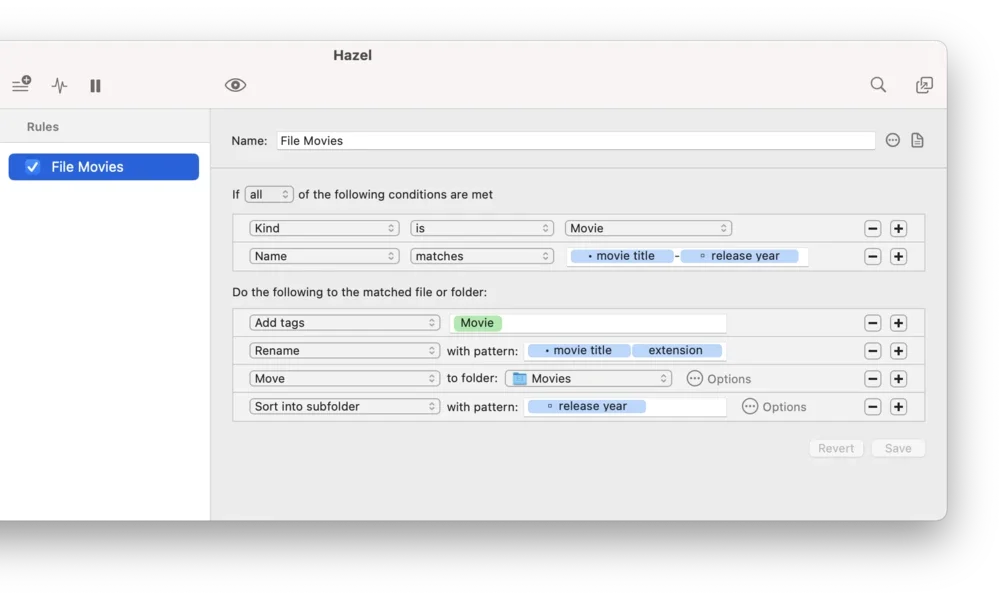
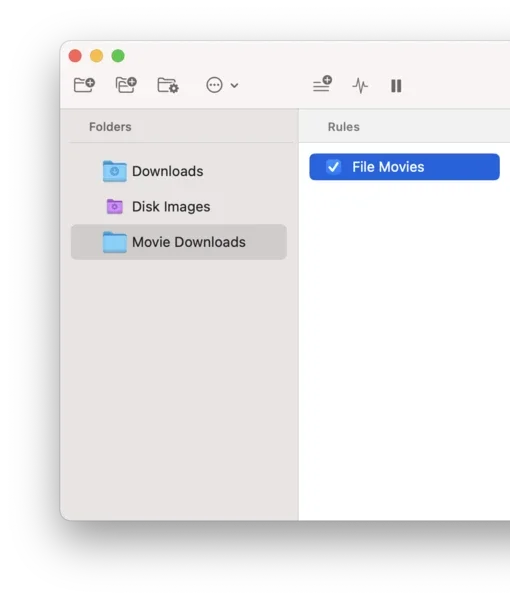
Hazel watches a folder and does the sorting for you. Point it at a location, build a filter, and it moves files around, files them into subfolders, or adds comments and keywords as they arrive. Rules are defined by location, and you can set up more than one at a time. A folder of IMG-format images on the desktop, for instance, can be sent to My Pictures once the matching rule exists.

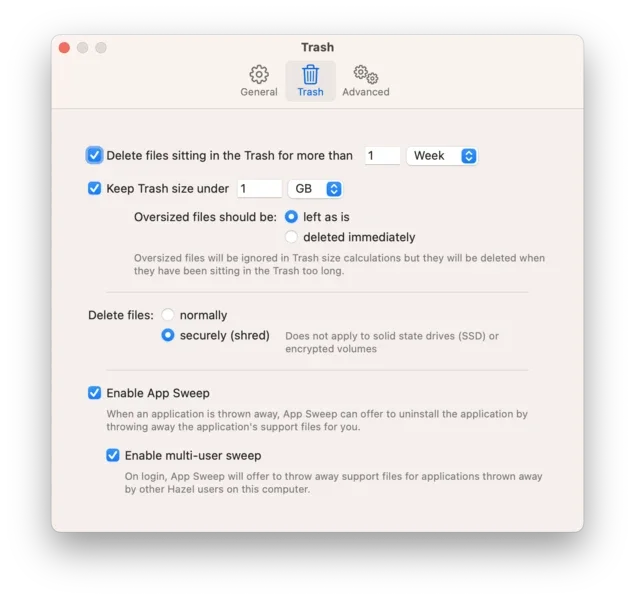
It also handles the bits of housekeeping that pile up. Songs go into iTunes and photos into iPhoto, and it can delete programs along with the files connected to them. There is an option for managing the recycle bin as well.

Hazel itself is a preferences panel.

[Release notes coming soon]

Version 6.1.2

Verify the file

Compare the SHA-256 of the file you downloaded with the value below. Files exactly as the publisher released them.

  • 6.1.2

    6.1.2 · DMG · 27.4 MB

    SHA-256

    5f169b65ef2527901119187559c40fd17d693d8db723b738f3b8dbe3ab9f5726 Check on VirusTotal Get

Files exactly as the publisher released them.

Information

Seller
Noodlesoft
Size
27.4 MB
Category
Power Tools
Compatibility
macOS macOS 10.15 or later
Languages
English
Age rating
All ages
License
Proprietary
Price
Trial

Version history

  • [Release notes coming soon]

    6.1.2
  • [Release notes coming soon]

    6.1
  • [Release notes coming soon]

    6.0.4
  • [Release notes coming soon]

    5.0.6
  • [Release notes coming soon]

    4.2.1
  • [Release notes coming soon]

    4.2
  • [Release notes coming soon]

    4.1.3
  • [Release notes coming soon]

    4.1.2
  • [Release notes coming soon]

    4.1.1
  • [Release notes coming soon]

    4.0.9
  • [Release notes coming soon]

    4.0.7
  • [Release notes coming soon]

    3.3.7
  • [Release notes coming soon]

    3.3.3
  • [Release notes coming soon]

    3.3
  • [Release notes coming soon]

    3.2.7
  • [Release notes coming soon]

    3.2.4
  • [Release notes coming soon]

    3.2.2
  • [Release notes coming soon]

    3.2.1
  • [Release notes coming soon]

    3.1
  • [Release notes coming soon]

    3.0.15
  • [Release notes coming soon]

    3.0.14
  • [Release notes coming soon]

    3.0.13
  • [Release notes coming soon]

    3.0.12
  • [Release notes coming soon]

    3.0.10
  • [Release notes coming soon]

    3.0.6
  • [Release notes coming soon]

    3.0.3
  • [Release notes coming soon]

    3.0.1
  • [Release notes coming soon]

    2.3.10
  • [Release notes coming soon]

    2.3.9
  • [Release notes coming soon]

    2.3.8
  • [Release notes coming soon]

    5.3.2
  • [Release notes coming soon]

    6.1.1
  • [Release notes coming soon]

    6.0.3
  • [Release notes coming soon]

    3.1
  • [Release notes coming soon]

    5.3.4
  • [Release notes coming soon]

    5.3.3

All versions ›