iExplorer4.6.0-180 for macOS
Browse an iPhone, iPad or iPod Touch like an external drive
Free · Proprietary
You are on Windows — this is the macOS version. See the Windows version
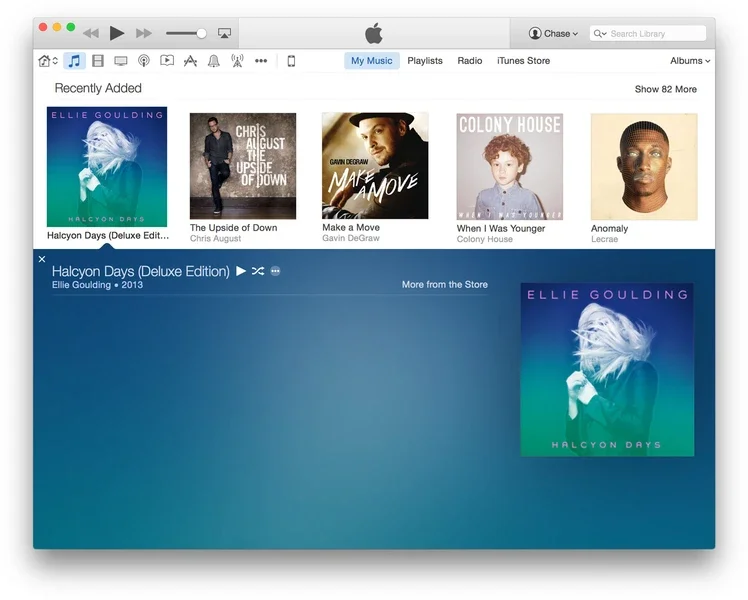
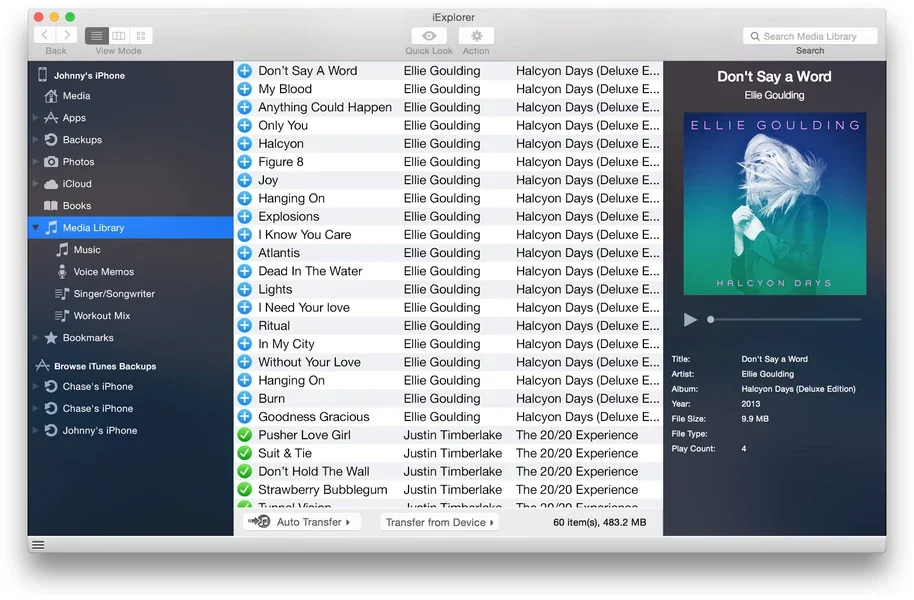
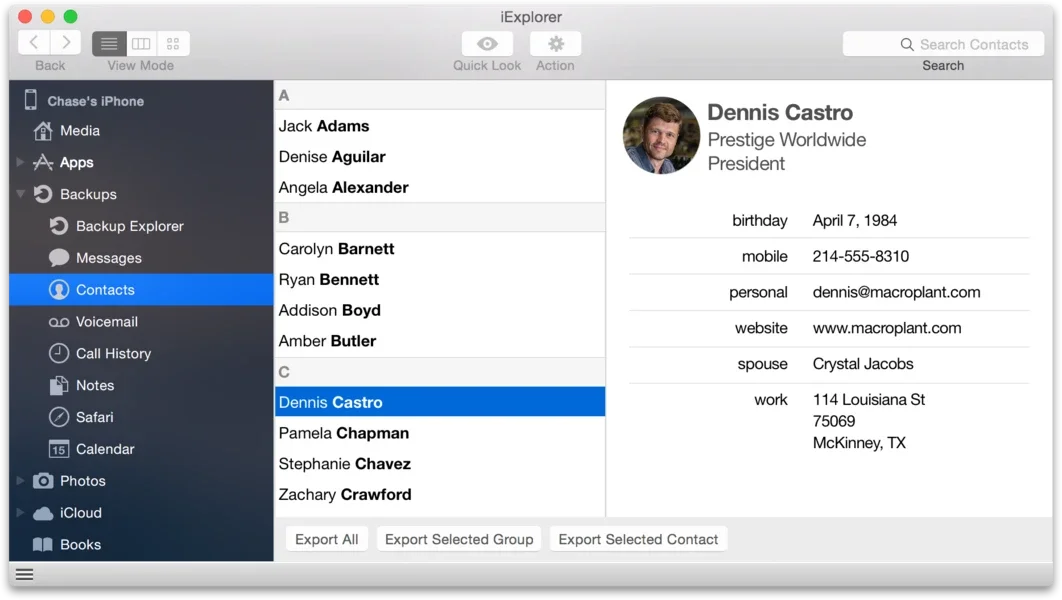
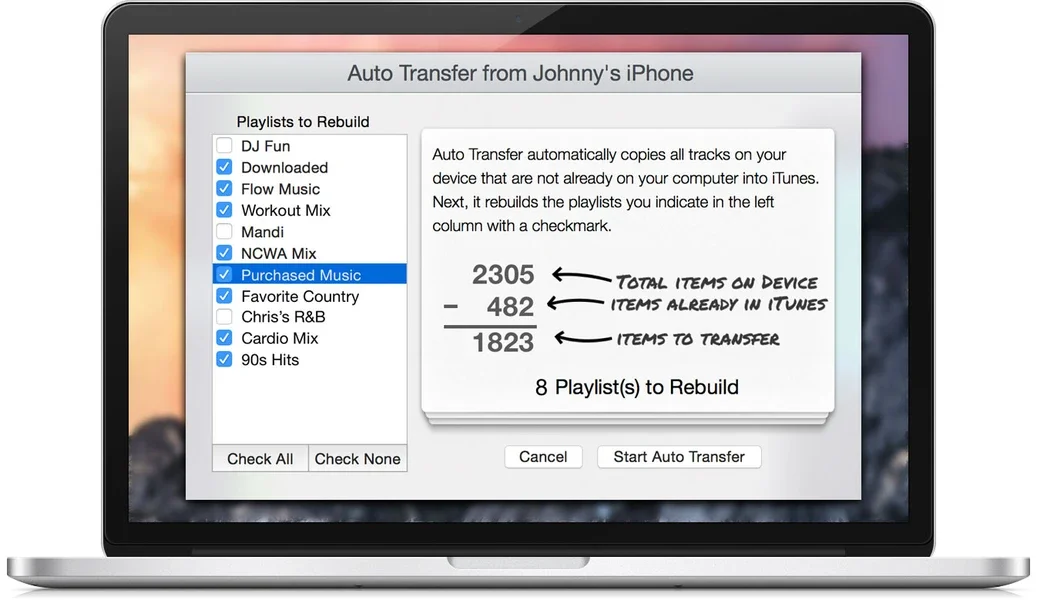
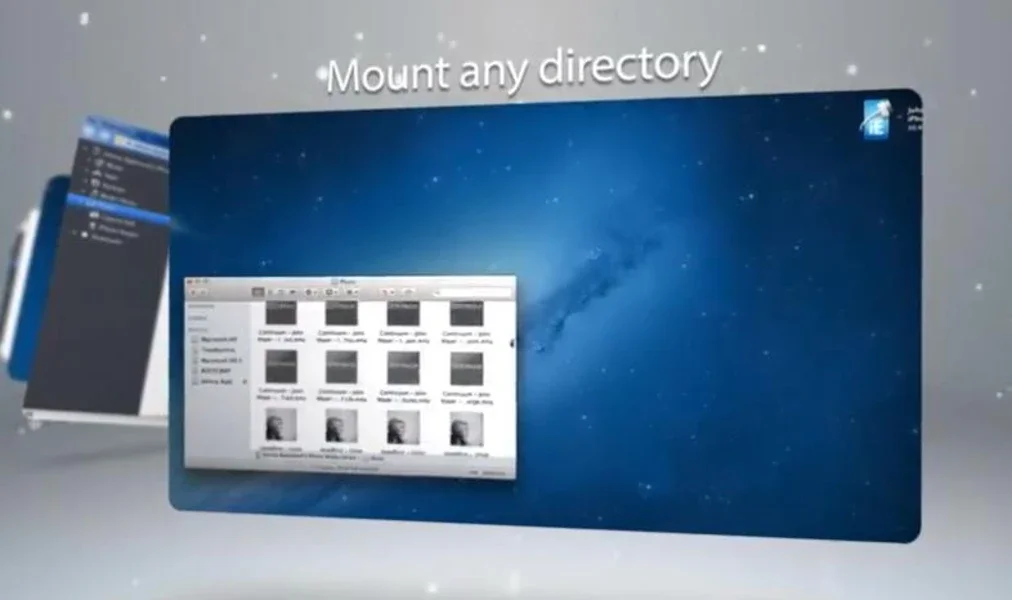
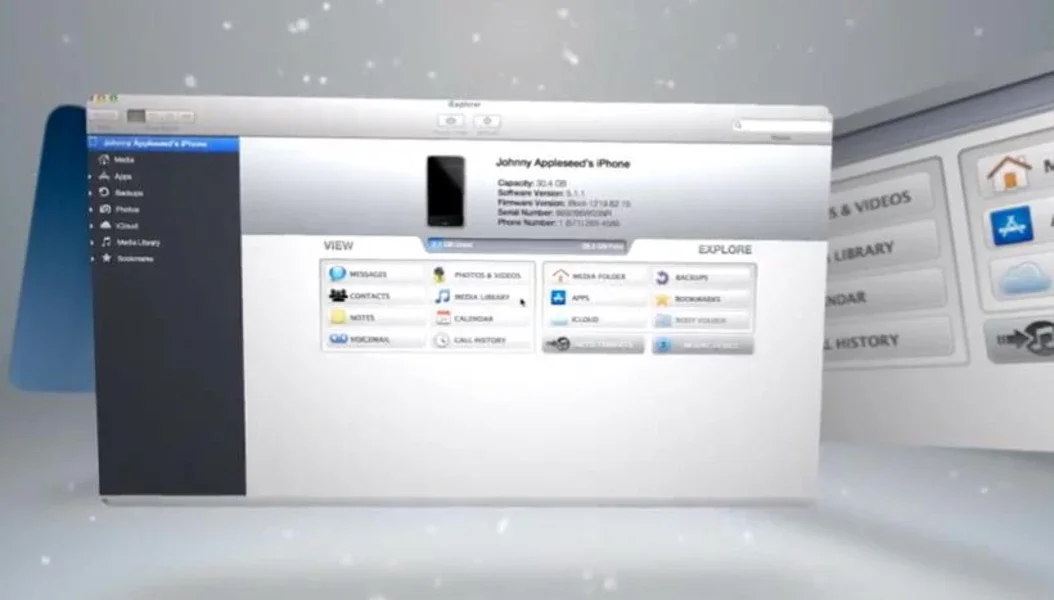
iExplorer lets you browse an Apple device's contents like an external hard drive. The left tab gives quick access to all folders, and the contents of a folder appear in the center and right areas of the screen. The interface is intuitive, so Mac users can navigate it easily.
- Add files meant to be transferred elsewhere, treating the iOS device like a simple pendrive
- Add songs and movies to their matching folders
- Delete images on the device
Without iTunes, connecting an Apple device to a computer normally exposes little beyond photos. It works with iPod Touch, iPhone, and iPad.
[Release notes coming soon]
Verify the file
Compare the SHA-256 of the file you downloaded with the value below. Files exactly as the publisher released them.
-
4.6.0-180
4.6.0-180 · DMG · 32.9 MB
SHA-256
1234ab31439a7f3a35ba2c77e7a65977b75d15fb15d823b322adcefb221eed0fCheck on VirusTotal Get
Files exactly as the publisher released them.
Information
- Seller
- Macroplant
- Size
- 32.9 MB
- Category
- Power Tools
- Compatibility
macOS macOS 10.15 or later
- Languages
English
- Age rating
- All ages
- License
- Proprietary
- Price
- Free
- Platform
- Also available on Windows